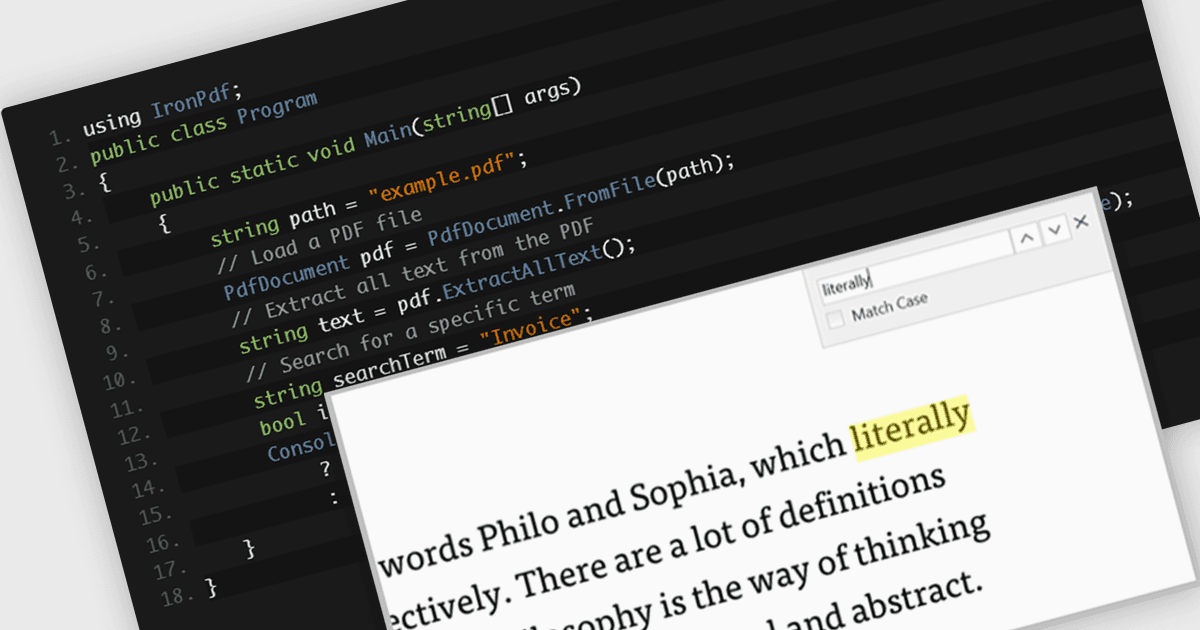
在任何 PDF 文件中快速查找文本

10月 10, 2025
使用靈活的搜尋選項快速找到 PDF 文件中的單字或短語,以改善導航和內容審查。

繼續用英語閱讀:

A text search feature in a PDF component allows developers to programmatically locate specific words or phrases within a PDF document. This functionality typically supports options such as case sensitivity, whole word matching, and navigation between search results. It is particularly useful in applications where users need to quickly identify and interact with relevant content in large or complex documents. By enabling this feature, developers can enhance the user experience in document viewing or editing environments, reduce manual search effort, and support features like text highlighting, annotation, or content extraction for further processing.

Several .NET WPF PDF components offer text searching including:

  • Telerik UI PDF for WPF (part of Telerik UI for WPF) lets you search through PDF text using simple options like match case or exact words to quickly find what you need.
  • ComponentOne Studio WPF PDF (part of ComponentOne Studio WPF Edition) allows you to look for specific words or phrases in a PDF with flexible settings for more accurate results.
  • IronPDF for .NET provides a way to scan PDFs for text, helping users locate important information or sections without manually reading everything.
  • Syncfusion WPF PDF (part of Syncfusion Essential Studio Enterprise) enables users to search text in PDFs and see results highlighted, making it easier to review content.

For an in-depth analysis of features and price, visit our .NET WPF PDF components comparison.

Compare .NET WPF PDF Components