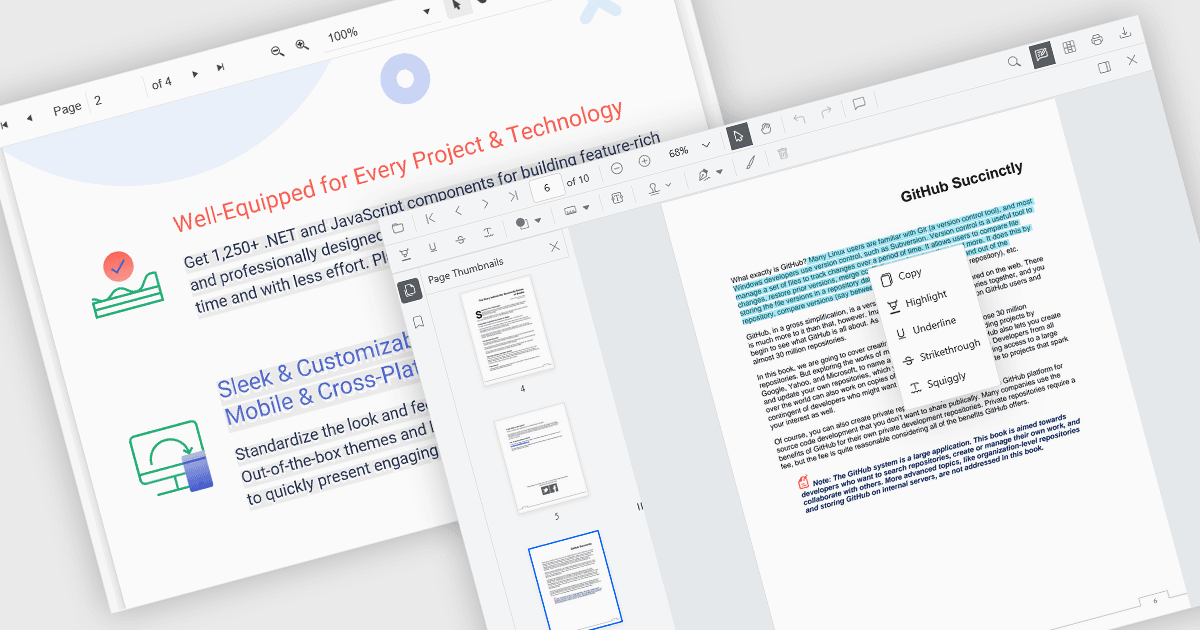
直接從您的 PDF 檢視器複製內容

10月 13, 2025
選擇和複製文本對於引用、共用或分析內容至關重要,而新式檢視器可以快速、準確地做到這一點,並準備好剪貼板。

繼續用英語閱讀:

Selecting and copying text is a core feature of PDF viewer components, allowing users to highlight, extract, and paste content from documents without needing an external PDF editor. This capability is essential in workflows where text needs to be reused, such as quoting, data extraction, or forwarding snippets. A well-implemented text selection feature supports precise region selection, preserves text formatting and order (even across lines or columns), and integrates with the system clipboard reliably.

Several Angular PDF viewer controls offer the ability to select and copy text from PDF files, including:

  • Wijmo PDFViewer (part of Wijmo by MESCIUS) lets you enable PDF text selection and copying, so users can easily highlight and extract content directly from documents.
  • Kendo UI PDF for Angular (part of Kendo UI by Telerik) allows users to select and copy text from PDF documents by enabling simple viewer commands, improving accessibility.
  • Syncfusion PDF Viewer (part of Syncfusion Essential Studio Enterprise) offers built-in text selection capability that allows users to select and copy text to the clipboard.

For an in-depth analysis of features and price, visit our Angular PDF viewer controls comparison.

Compare Angular PDF Viewer Controls