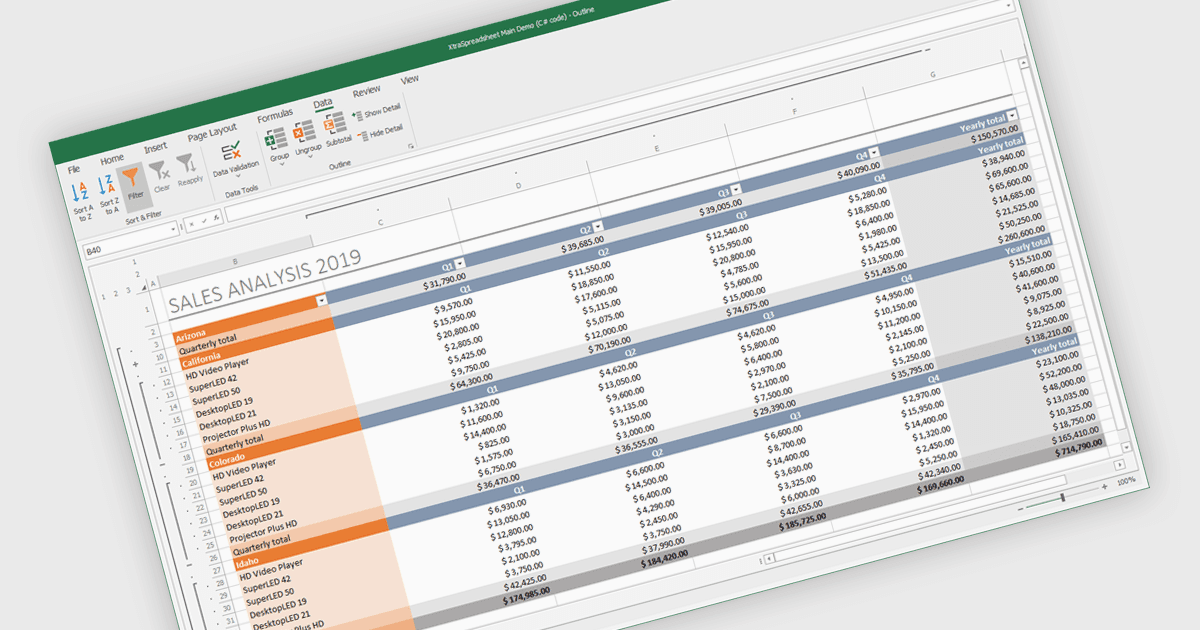
用分組和篩選功能組織試算表

10月 23, 2025
用直觀的分組和篩選工具輕鬆組織、流覽和分析資料,這些工具可在試算表中創建可折疊的大綱。

繼續用英語閱讀:

Grouping and filtering are key spreadsheet tools that make data easier to manage and analyze. Grouping combines related rows or columns into collapsible sections for clearer summaries. Filtering displays only the information that meets specific conditions, helping focus on what matters most. Together, these features improve data management, reduce visual clutter, and enhance analytical clarity.

Several .NET WinForms spreadsheet controls contain data filtering and grouping controls including:

  • DevExpress WinForms Spreadsheet (part of DevExpress WinForms) lets you efficiently organize and analyze large datasets by grouping and filtering data.
  • Spread.NET WinForms (part of Spread.NET by MESCIUS) allows you to manage complex spreadsheets with intuitive grouping and advanced filtering for focused data analysis.
  • Infragistics WinForms Spreadsheet (part of Infragistics Ultimate UI for Windows Forms) facilitates data exploration through grouping and precise filtering.
  • MindFusion.Spreadsheet for WinForms enables streamlined data management with collapsible grouping and targeted filtering to simplify data review.

For an in-depth analysis of features and price, visit our comparison of .NET WinForms spreadsheet controls.

Compare .NET WinForms Spreadsheet Controls