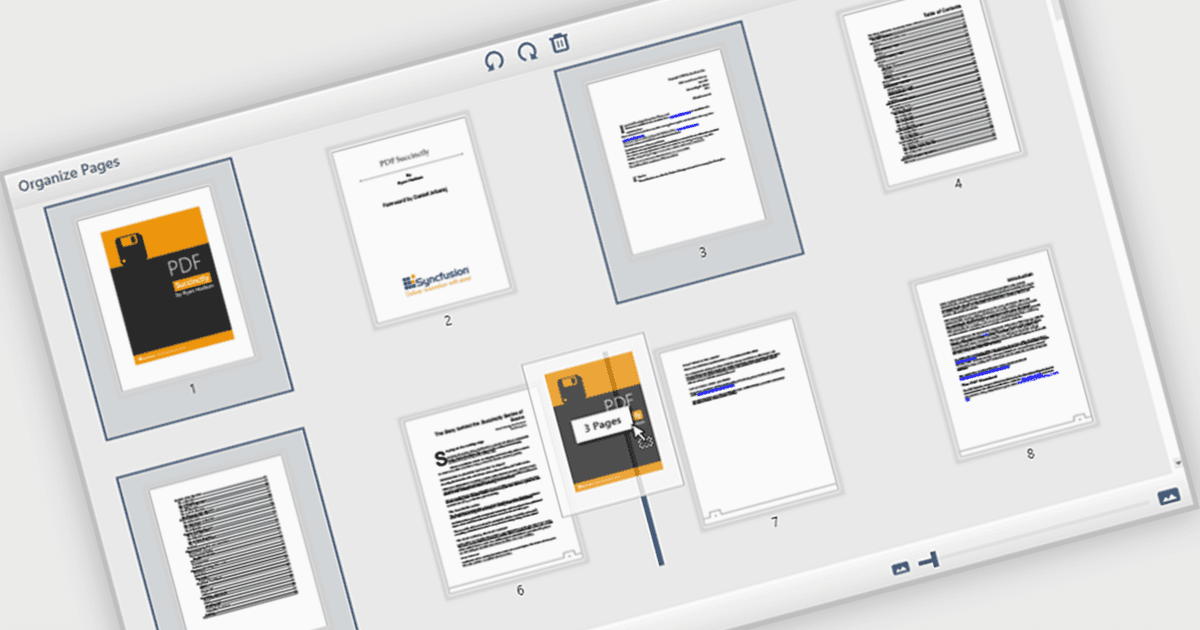
直接在 PDF 檢視器中重新排列頁面

11月 11, 2025
使用 WPF 檢視器的內置工具快速更改 PDF 中的頁面順序,最大限度地減少對您文件工作流程的幹擾。

繼續用英語閱讀:

The ability to move and arrange pages in a PDF viewer allows users to reorder individual pages within a PDF document directly through the interface. For software developers, this feature supports more dynamic document processes, especially in applications involving content assembly, form management, or automated report generation. It reduces the need for external tools or manual editing, which simplifies integration and enhances user experience when managing complex or multi-page documents.

Several WPF (Windows Presentation Foundation) PDF viewer components allow you to move and arrange pages in a PDF, including:

  • Telerik UI PDF for WPF (part of Telerik UI for WPF) allows you to reorder, insert, or remove pages within your WPF PDF Viewer control for dynamic document reports.
  • Syncfusion WPF PDF (part of Syncfusion Essential Studio Enterprise) enables interactive rearrangement of pages inside the PDF Viewer, optimizing multi‑page document processes.
  • XFINIUM.PDF CROSS PLATFORM EDITION provides comprehensive page management capabilities, including repositioning, extraction, and full control over PDF pages.

For an in-depth analysis of features and price, visit our WPF PDF viewer comparison.

Compare WPF PDF Viewer Components