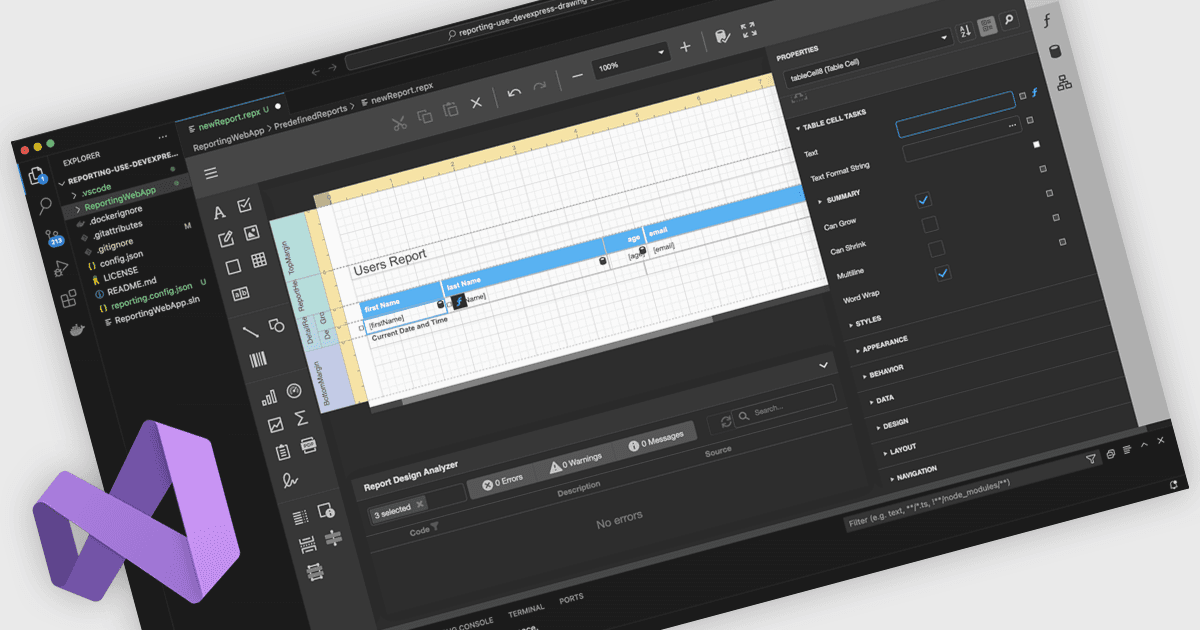
用 Visual Studio 整合設計報表

11月 13, 2025
用 Visual Studio 更有效地創建和維護圖元完美的報表佈局,從而統一代碼、資料、樣式和部署工作流。

繼續用英語閱讀:

A Visual Studio integrated report designer lets developers create and edit report layouts directly inside the Visual Studio IDE, instead of using a separate reporting tool. Report definitions live alongside application code, data models, and resources, improving integration, maintenance, and use of source control and CI/CD. Developers work in a familiar environment with drag-and-drop layout design, property grids, and IntelliSense-backed expressions, plus the option to add custom logic in C# or VB. Typical use cases include interactive sales dashboards, operational reports, and audits where teams must quickly iterate, bind live data, and preview results.

Several .NET reporting controls offer Visual Studio integrated designers, including:

  • DevExpress Reports lets you design, preview, and refine platform-agnostic report layouts within Visual Studio, unifying data, code, and deployment workflows.
  • ActiveReports.NET allows you to build, modify, and debug .NET report layouts directly in Visual Studio, reducing context switching and maintenance effort.
  • Telerik Reporting facilitates creating interactive report layouts inside Visual Studio, using WYSIWYG design tools tightly integrated with your .NET projects.
  • MindFusion.Reporting for Windows Forms lets you arrange, style, and preview reports inside Visual Studio, closely mirroring familiar WinForms designer workflows.

For an in-depth analysis of features and price, visit our .NET reporting controls comparison.

Compare .NET Reporting Controls