在 Web 應用中將手寫筆記添加到 PDF

11月 26, 2025
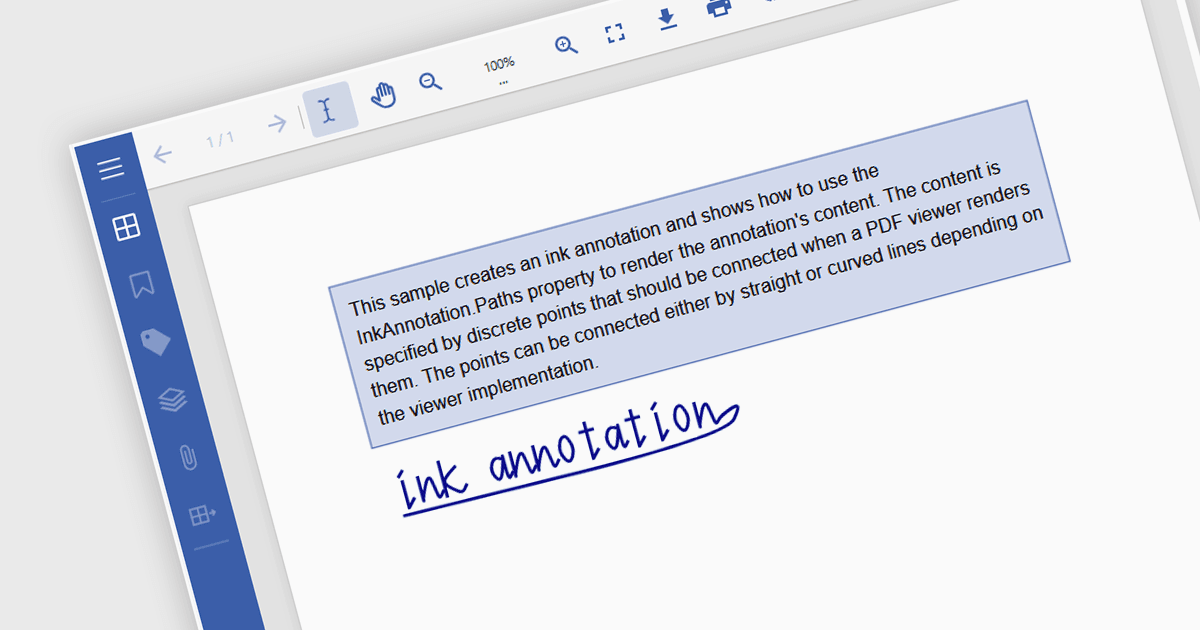
帶有自由繪圖和墨蹟注釋的 ASP.NET Core PDF 控制項允許使用者將簽名、草稿和筆記直接添加到文件。

繼續用英語閱讀:

Freehand Draw, also known as Ink Annotation, in ASP.NET Core PDF Viewer controls allows users to add freeform, hand-drawn annotations directly onto PDF documents. This feature mimics natural handwriting or sketching by enabling input through mouse, touch, or stylus, making it especially useful for scenarios requiring personal notes, signatures, or diagrammatic feedback. The annotations are embedded as part of the PDF, ensuring they remain accessible and visible across different platforms and viewers. It is commonly used in applications where document review or digital signing is required, enhancing interactivity and collaboration within PDF-based processes.

Several ASP.NET Core Assembly PDF Viewer components offer support for Freehand Draw/Ink Annotation including:

  • Document Solutions for PDF by MESCIUS allows you to draw free‑hand ink annotations that capture user‑stroke paths and embed them as editable vector markup within a PDF.
  • ImageGear .NET by Accusoft enables freehand and polyline annotation so developers can capture scribbles, arrows or curves and save them as PDF annotation objects.
  • Syncfusion ASP.NET Core PDF (part of Syncfusion Essential Studio Enterprise) supports ink annotation within its viewer, enabling users to draw and add signatures to PDFs.

For an in-depth analysis of features and price, visit our comparison of ASP.NET Core Assembly PDF Viewer Components.

Compare ASP.NET Core Assembly PDF Viewer Components