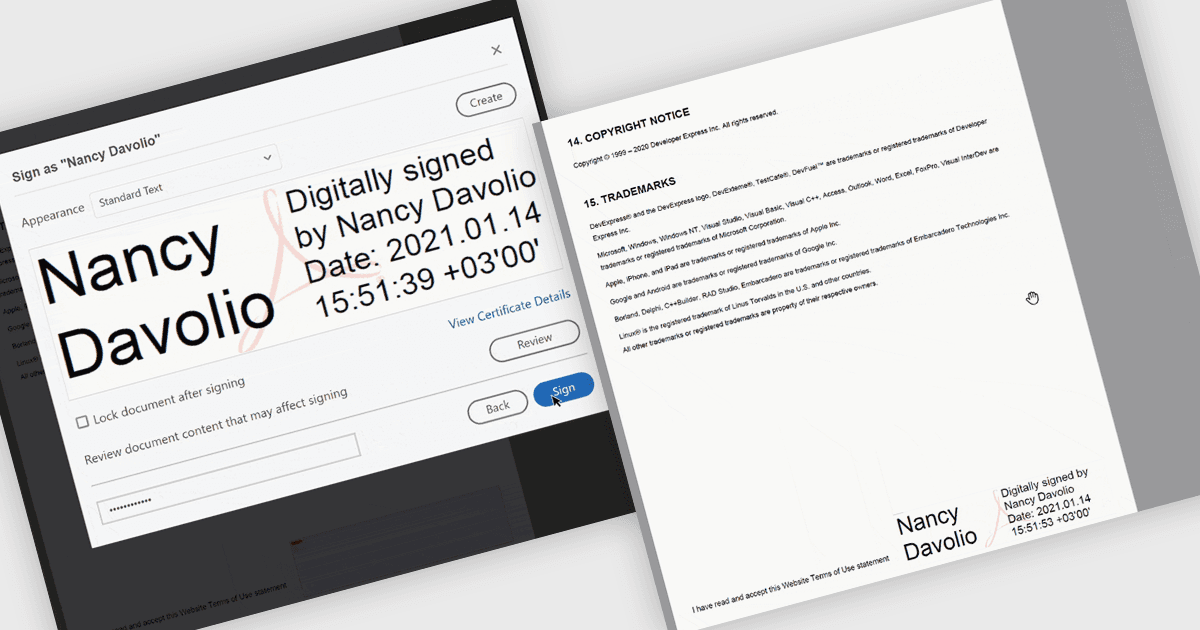
在您的 PDF 報表中添加清晰簽名

11月 28, 2025
將帶有品牌的頁面簽名面板插入 PDF,以傳達真實性、加強信任並增強每份報表的專業性。

繼續用英語閱讀:

PDF visual signatures allow you to embed a clear, on-page representation of a digital signature directly into your exported reports, combining the security of a certified digital signature with the clarity of a visibly signed document. This feature instantly communicates authenticity and approval, helping recipients quickly verify who signed the report without navigating hidden metadata. It enhances professionalism with styled signature blocks that can include names, titles, dates, or branding elements, reinforcing trust and consistency across all distributed documents. Common use cases include signed invoices, compliance reports, approval forms, contracts, certificates, and any document that requires both a secure digital signature and a visually identifiable sign-off for clarity and reassurance.

Several .NET Reporting controls offer PDF visual signature support including:

  • DevExpress Reporting lets you embed secure visual signatures into PDFs, providing clear on-page approval, enhanced professionalism, and document verification.
  • ActiveReports.NET Standard allows you to generate PDFs with visible digital signatures, giving recipients clarity, authenticated output, and confidence in every finalized report.
  • TX Text Control .NET Server for ASP.NET allows you to insert visual PDF signatures with precise positioning, image stamps and metadata.
  • FastReport .NET WinForms lets you incorporate visually represented signatures into PDF exports, delivering verification, improved readability, and identifiable sign-off information.

For an in-depth analysis of features and price, visit our .NET Reporting controls comparison.

Compare .NET Reporting Components