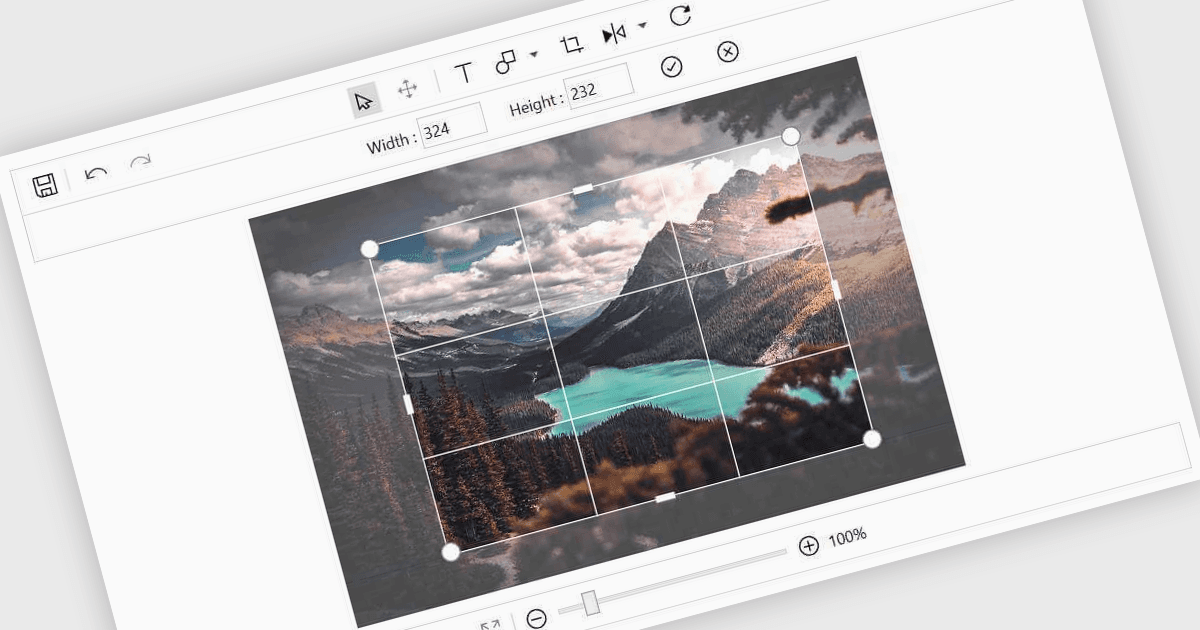
直接在 WPF 資料應用中輕鬆編輯圖片

12月 19, 2025
在應用內啟用 WPF 圖片編輯功能,帶有注釋、裁剪、變換、縮放、撤銷和重做以及簡單的導入和匯出功能。

繼續用英語閱讀:

Image editing in a data editor component helps users work with images alongside other data fields. This includes basic functions like cropping, rotating, resizing, and adding annotations. It's useful for tasks such as cleaning up user-uploaded files, adjusting product photos, or marking up visual references—all without switching to another application. This keeps image handling part of the same process as your data updates.

Several .NET data editor collections provide an image editor, including:

  • DevExpress WPF Data Editors (part of DevExpress WPF) lets you embed image editing within forms, enabling cropping, annotation and validation.
  • Telerik UI for WPF Data Editors (part of Telerik UI for WPF) allows you to integrate image modification tools into business apps, supporting annotations and transformations.
  • Syncfusion WPF Data Editors (part of Syncfusion Essential Studio Enterprise) facilitates image editing in data driven interfaces, enabling adjustments and visual annotations.

For an in-depth analysis of features and price, visit our .NET data editors comparison.

Compare .NET Data Editors