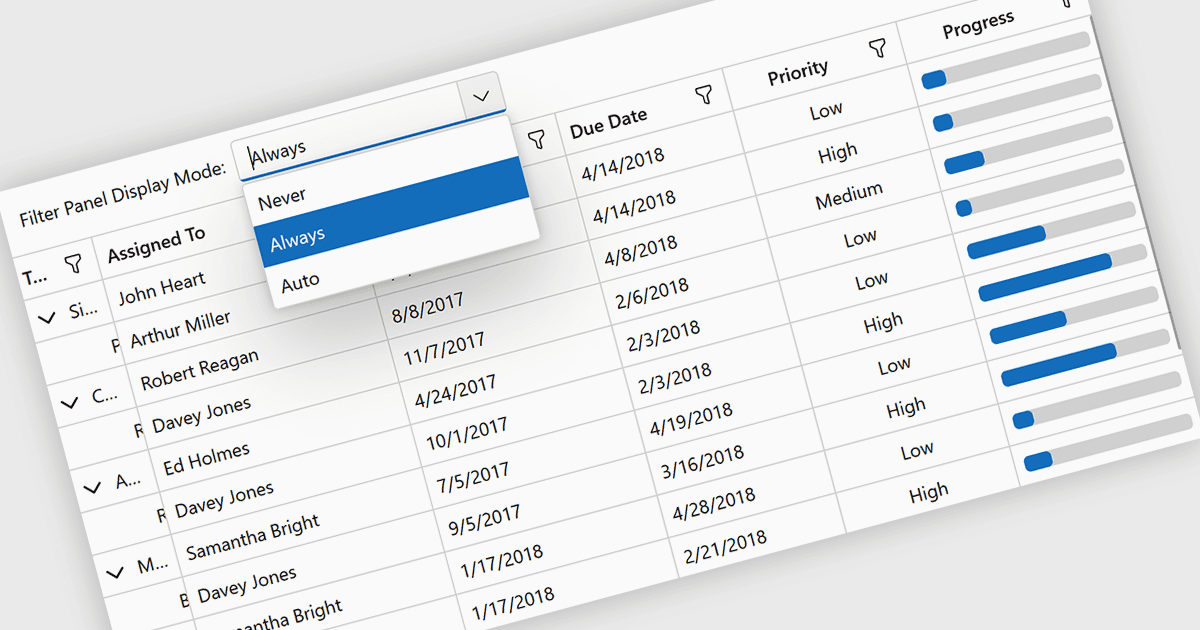
用靈活的網格篩選簡化資料分析

2月 25, 2026
用網格篩選快速優化大型資料集以突出關鍵洞察,提高清晰度,並加速自信的決策。

繼續用英語閱讀:

Grid filtering allows users to display only selected rows or columns by choosing specific values, categories, or ranges without modifying the underlying dataset. This capability simplifies navigation through large volumes of data and helps users focus immediately on the most relevant information. By minimizing manual searching and enabling faster comparisons, grid filtering improves productivity and supports more informed decision making. Common use cases include filtering sales data by date range, isolating transactions above a certain value, analyzing results by region or product category, and hiding non essential columns to create clearer, presentation ready reports.

Several .NET Blazor grid controls offer filtering support including:

  • DevExpress Blazor Grid (part of DevExpress ASP.NET and Blazor) lets you apply advanced grid filtering to display precise values or ranges, simplifying analysis.
  • Telerik UI for Blazor Data Grid (part of Telerik UI for Blazor) allows you to refine datasets with flexible filtering options that enhance clarity.
  • Blazorise facilitates dynamic grid filtering so you can isolate relevant records, reduce clutter, and improve large data exploration.
  • jQWidgets Grid (part of jQWidgets) helps you to implement robust filtering capabilities that surface key information quickly.

For an in-depth analysis of features and price, visit our comparison of .NET Blazor grids.

Compare .NET Blazor Grids