WinForms 開發者的 WinUI 提示
使用 ComponentOne WinUI 和 MAUI Edition 來學習將 WinForms 應用程式遷移到 WinUI 的技術。
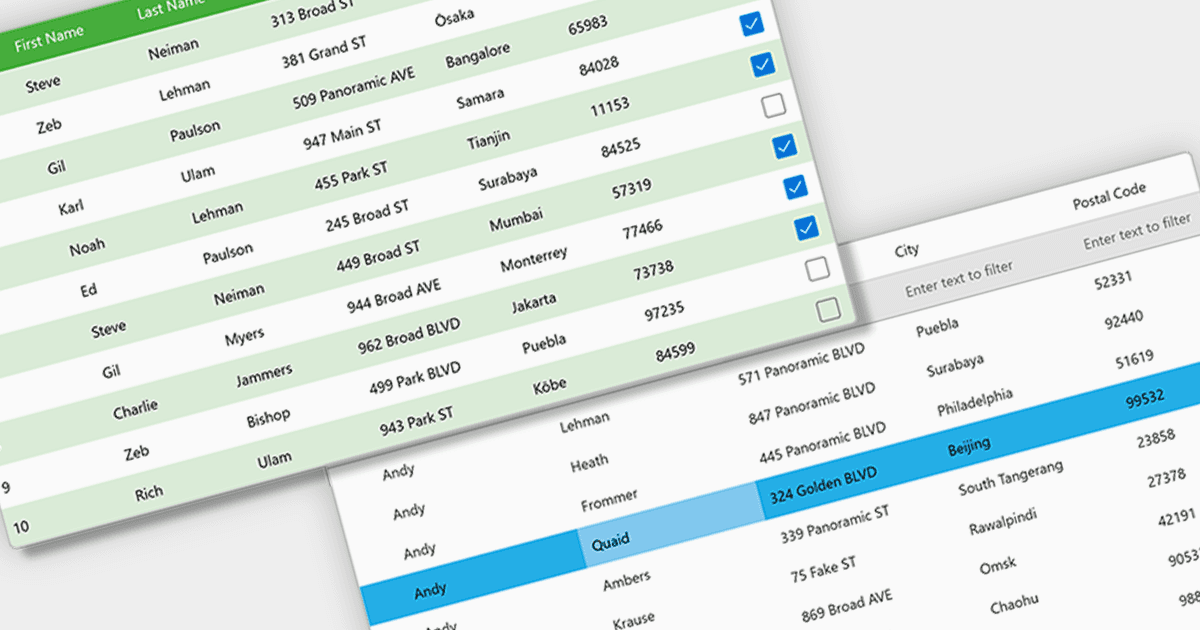
ComponentOne WinUI 和 MAUI Edition(原名 ComponentOne Studio for WinUI & MAUI)提供最新跨平台 .NET 應用程式所需的元件。以單一 WinUI & MAUI 授權方式提供,你可以使用 ComponentOne 的 WinUI、MAUI、UWP 和 Xamarin 控制項來建立應用程式。
在這篇部落格文章中,MESCIUS 的 Greg Lutz 示範你可以用來將 WinForms 應用程式轉換到 WinUI 的提示與技巧,並重點說明 MVVM、可自適應配置、非同步工作流程以及沙箱檔案存取等關鍵差異。他會探討五個重點領域:
- 資料繫結 & MVVM
- 自適應與解析度獨立的配置
- 可重複且封裝的樣式
- 用乾淨的非同步工作流程取代執行緒
- 如何從沙箱存取檔案
附有範例程式碼,協助你快速上手。
閱讀完整部落格 以了解用於進入 WinUI 開發的提示與技術。
ComponentOne Studio WinUI 和 MAUI 採用「每位開發人員」的永久授權,並包含 12 個月的訂閱。詳情請參閱我們的 ComponentOne Studio WinUI 與 MAUI 授權頁面 。
更多資訊請至我們的 ComponentOne Studio WinUI 和 MAUI 產品頁。