用箱形圖解釋資料分佈

3月 12, 2026
React 圖表控制項有助於視覺化四分位元數、中位數和離群值,從而使在儀錶盤和應用中分析統計資料更簡便。

繼續用英語閱讀:

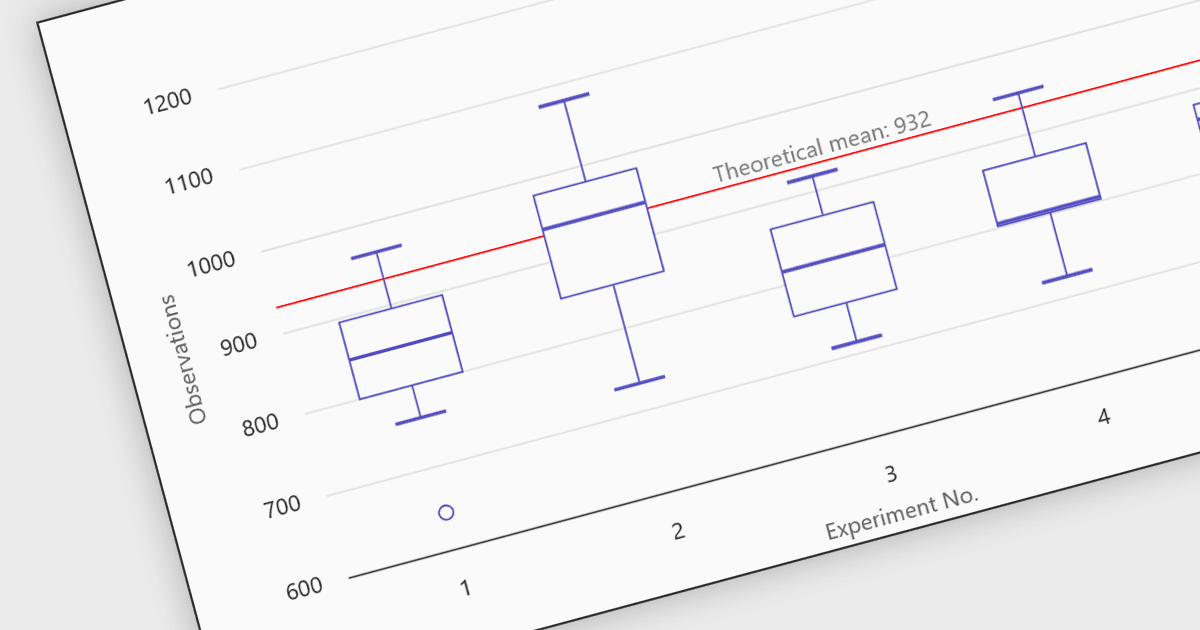
Box plots in React chart controls are statistical visualizations used to present the distribution of a dataset by highlighting key summary values, including the minimum, first quartile (Q1), median, third quartile (Q3), and maximum. In React applications, chart components render this information as a rectangular box representing the interquartile range, with lines known as whiskers extending to the minimum and maximum values, and optional markers indicating outliers. This visualization allows developers and analysts to quickly understand data spread, central tendency, and variability within a dataset. Box plots are commonly used in analytical dashboards, financial analysis tools, and scientific applications built with React, where comparing distributions and identifying anomalies across multiple data groups is important.

Many React chart controls support box plots including:

  • Highcharts Core by Highsoft lets you visualize statistical distributions using box plot charts in React, highlighting quartiles, medians, ranges, and outliers.
  • KendoReact Charts (part of KendoReact by Telerik) allows you to render box plot visualizations in React, presenting quartile ranges, medians, and extreme values clearly.
  • amCharts 5: Charts facilitates advanced box plot visualizations in React environments, enabling developers to examine distribution patterns, quartiles, and anomalies effectively.
  • ZingChart allows you to build box plot charts within React applications, presenting statistical summaries including quartiles, medians, ranges, and outliers.

For an in-depth analysis of features and price, visit our comparison of React chart controls.

Compare React Chart Controls