用單元內超連結改進導航

3月 20, 2026
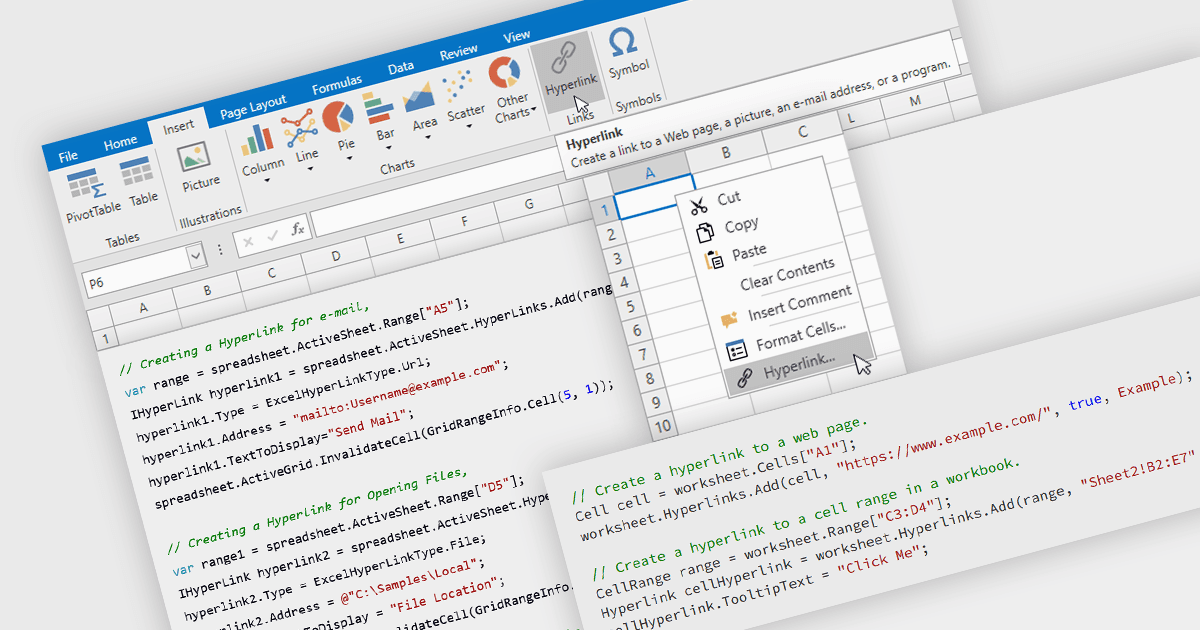
透過對實現連結資料與資源之間高效導航的內置超連結的支援增強 WPF 應用程式中試算表的可用性。

繼續用英語閱讀:

Hyperlink support in a spreadsheet allows a cell to reference an external resource, such as a web page, email address, file, or another location within the workbook. This capability enables users to connect data with relevant context, making it easier to navigate between related information and systems. By embedding links directly into cells, spreadsheets can serve not only as data stores but also as interactive interfaces, improving usability, reducing the need for manual lookup, and supporting more efficient processes across applications and datasets.

Several WPF spreadsheet components allow you to add hyperlinks within cells, including:

  • DevExpress WPF Spreadsheet (part of DevExpress WPF) enables hyperlinks in cells or ranges via its worksheet hyperlink collection, supporting both UI and API use.
  • Spread.NET by MESCIUS provides hyperlink support in WPF through a cell-level property and hyperlink object model defining link targets and types.
  • Telerik UI for WPF Spreadsheet (part of Telerik UI for WPF) supports hyperlinks by linking them to cell ranges, enabling web, email, or workbook links via its API.
  • Syncfusion WPF Spreadsheet (Syncfusion Essential Studio Enterprise) supports Excel-style hyperlinks, allowing assignment to cells through its API and UI.

For an in-depth analysis of features and price, visit our comparison of WPF spreadsheet components.

Compare WPF Spreadsheet Components