運用儀表視覺效果強化報表
在報表中加入儀表,提供清晰的即時視覺洞察,簡化複雜資料並突顯相對目標的表現。
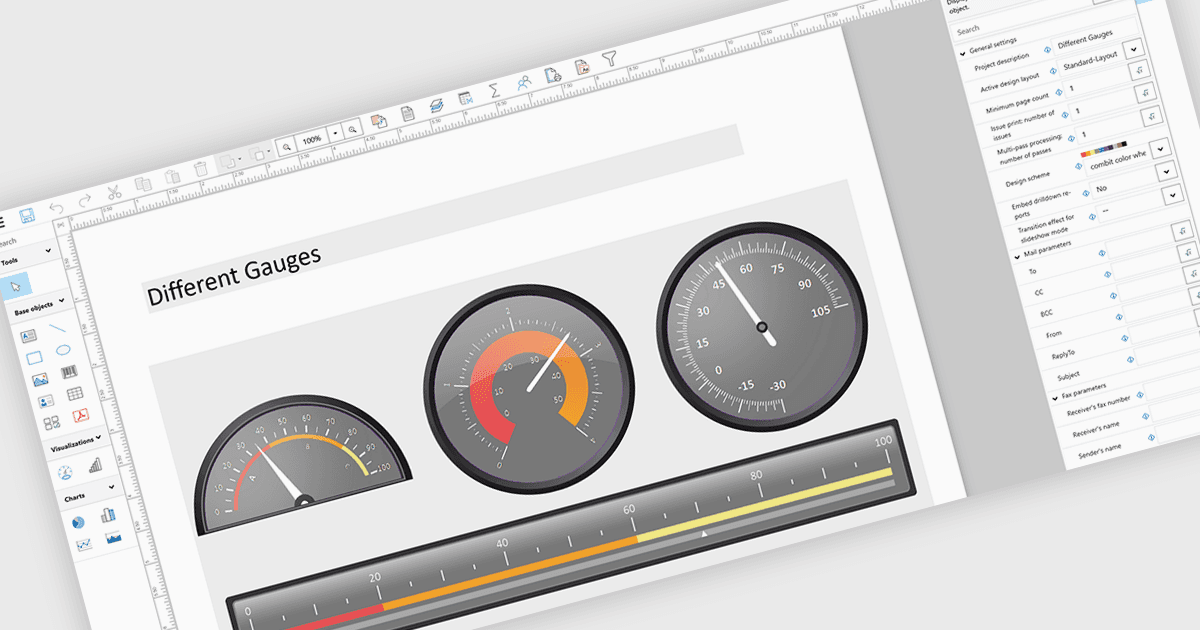
在報表中加入儀表可納入如錶盤或儀表類型的圖形等視覺指標,這些指標會根據定義的範圍或目標顯示關鍵指標,讓人一眼就能立刻理解效能。這種做法可將複雜或密集的資料轉化為直觀的視覺效果,提升報表清晰度,幫助使用者快速判斷數值是否落在可接受、警告或危急的門檻內。因此,儀表能支援更快速、資訊更充足的決策,改善與利害關係人的溝通,並打造更具吸引力、對使用者更友善的報表。常見用途包括追蹤銷售績效相對於配額的表現、監控系統健康狀況或運作時間、視覺化預算使用率,以及在主管儀表板中顯示 KPI 進度,因為快速洞察在這些情境中至關重要。
多個 .NET WPF Reporting 控制項包含 Gauges,包括:
- DevExpress Reporting 可讓您在報表中嵌入可自訂的儀表控制項,以視覺化 KPI,實現清晰的效能追蹤與更快速的資料驅動決策。
- Telerik Reporting 可讓您將互動式儀表整合到報表中,以直觀的視覺呈現即時指標,提升清晰度與使用者參與度。
- List & Label Enterprise Reporting Edition by combit 便於將儀表元素加入報表,幫助使用者有效突顯關鍵數值、門檻與效能趨勢。
- Stimulsoft Reports.WPF 可讓您設計具有儀表元件的豐富報表,針對指標提供精準的視覺回饋,以改善監控與分析。
若想深入了解功能與價格,請造訪我們對 .NET WPF Reporting Controls 的比較。