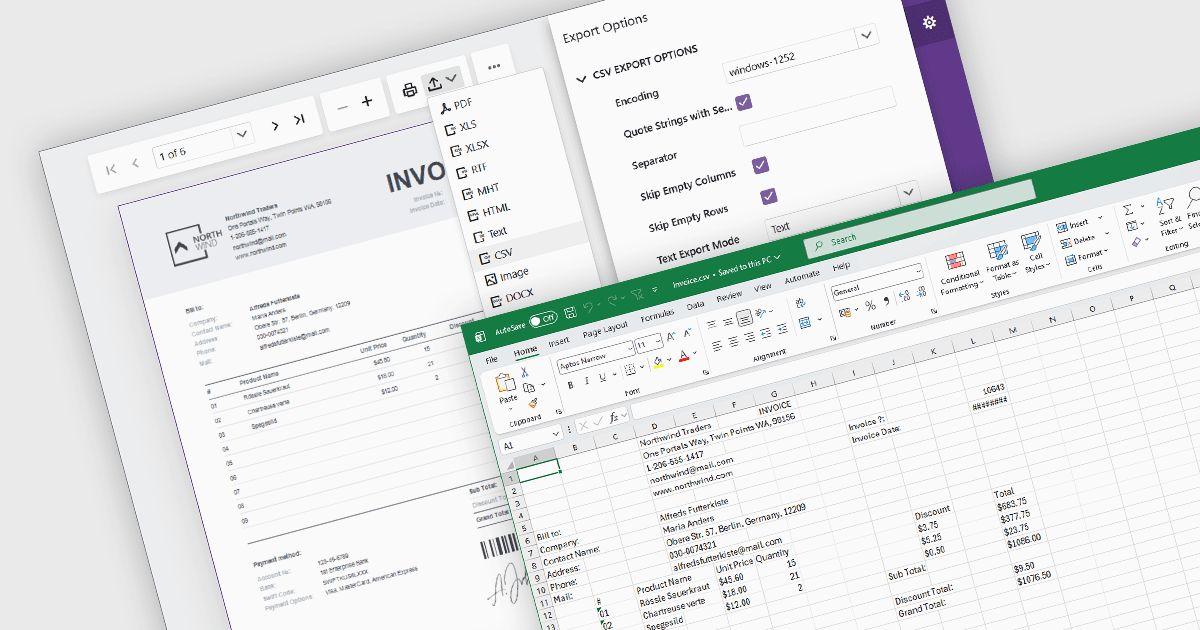
在 Blazor 中將報表匯出為 CSV

5月 12, 2026
在具備 CSV 匯出功能的 Blazor 應用程式中,從報表資料生成 CSV 檔,從而簡化跨平臺資料交換。

繼續用英語閱讀:

Exporting reports to CSV (Comma-Separated Values) format provides a simple and widely compatible way to transfer report data into spreadsheet applications, databases, analytics platforms, and other business systems. CSV files store structured data as plain text, making them easy to process, automate, archive, and exchange across different environments. For software developers and business users, CSV export functionality supports data analysis, operational reporting, integration workflows, and data retention requirements while maintaining low file complexity and broad platform support.

Several Blazor reporting components allow you to export to CSV, including:

  • DevExpress Reporting provides Blazor-compatible CSV export functionality, allowing users to generate structured data files with configurable export options.
  • ActiveReports .NET Professional (part of ActiveReports .NET by MESCIUS) offers CSV rendering and export features for reports in Blazor applications.
  • Telerik Reporting supports CSV export through its Blazor report viewers and rendering extensions, with configurable settings for output formatting and data structure.
  • Stimulsoft Reports.WEB supports CSV export in web and Blazor reporting apps, allowing report data to be used in spreadsheets, integrations, and downstream processing.

For an in-depth analysis of features and price, visit our comparison of Blazor reporting components.

Compare Blazor Report Components