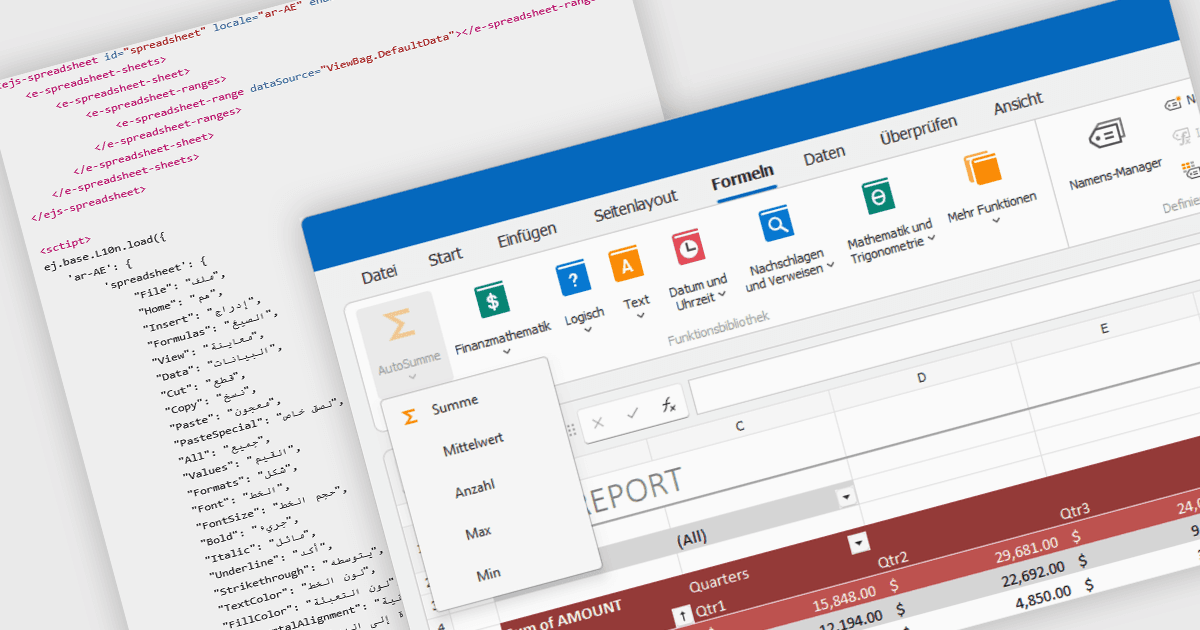
Adapt Spreadsheets for Global Users

6月 11, 2026
Support regional languages and cultural conventions by using localization to make spreadsheet applications more accessible and intuitive.

Localization in spreadsheet components enables applications to present spreadsheet interfaces, menus, dialogs, functions, and user-facing messages in the user's preferred language and regional format. This helps organizations deliver a more familiar and accessible experience to global audiences while supporting regional conventions such as date formats, number formatting, currencies, and translated interface elements. By adapting the spreadsheet environment to different languages and cultures, localization can improve usability, reduce training requirements, and help applications meet the expectations of international users.

Several ASP.NET Core spreadsheet controls offer support for localization including:

  • DevExpress ASP.NET Core Spreadsheet provides localization support for its user interface, allowing developers to translate dialogs, menus, and other interface elements while also supporting culture-specific formatting for dates, numbers, and currencies.
  • Telerik UI for ASP.NET Core Spreadsheet offers localization capabilities that enable developers to customize and translate component messages, adapt interface text to different languages, and apply culture-aware formatting and parsing.
  • Syncfusion ASP.NET Core Spreadsheet includes built-in localization support that allows spreadsheet controls to display translated UI text and regional settings, while also supporting culture-specific formats for values, dates, and numerical data.

For an in-depth analysis of features and price, visit our ASP.NET Core spreadsheet controls comparison.

Compare ASP.NET Core Spreadsheet Controls