
Discussion Column
Organize well formatted conversations in SharePoint.
Published by ArtfulBits
Distributed by ComponentSource since 2011
Prices from: $ 245.00 Version: 2.1 Updated: Apr 27, 2017
Organize well formatted conversations in SharePoint.
Published by ArtfulBits
Distributed by ComponentSource since 2011
Prices from: $ 245.00 Version: 2.1 Updated: Apr 27, 2017
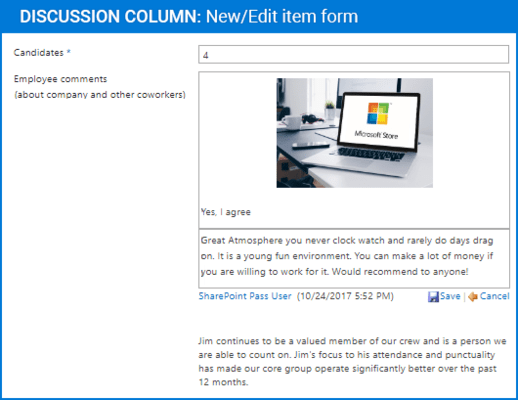
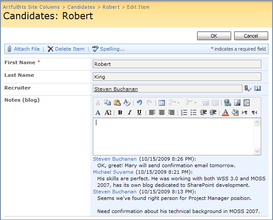
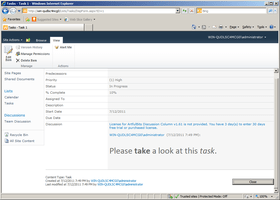
Discussion Column helps you to organize text conversations with-in list items without enabling list versioning. The component lets you enter rich text with formatting, images, tables, hyperlinks, etc. Discussion Column is similar to an IM message system: many users are able to create rich-text messages, but there is no ability (in some cases) to modify previous messages. Discussion Column can show who authored a post and when that post was published (configured in column settings). It is possible to show all conversations in a list view or just show a hyperlink to "View Item". You can also arrange your comments in chronological or reverse chronological order.

Discussion Column Features
Discussion Column is also available in:
Live Chat with our ArtfulBits licensing specialists now.

Tel: (888) 850 9911
Fax: +1 770 250 6199


