ComponentOne Blazor Excel
Comprehensive .NET library for creating and processing Excel files.
- Create, load, and modify Excel XLSX documents.
- Integrate Excel processing into Blazor and .NET apps.
- Control worksheets, formulas, charts, and formatting programmatically.

Prices from:
| Available in | |
|---|---|
| ComponentOne Studio Blazor Edition | Loading |
| ComponentOne Studio Enterprise | Loading |
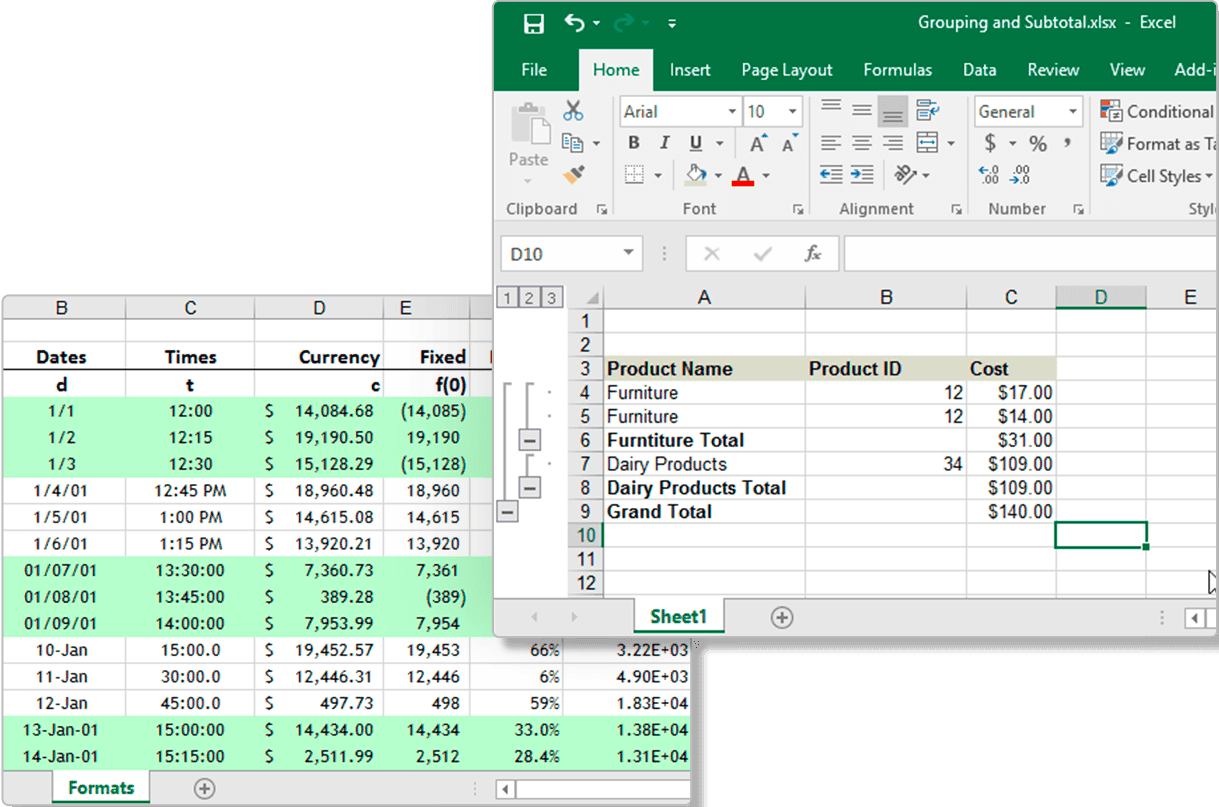
Create And Generate Excel Workbooks
Programmatically create new Excel workbooks and worksheets directly within your .NET applications. Define workbook structure, add multiple sheets, and populate cells with data to produce structured reports, data exports, and custom spreadsheet documents tailored to application requirements.
Load And Modify Existing XLSX Files
Open and read existing XLSX files to inspect, update, or extend their content. Access worksheets, rows, columns, and individual cells, then modify values, formulas, and formatting to adapt imported spreadsheets to evolving business logic.
Advanced Cell Formatting And Styling
Apply detailed formatting to cells and ranges, including fonts, colors, borders, alignment, and number formats. Control the visual presentation of spreadsheets to ensure generated documents match corporate branding and reporting standards.
Formula Calculation And Evaluation
Define and calculate Excel formulas within worksheets to support dynamic data analysis. The library evaluates formulas programmatically, enabling applications to produce calculated totals, summaries, and derived values without manual intervention.
Worksheet And Range Management
Manage worksheets and cell ranges with precise control over structure and layout. Insert, remove, or reorder sheets, merge cells, define named ranges, and organize data logically to support complex spreadsheet models.
Data Import And Export Capabilities
Import data from application sources into worksheets and export processed results back to XLSX format. Support common data exchange scenarios such as report generation, data migration, and integration with external systems.
Server Side And Blazor Integration
Integrate Excel file processing into Blazor and other .NET environments without requiring Microsoft Excel on the host machine. Execute spreadsheet generation and manipulation on the server or within application workflows for web and enterprise solutions.
Product Compatibility
Review the details below to ensure this product is supported within your environment.
Component Type
- .NET
.NET Version
- .NET 10 LTS
- .NET 9 STS
- .NET 8 LTS
- .NET 6 LTS
.NET Platform
- .NET Blazor / WebAssembly
How to Buy
Available as part of ComponentOne Blazor Edition, and ComponentOne Studio Enterprise.

- Included19+ Blazor Components
- Not included120+ WinForms Controls
- Not included100+ WPF Controls
- Not included30+ WinUI & .NET MAUI Controls
- Not included40+ ASP.NET MVC & Core Controls
- Not included40+ ASP.NET WebForms Controls
- Not includedData Services/Web API
- Not included80+ JavaScript Controls
- Enterprise Controls
- Not includedFinancialChart
- Not includedFlexSheet
- Not includedFlexPivot/OLAP
- Not includedFlexReport Designer
- Not includedReportViewer
- Additional Features
- Not includedIntelliSpell
- Not included2200+ Icons/Images

- Included19+ Blazor Components
- Included120+ WinForms Controls
- Included100+ WPF Controls
- Included30+ WinUI & .NET MAUI Controls
- Included40+ ASP.NET MVC & Core Controls
- Included40+ ASP.NET WebForms Controls
- IncludedData Services/Web API
- Included80+ JavaScript Controls
- Enterprise Controls
- IncludedFinancialChart
- IncludedFlexSheet
- IncludedFlexPivot/OLAP
- IncludedFlexReport Designer
- IncludedReportViewer
- Additional Features
- IncludedIntelliSpell
- Included2200+ Icons/Images
About MESCIUS
MESCIUS, formerly known as GrapeCity, is a leading developer-focused brand established in Japan, with a history spanning over 30 years. It is recognized for its extensive suite of software components, including reporting frameworks, spreadsheet libraries, and Japanese market-oriented input controls. Popular products such as ActiveReports, SPREAD, InputMan, and ComponentOne support both .NET and JavaScript ecosystems and are widely used in business-critical applications. MESCIUS offers distinctive advantages such as proven reliability, comprehensive Japanese localization, and strong technical support, making it a trusted choice for IT professionals and software developers building complex and localized systems.

As official and authorized distributors since 1996, ComponentSource supplies you with legitimate licenses directly from MESCIUS.