DottedSign
Prepare PDF documents, collect electronic signatures, and track progress.
- Add signing fields to PDFs and save reusable templates.
- Send PDFs in bulk or collect signatures through online forms.
- Track outstanding requests and review audit trails for signed PDFs.

Prices from:
| Available individually | Our Price |
|---|---|
| DottedSign | Loading |
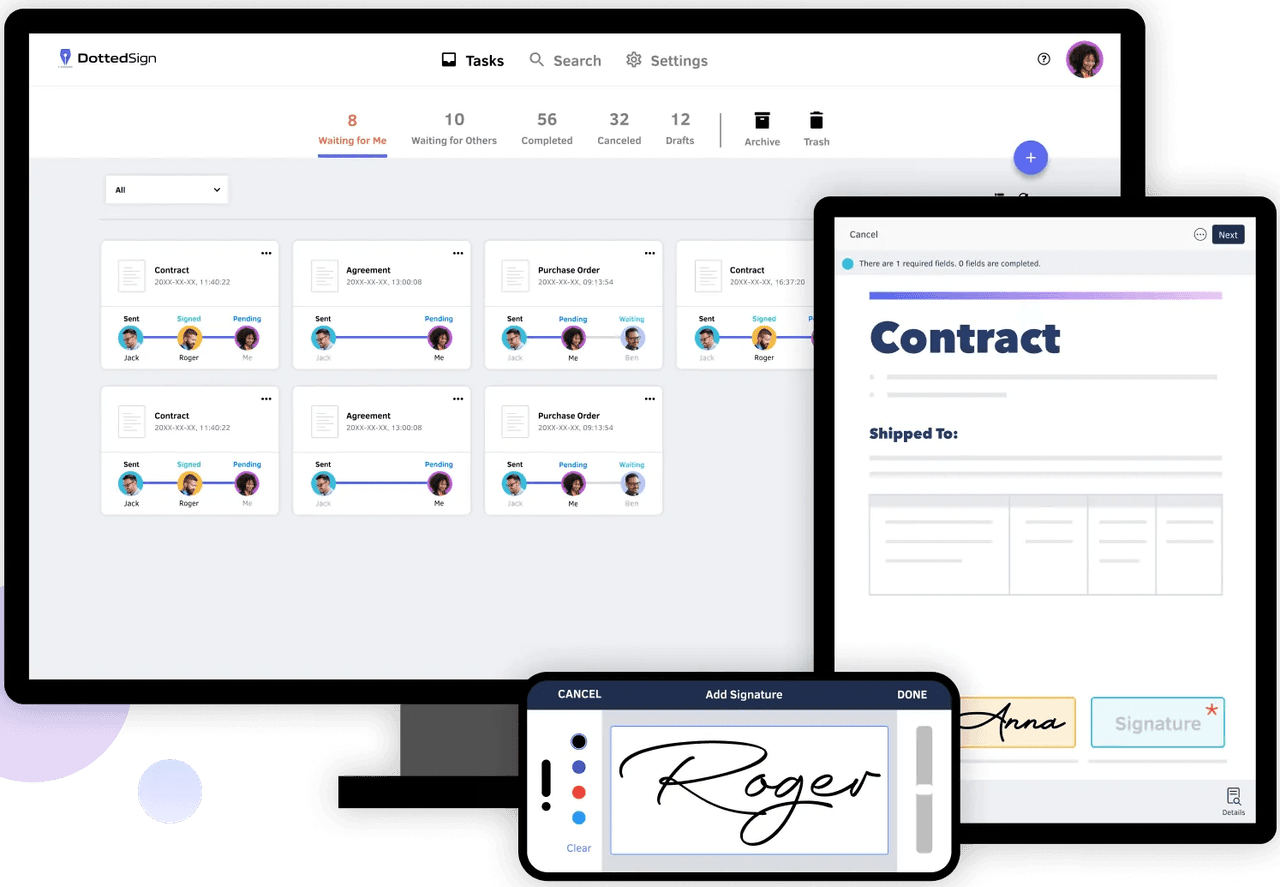
Prepare PDFs for Signature
Upload a PDF, add the people who need to sign, and drag signature fields onto the relevant pages. Assign fields to individual recipients so each person can see which parts of the document to complete.
Send PDFs for Electronic Signature
Email a signing link so recipients can open and sign the PDF online. When a document needs signatures in a particular sequence, set the signing order so the request moves to the next recipient after each person completes their part.
Create Reusable PDF Templates
Save standard documents, such as employee agreements and nondisclosure agreements, as templates with signing fields in place. Use the saved layout to prepare new requests without repositioning the fields each time the same PDF form is sent.
Send PDF Signing Requests in Bulk
Use Bulk Send to distribute a standard PDF to multiple recipients in one operation. Each recipient receives an individual signing request, so teams can collect separate signed copies of a policy acknowledgment or another form issued to a group.
Publish Self-Service Signing Forms
Create a Public Form for a document that people need to sign on demand. Share the link directly or publish it on a website so recipients can open and sign the document as needed, without waiting for an individual invitation.
Track Signing Progress and Send Reminders
Check the status of each PDF signing request and see which recipients still need to act. Automated reminders prompt signers to complete outstanding requests. The audit trail provides a record of actions taken during the signing process.
Review and Approve Documents
Assign reviewers to check signatures, completed fields, and attachments during a signing workflow. Reviewers can approve the document or return it with instructions for corrections. The workflow can resume after the signer updates the document.
Manage Team Access to Documents
Use the admin console to manage team signing tasks and monitor completion. Assign predefined or custom roles to control document access based on each team member’s responsibilities, including who needs to manage requests or oversee signing activity.
Integrate PDF Signing into Business Applications
Use the DottedSign application programming interface (API) to initiate and manage PDF signing requests from an existing system. Applications can assign signing fields, trigger requests at the appropriate stage, and retrieve completed documents and audit trails.
Product Compatibility
Review the details below to ensure this product is supported within your environment.
Cloud Service Type
- Cloud App
About DottedSign
DottedSign is an electronic signature brand from KDAN that helps businesses move paper-based agreements online. It supports everyday workflows such as sales contracts, employee onboarding and internal approvals, giving teams a way to collect signatures and track progress. DottedSign also provides developer tools for integrating signing into existing applications and business systems.

As official and authorized distributors since 2026, ComponentSource supplies you with legitimate licenses directly from DottedSign.