Flashback Express
Record and edit screen captures with audio and webcam.
- Capture screen, webcam, microphone, and system audio simultaneously.
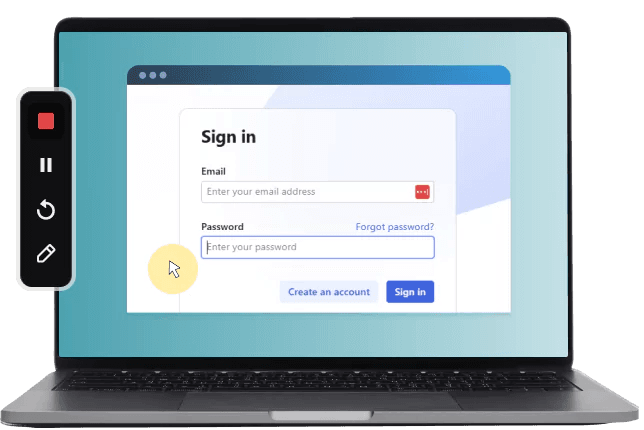
- Draw annotations during recording to highlight key points effectively.
- Edit videos with trimming, cropping, transitions, and stock media integration.

Prices from:
| Available individually | Our Price |
|---|---|
| Flashback Express | Loading |
Screen and Audio Capture
Record your entire screen, a selected area, or application window, along with webcam footage, microphone narration, and system audio simultaneously to create comprehensive video content.
On-Screen Annotation
Draw and write on your screen during recording to emphasize important details and enhance viewer understanding in real time.
Scheduled Recording
Plan and automate recording sessions in advance, ensuring that important moments are captured without manual intervention.
Cursor Tracking
Highlight and follow cursor movements within your recordings to help viewers track activity clearly through the video.
Multi-Track Video Editing
Trim, cut, crop, and resize clips using an integrated editor that supports splitting long recordings into shorter segments for easier management.
Visual Enhancement
Add smooth transitions, fades, blurs, stickers, text, shapes, and utilize a stock library of music and images to keep videos engaging and polished.
Automatic Subtitles and Voice Modification
Generate captions automatically with editable subtitles and apply AI-powered voice change to narration to improve clarity and style.
Wide Content Compatibility
Export finished videos in popular formats like MP4, AVI, and GIF, suitable for tutorials, marketing, educational lessons, demo videos, and more.
Multi-Monitor Support
Capture recordings from multiple displays simultaneously to accommodate complex setups and workflows.
Product Compatibility
Review the details below to ensure this product is supported within your environment.
Operating System
- Windows Desktop
Windows Desktop Version
- Windows 11
- Windows 10
- Windows 8.1
About Blueberry Software
Blueberry Software, founded in 2003 and based in Birmingham, United Kingdom, develops screen recording and video capture software for business, education, and technical communication environments. It is known for the FlashBack product line, which includes tools for screen capture, video recording, webcam integration, and presentation creation. The company focuses on producing easy-to-use applications that support tutorials, demonstrations, training materials, software testing, and remote collaboration. With features designed for both individual users and organizations, it helps teams create and share visual content across desktop and online platforms.
Learn more about Blueberry SoftwareExplore Blueberry Software products

As official and authorized distributors since 2004, ComponentSource supplies you with legitimate licenses directly from Blueberry Software.