Infragistics Ignite UI for Angular CSV Exporter
Export Angular grid and array data as customizable CSV files.
- Exports data from Angular IgxGrid, IgxHierarchicalGrid, and IgxTreeGrid.
- Supports various character-separated formats including CSV, TSV, and TAB.
- Allows filtering exported content and customizing delimiters and file names.

Prices from:
| Available in | |
|---|---|
| Infragistics Ignite UI for Angular | Loading |
| Infragistics Ignite UI | Loading |
| Infragistics Professional | Loading |
| Infragistics Ultimate | Loading |
Export from Grid Components
Export data directly from Angular grid components such as IgxGrid, IgxHierarchicalGrid, and IgxTreeGrid using the exporter service's export method, which accepts the grid component reference and export options.
Export from Raw Data Arrays
Supports exporting data from plain arrays by invoking the exportData method with the data array and configuration options for file name and format.
Multiple Export Formats
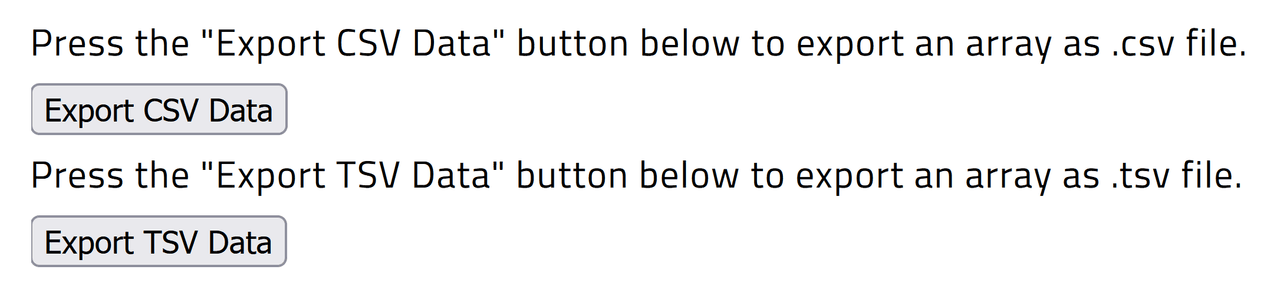
Exports data in several character-separated formats, including CSV (comma), TAB (.tab), and TSV (.tsv), with file extensions and default delimiters corresponding to the chosen format.
Custom Delimiters
Allows users to specify custom value delimiters beyond preset formats through the valueDelimiter option, enabling tailored export files to suit different parsing requirements.
Selective Content Exporting
Enables developers to exclude specific rows or columns from the export output by subscribing to columnExporting and rowExporting events and cancelling them based on header names or indexes.
Automatic Handling of Grid Features
The export process respects grid states such as row filtering and column hiding by default, exporting only visible data unless configured otherwise via export options.
Easy Integration with Angular
The service is provided in the Angular root injector, requiring no manual provider setup, and can be injected into components to trigger exports via user actions like button clicks.
Configurable Export Options
The IgxCsvExporterOptions object allows setting file names, export formats, delimiters, and inclusion of filtered or hidden data, offering flexibility in export behavior.
Product Compatibility
Review the details below to ensure this product is supported within your environment.
Component Type
- JavaScript
JavaScript Platform
- Angular
- Vanilla JavaScript
About Infragistics
Infragistics, founded in 1989 and headquartered in Cranbury, New Jersey, has established itself as a global force in UI/UX development, serving software professionals in over 100 countries. It is widely recognized for its comprehensive libraries and frameworks supporting web, desktop, and mobile platforms, including solutions tailored for .NET, Angular, React, and other leading technologies. With offices spanning Europe, Asia, and South America, Infragistics delivers components that enable efficient application development and rich user experiences. Its commitment to innovation and customer satisfaction positions it as a trusted partner for developers and organizations worldwide seeking quality and flexibility in their digital projects.

As official and authorized distributors since 1996, ComponentSource supplies you with legitimate licenses directly from Infragistics.