Infragistics Ignite UI for Blazor Gauges
Native Blazor components for dynamic radial and bullet gauges.
- Includes radial gauge with customizable needle and scale features.
- Bullet graph provides concise performance and comparative measure visualization.
- Supports animation, labels, tick marks and interactive needle dragging.

Prices from:
| Available in | |
|---|---|
| Infragistics Ignite UI | Loading |
| Infragistics Professional | Loading |
| Infragistics Ultimate | Loading |
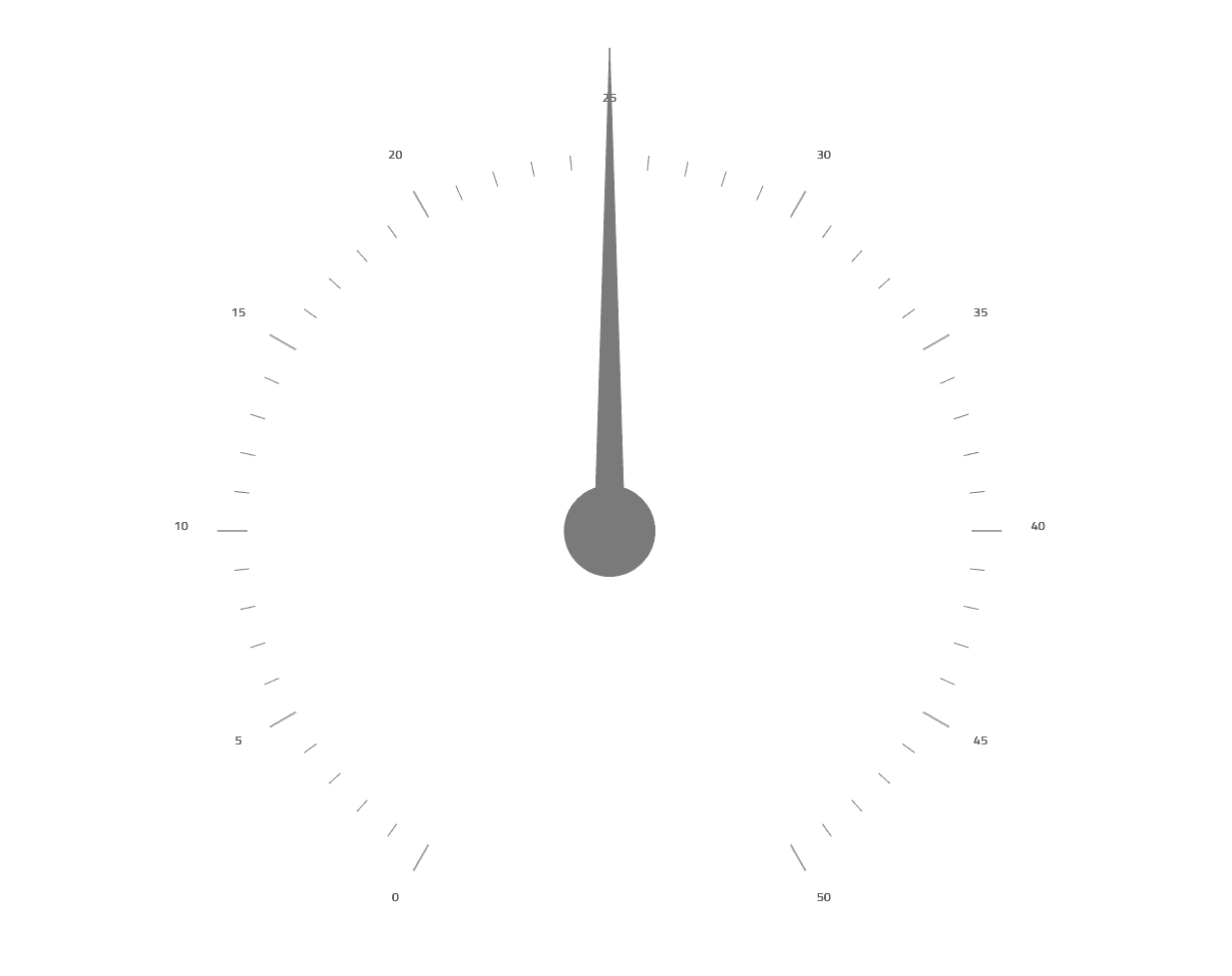
Radial Gauge Component
Offers a circular or fitted arc backing shape with configurable scale start and end angles. Includes customizable needles with pivot shapes and supports interactive needle dragging to change values within defined minimum and maximum ranges.
Visual Elements Customization
Provides options to adjust tick marks, major and minor intervals, labels position and style, title and subtitle texts, along with highlight needle and label appearances to tailor gauge presentation.
Animated Transitions
Built-in support for animations with customizable transition durations enhances user experience by smoothly updating gauge values and visuals.
Comparative Ranges and Brushes
Multiple ranges can be defined with individual brushes and outlines to visually represent qualitative value segments on the gauge scale.
Bullet Graph Component
Delivers linear bullet graphs displaying primary performance bars and target markers for comparing measures efficiently in limited space.
Performance and Target Values
Illustrates progress through performance bars against target values, including the option to highlight progress with layered overlay values for nuanced data insights.
Tick Marks and Labels Support
Configurable major and minor tick marks along with labels on the scale improve readability and convey precise measurement intervals in both radial and bullet gauges.
Scale Configuration
Enables full control over scale orientation, direction, inversion, and visual styling to fit diverse design requirements within applications.
Product Compatibility
Review the details below to ensure this product is supported within your environment.
Component Type
- .NET
.NET Version
- .NET 10 LTS
- .NET 9 STS
- .NET 8 LTS
.NET Platform
- .NET Blazor / WebAssembly
IDE Support
- Visual Studio
About Infragistics
Infragistics, founded in 1989 and headquartered in Cranbury, New Jersey, has established itself as a global force in UI/UX development, serving software professionals in over 100 countries. It is widely recognized for its comprehensive libraries and frameworks supporting web, desktop, and mobile platforms, including solutions tailored for .NET, Angular, React, and other leading technologies. With offices spanning Europe, Asia, and South America, Infragistics delivers components that enable efficient application development and rich user experiences. Its commitment to innovation and customer satisfaction positions it as a trusted partner for developers and organizations worldwide seeking quality and flexibility in their digital projects.

As official and authorized distributors since 1996, ComponentSource supplies you with legitimate licenses directly from Infragistics.