Infragistics Ignite UI for React UI Input Controls
Customizable input controls for precise user data entry.
- Provides masked input fields for controlled data formatting.
- Supports flexible mask rules for various input types.
- Enables easy customization of prompt and placeholder characters.

Prices from:
| Available in | |
|---|---|
| Infragistics Ignite UI for React | Loading |
| Infragistics Ignite UI | Loading |
| Infragistics Professional | Loading |
| Infragistics Ultimate | Loading |
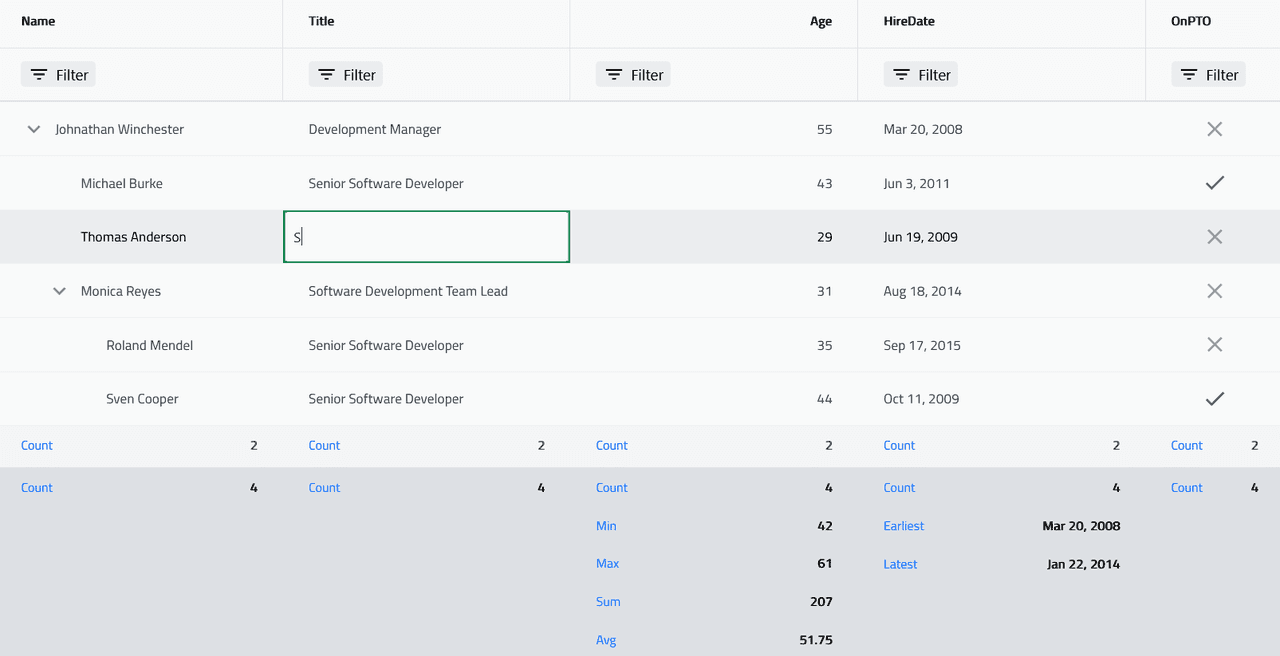
Masked Input Component
The Mask Input component enables developers to define input fields that restrict and format user input based on specific mask patterns. This ensures data compliance and consistency directly in the user interface.
Flexible Mask Rules
Multiple built-in mask rules represent digits, letters, alphanumeric characters, optional entries, and literals, allowing developers to tailor input acceptance criteria precisely to their data requirements.
Prompt Character Customization
You can customize the symbol displayed for unfilled input positions in a mask, providing visual cues to users about required input structure and improving usability.
Placeholder Support
The component supports placeholders that either use the mask pattern or a custom string to guide users on the expected input format before data entry.
Value Modes for Data Binding
Developers can choose between raw input values or formatted values to bind in forms, giving flexibility in how data is processed and stored.
Styling and Theming
All inner elements expose CSS parts, allowing for fully customizable styling to match application themes and branding, including input fields, labels, prefixes, and helper text.
Integration With React Ecosystem
Designed for React, the input controls integrate smoothly, supporting standard React patterns, npm installation, and modular registration for straightforward inclusion in projects.
Limitations and Considerations
The Mask Input accepts text inputs exclusively and does not support undo/redo behavior natively, which developers should consider when planning input functionality.
Product Compatibility
Review the details below to ensure this product is supported within your environment.
Component Type
- JavaScript
JavaScript Platform
- React
- Vanilla JavaScript
About Infragistics
Infragistics, founded in 1989 and headquartered in Cranbury, New Jersey, has established itself as a global force in UI/UX development, serving software professionals in over 100 countries. It is widely recognized for its comprehensive libraries and frameworks supporting web, desktop, and mobile platforms, including solutions tailored for .NET, Angular, React, and other leading technologies. With offices spanning Europe, Asia, and South America, Infragistics delivers components that enable efficient application development and rich user experiences. Its commitment to innovation and customer satisfaction positions it as a trusted partner for developers and organizations worldwide seeking quality and flexibility in their digital projects.

As official and authorized distributors since 1996, ComponentSource supplies you with legitimate licenses directly from Infragistics.