KendoReact UI Selection Controls
Selection components for choosing values and options in React applications.
- React components for single and multiple option selection.
- Supports dropdown, list, toggle, and visual selection patterns.
- Designed for consistent selection behavior across React user interfaces.

Prices from:
| Available in | |
|---|---|
| KendoReact | Loading |
| Kendo UI | Loading |
| Telerik DevCraft | Loading |
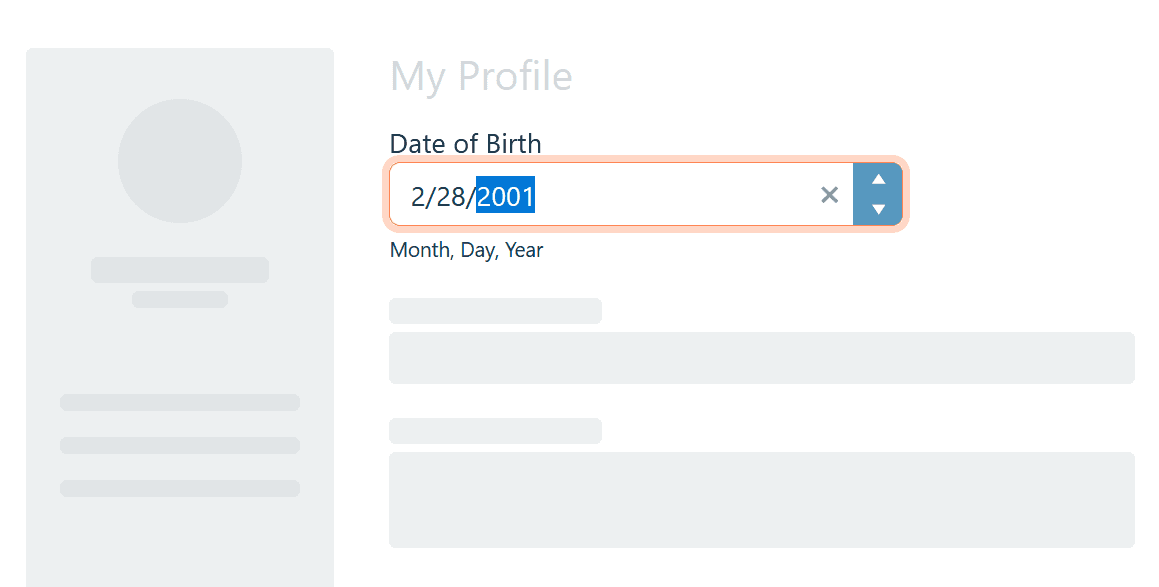
Dropdown and Select Menus
Provides dropdown-based components for selecting a single value from a list of options. These controls support labeling, keyboard interaction, and optional filtering to help users make selections efficiently.
Checkbox and Multi-Select Options
Includes checkbox components and multi-select lists for choosing multiple values independently. These controls are suited to scenarios where users need to select several options from a defined set.
Radio Button Groups
Offers radio button components for mutually exclusive selection. These controls present all available options clearly and allow users to select a single value within a group.
Toggle-Based Selection
Supports toggle buttons and switch-style controls for selecting between states. These components provide clear visual feedback for active and inactive choices.
Combo Box Selection
Combines text input with list selection using combo box components. These controls allow users to search, filter, and select from larger option sets.
Filter Chip Selectors
Supports chip-style components for managing active filters or selections. These selectors visualize chosen criteria and allow quick removal or adjustment.
Image-Based Pickers
Enables selection using visual representations such as images or icons. These pickers help users choose options based on visual cues rather than text alone.
Sort and Ordering Selectors
Includes selection controls used to choose sorting or ordering options. These components allow users to define how data is arranged within views.
React State and Event Integration
Integrates with standard React state management and event handling patterns. Selection changes propagate predictably through the application.
Product Compatibility
Review the details below to ensure this product is supported within your environment.
Component Type
- JavaScript
JavaScript Platform
- React
- Vanilla JavaScript
About Telerik
Telerik, founded in 2002 and headquartered in Sofia, Bulgaria, develops UI component libraries, reporting tools, and testing solutions for .NET and JavaScript application development. Its flagship products include Telerik DevCraft, a collection of UI, reporting, testing, and productivity tools for Microsoft development platforms, and Kendo UI, a suite of JavaScript UI libraries for frameworks including Angular, React, and Vue. Telerik also provides document processing, reporting, and automated testing technologies designed for web, desktop, and mobile software development environments.

As official and authorized distributors since 2018, ComponentSource supplies you with legitimate licenses directly from Telerik.