LynxPDF Joins ComponentSource
ComponentSource partners with LynxPDF to provide a comprehensive PDF solution for creating, editing, converting, signing and securing digital documents.
Manage, edit, convert, secure and review PDFs across workflows.

Prices from:
| Available individually | Our Price |
|---|---|
| LynxPDF | Loading |
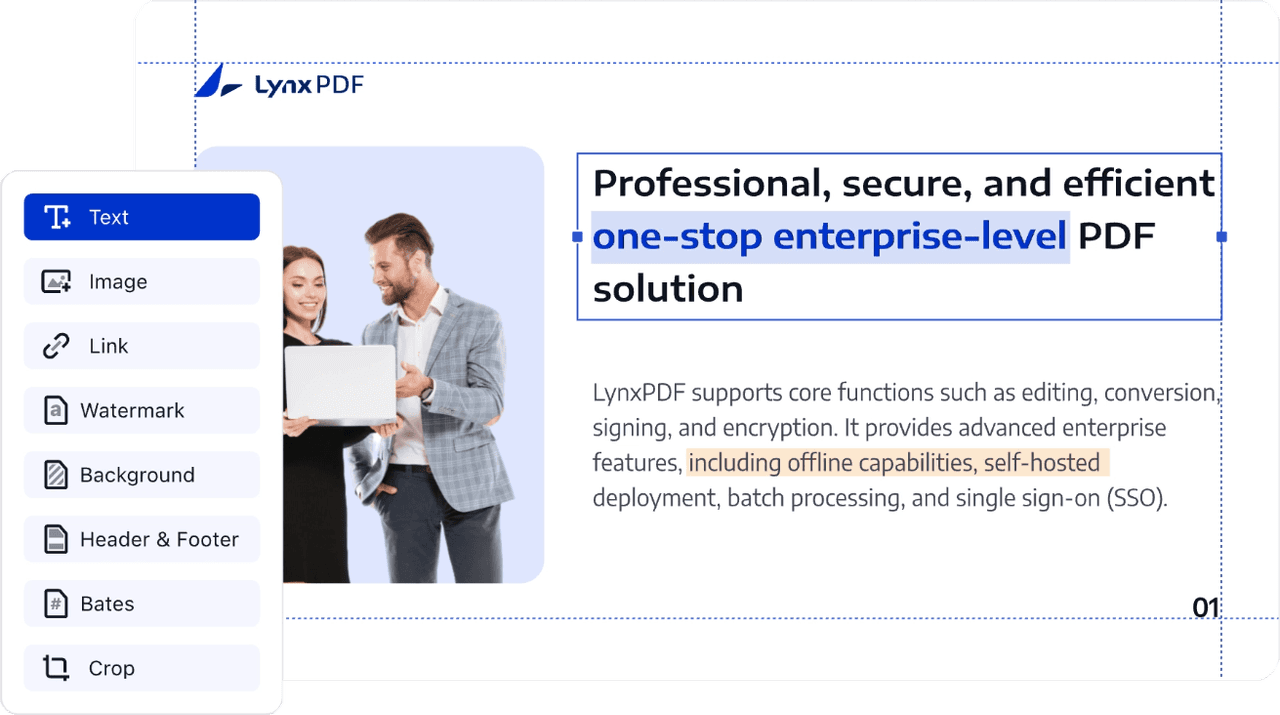
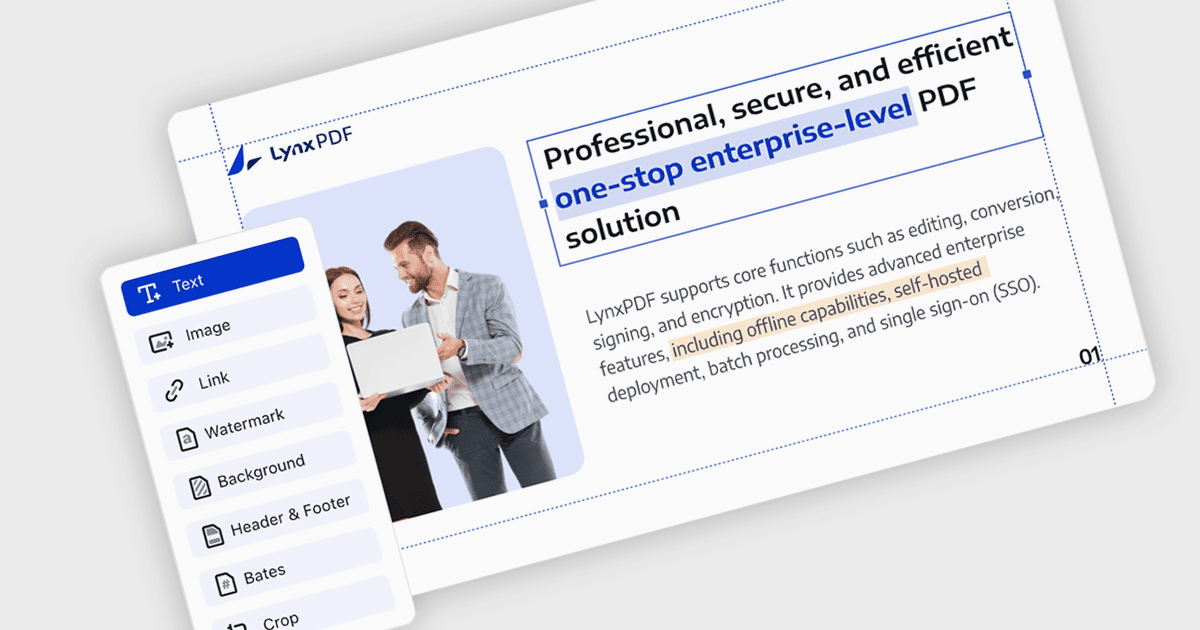
Modify text directly within PDFs, including font properties, color, size and alignment. LynxPDF also supports editing images and document elements such as links, headers and footers, helping users update existing files without recreating their original content.
Convert PDFs to and from a range of document and data formats, including common office, image and text formats. Conversion can preserve layouts, images, text and font properties, while batch processing supports workflows involving multiple documents.
Use optical character recognition (OCR) to turn scanned documents and image-based PDFs into searchable or editable content. LynxPDF can also extract tabular information from scans and provides image enhancement and deskewing capabilities to improve document clarity before recognition.
Manage PDF structure by inserting, deleting, rotating, splitting, replacing, combining, reordering and cropping pages. Users can also merge complete PDF documents or selected pages, making it easier to assemble and maintain files for different business and technical workflows.
Add highlights, underlines, freehand markings, shapes, notes, stamps and other annotations to PDF content. Review features also support replies to comments and measurement annotations, giving teams practical ways to communicate feedback and examine document content during review processes.
Create interactive PDF forms using elements such as text fields, check boxes, lists, buttons and signature fields. Users can also complete existing forms by entering text, selecting options and adding signatures, supporting structured collection and processing of document information.
Add electronic or digital signatures to documents, create customized signatures and stamps, and send signature requests to other participants. LynxPDF also supports tracking signing progress, changing signers or cancelling requests, with an audit trail available for electronic signature workflows.
Apply passwords and configure permissions to control actions such as copying, printing, signing, form filling, commenting and editing. LynxPDF also supports permanent redaction, watermarks, document flattening and batch encryption for managing sensitive PDF content and restricting unwanted changes.
Compare PDF documents to identify differences in text, images, annotations and styling. LynxPDF highlights detected changes and can generate a summary of differences, helping users examine revisions and understand how document content has changed between files.
Navigate PDF content with outlines and bookmarks, or use split view with synchronized scrolling to examine documents side by side. Reading mode hides interface elements when required, while slideshow functionality supports presenting PDF and PowerPoint content in presentation format.
Review the details below to ensure this product is supported within your environment.
ComponentSource partners with LynxPDF to provide a comprehensive PDF solution for creating, editing, converting, signing and securing digital documents.
LynxPDF is an enterprise PDF software brand from KDAN, a software company established in 2009 and headquartered in Tainan, Taiwan, with LynxPDF launched globally for enterprises in 2025. Its portfolio includes LynxPDF for Windows, Mac, iOS, Android and web, alongside an Admin Console for license management. The brand focuses on PDF editing, conversion, annotation, signing, form handling, OCR and document protection. Its products support organizations seeking flexible deployment, cross-platform document workflows, centralized administration and tools designed for secure business document management.

As official and authorized distributors since 2026, ComponentSource supplies you with legitimate licenses directly from LynxPDF.