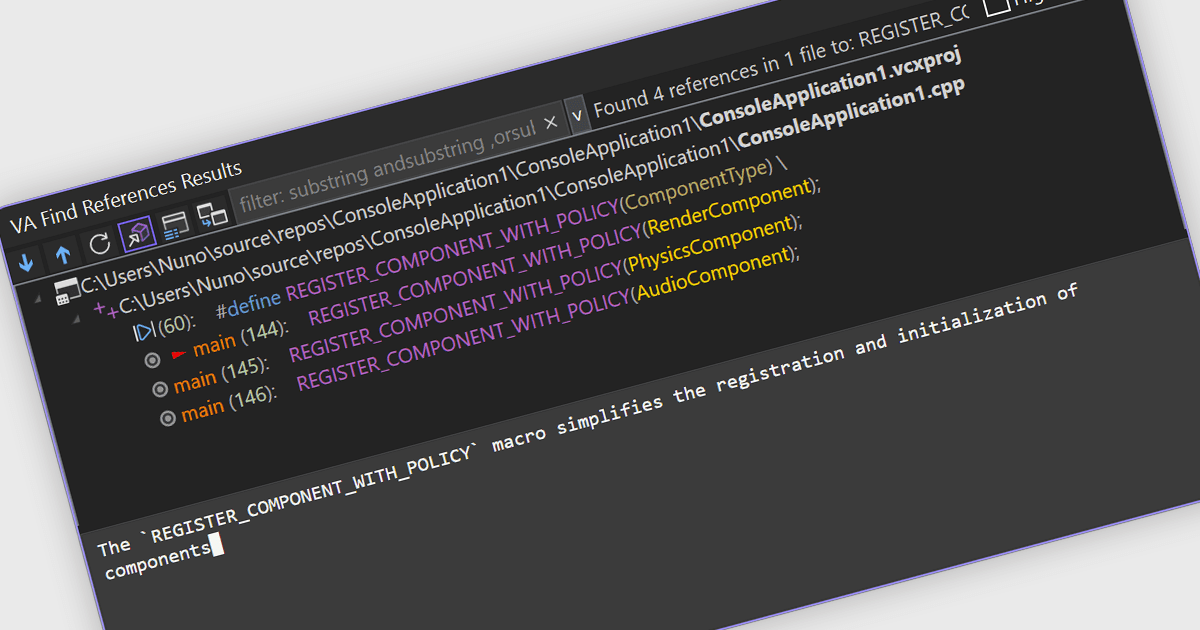
Speed Up Code Comprehension with Live AI Output
Visual Assist 2026.1 streams AI explanations as they’re generated, making complex responses feel faster and easier to follow from the start.
Visual Studio extension enhancing C++ and C# navigation and refactoring.

Prices from:
| Available individually | Our Price |
|---|---|
| Visual Assist | Loading |
Trial version available Contact us for a free trial
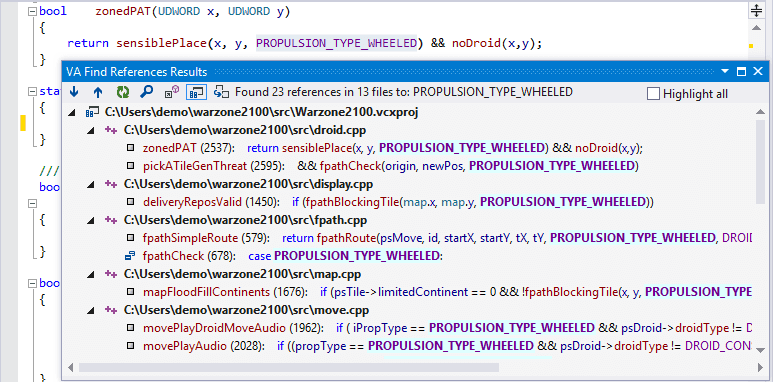
The extension provides navigation features that help developers move quickly through source code. Users can jump to definitions, locate references, and navigate between related symbols across a solution.
Visual Assist enhances code completion within the Visual Studio editor by providing context aware suggestions as developers write code. This functionality helps insert classes, functions, and variables more efficiently while reducing the time required to locate symbols in large projects.
The extension includes refactoring features that allow developers to reorganize source code while maintaining project consistency. Operations such as renaming symbols, extracting methods, and modifying function signatures automatically update related references across the solution.
Visual Assist analyzes source code to provide insight into symbols, types, and references throughout a project. These capabilities help developers understand relationships between code elements, making it easier to maintain and extend complex C++ and C# applications.
The extension includes search functionality that allows developers to locate symbols and references across the entire solution.
Developers can quickly move between declarations, definitions, and implementations within their source files.
The extension can generate common code constructs during development. Developers can create method implementations, add class members, or generate other code structures directly from the editor.
Visual Assist augments the IntelliSense capabilities of Visual Studio by providing additional symbol suggestions and contextual information during editing. This integration helps developers identify available functions, classes, and variables more efficiently.
The extension is designed to operate effectively with large and complex software projects. Its navigation, analysis, and search capabilities help developers explore extensive code repositories without losing visibility into project structure.
Review the details below to ensure this product is supported within your environment.
Visual Assist 2026.1 streams AI explanations as they’re generated, making complex responses feel faster and easier to follow from the start.
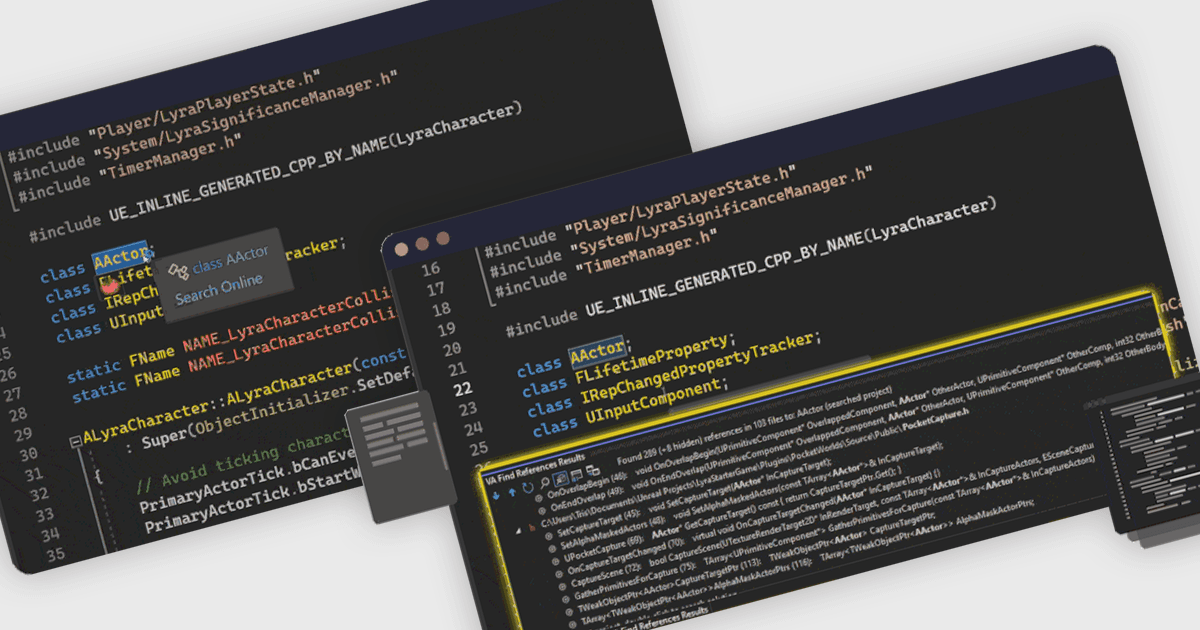
Visual Assist 2025.5 works seamlessly with Visual Studio 2026, preserving code productivity features as teams move to the newest IDE version.
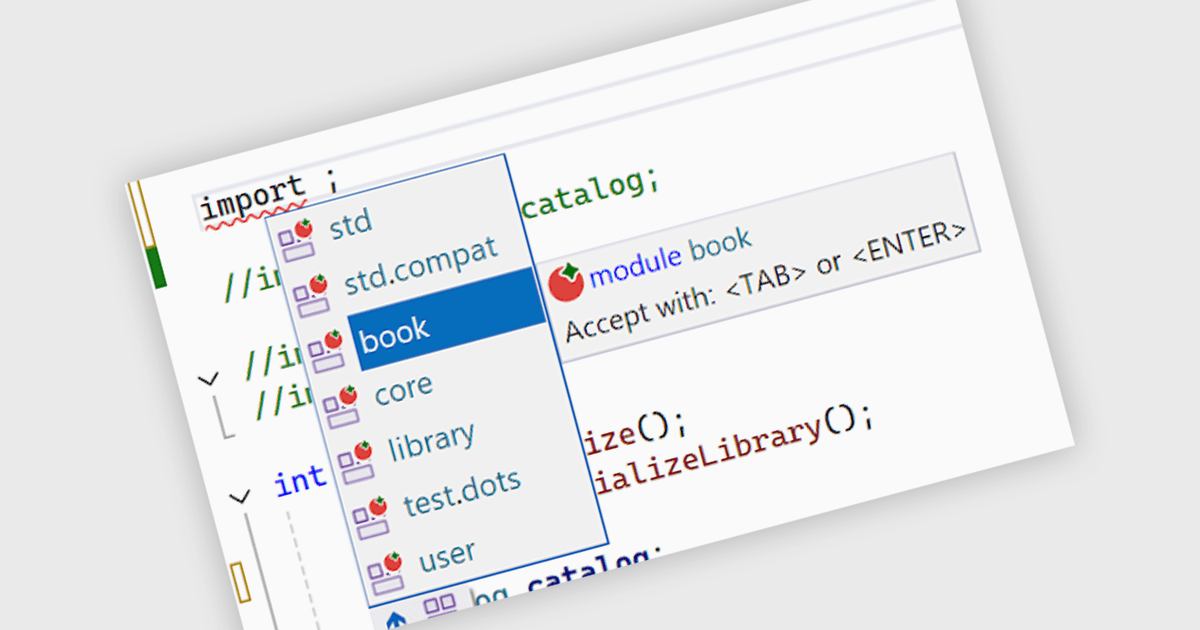
Visual Assist 2025.1 enhances support for C++ modules when importing, enabling core navigation to work with module declarations.
Whole Tomato Software, founded in 1997 and based in the United States, develops productivity tools for Microsoft Visual Studio. The company is best known for Visual Assist, an extension for C, C++, and C# developers that supports code navigation, refactoring, code generation, syntax highlighting, and coding assistance. Its tools are used by developers working with large codebases, including Visual Studio and Unreal Engine projects. Whole Tomato Software focuses on practical coding workflows, responsive performance, and ongoing compatibility with Microsoft development environments.
Learn more about Whole Tomato SoftwareExplore Whole Tomato Software products

As official and authorized distributors since 2022, ComponentSource supplies you with legitimate licenses directly from Whole Tomato Software.