Wijmo Angular Data Editors
Angular data input components for formatted, validated user entry.
- Provide typed editors for numeric, date, and text input.
- Apply formatting, masking, and validation rules declaratively.
- Integrate with Angular forms and data binding.

Prices from:
| Available in | |
|---|---|
| Wijmo | Loading |
| ComponentOne Studio Enterprise | Loading |
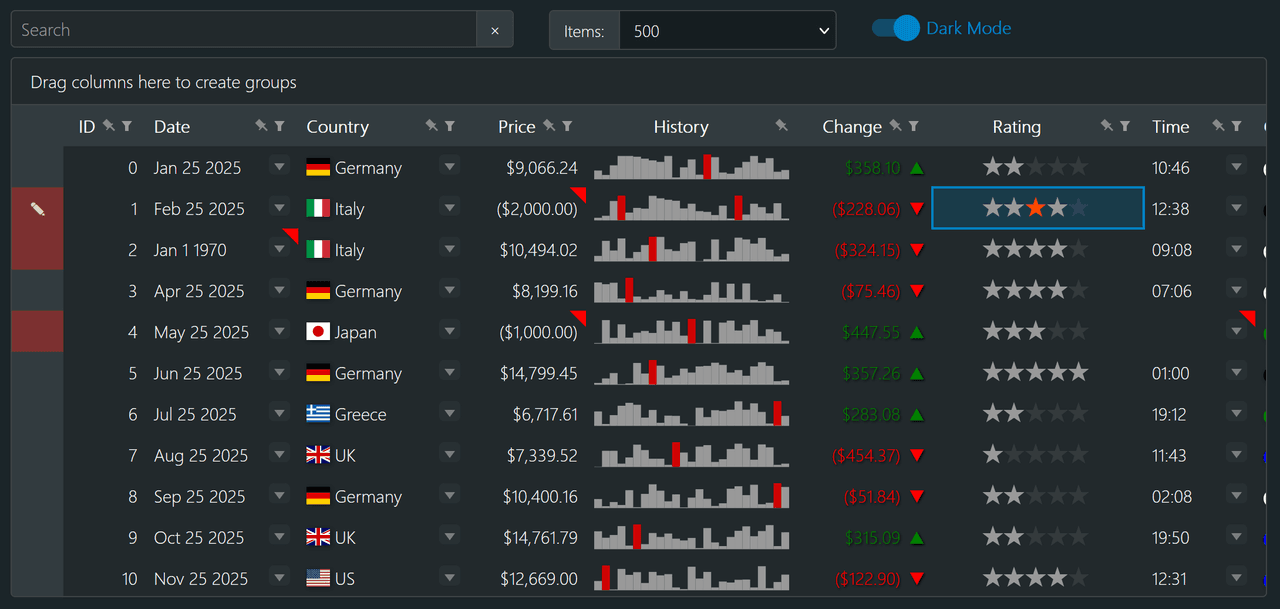
Numeric and Currency Input
Capture integer, decimal, and currency values with dedicated numeric input components. Configure minimum and maximum values, step increments, and display formats.
Date and Time Editors
Provide date and time input components with calendar and time selection interfaces. Control formatting, culture specific settings, and valid ranges to ensure accurate entry.
Masked Text Input
Define input masks for structured strings such as phone numbers, postal codes, or identification numbers. The mask enforces character patterns at the point of entry, reducing input errors and guiding users toward the expected format.
Auto Complete and Combo Editors
Offer editors that combine text input with selectable lists, enabling users to choose from predefined values or filtered suggestions.
Formatting and Parsing Rules
Apply display formats that differ from the underlying data representation. Editors parse user input into typed values and format them for presentation, ensuring consistency between what users see and the data stored in application models.
Validation Integration
Integrate with Angular forms and validation mechanisms to enforce required fields, range limits, and custom validation logic.
Keyboard and Accessibility Support
Support keyboard navigation and focus management for efficient data entry. Editors are designed to fit into accessible Angular applications, helping ensure that forms remain usable across different input methods and assistive technologies.
Product Compatibility
Review the details below to ensure this product is supported within your environment.
Component Type
- JavaScript
JavaScript Platform
- Angular
How to Buy
Available as part of Wijmo Enterprise, or ComponentOne Studio Enterprise.

- Included80+ JavaScript Controls
- Not included120+ WinForms Controls
- Not included100+ WPF Controls
- Not included30+ WinUI & .NET MAUI Controls
- Not included40+ ASP.NET MVC & Core Controls
- Not included40+ ASP.NET WebForms Controls
- Not included19+ Blazor Components
- Not includedData Services/Web API
- Enterprise Controls
- Not includedFinancialChart
- Not includedFlexSheet
- Not includedFlexPivot/OLAP
- Not includedFlexReport Designer
- Not includedReportViewer
- Additional Features
- Not includedIntelliSpell
- Not included2200+ Icons/Images

- Included80+ JavaScript Controls
- Included120+ WinForms Controls
- Included100+ WPF Controls
- Included30+ WinUI & .NET MAUI Controls
- Included40+ ASP.NET MVC & Core Controls
- Included40+ ASP.NET WebForms Controls
- Included19+ Blazor Components
- IncludedData Services/Web API
- Enterprise Controls
- IncludedFinancialChart
- IncludedFlexSheet
- IncludedFlexPivot/OLAP
- IncludedFlexReport Designer
- IncludedReportViewer
- Additional Features
- IncludedIntelliSpell
- Included2200+ Icons/Images
About MESCIUS
MESCIUS, formerly known as GrapeCity, is a leading developer-focused brand established in Japan, with a history spanning over 30 years. It is recognized for its extensive suite of software components, including reporting frameworks, spreadsheet libraries, and Japanese market-oriented input controls. Popular products such as ActiveReports, SPREAD, InputMan, and ComponentOne support both .NET and JavaScript ecosystems and are widely used in business-critical applications. MESCIUS offers distinctive advantages such as proven reliability, comprehensive Japanese localization, and strong technical support, making it a trusted choice for IT professionals and software developers building complex and localized systems.

As official and authorized distributors since 1996, ComponentSource supplies you with legitimate licenses directly from MESCIUS.