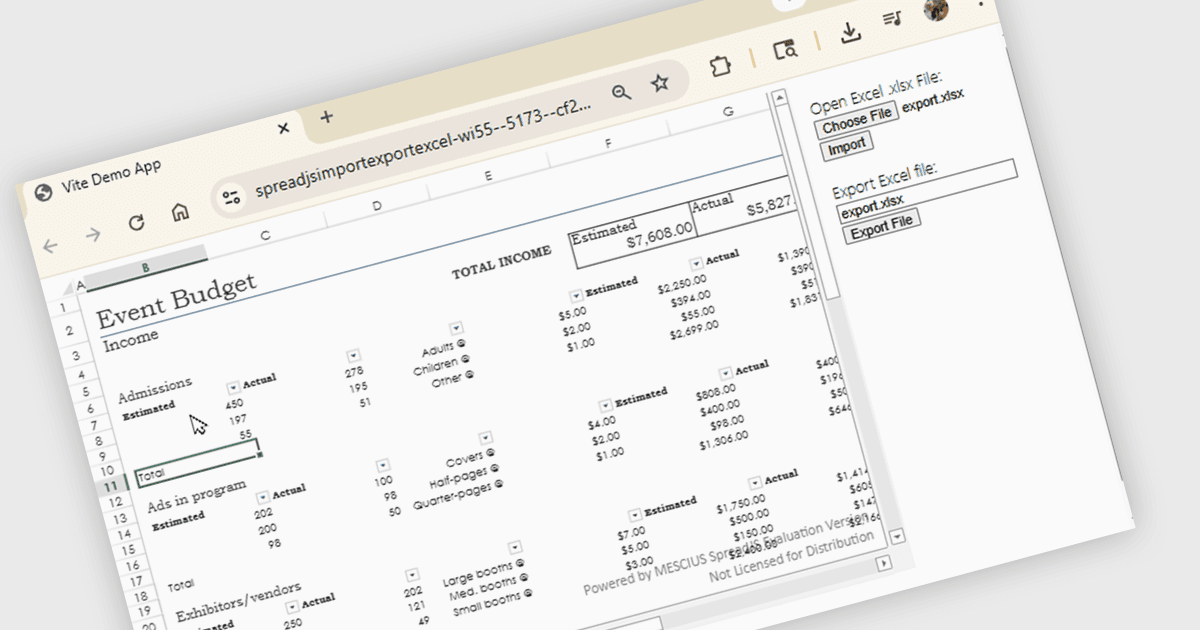
使用 JavaScript 导入和导出 Excel XLSX

4月 17, 2026
浏览此在线教程,学习如何使用 SpreadJS 在不安装 Excel 的情况下打开和保存电子表格。

继续用英语阅读:

SpreadJS is a complete enterprise JavaScript spreadsheet solution used to create financial reports and dashboards, budgeting and forecasting models, scientific, engineering, healthcare, education, science lab notebooks, and other similar JavaScript business applications. Leverage the high-speed calculation engine with over 500 Excel built-in functions in 19 languages, to deliver true Excel-like spreadsheet experiences with zero dependencies on Excel.

In this online tutorial from MESCIUS, you will learn the critical steps allowing you to import/export XLSX files using JavaScript. Steps include:

  • Set up the JavaScript Spreadsheet Project
  • Add Excel import code
  • Add Excel export code
  • Include extra features, such as Charts, Shapes, and PivotTables

Detailed sample code is included to help you along the way.

View the tutorial now and get started working with spreadsheet files in your JavaScript applications.

SpreadJS is licensed per developer and includes 1 Year Maintenance (major and minor version releases and unlimited support phone calls). SpreadJS requires an Annual or Perpetual Deployment License. The optional Add-ons are available at an additional cost, and require a SpreadJS license. See our SpreadJS licensing page for full details.

For more information, visit our SpreadJS product page.