
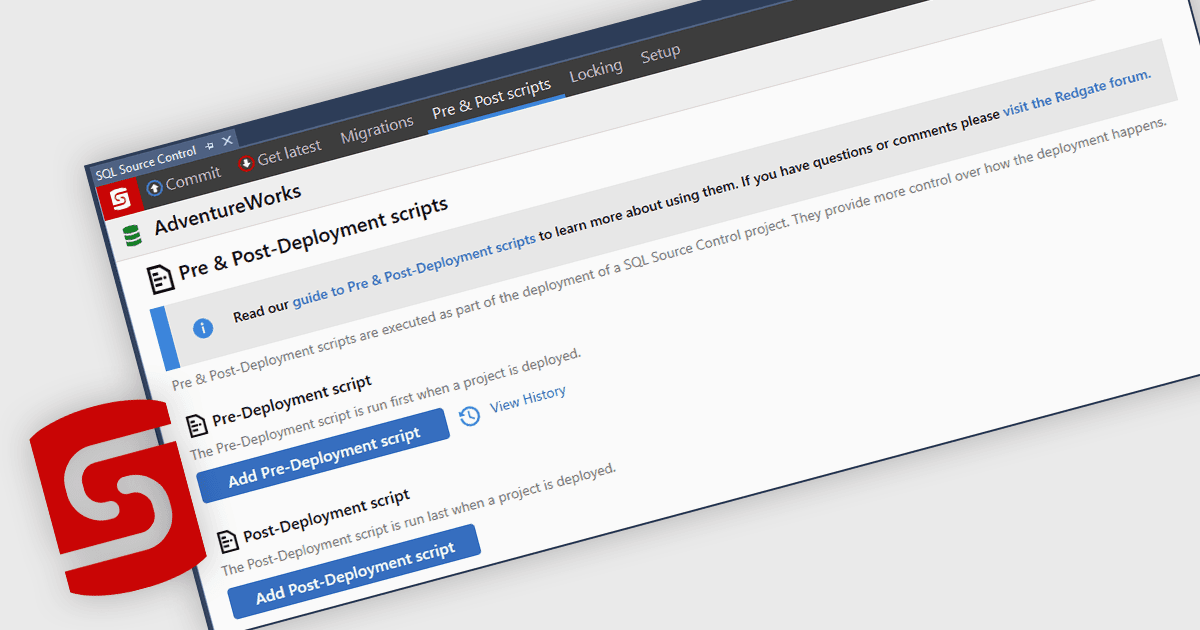
Automate Reliable SQL Deployment Changes
Feature HighlightVersion Control Tools
SQL Source Control automates pre- and post-deployment SQL scripts, ensuring consistent changes while reducing deployment risk.

Connect your SQL Server database to version control with ease.

Prices from:
| Available individually | Our Price |
|---|---|
| SQL Source Control | Loading |
| Also available in | |
|---|---|
| SQL Toolbelt Essentials | Loading |
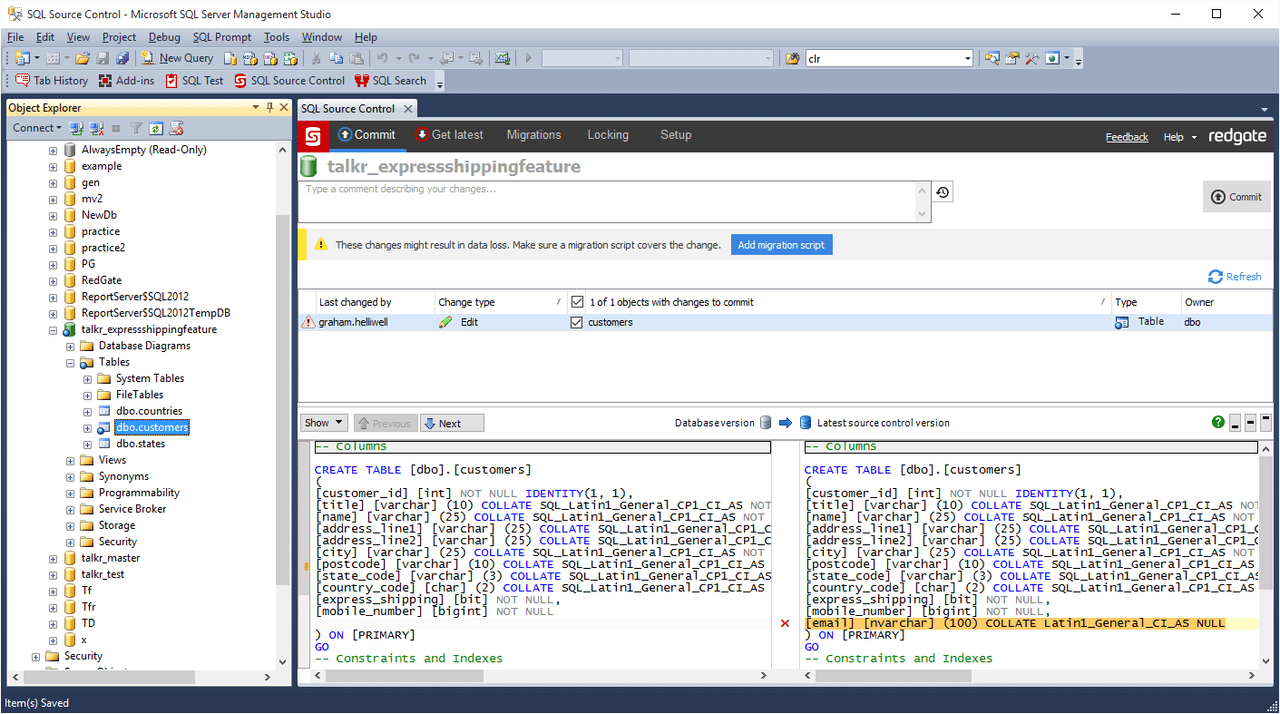
Users can version control both database schema objects and reference data, easily committing changes and updating team members with just a couple of clicks in Object Explorer.
The product records who made changes, when, and why, providing comprehensive change histories for each database object to aid collaboration and meet auditing requirements.
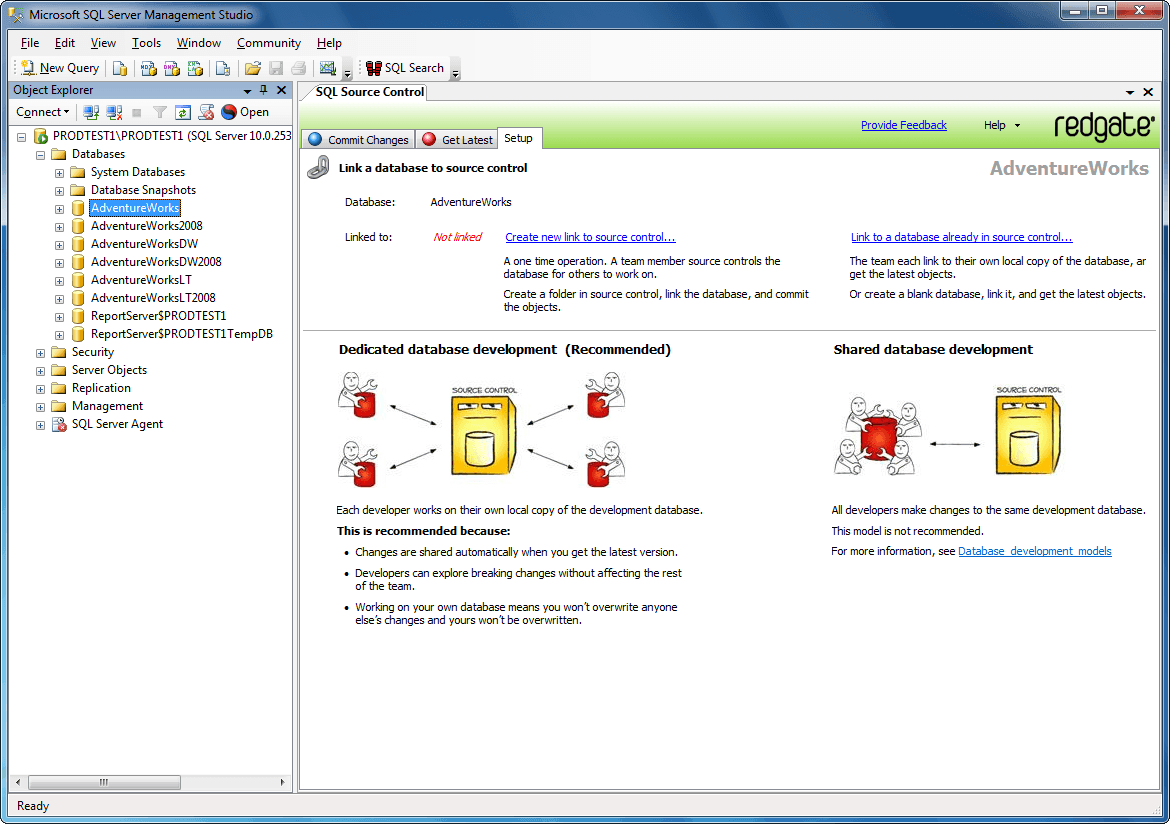
Supports working on shared central databases or local dedicated copies. Features object locking to avoid overwrite conflicts and keeps teams informed about ongoing changes.
Enables deploying database changes straight from the version control system using deployment scripts generated by compatible Redgate tools, reducing risks linked to incomplete or incorrect deployments.
Automatically manages the order of database changes and handles keys and constraints to ensure deployments preserve data integrity and consistency.
Allows users to exclude certain database objects by type, name, or ownership through filters, controlling which elements are shared with the team.
Works with popular version control systems including Git, Subversion, and Team Foundation Server, synchronizing repositories directly inside SSMS.
Provides simple tools for rolling back unwanted changes and resolving conflicts from within SSMS, fostering a safe environment for experimentation.
Manages SQL scripts to run before or after deployments, offering customization of deployment processes within the version-controlled environment.
Review the details below to ensure this product is supported within your environment.
Available individually or as part of SQL Toolbelt Essentials.
Feature HighlightVersion Control Tools
SQL Source Control automates pre- and post-deployment SQL scripts, ensuring consistent changes while reducing deployment risk.
Redgate Software, founded in 1999 and headquartered in Cambridge, UK, specializes in database management solutions trusted by more than 200,000 customers worldwide. It is recognized for enabling IT professionals and organizations to address the complexities of database DevOps across diverse environments. Popular products such as Redgate Flyway, Redgate Monitor, and Redgate Test Data Manager support efficient development cycles, data security, and high-quality releases. With a global presence and adoption by 92% of the Fortune 100, Redgate stands out for its commitment to simplifying database processes and supporting industry best practices.
Learn more about Redgate SoftwareExplore Redgate Software products

As official and authorized distributors since 2005, ComponentSource supplies you with legitimate licenses directly from Redgate Software.