

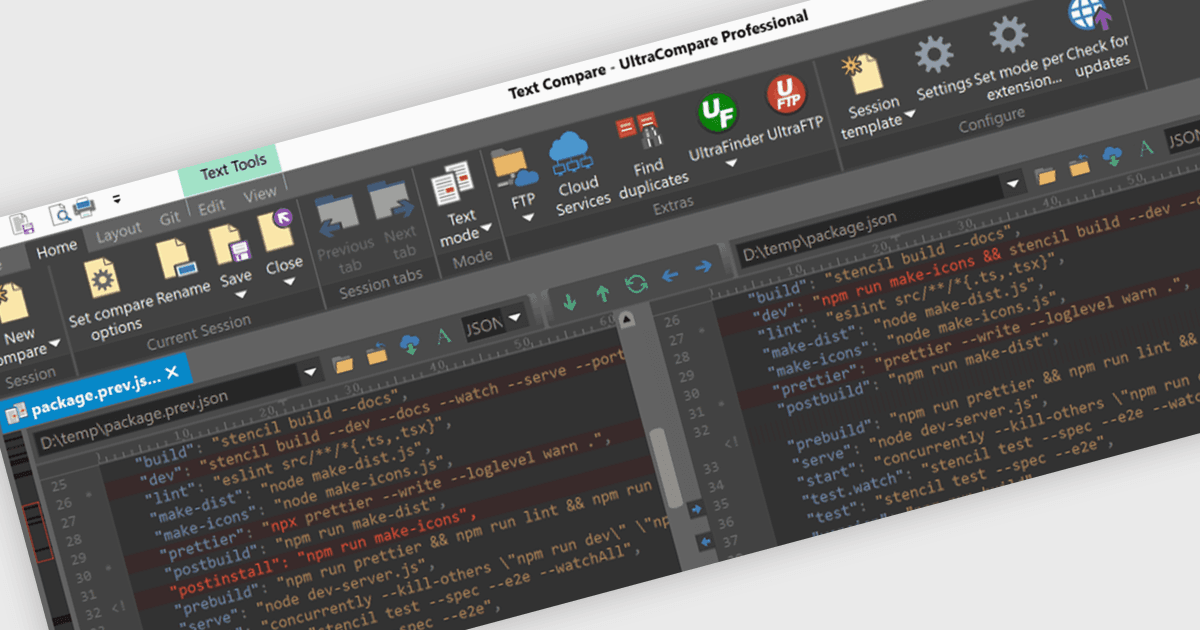
Compare Files Directly from the Cloud
Product UpdateFile Comparison Tools
UltraCompare 2024.0 lets you compare and merge files stored in Google Drive, OneDrive, Amazon S3, and DropBox without downloading.

Compare, merge, and sync files, folders, and structured documents.
Prices from:
| Available in | |
|---|---|
| UltraEdit Core | Loading |
| UltraEdit Enterprise | Loading |
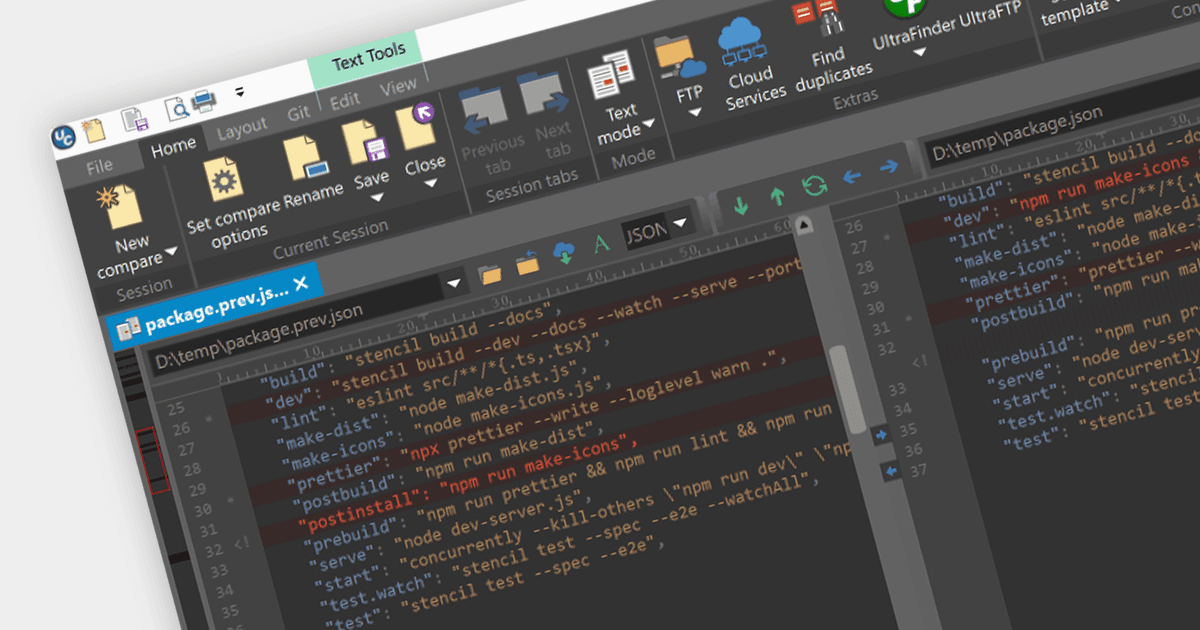
Compares two or three text files side by side and highlights differences visually. This helps users review revisions, inspect conflicts, and merge changes across multiple versions of source code, configuration files, and other text-based content.
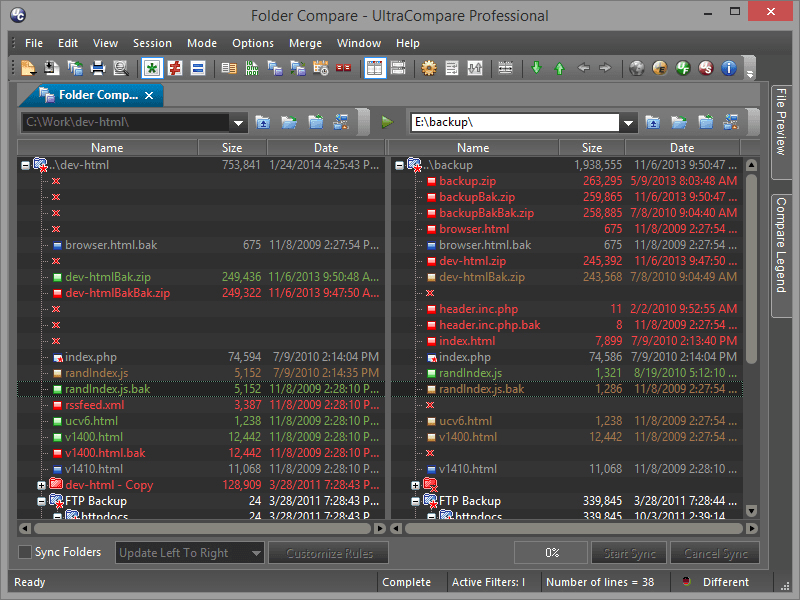
Supports comparison across individual files and entire folder structures. Users can identify changed, missing, or matching items across directories, making it easier to review releases, validate environments, and inspect project-level differences.
Includes folder sync capabilities for keeping directory structures aligned. This is useful when users need to reconcile local and remote file sets, review changes before synchronization, or maintain consistency between working and deployment locations.
Shows differences in Excel, CSV, and other tabulated data formats. It also supports working with cells, rows, columns, and multiple sheets, which helps teams review structured datasets, reports, and export files more effectively.
Provides document handling for Word, Excel, and PDF files within compare sessions. This allows users to inspect changes in common business and technical documents without switching to a separate comparison workflow for each file type.
Compares the contents of ZIP, RAR, and JAR archives directly, without requiring extraction for a normal file or folder compare. This helps users inspect packaged files and review archive changes as part of testing, release, and validation work.
Works over FTP connections, network shares, and connected drives, allowing users to compare local files and folders against remote content. This supports server review, deployment checks, and other workflows that depend on comparing distributed file locations.
Extends comparison beyond plain text with binary and hex compare support. This gives technical users a practical way to inspect low-level file differences when working with compiled outputs, packaged assets, or other non-text content.
Integrates with Git and supports use as a diff and merge application for repository workflows. This helps users compare versions, inspect branches, and resolve conflicts as part of everyday source control and code review tasks.
Supports saved sessions, drag and drop comparison, command line use, and duplicate file resolution. These features help users repeat common comparison tasks, launch reviews quickly, and fit file comparison into broader technical workflows.
Review the details below to ensure this product is supported within your environment.
UltraCompare is available as part of UltraEdit Core or UltraEdit Enterprise.
Pricing shown is for the Annual Subscription License. Perpetual licenses are available which come with 1 year of maintenance & updates which is renewable annually.
Product UpdateFile Comparison Tools
UltraCompare 2024.0 lets you compare and merge files stored in Google Drive, OneDrive, Amazon S3, and DropBox without downloading.
Product UpdateFile Comparison Tools
UltraCompare 2023.1 now allows you to compare the differences between files and merge into a new file, leaving the original files untouched.
UltraEdit, established in 1994 and based in the United States, is recognized for its high-performance text and code editor trusted by software developers, database administrators, and IT professionals worldwide. Its product family includes UltraEdit for powerful text, code, and hex editing; UltraCompare for file and folder comparison; UEStudio, an enhanced development environment; UltraFinder for rapid file searching; and UltraFTP, a secure FTP client. UltraEdit stands out for handling extremely large files, multi-platform support, integrated AI capabilities, and flexible licensing. Choosing UltraEdit enables reliable editing and management of complex data on Windows, Mac, and Linux.

As official and authorized distributors since 2013, ComponentSource supplies you with legitimate licenses directly from UltraEdit.