
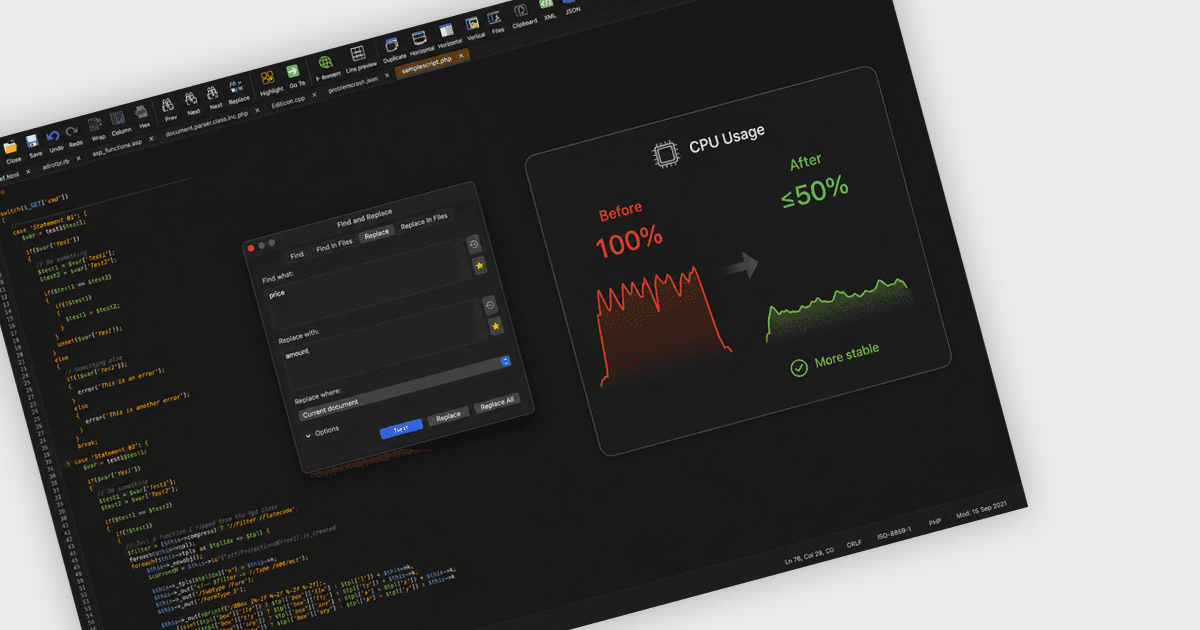
Improve Stability with Performance Optimizations
UltraEdit for macOS delivers greater stability, reduces CPU usage, and delivers a more reliable editing experience during demanding workloads.

Edit complex text and compare files, folders, and data.

Prices from:
| Available individually | Our Price |
|---|---|
| UltraEdit Core | Loading |
| Also available in | |
|---|---|
| UltraEdit Enterprise | Loading |
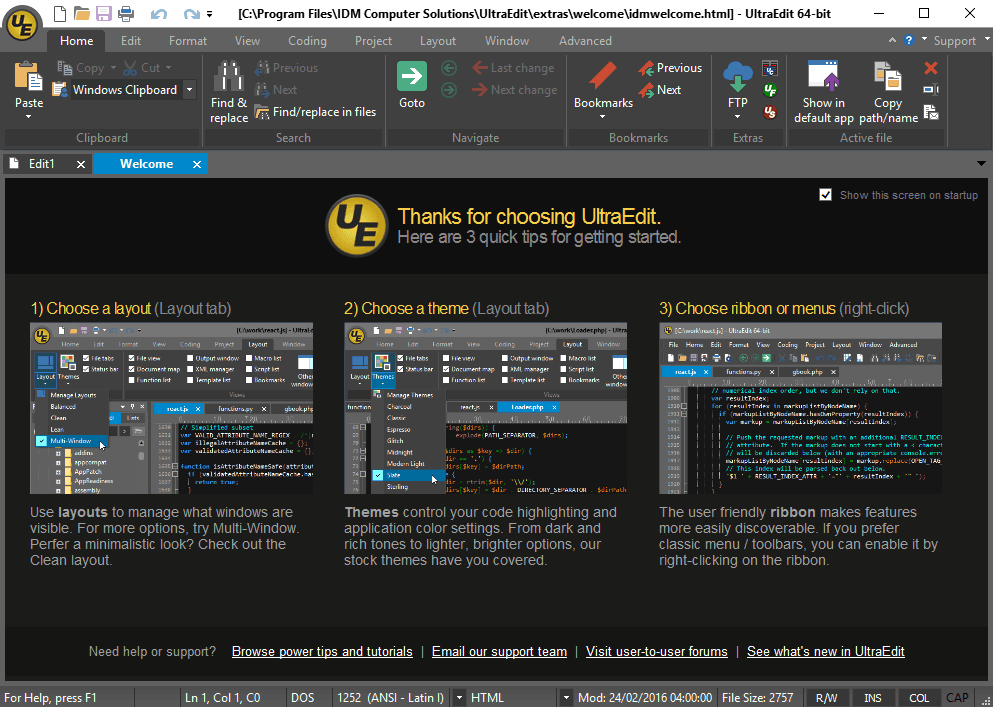
Provides a full-featured text editor for source code, configuration files, logs, and general-purpose text. It supports day-to-day editing as well as more demanding technical work where you need direct control over formatting, content structure, and file handling.
Supports work with very large files, making it suitable for data-heavy tasks such as log inspection, export review, and operations work. This helps teams open, search, and edit content that standard editors often struggle to handle comfortably.
Includes advanced search and replace across files and folders, with support for filters such as regular expressions. This helps users locate patterns, update repeated values, and investigate content across larger projects or distributed file collections.
Lets users edit along a vertical selection for tabular content, fixed-width text, and repeated code changes. This is useful when adjusting aligned data, modifying multiple lines at once, or cleaning up structured text without manual line-by-line edits.
Supports work with remote files and servers through integrated connection options such as FTP, SSH, and Telnet. This allows users to edit and inspect content on connected systems without breaking out into separate applications for routine tasks.
Includes functionality for code-focused and markup-heavy workflows, including syntax highlighting, code formatting, XML handling, and live preview for HTML and Markdown. This helps developers and technical users work more effectively with source files and structured documents.
Adds visual comparison and merge capabilities for files, including two-way and three-way comparison workflows. This helps users review revisions, inspect differences, and resolve merge conflicts when working with changing code, documents, or exported data.
Compares entire folders to identify changed, missing, or matching files, and supports sync and merge operations across directory structures. It can also work over FTP connections and network shares, which is useful for deployment checks and environment validation.
Supports comparison of Excel, CSV, PDF, Word, and other tabulated or document-based content. This helps teams review differences in rows, columns, sheets, and documents when working with reports, data exports, and other structured business files.
Extends comparison beyond plain text to include binary or hex data and common archive formats such as ZIP, RAR, and JAR. This gives technical teams broader coverage when validating packaged assets, inspecting file changes, or reviewing non-text content.
Review the details below to ensure this product is supported within your environment.
Available individually and as part of UltraEdit Enterprise.
Pricing shown is for the Annual Subscription License. Perpetual licenses are available which come with 1 year of maintenance & updates which is renewable annually.


UltraEdit for macOS delivers greater stability, reduces CPU usage, and delivers a more reliable editing experience during demanding workloads.
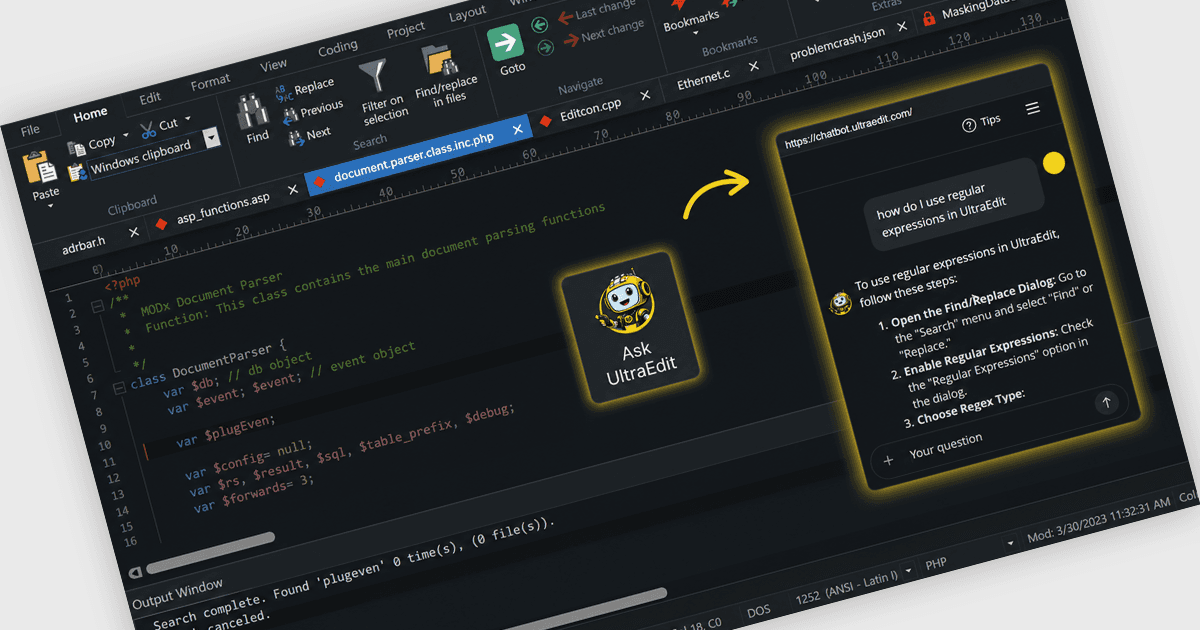
UltraEdit 2026.0 adds a built in AI assistant that helps users find features faster, learn workflows, and complete editing tasks more efficiently.
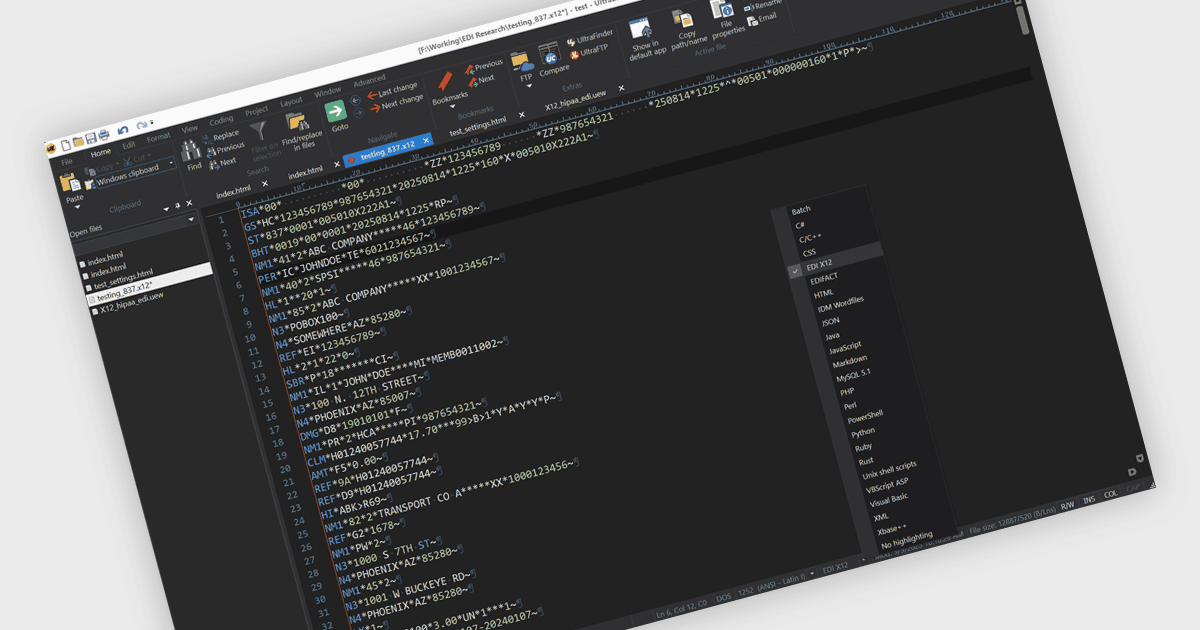
UltraEdit 2025.1 simplifies EDI file handling with automatic syntax recognition, US and international standards, and zero setup required.
UltraEdit, established in 1994 and based in the United States, is recognized for its high-performance text and code editor trusted by software developers, database administrators, and IT professionals worldwide. Its product family includes UltraEdit for powerful text, code, and hex editing; UltraCompare for file and folder comparison; UEStudio, an enhanced development environment; UltraFinder for rapid file searching; and UltraFTP, a secure FTP client. UltraEdit stands out for handling extremely large files, multi-platform support, integrated AI capabilities, and flexible licensing. Choosing UltraEdit enables reliable editing and management of complex data on Windows, Mac, and Linux.

As official and authorized distributors since 2013, ComponentSource supplies you with legitimate licenses directly from UltraEdit.