Estructura tus datos para tomar decisiones más inteligentes
Los componentes de cuadrícula con funciones avanzadas de visualización ayudan a los usuarios a comprender datos complejos al organizar y resumir la información.
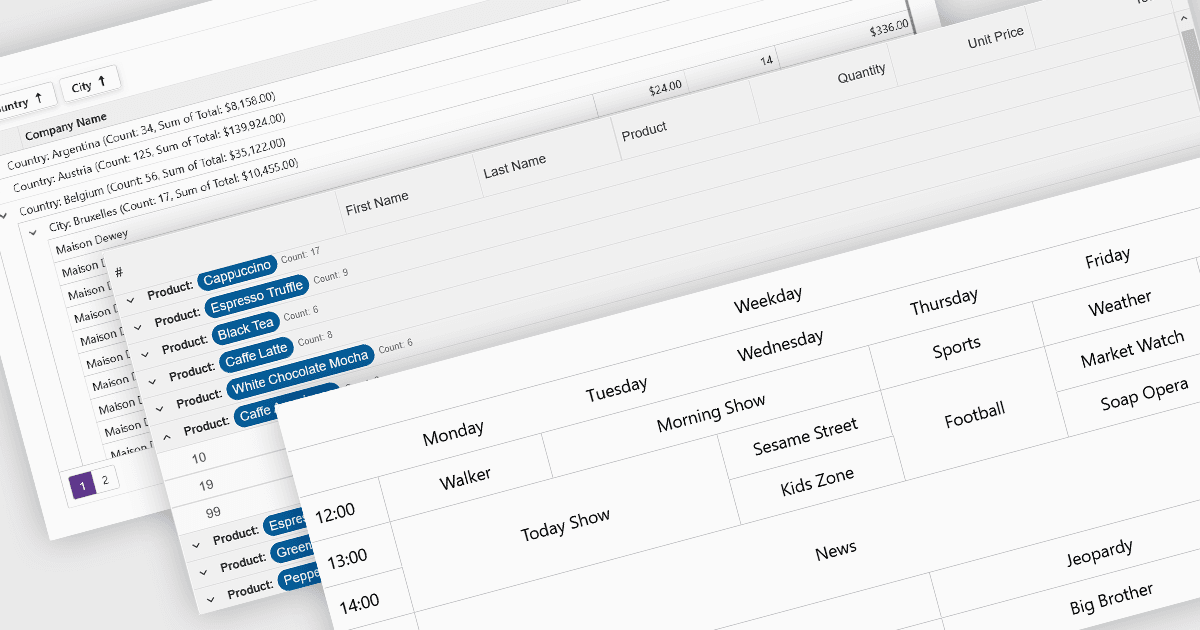
Las funciones de visualización y análisis de datos en los componentes de cuadrícula transforman los datos tabulares sin procesar en formatos estructurados e interpretables que permiten obtener información más rápida y tomar decisiones. Estas funciones van más allá de la visualización estática y ofrecen formas dinámicas de organizar, resumir y explorar datos directamente dentro de la interfaz de la cuadrícula, convirtiéndola en una herramienta poderosa tanto para los usuarios finales como para los analistas.
Las funciones habituales incluyen:
- Agregación calcula totales, promedios u otras métricas entre filas para resaltar tendencias de un vistazo.
- Agrupación permite organizar filas mediante valores de campos compartidos, lo que facilita la navegación y la comparación de conjuntos de datos grandes.
- Profundización permite a los usuarios explorar los detalles subyacentes expandiendo datos agrupados o filas enlazadas, proporcionando una vista por capas de conjuntos de datos complejos.
- Combinación de celdas ayuda a consolidar visualmente valores o encabezados repetitivos, mejorando la legibilidad y reduciendo el desorden.
- Información sobre herramientas ofrece información sensible al contexto al pasar el cursor, ayudando a los usuarios a comprender los datos sin saturar la cuadrícula con etiquetas visibles.
Para un análisis en profundidad de las funciones y el precio, visita nuestra comparación de componentes de cuadrícula de Blazor.
Explora las funciones de visualización y análisis de datos de Blazor