













Proveedor oficial
Como distribuidores oficiales y autorizados, le suministramos licencias legítimas directamente de más de 200 editores de software.
Ver todas nuestras marcas.
Continuar leyendo en inglés:
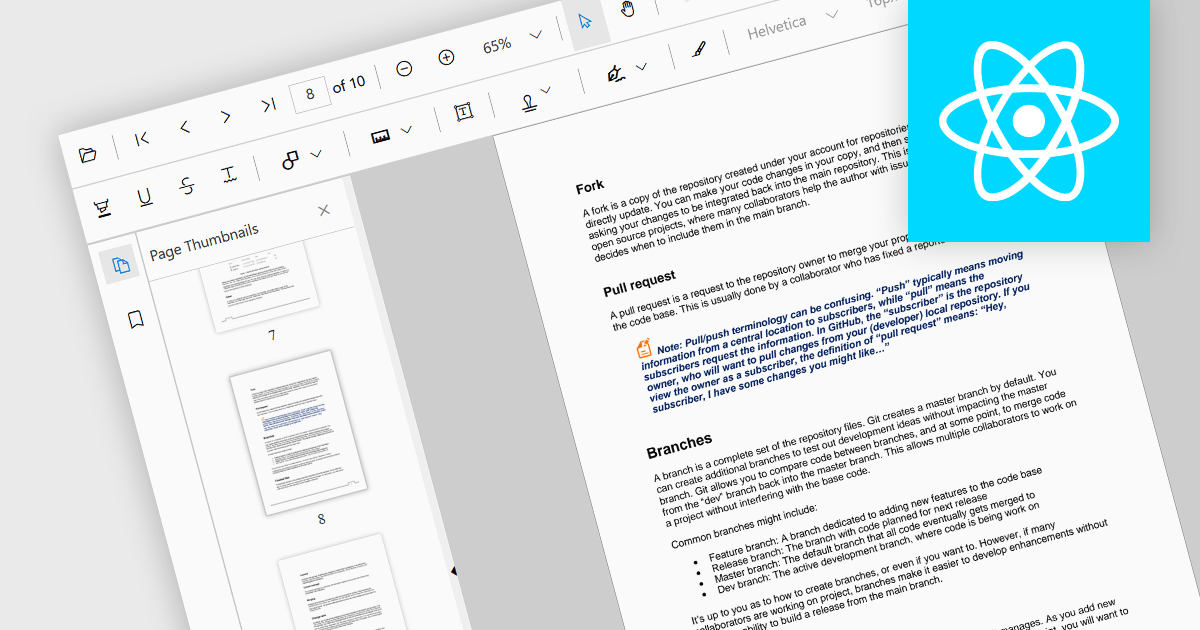
Thumbnail navigation is a feature often found in a PDF viewer that displays miniature representations of each page of the PDF file, typically in a side panel or dedicated section, that users can scroll through and navigate to the desired page by clicking on the relevant preview image. This functionality assists with identifying content layout and structure at a glance. By allowing users to visually scan through and select a specific page it simplifies the process of locating content at speed, especially in long or detailed files, and without having to scroll or use search functions.
Several React PDF viewer components offer thumbnail navigation, including:
For an in-depth analysis of features and price, visit our comparison of React PDF viewer components.
Tel: (888) 850 9911
Fax: +1 770 250 6199


