













Proveedor oficial
Como distribuidores oficiales y autorizados, le suministramos licencias legítimas directamente de más de 200 editores de software.
Ver todas nuestras marcas.
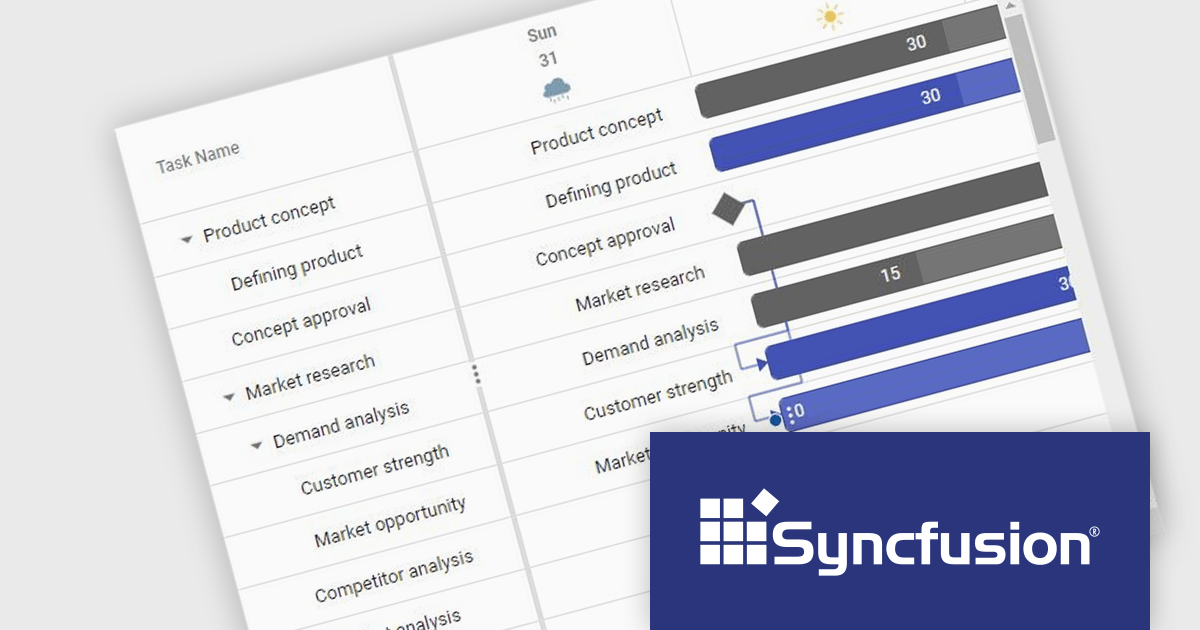
Syncfusion Essential Studio JavaScript, available as part of Syncfusion Essential Studio Enterprise, is a comprehensive UI library offering over 80 high-performance, lightweight, and responsive components to transform your web apps. Built from scratch with TypeScript, it boasts modularity and touch-friendliness, letting you pick and choose specific features while ensuring smooth mobile interaction. With rich themes, global accessibility features, and extensive documentation, it powers everything from basic buttons to interactive charts and data grids, simplifying front-end development across JavaScript, Angular, React, and Vue.
The Syncfusion Essential Studio JavaScript 2024 Volume 2 (26.1.35) release adds a new Timeline template feature to the Gantt control. This feature allows you to customize the appearance of timeline cells by using templates. You can now display images, buttons, or other custom content within timeline cells, making your Gantt chart more informative and visually appealing.
To see a full list of what's new in 2024 Volume 2 (26.1.35), see our release notes.
Syncfusion Essential Studio JavaScript is available as part of Syncfusion Essential Studio Enterprise which is licensed per developer starting with a Team License of up to five developers. It is available as a 12 Month Timed Subscription License which includes support and maintenance. See our Syncfusion Essential Studio Enterprise licensing page for full details.
Learn more on our Syncfusion Essential Studio JavaScript product page.

ONLYOFFICE Docs is a comprehensive online editor, allowing users to create text documents, spreadsheets, presentations, and forms. It enables your users to edit, share, and collaborate on documents online in their preferred browser, within your own application. It's fully compatible with OOXML (Office Open XML) formats and supports popular Microsoft Office and other document formats such as CSV, DOC, DOCX, EPUB, HTML, ODP, ODS, ODT, PDF, PPT, PPTX, RTF, TXT, XLS, and XLSX.
The ONLYOFFICE Docs v8.1.0 update enhances the native PDF editor with text editing capability. This new feature improves the workflow for developers integrating ONLYOFFICE Docs into their applications. It allows them to directly edit text within PDF files, ensuring an improved user experience for seamless content modifications, without the need for external tools. This update provides a more integrated and streamlined approach to document editing, catering to the needs of developers seeking robust and reliable PDF editing capabilities within their software solutions.
To see a full list of what's new in v8.1.0, see our release notes.
ONLYOFFICE Docs is licensed by the number of simultaneous document connections and is available as an annual license with 1 year support and upgrades. See our ONLYOFFICE Docs licensing page for full details.
For more information, see our ONLYOFFICE Docs product page.
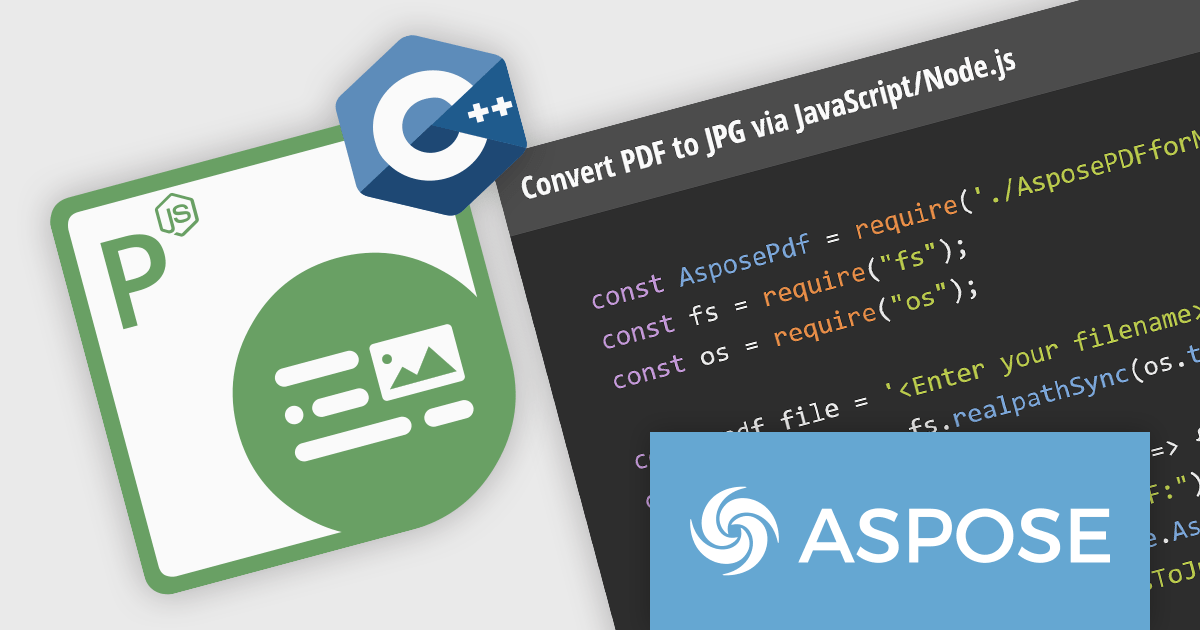
Aspose.PDF for Node.js via C++ empowers developers to leverage the functionality of Aspose.PDF for C++ within their Node.js applications. This bridge library, built on WebAssembly technology, grants Node.js environments the ability to manipulate PDF documents directly on the web server. It provides a comprehensive suite of features for working with PDFs, including creation, editing, merging, splitting, and conversion to various formats.
This solution unlocks a multitude of benefits for Node.js developers. Aspose.PDF for Node.js via C++ streamlines the process of generating complex PDF documents on the server-side, eliminating the need for browser-based rendering. It also facilitates seamless PDF manipulation within Node.js applications, enabling developers to integrate functionalities like form filling, watermarking, and security management directly into their workflows. This translates to enhanced flexibility, performance, and control over PDF processing within Node.js.
Aspose.PDF for Node.js via C++ is offered as Developer Small Business, Developer OEM, Developer SDK, Site Small Business, Site OEM, and Site SDK licenses catering to a range of business needs. Licenses are perpetual, and include 1 year of support and maintenance. Subscription renewals are also available. See our Aspose.PDF for Node.js via C++ licensing page for full details.
Aspose.PDF for Node.js via C++ is available in the following products:
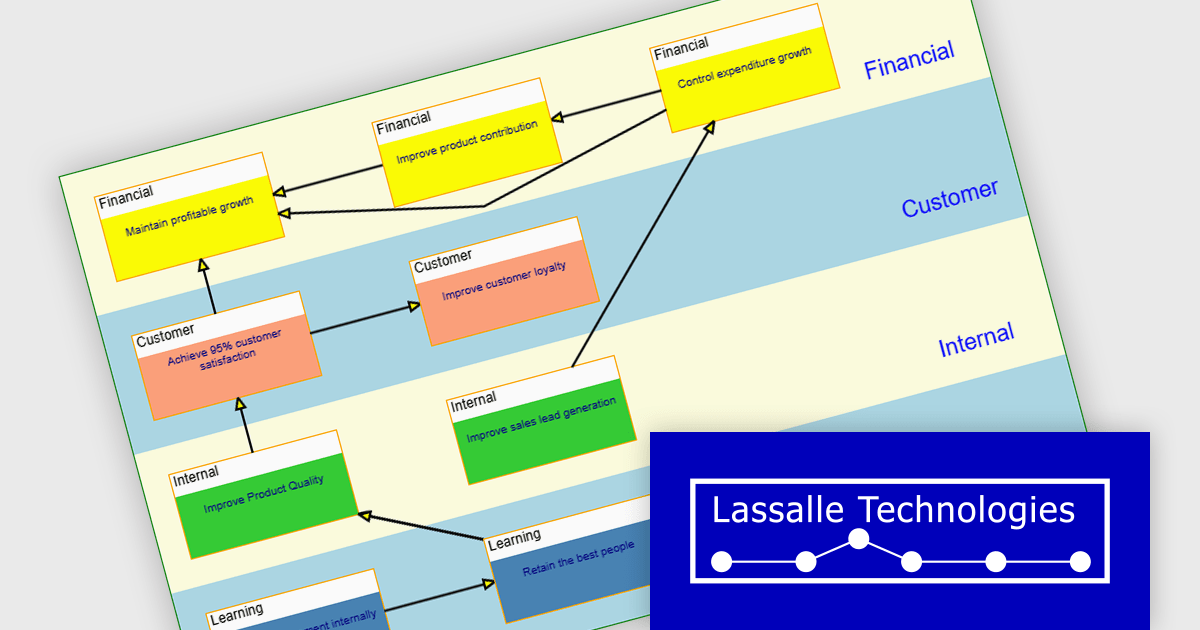
AddFlow Script by Lassalle Technologies is a web-based diagramming component designed for web developers. It empowers users to create interactive flowcharts directly within JavaScript or TypeScript applications. This versatile component allows for the programmatic or interactive generation of two-dimensional diagrams which consist of connected nodes and links.
Primary benefits of AddFlow Script include its ease of use and comprehensive customization options. Due to its lightweight design and royalty-free runtime distribution, developers can seamlessly integrate this flowchart functionality into their web applications. This allows developers to creating a wide range of visualizations, including workflow diagrams, database structures, communication networks, and even quality control charts. Essentially, any process or system that can be broken down into steps and connections can be effectively represented using AddFlow Script.
AddFlow Script is licensed per developer and is runtime royalty free. Site and Enterprise License options are also available. See our AddFlow Script licensing page for full details.
Learn more on our AddFlow Script product page.
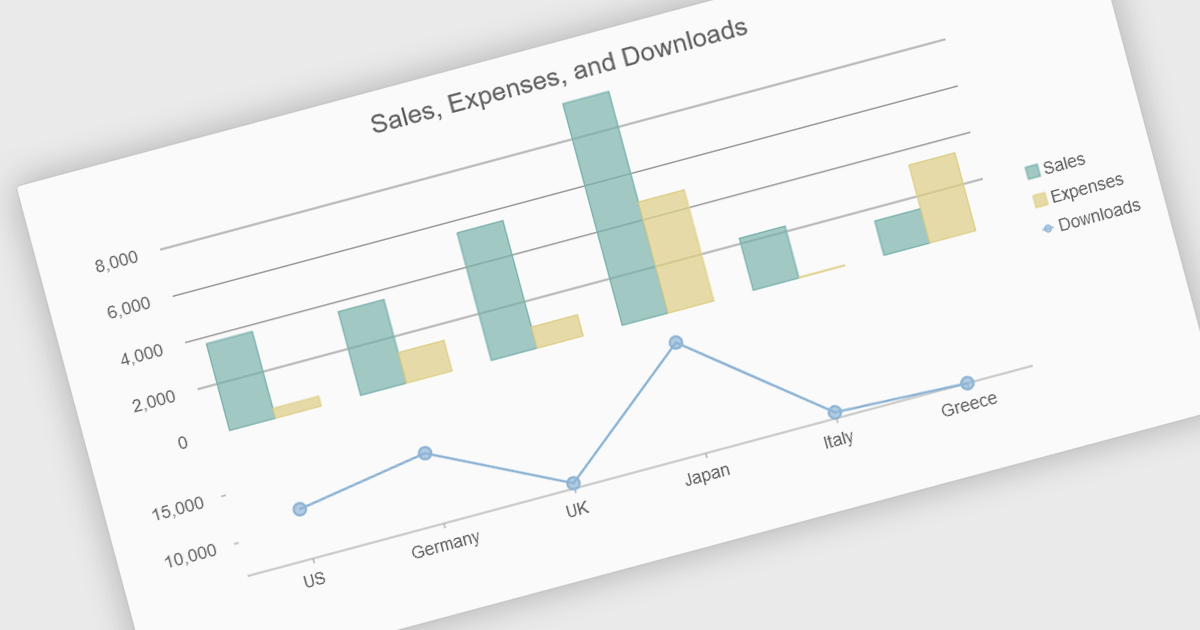
Combination charts (also known as combo charts) are visualizations that integrate multiple chart types, such as bar, line, and area charts, within a single display. This approach allows developers to show varied data sets and relationships in a cohesive, comprehensive manner, facilitating more nuanced data analysis and comparison. The primary benefits include their ability to convey complex information efficiently, their flexibility in showcasing different data trends simultaneously, and their enhanced readability for end-users who need to interpret diverse metrics at a glance. This versatility makes combination charts an invaluable tool for presenting multifaceted data insights in dynamic, interactive web applications.
Several JavaScript / HTML5 chart controls offer combination charts including:
For an in-depth analysis of features and price, visit our comparison of JavaScript / HTML5 Chart Controls.
Tel: (888) 850 9911
Fax: +1 770 250 6199


