Noticias sobre .NET 8 Blazor

Mejore la edición de texto con flexibilidad y eficiencia

Julio 24, 2024
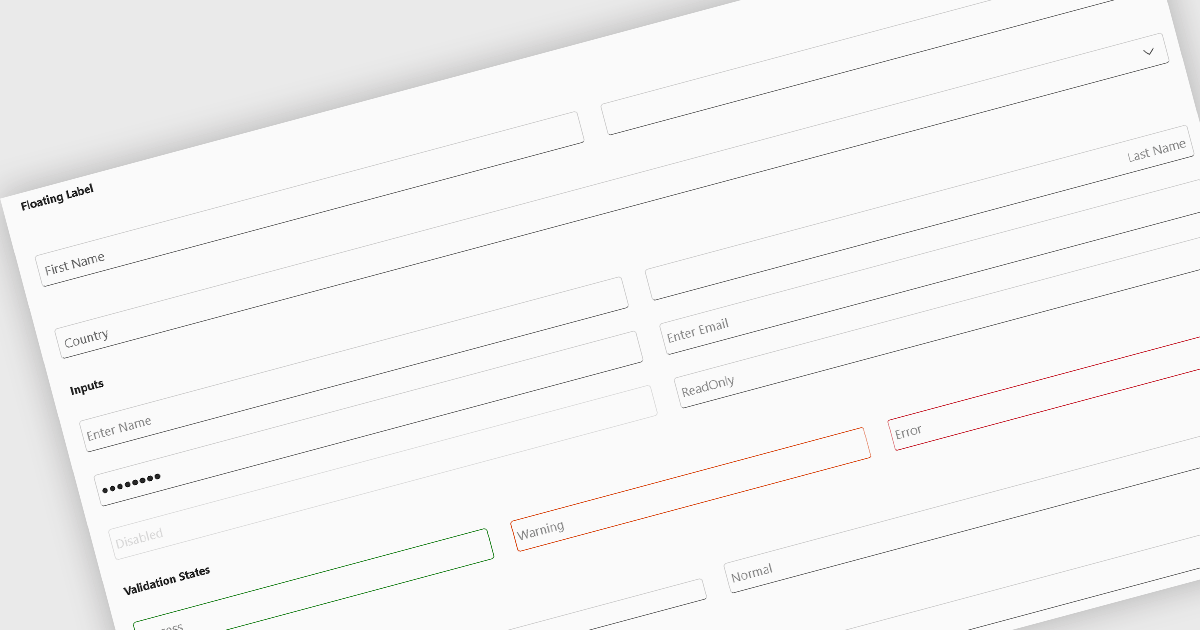
Los cuadros de texto proporcionan una forma clara y concisa para que los usuarios introduzcan y editen texto, lo que facilita la entrada de datos para tareas como rellenar formularios y buscar información.

Text box components, also known as text fields, are essential elements allowing users to input and edit text within a user interface. They play a crucial role in forms and dialogs by facilitating data entry, improving user experience through clear labeling and validation, and ultimately enabling users to interact and provide information to the system.

Several Blazor data editor collections offer text box components including:

For an in-depth analysis of features and price, visit our Blazor data editors comparison.
Compare Blazor Data Editors

Represente visualmente las etapas de un proceso

Julio 22, 2024
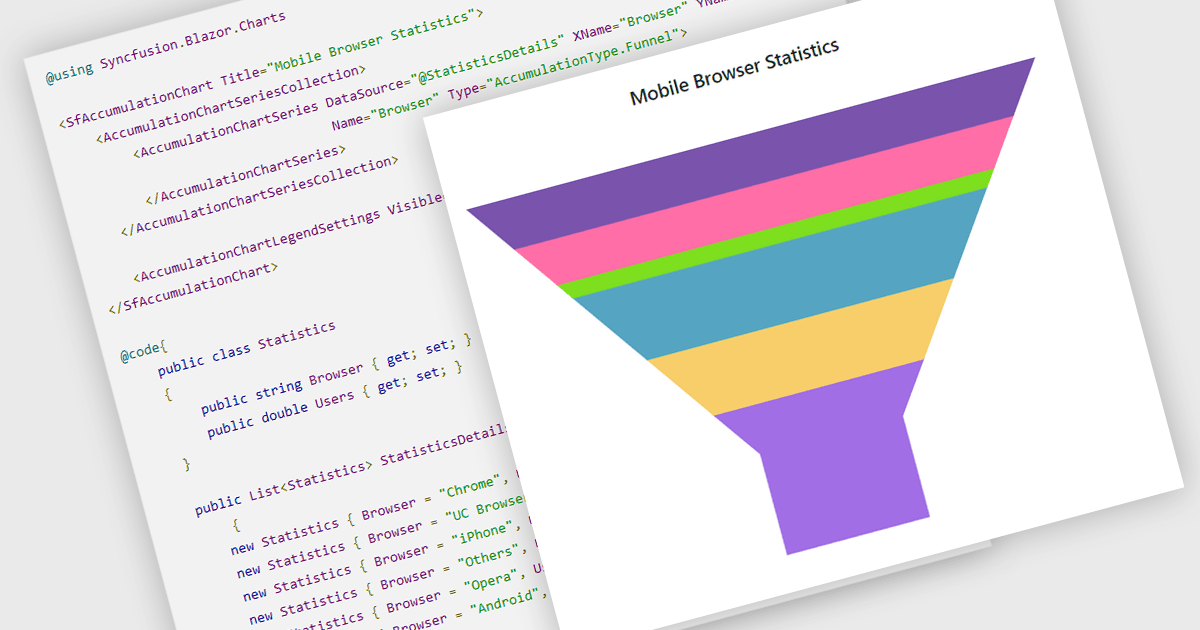
Utilice gráficos de embudo para analizar procesos de ventas, tasas de conversión de clientes o flujos de visitantes de sitios web, identificando cuellos de botella y optimizando la eficiencia.

Funnel charts are a type of data visualization that depicts data in a linear process that often narrows down at each stage, resembling a funnel. They are especially useful for emphasizing steps in a process, displaying drop-off rates, and finding bottlenecks in workflows. Funnel charts are useful because they visually show the continual reduction of data throughout phases, providing clear insights into conversion rates and process efficiency. This enables engineers and business analysts to quickly find areas for improvement, optimize procedures, and create more accurate data-driven decisions.

Several .NET Blazor chart controls offer funnel charts including:

  • ComponentOne Charts for Blazor (part of ComponentOne Blazor Edition by MESCIUS) includes funnel charts to visualize sequential stages in a process such as order fulfillment.
  • Infragistics Blazor Charts (part of Infragistics Ignite UI) allows you to represent linear data processes with funnel charts, pinpointing critical areas for process improvement.
  • Syncfusion Blazor Charts (part of Syncfusion Essential Studio Enterprise) enables clear visualization of conversion rates using funnel charts, aiding in optimizing workflows.
  • Smart UI Blazor Chart (part of Smart UI by Smart HTML Elements) lets you effectively display funnel-shaped data progressions, providing insights into phases of a process.

For an in-depth analysis of features and price, visit our .NET Blazor chart controls comparison.
Compare .NET Blazor Chart controls

Divida grandes conjuntos de datos en páginas más manejables

Julio 19, 2024
Al cargar datos en fragmentos más pequeños, la paginación reduce el tiempo de carga inicial y mejora la capacidad de respuesta, especialmente con conjuntos de datos extensos.

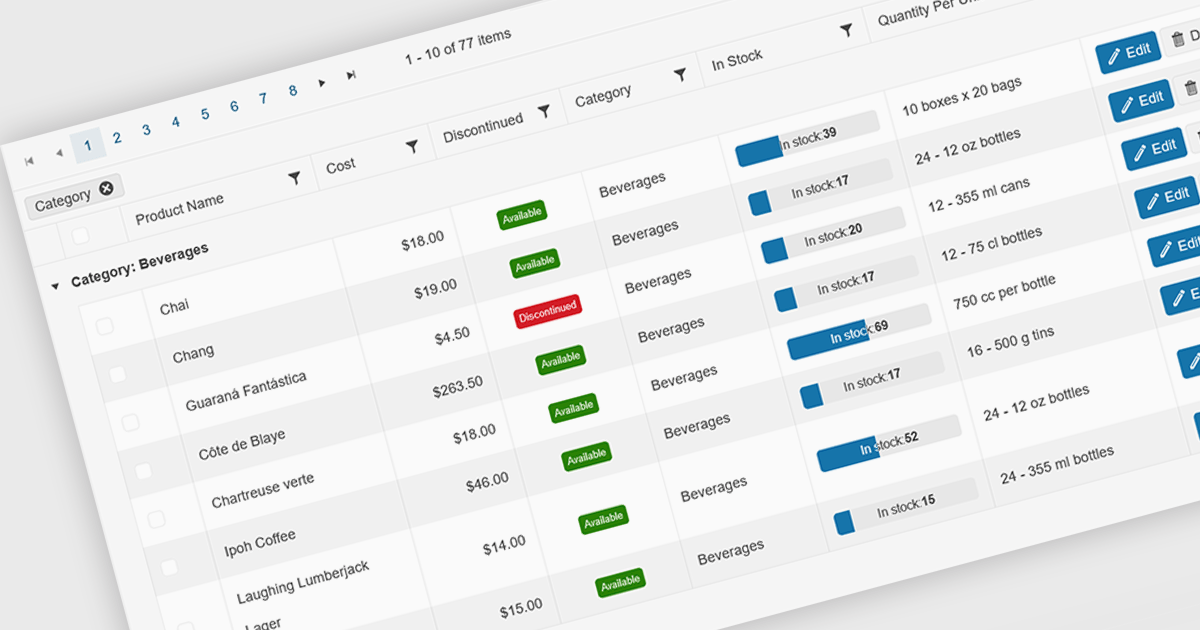
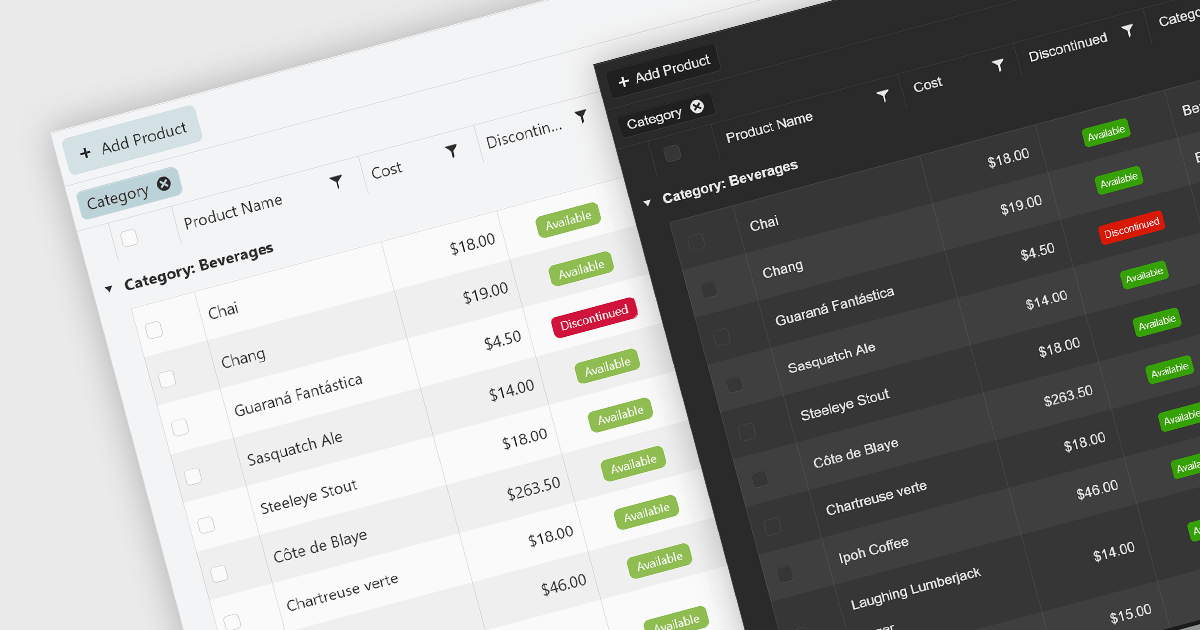
Grid paging is a user interface technique that divides large datasets into smaller, manageable pages within a grid or table. This significantly enhances performance by reducing the amount of data processed and displayed at once, improving load times and responsiveness, particularly when dealing with extensive datasets. Paging also enhances user experience by providing a clear structure for navigating through information, helping to prevent the user from being overwhelmed with excessive data.

Several Blazor grid controls offer paging support including:

  • DevExpress Blazor Grid (part of DevExpress ASP.NET and Blazor) facilitates efficient handling of large datasets through advanced paging options.
  • Telerik UI for Blazor Grid (part of Telerik UI for Blazor) empowers developers to implement paging for large datasets, enhancing performance and user experience.
  • Infragistics Blazor Data Grid (part of Infragistics Ignite UI) provides robust grid paging capabilities, optimizing performance and enabling users to explore extensive data.
  • Syncfusion Blazor DataGrid (part of Syncfusion Essential Studio Enterprise) provides flexible paging customization for tailored data presentation.

For an in-depth analysis of features and price, visit our Blazor grid controls comparison.
Compare Blazor Grid Controls

Ordene los gráficos para centrarte en lo que más importa

Julio 9, 2024
Los gráficos de Blazor de .NET con funcionalidad para mostrar/ocultar series, permiten a los usuarios filtrar datos de varias series para una visualización centrada y un análisis detallado.

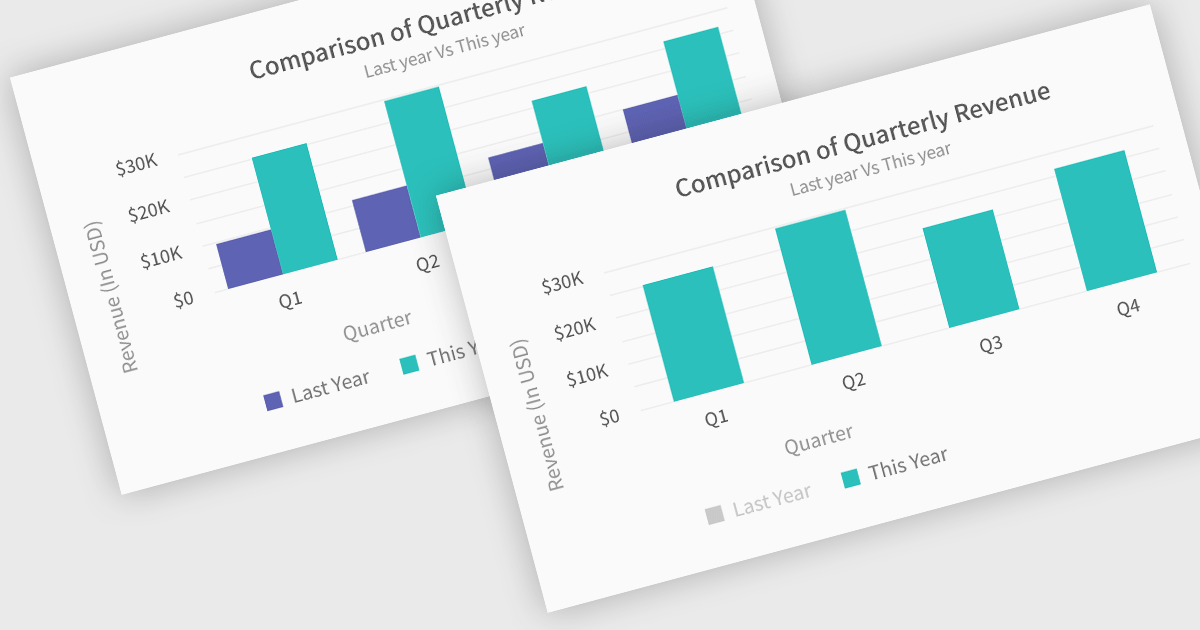
In chart controls, show/hide series functionality empowers developers to dynamically control the visibility of individual data sets. This allows users to focus on specific series, enhancing data comprehension and analysis. By selectively hiding irrelevant series, developers can declutter the chart, making it easier for users to identify trends and patterns within the data of interest.

Several .NET Blazor chart controls offer show/hide series support including:

  • DevExpress Blazor Chart, part of DevExpress ASP.NET and Blazor, facilitates in-depth data exploration by letting you hide irrelevant series for focused analysis.
  • ComponentOne Charts for Blazor, part of ComponentOne Studio Blazor Edition, enables you to dynamically control chart complexity through series visibility.
  • FusionCharts Blazor Suite XT, part of FusionCharts Suite XT, enhances user interaction with on-demand series toggling for clear data comparison.
  • NOV Chart for .NET by Nevron, offers granular control over chart content, including the ability to hide individual data series.
  • TeeChart .NET for Blazor by Steema Software, allows you to tailor chart visualizations by selectively showing or hiding specific data series.

For an in-depth analysis of features and price, visit our .NET Blazor chart controls comparison.
Compare .NET Blazor Chart Controls

Personalice sus aplicaciones con temas

Julio 4, 2024
Elegir un conjunto de aplicaciones de interfaz de usuario de Blazor compatible con temas le permite crear fácilmente interfaces de usuario coherentes y visualmente atractivas que coincidan con su marca.

UI suites with theming support provide pre-built themes and the ability to customize them. This lets you easily change the look and feel of your application, from colors and fonts to overall design style (like Material Design or Bootstrap), ensuring a cohesive user experience that aligns with your brand identity. Theming not only improves aesthetics but also simplifies development by offering a pre-defined styling base and reducing the need for extensive custom styling.

Several Blazor UI suites offer Theming controls including:

For an in-depth analysis of features and price, visit our Blazor UI suites comparison.

Compare Blazor UI Suites