













Proveedor oficial
Como distribuidores oficiales y autorizados, le suministramos licencias legítimas directamente de más de 200 editores de software.
Ver todas nuestras marcas.
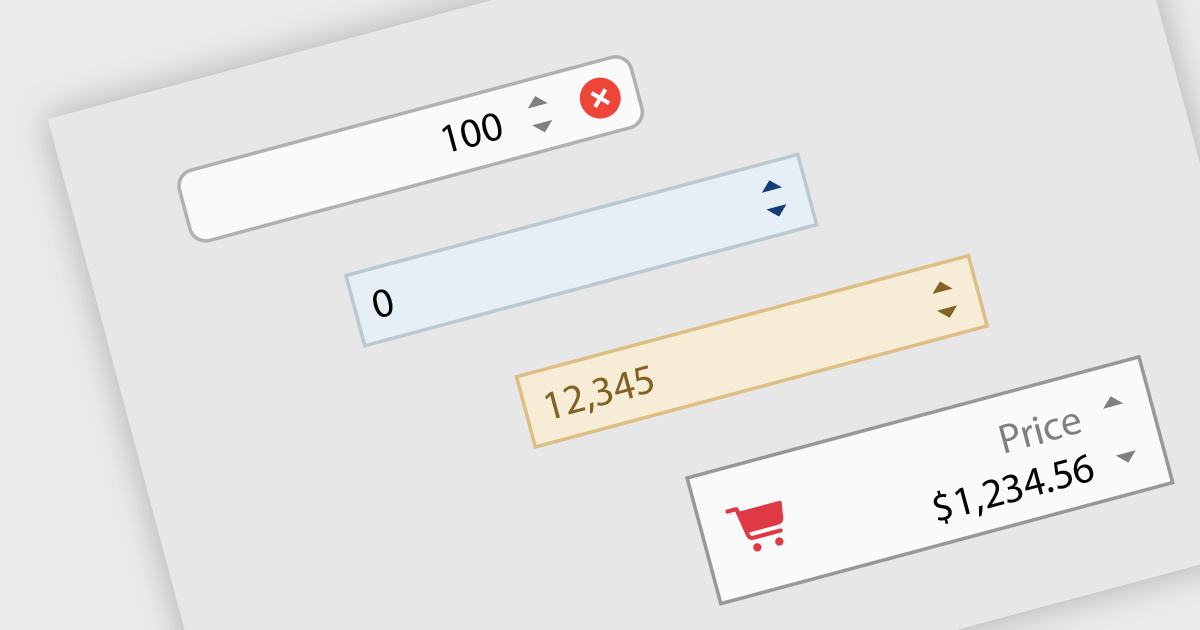
Numeric Spin data editor controls are intended for the efficient and precise input of numerical values. By combining an edit box with up/down spin buttons, users may either type to input directly or utilize the spin buttons to increase or decrease the value. This method promotes faster and less error-prone data entry than manual typing, particularly for large quantities or recurrent value revisions. Many spin editors include built-in validation, range limitations, data type selection, and formatting choices, which further improve data accuracy.
Many .NET WinForms data editor collections contain numeric spin components including:
For an in-depth analysis of features and price, visit our comparison of WinForms data editors.
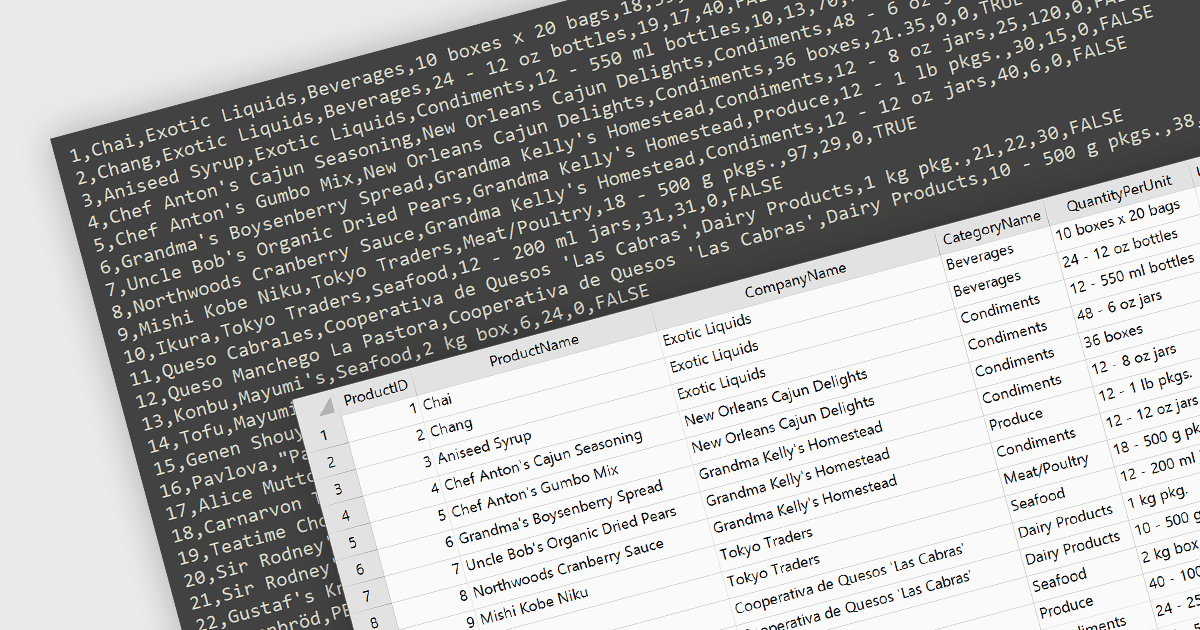
Integrating CSV import functionality in a spreadsheet streamlines data management by offering several key benefits. It simplifies transferring structured data from external sources, like databases or web scraped information, directly into the spreadsheet for analysis. This eliminates manual data entry errors and saves time. The straightforward CSV format ensures broad compatibility with various data sources, enhancing flexibility.
Several WinForms spreadsheet controls offer the ability to import CSV files including:
For an in-depth analysis of features and price, visit our WinForms spreadsheet controls comparison.
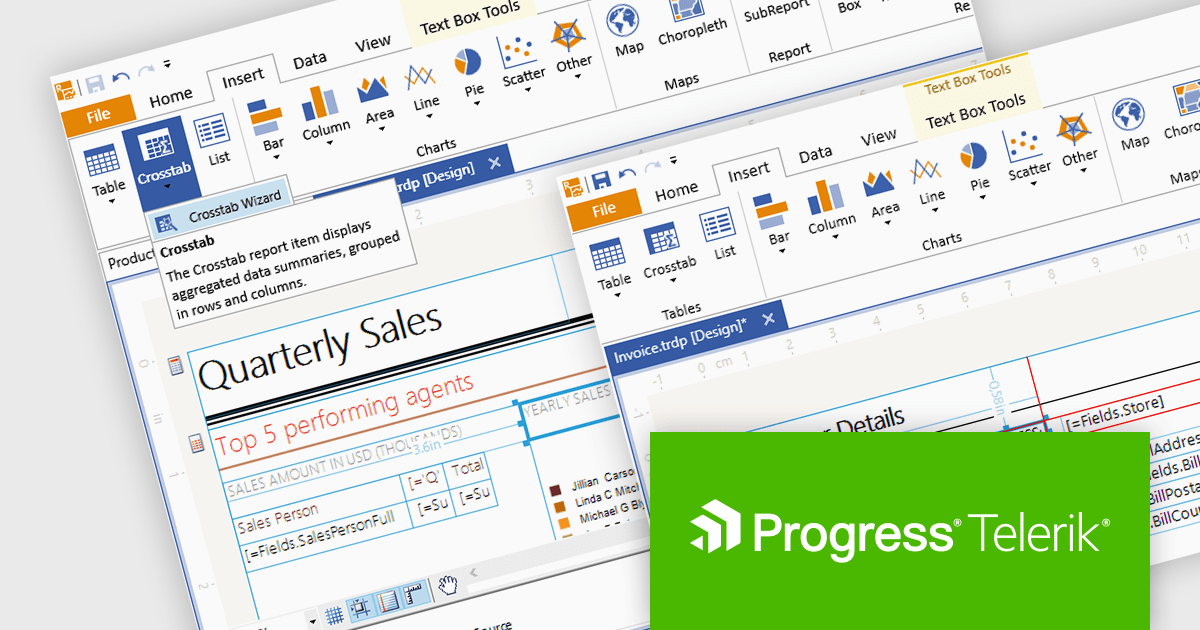
Telerik Reporting is a comprehensive and lightweight embedded reporting tool for .NET web and desktop applications. It enables developers and reporting users to create, design, and export visually appealing, interactive, and reusable reports to effectively present analytical and business data. It supports various technologies, including ASP.NET Core, Blazor, ASP.NET MVC, ASP.NET AJAX, HTML5/JS, Angular, WPF, WinForms, and WinUI.
The Telerik Reporting 2024 Q1 release updates the standalone report designer's target framework from .NET 6 to .NET 8. The designer is a desktop based WYSIWYG reporting tool for Windows, powered by Telerik's reporting engine, that enables users to generate, modify, preview, export and share reports with ease, which can now be achieved using the latest version of Microsoft's popular framework.
To see a full list of what's new in 2024 Q1, see our release notes.
Telerik Reporting is licensed per developer and is available as a perpetual license with a one year support subscription, which is offered in three tiers: Lite, Priority or Ultimate. See our Telerik Reporting licensing page for full details.
Telerik Reporting is available to buy in the following products:
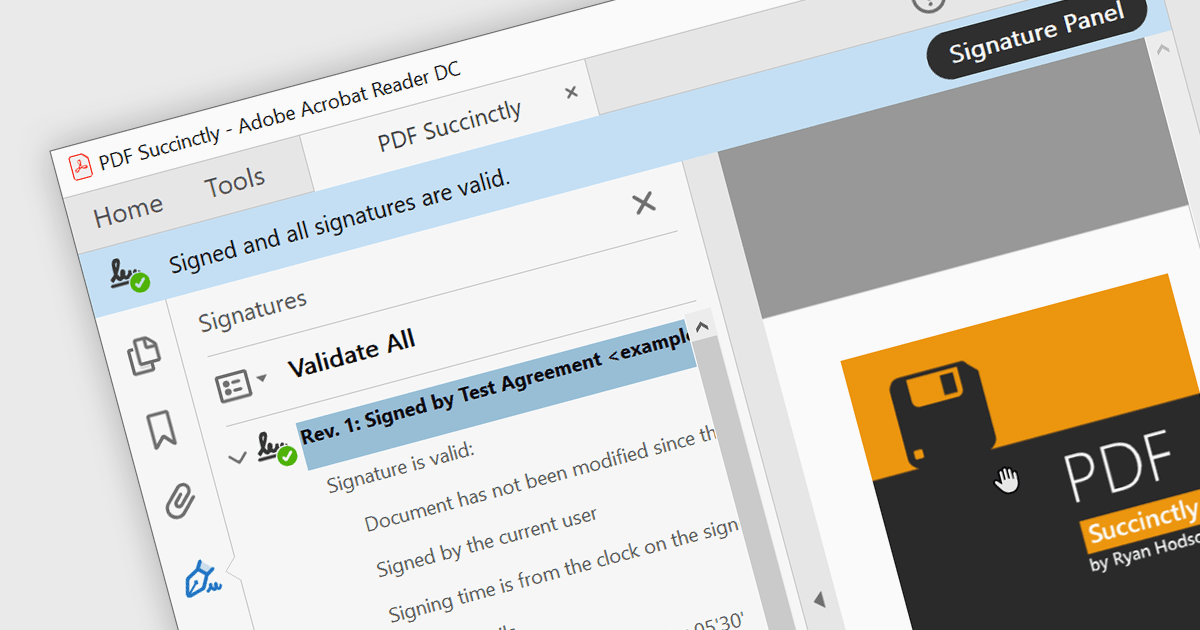
PDF components with PDF signing functionality allow users to securely sign documents directly within your application. This leverages cryptographic libraries to create a digital signature that validates the document's authenticity and integrity. Users can often specify the signing location, reason, and appearance, ensuring a streamlined and auditable signing process. This elevates security beyond a simple e-signature, offering proof against tampering, and is a crucial feature for legal and official documents where verification of authenticity is required.
The following components support PDF signing in .NET 8 WinForms:
For an in-depth analysis of features and price, visit our .NET PDF Components comparison.
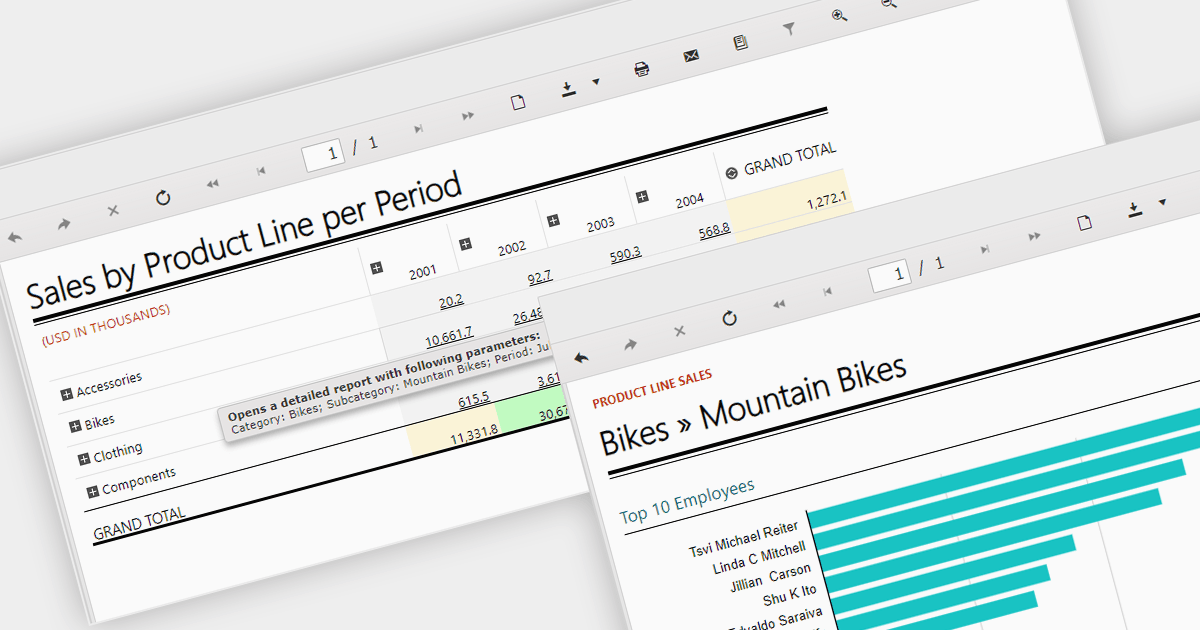
Report drill down functionality allows users to explore deeper into summary data and discover detailed information. For a report showing sales by product category, visitors could click on a category to view a breakdown of individual products, and then drill down even further, by brand or model. This interactive capability promotes a greater understanding and discovery of trends within the report. The intuitive data navigation allows users to peel back layers of data to uncover trends, anomalies, and patterns that may not be obvious in summarized representations. Drilling down into data helps consumers make better decisions by giving them the precise insights they need to back up their conclusions.
Several .NET 8 WinForms Reporting components support drill down functionality, including:
For an in-depth analysis of features and price, visit our .NET 8 WinForms Reporting Controls comparison.
Tel: (888) 850 9911
Fax: +1 770 250 6199


