













Proveedor oficial
Como distribuidores oficiales y autorizados, le suministramos licencias legítimas directamente de más de 200 editores de software.
Ver todas nuestras marcas.
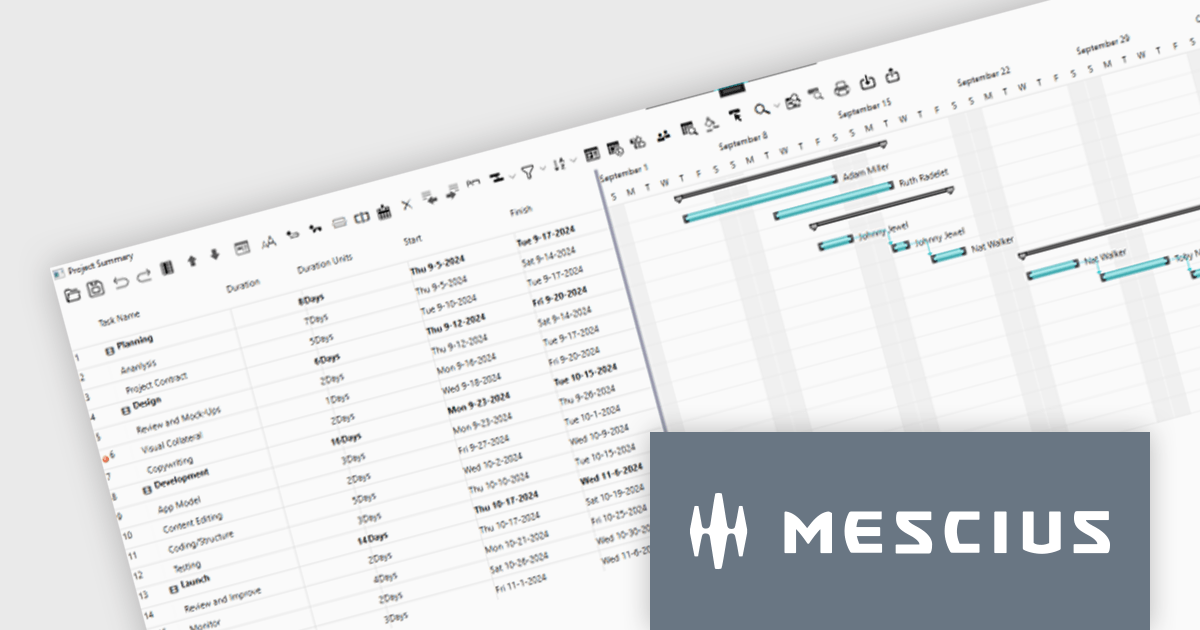
ComponentOne WPF Edition is a comprehensive suite of UI controls designed to accelerate the development of modern, visually appealing WPF applications. Offering a wide range of components, including grids, charts, input controls, and more, it empowers developers to create rich, interactive user interfaces with ease. By leveraging ComponentOne's advanced features and performance optimizations, businesses can deliver exceptional user experiences and gain a competitive edge.
In this blog, MESCIUS Associate Software Engineer Nitin Sharma demonstrates how to use theC1GanttView control included in ComponentOne Studio WPF to provide a clear view of project timelines, task durations, dependencies, and resources. You will learn the steps involved to utilize the WPF Gantt View Control in Visual Studio, including:
Sample source code is included for each step.
Read the complete blog to get started leveraging the power of Gantt Charts in your WPF apps.
ComponentOne Studio WPF is licensed per developer on a perpetual basis and includes a 12 month subscription. See our ComponentOne Studio WPF licensing page for full details.
Learn more on our ComponentOne Studio WPF product page.
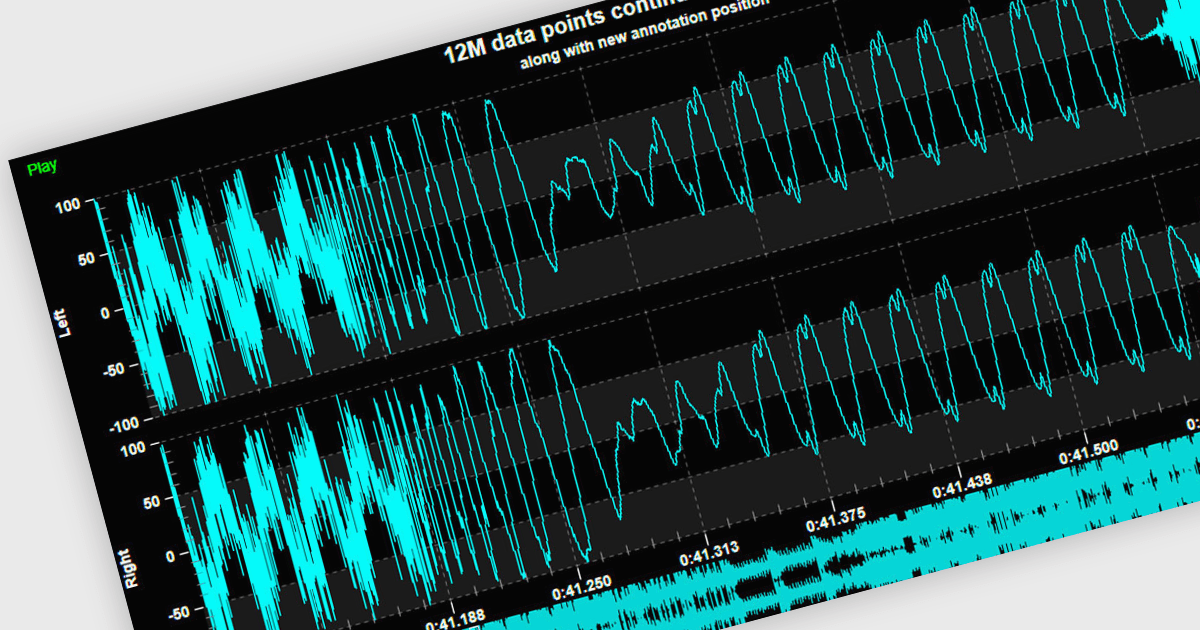
Live data support provides real-time updating of data points on a chart as new information becomes available, without the need for manual refresh or reloading. This feature allows developers to create responsive, interactive applications that can display dynamic data streams, such as financial market data, IoT sensor outputs, or real-time user metrics, directly within a chart interface. Live data enhances the user experience by providing immediate feedback and insight, improving decision-making and performance in applications that require constant data monitoring and analysis.
Several .NET 8 WPF chart controls support live data including:
For an in-depth analysis of features and price, visit our .NET 8 WPF chart controls comparison.
Nevron Chart for SSRS is a robust charting tool for SQL Server Reporting Services, offering a variety of chart types such as bar, line, pie, and advanced options like financial and gauge charts. It enables users to create highly customizable, data-driven visuals integrated with their reports. Key features include multiple axes, customizable legends, and dynamic data grouping. Nevron Chart is ideal for organizations looking to enhance their reports with clear, actionable data visualizations, making it a valuable tool for data analysis and decision-making.
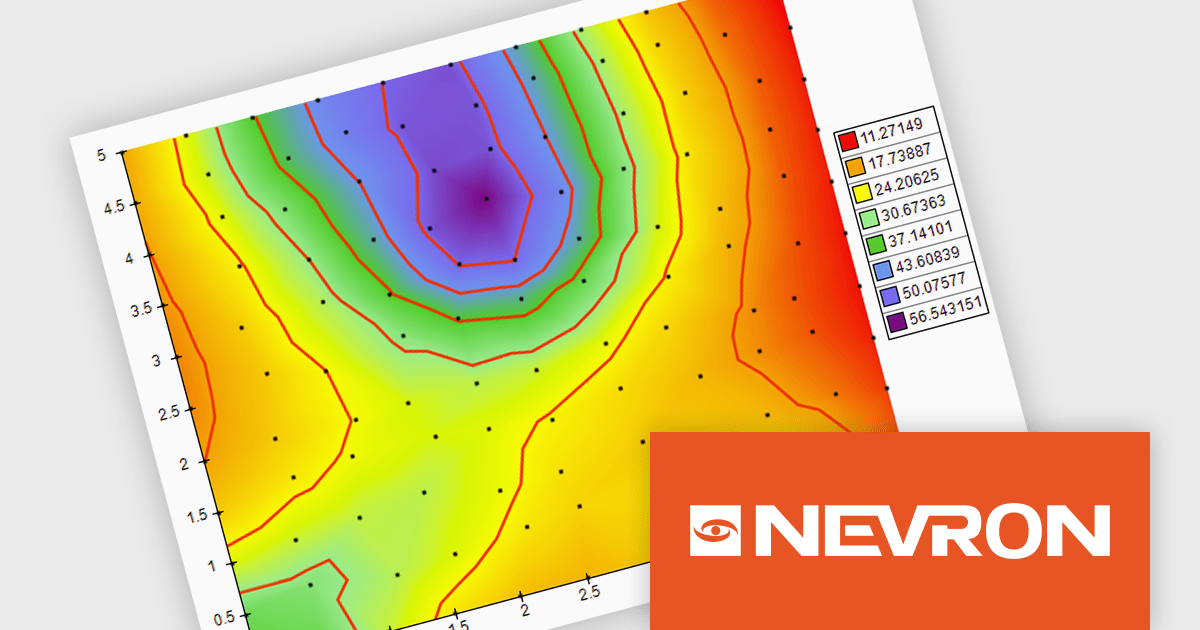
The Nevron Chart for SSRS 2024.1 release adds new Triangulated HeatMap that enables intuitive visualization of complex data by transforming X, Y, and Z coordinates into a smooth, color-interpolated heatmap. It automatically generates a Delaunay triangular network for optimal data representation and adds isolines to highlight equal elevation points, making it ideal for analyzing patterns in multi-dimensional datasets. This feature streamlines complex data analysis, offering faster insights and precise visualizations for informed decision-making.
To see a full list of what's new in 2024.1, see our release notes.
Nevron Chart for SSRS is licensed per developer and is available as a perpetual license with 1 year support and maintenance. See our Nevron Chart for SSRS licensing page for full details.
Nevron Chart for SSRS is available in the following products:
Syncfusion Essential Studio Blazor (available as part of Syncfusion Essential Studio Enterprise) is a comprehensive UI component library designed to accelerate the development of high-performance, modern web applications using the Blazor framework. It boasts over 85+ responsive, lightweight, and modular components spanning various categories such as data visualization, data editing, document processing, and interactive UI elements. This rich repertoire empowers developers to rapidly build user-friendly, feature-rich web interfaces, with seamless integration of both server-side and client-side Blazor applications.
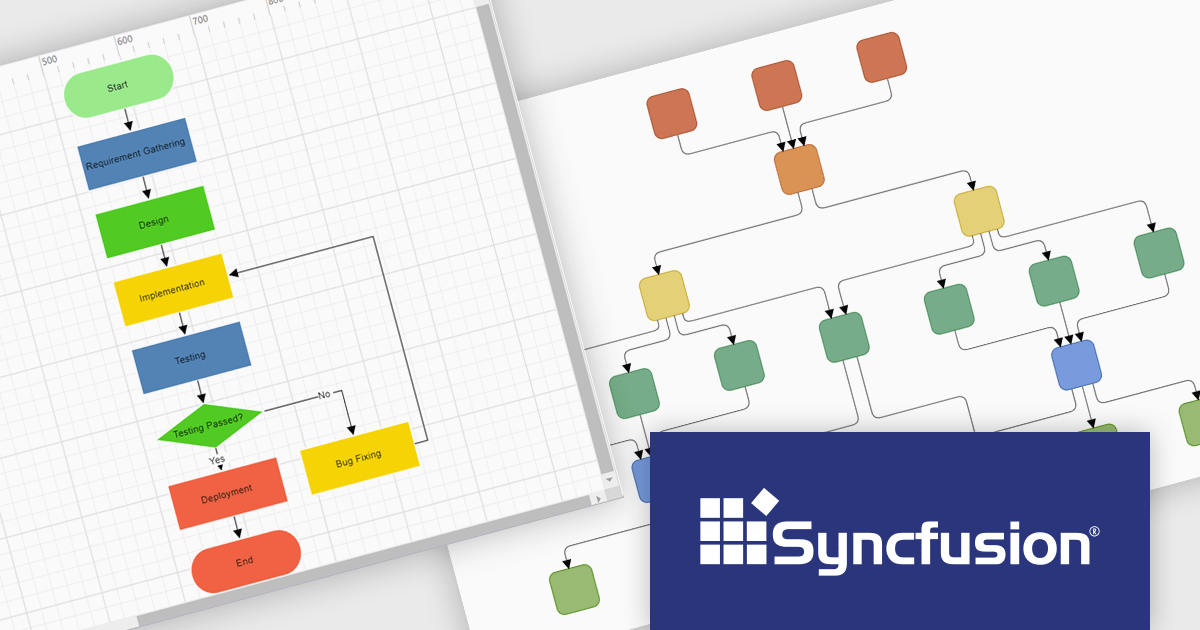
The Syncfusion Essential Studio Enterprise 2024 Volume 3 release introduces the ability to automatically generate clear, logical, and visually appealing flowcharts by arranging nodes and connectors using an advanced layout algorithm. The feature saves time by automating flowchart creation, ensures clarity with logical layouts, enhances visual appeal, and adapts seamlessly to various data inputs, improving overall efficiency.
To see a full list of what's new in 2024 Volume 3, see our release notes.
Syncfusion Essential Studio Blazor is available as part of Syncfusion Essential Studio Enterprise which is licensed per developer starting with a Team License of up to five developers. It is available as a 12 Month Timed Subscription License which includes support and maintenance. See our Syncfusion Essential Studio Enterprise licensing page for full details.
Learn more on our Syncfusion Essential Studio Blazor product page.

The .NET Framework, a comprehensive development platform, has been a cornerstone of Microsoft's ecosystem for over two decades. It provides a rich set of class libraries, tools, and programming languages (like C#, VB.NET, and F#) that enable developers to create a wide range of applications, from desktop software to web services and mobile apps. With the approaching release of .NET 9, Microsoft continues its commitment to delivering a modern, high-performance, and cross-platform development environment.
Microsoft has announced the release of .NET 9 Release Candidate 1. This Microsoft blog post highlights what's new in this release, and includes links to download .NET 9 RC1. The .NET 9 update has a special focus on cloud-native apps and performance, and RC1 has made updates and improvements to many of the elements of .NET 9, including:
For more information, or to download .NET 9 Release Candidate 1, read the official Microsoft blog post about this release.
Tel: (888) 850 9911
Fax: +1 770 250 6199


