













Proveedor oficial
Como distribuidores oficiales y autorizados, le suministramos licencias legítimas directamente de más de 200 editores de software.
Ver todas nuestras marcas.
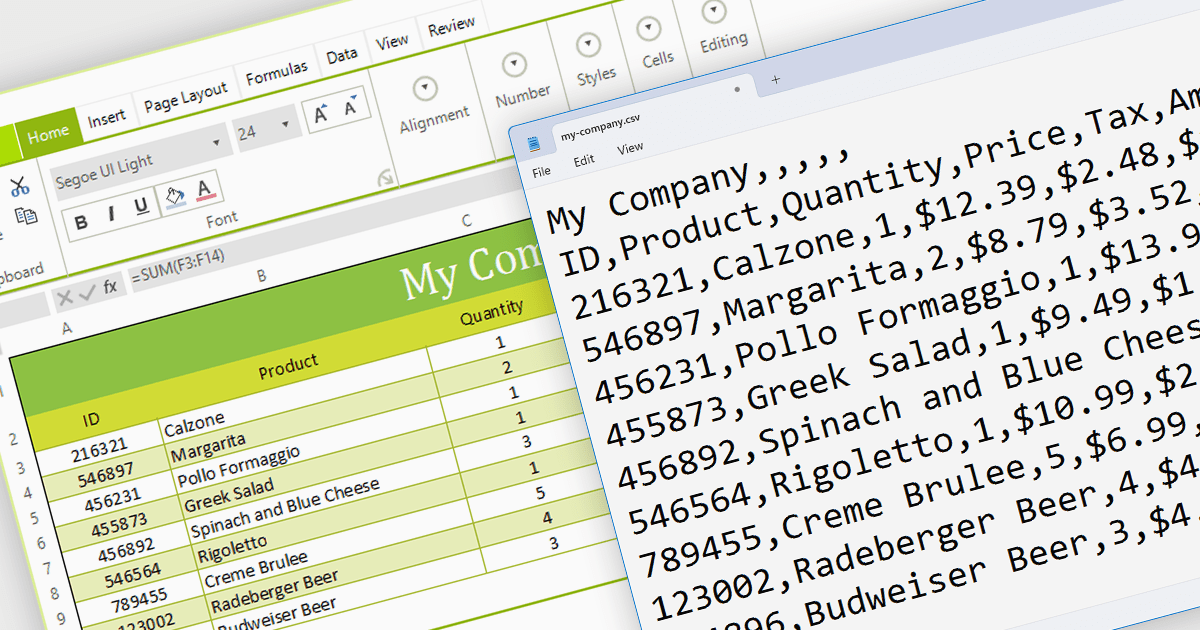
The ability to export to comma-separated values (CSV) from a spreadsheet control enhances interoperability and data accessibility. It seamlessly translates spreadsheet data into the ubiquitous CSV format, fostering effortless integration with a vast ecosystem of analytical tools, databases, and third-party applications. This democratizes your data, empowering users to leverage existing workflows and external expertise, enriching analysis, and maximizing the reach and impact of your data-driven insights.
Several WinForms spreadsheet components provide CSV export functionality, including:
For an in-depth analysis of features and price, visit our WinForms Spreadsheet Component comparison.
DevExpress Blazor (part of DevExpress ASP.NET and Blazor) helps you create high-impact user experiences for both Blazor Server and Blazor WebAssembly using C#. The Blazor UI Component Library ships with a comprehensive set of native components (including a DataGrid, Pivot Grid, Scheduler, Chart, Data Editors and Reporting).
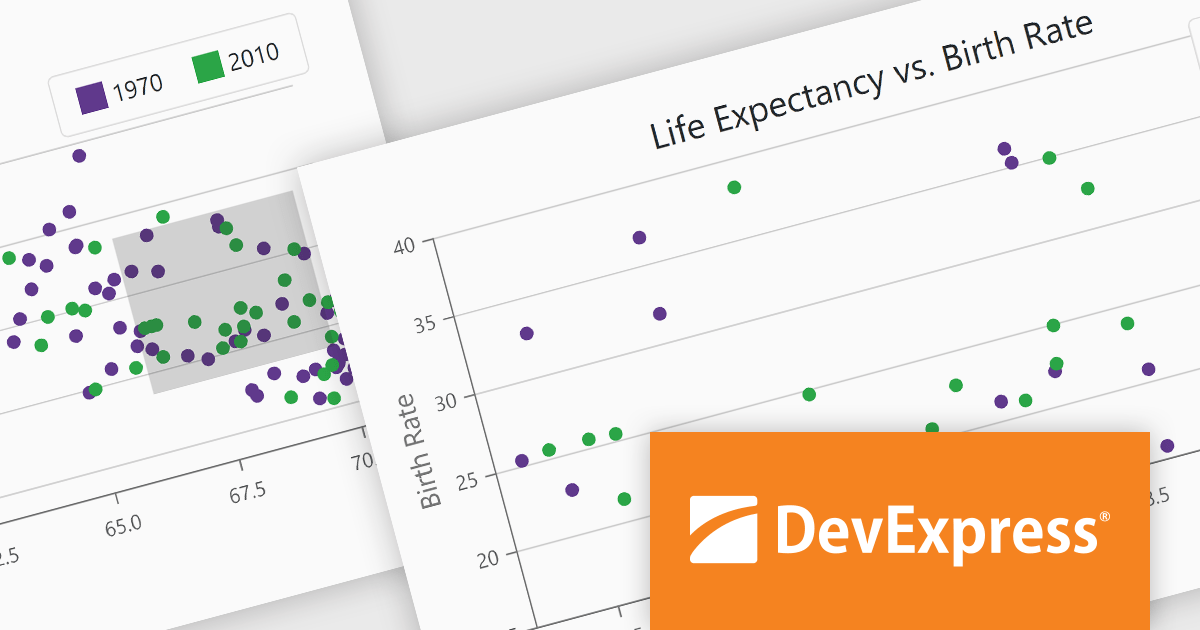
The DevExpress Blazor 23.2 release enhances data analysis with chart zooming functionality. This new feature empowers users to home in on specific areas of interest by clicking and dragging within your charts, unlocking a deeper level of granularity and precision. Users can uncover subtle trends, pinpoint anomalous data points, and dissect complex patterns that might otherwise remain obscured.
To see a full list of what's new in version 23.2, see our release notes.
DevExpress ASP.NET and Blazor is licensed per developer and is available as a Perpetual License with a 12 month support and maintenance subscription. See our DevExpress ASP.NET and Blazor licensing page for full details.
DevExpress Blazor is available in the following products:
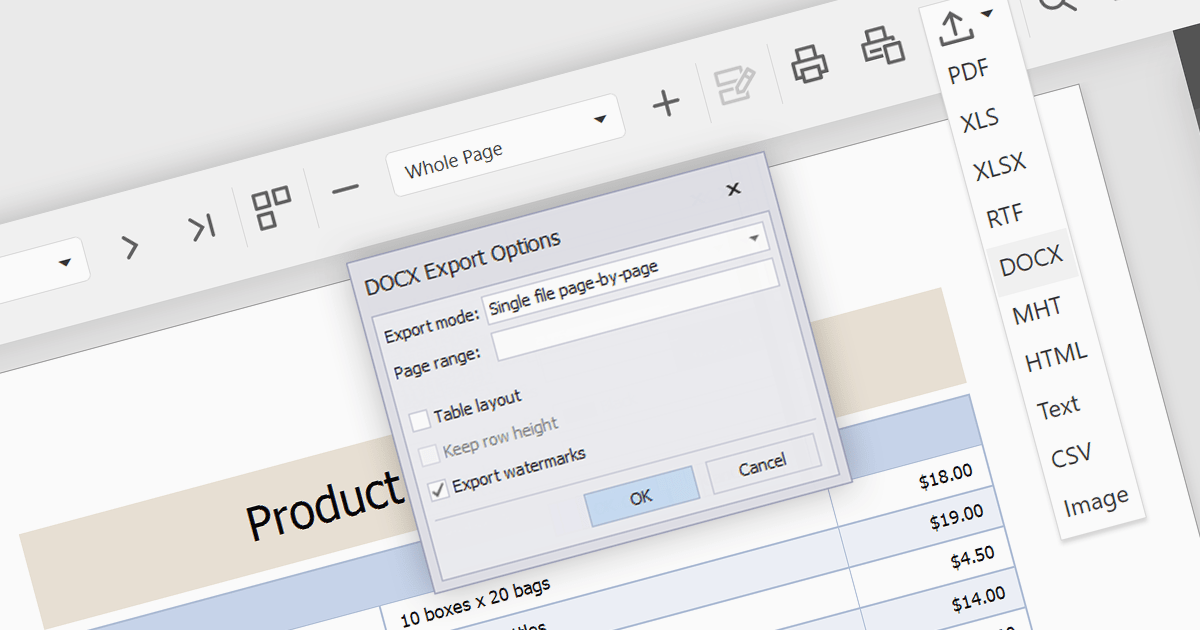
Data dissemination often requires flexibility and accessibility. Exporting reports to DOCX format serves this need by seamlessly translating the insights gleaned from your report into a familiar, editable document. This format preserves the structural integrity and visual aesthetic of your report while leveraging the ubiquitous editing capabilities of Microsoft Word. This dual benefit makes DOCX export ideal for several scenarios: disseminating reports to diverse audiences, seamlessly integrating reports into larger documents, and ensuring both data clarity and professional presentation. It essentially establishes a bridge between the structure of reporting tools and the adaptable environment of Word documents, empowering you to share your findings with maximum impact and ease.
Several ASP.NET Core reporting components allow you to export to DOCX format, including:
For an in-depth analysis of features and price, visit our comparison of ASP.NET Core reporting controls.
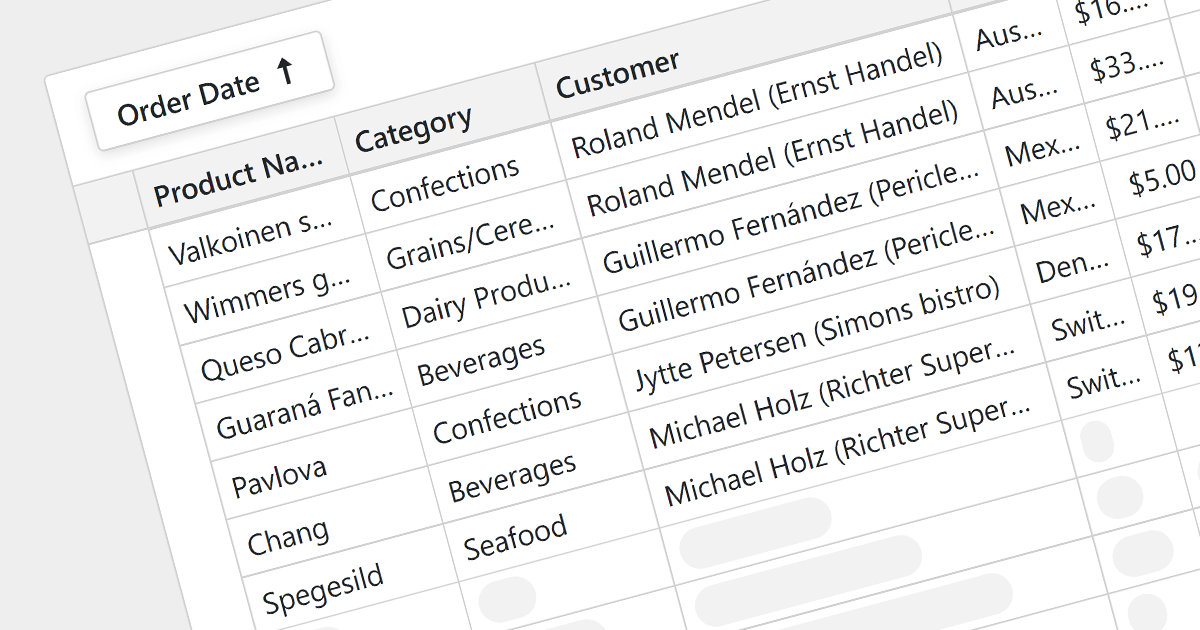
For large datasets, traditional grid scrolling struggles to maintain performance, often becoming sluggish and resource-intensive. Virtual scrolling provides a more efficient alternative. Instead of rendering the entire dataset at once, it dynamically fetches and displays only the visible rows, keeping the rest cached and unloaded. This significantly reduces the number of elements in the application, resulting in a noticeably smoother scrolling experience, even with millions of data points. Virtual scrolling empowers users to seamlessly explore expansive datasets without compromising performance or responsiveness.
Several Blazor grid components support virtual scrolling including:
For an in-depth analysis of features and price, visit our Blazor grids comparison.
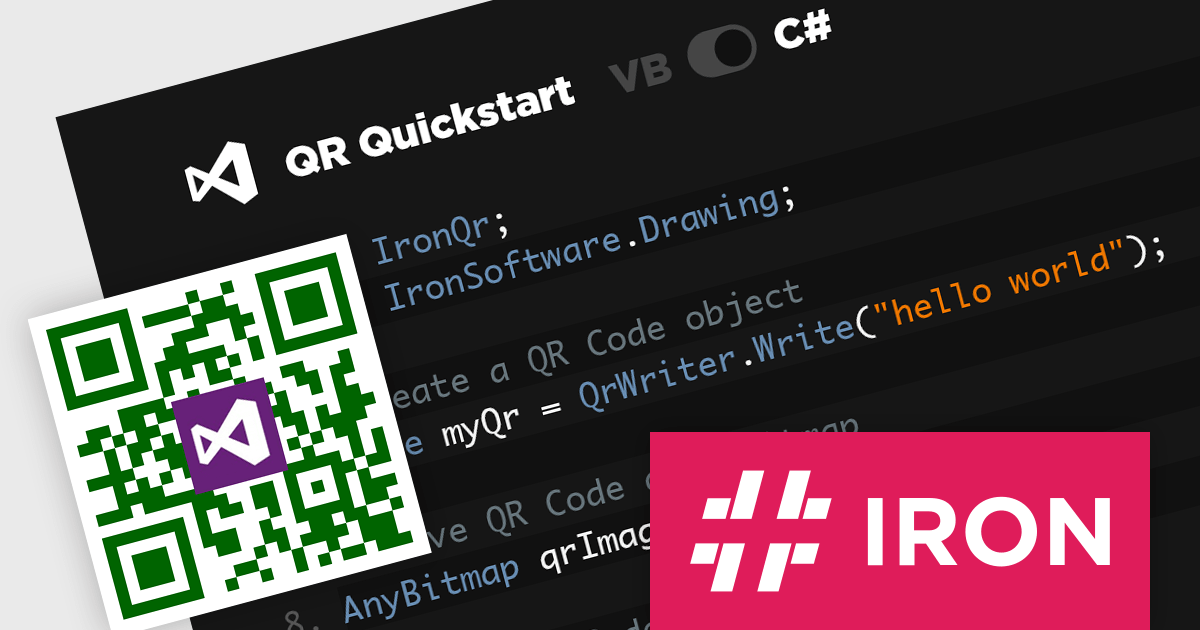
IronQR for .NET by Iron Software is a new C# library specifically designed for .NET developers who want to effortlessly integrate QR code functionality into their applications. Whether you need to generate or read QR codes, IronQR offers a user-friendly API that minimizes coding complexity and streamlines the development process. It offers customization options including the ability to resize, add margins and borders, recolor, and embed logos. Additionally, it provides fault tolerance mechanisms, enabling developers to ensure the reliability of their QR codes by choosing the appropriate QR version, implementing null checking, checksum validation, and error message generation.
IronQR for .NET is licensed per developer and is available as a perpetual license with 1 year of product updates and support services. Lite, Plus and Professional Licenses are available for different development and distribution requirements. See our IronQR for .NET licensing page for full details.
IronQR for .NET is available to buy in the following products:
Tel: (888) 850 9911
Fax: +1 770 250 6199


