













Proveedor oficial
Como distribuidores oficiales y autorizados, le suministramos licencias legítimas directamente de más de 200 editores de software.
Ver todas nuestras marcas.
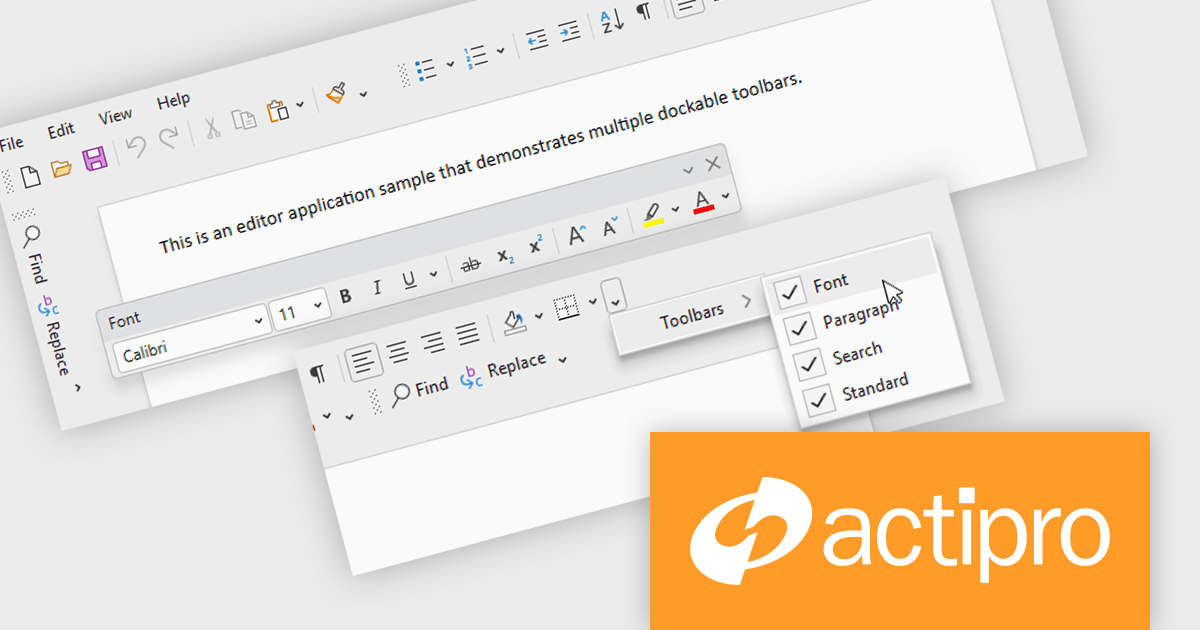
Actipro Bars for WPF is a UI component library that equips developers with the tools to build advanced ribbons, toolbars, and menus within their WPF applications. It offers an "Office-like" ribbon experience with customization options, supports MVVM design patterns, and includes a rich set of controls specifically designed for use within these elements, allowing for a cohesive and user-friendly interface.
The Actipro Bars for WPF v25.1 update introduces Visual Studio-style dockable toolbars that can be positioned on any edge of a host control or detached and moved to secondary monitors. This provides a highly adaptable workspace layout that users can configure to fit their preferences. Developers gain fine control over docking behavior, floating, stacking, and visibility settings through exposed properties, allowing for a dynamic and customizable interface without requiring complex custom coding.
To see a full list of what's new in v25.1, see our release notes.
Actipro Bars for WPF is licensed per developer and is available as a Perpetual license with 1 year support and maintenance. See our Actipro Bars for WPF licensing page for full details.
Actipro Bars for WPF is available in the following products:
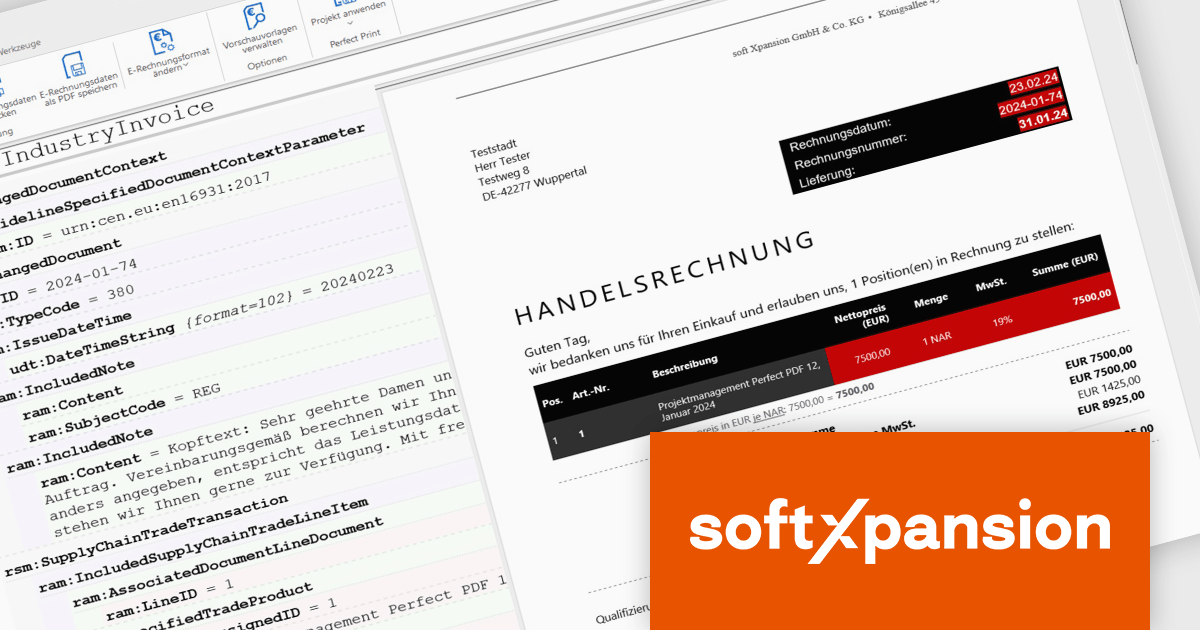
The PDF Xpansion SDK from Soft Xpansion is a powerful development toolkit for integrating advanced PDF and electronic document processing into desktop, server, and mobile applications. It supports creating, editing, converting, displaying, and printing PDF files, along with handling related formats like XPS and OpenXPS. The SDK complies with ISO PDF standards and offers robust features for digital signatures, form processing, text extraction, and document security. It also includes specialized capabilities for e-invoicing, supporting formats such as ZUGFeRD and Factur-X, and provides PDF viewer functionality for seamless document display. This makes it an ideal solution for automating document workflows and ensuring regulatory compliance in enterprise environments.
The PDF Xpansion SDK 17.1.3 update introduces official support for both .NET 8 and the latest .NET 9, enabling developers to integrate advanced PDF functionality into modern applications while taking full advantage of the newest runtime optimizations and language enhancements. This ensures higher performance, improved scalability, and stronger security for document processing solutions. With support for .NET 9, development teams can leverage cutting-edge features such as improved Just-In-Time (JIT) and native Ahead-Of-Time (AOT) compilation, resulting in faster application startup times and reduced memory consumption. This update helps future-proof projects and supports the latest trends in application development.
PDF Xpansion SDK products are licensed per company location where developers use the SDKs. Optional Add-Ons are available which require ownership of SDK site licenses. Maintenance Subscription is available providing product updates (error corrections) and support services. See the product license pages for full details:
Learn more about PDF Xpansion SDK on our product pages:
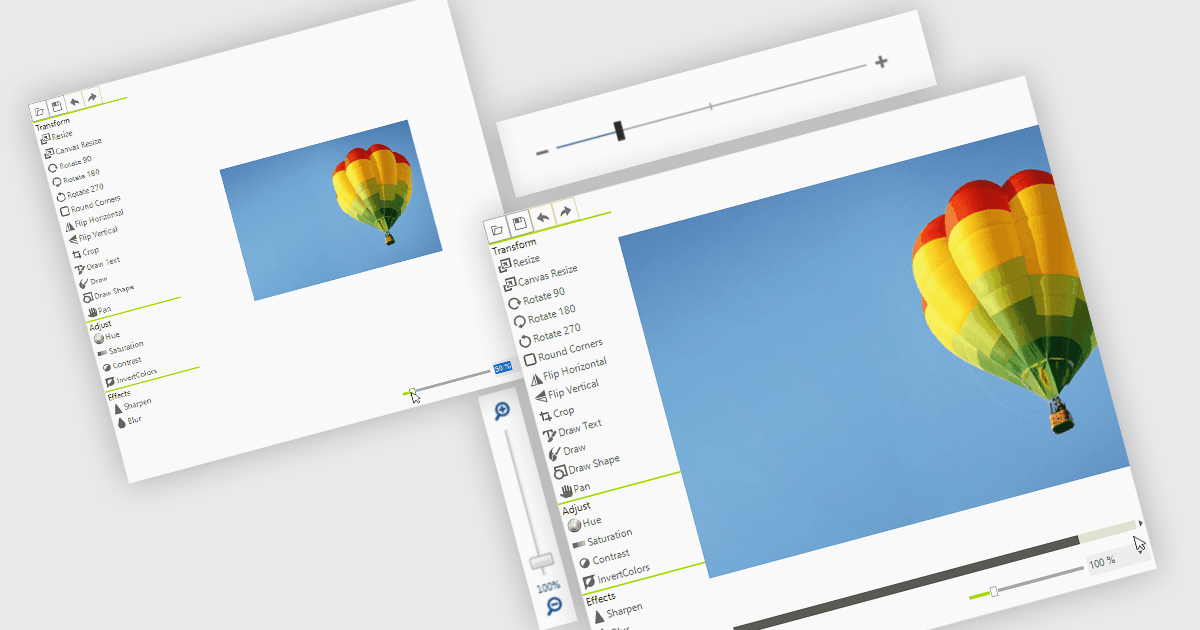
A zoom trackbar in a user interface (UI) is a visual control element that allows users to dynamically adjust the zoom level of content or a display area. They are typically represented as a slider, a linear bar with a draggable thumb, which can be oriented both horizontally or vertically. It provides real-time visual feedback and fine-grained control and is a quick and intuitive way to scale content such as images, documents, or data visualizations without relying on keyboard shortcuts or complex menus. This makes it a valuable feature in applications that handle large or complex visual data, where users need to alternate quickly between detailed inspection and broader overviews, such as graphic design tools, map interfaces, and analytical dashboards.
Several data editor collections for .NET provide zoom trackbars, including:
For an in-depth analysis of features and price, visit our comparison of .NET data editor collections.
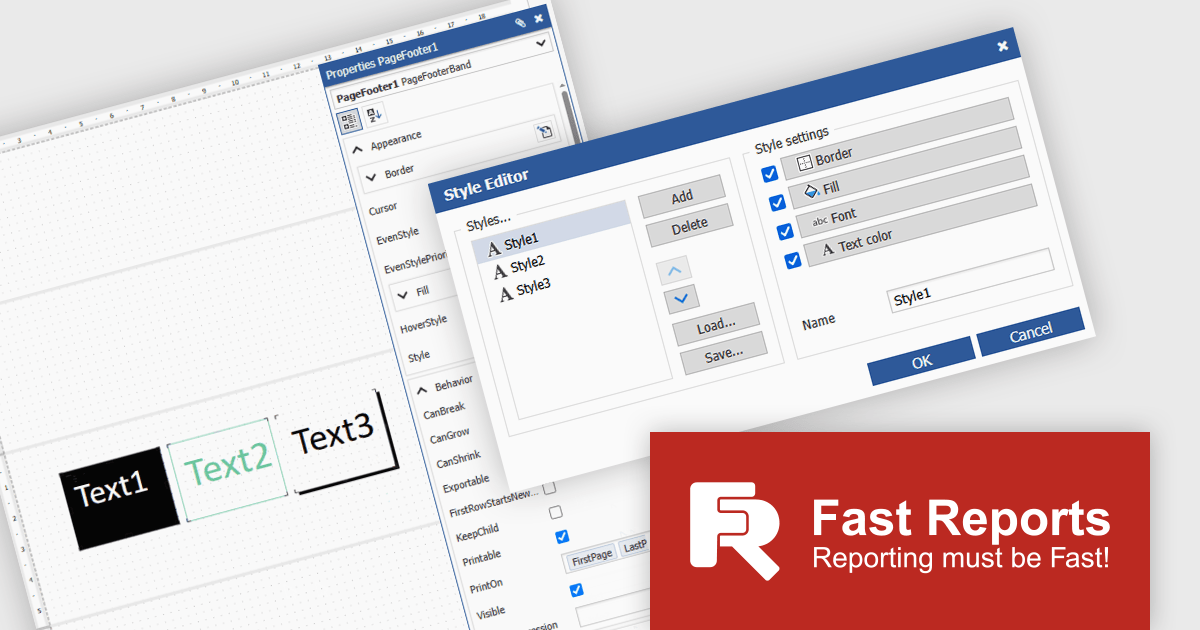
FastReport Online Designer is a cross platform visual report designer for FastReport .NET that enables users to create, edit and view reports on any device running Android, iOS or Windows through a modern web browser on computers, tablets, smartphones, game consoles or TV sets. Common use cases include remote collaboration on operational dashboards, embedding interactive reporting in web applications and empowering business users to customize and share up to date analyses without installing additional software.
FastReport Online Designer 2025.2 introduces a new style editor that enables users to define and manage report styles in one place. By allowing customization of fill colors, fonts, borders, and more, the feature removes the need for repetitive manual formatting. Users can now create a single style and apply it across multiple components, ensuring visual consistency and reducing formatting time.
To see a full list of what's new in v2025.2, see our release notes.
FastReport Online Designer is available as a license option in the FastReport .NET Components Packages. It is included in FastReport Ultimate .NET and FastReport Web .NET. See our FastReport Online Designer licensing page for full details.
For more information, see our FastReport Online Designer product page.
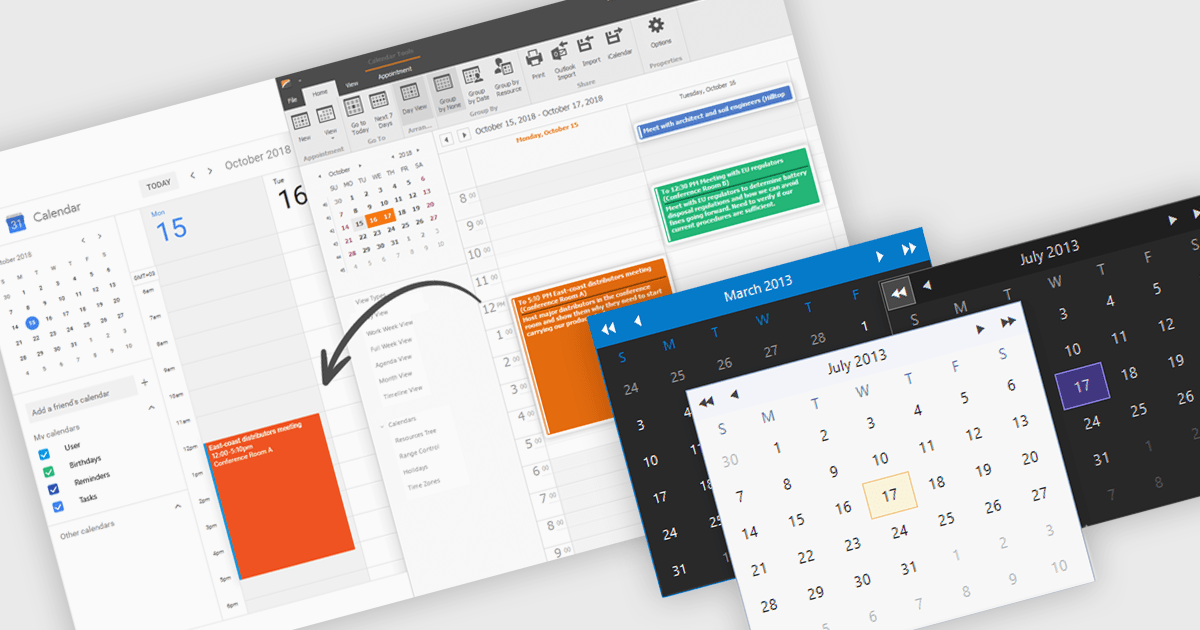
Calendars are specialized components that allow developers to present and manage dates and events directly within their applications. They provide ready-made interfaces for selecting dates and displaying scheduled items while synchronizing with external services such as Microsoft 365 and Google Calendar. Common use cases include online booking systems for reserving resources, shift planning tools for staff schedules, and customer-facing appointment portals in industries like healthcare or personal services. By leveraging these calendar components, teams deliver polished, reliable scheduling experiences with minimal effort.
Several .NET Winforms UI suites offer a calendar component including:
For an in-depth analysis of features and price, visit our .NET Winforms UI suites comparison.
Tel: (888) 850 9911
Fax: +1 770 250 6199


