













Proveedor oficial
Como distribuidores oficiales y autorizados, le suministramos licencias legítimas directamente de más de 200 editores de software.
Ver todas nuestras marcas.
Secure PDF by /n software is a powerful development library designed to provide enterprise-grade security for PDF documents. It enables developers to sign, verify, encrypt, and decrypt PDFs with ease, ensuring compliance with modern security standards. Supporting Basic Adobe Signatures and advanced PAdES levels (B-B, B-T, B-LT, B-LTA, and PAdES-EPES), Secure PDF ensures long-term document authenticity and integrity. With password and certificate-based encryption, seamless Public Key Infrastructure (PKI) integration, and support for qualified signatures and EU Trusted Lists, the library delivers a comprehensive solution for securing digital documents. Built on the proven security technologies of SecureBlackbox, Secure PDF combines reliability with an intuitive API for effortless implementation across platforms.
Secure PDF empowers businesses to automate and streamline secure document workflows, making it ideal for enterprise security applications, legal and compliance processes, and document management systems. It supports fillable PDF forms, allowing organizations to create, modify, and process interactive PDFs efficiently. Advanced features like timestamped certification (TSA) and the ability to update existing signatures with CRLs or OCSP responses further enhance security and compliance. Designed for performance and reliability, Secure PDF is rigorously tested, thread-safe, and optimized for resource efficiency. Backed by comprehensive documentation and professional support, it enables developers to quickly integrate trusted, high-performance PDF security into their applications.
Secure PDF is licensed per developer and is available as a Perpetual License with a 12 month support and maintenance subscription. See our Secure PDF licensing page for full details.
Secure PDF is available to buy in the following products:
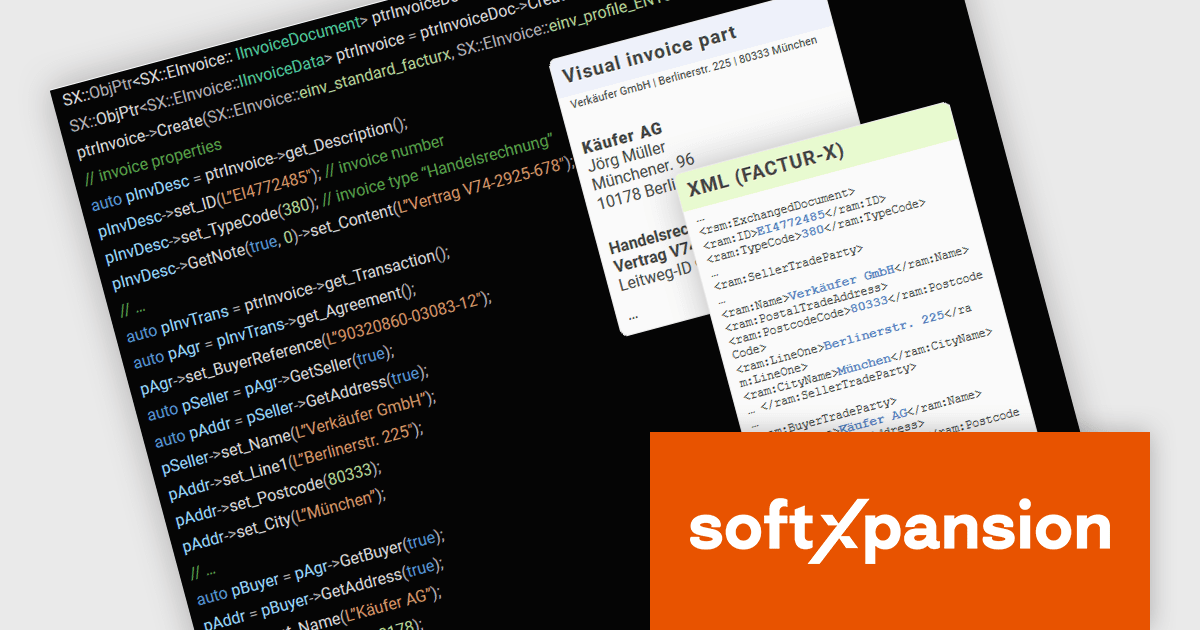
PDF Xpansion SDK – E-Invoicing from soft Xpansion is a comprehensive software development kit designed to facilitate the creation, processing, and management of electronic invoices in compliance with international standards. The SDK simplifies integration into existing applications, allowing seamless handling of structured invoice data in XML, and the hybrid format PDF/A, thereby enabling digital invoicing workflows, enhancing automation, and ensuring legal conformity.
As of January 1, 2025, Germany has implemented a mandatory e-invoicing regulation requiring businesses to receive and process invoices compliant with the EU standard EN 16931. With paper invoices losing their priority status, companies must now adapt swiftly to digital invoicing formats. To support this transition, the PDF Xpansion SDK – E-Invoicing 17.1.2 offers enhanced functionality for XRechnung and Factur-X/ZUGFeRD, ensuring seamless compliance. Among other enhancements the SDK now supports the credit note (code 381) in XRechnung (UBL syntax) and enables extraction of non-standard XMLs from Factur-X/ZUGFeRD invoices for greater flexibility.
To see a full list of what's new in v17, see our release notes.
soft Xpansion offers the following products to meet your e-Invoice needs:
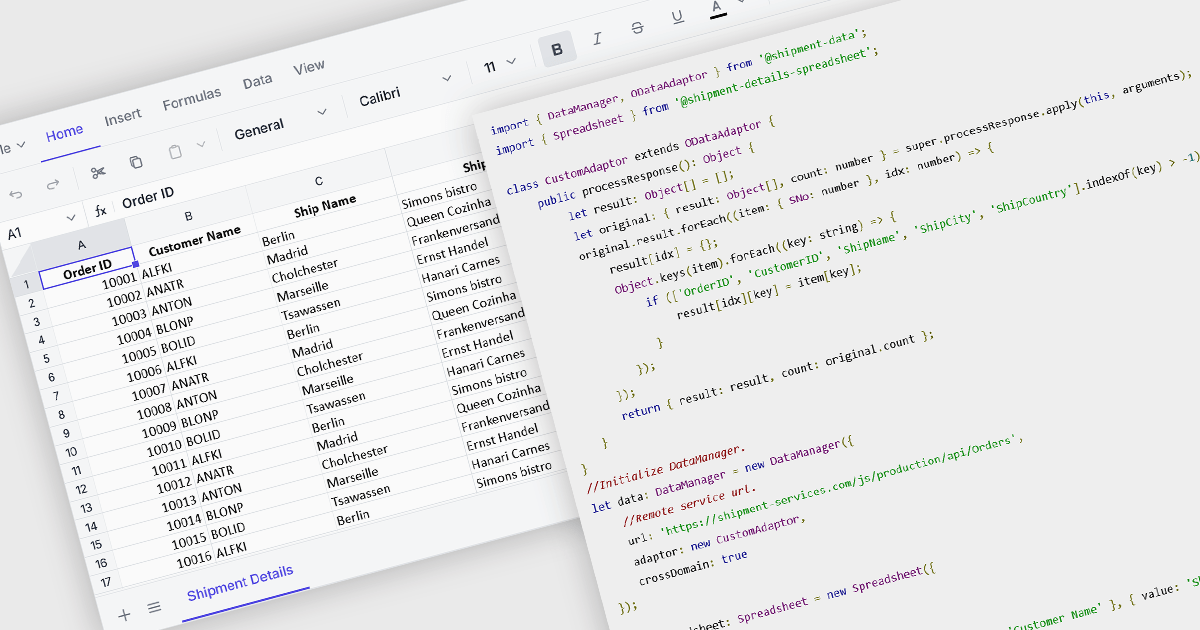
Data binding in a spreadsheet is the process of linking spreadsheet cells to external data sources, such as databases, APIs (Application Programming Interfaces), or other structured datasets, ensuring that the spreadsheet dynamically updates when the source data changes. This enables real-time synchronization, reducing manual data entry and minimizing errors. By automating data retrieval and updates, data binding enhances accuracy, supports complex calculations with live data, and improves efficiency, making it particularly useful for reporting, financial analysis, and business intelligence tasks. It also facilitates better collaboration by ensuring that all users work with the most current information, improving decision-making and overall productivity.
Several Vue.js spreadsheet components offer data binding functionality, including:
For an in-depth analysis of features and price, visit our Vue.js spreadsheet controls comparison.
Effective data processing and presentation features are an essential part of modern reporting components, enabling users to organize, analyze, and display data in a meaningful way. These capabilities transform raw information into structured, interactive reports that support better decision-making. By allowing users to manipulate data dynamically, apply business rules, and customize the way information is displayed, these features ensure reports remain relevant, insightful, and easy to interpret across different use cases.
Common features include:
For an in-depth analysis of features and price, visit our Vue.js Reporting controls comparison.
PowerShell Studio by SAPIEN Technologies is an Integrated Scripting Environment (ISE) designed specifically for PowerShell development. It offers a comprehensive editing experience with features like syntax coloring, code completion, and debugging. Beyond editing, PowerShell Studio allows you to visually design GUIs for your scripts, convert them into executables, and create modules and Windows services. This comprehensive toolset caters to developers who want to streamline PowerShell scripting and extend its functionality.
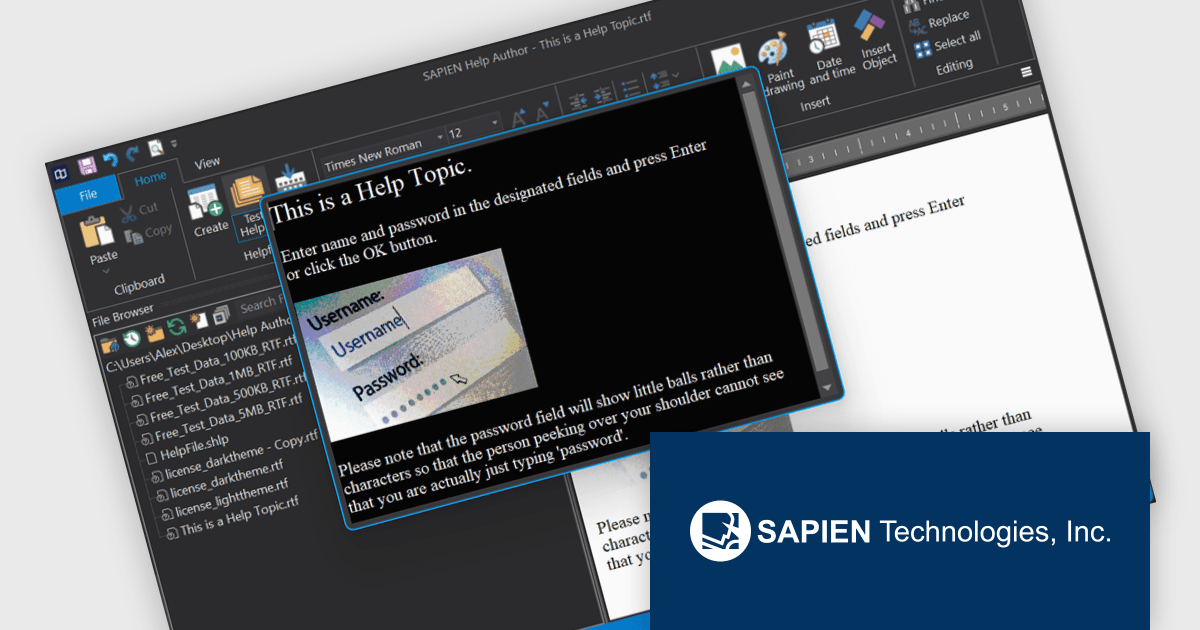
SAPIEN Technologies introduces a new Help Viewer designed for software developers who need a reliable, standalone solution for accessing documentation offline. This lightweight application eliminates the need for web-based help systems, making it ideal for air-gapped environments or applications that require local support files. It seamlessly opens help documents in standard formats, ensuring compatibility and ease of use without proprietary constraints. With built-in support for dark and light modes, customizable display options, and automatic closure when inactive, it provides a streamlined and efficient way to deliver and access help content within any development workflow.
PowerShell Studio is licensed per user and includes one year of product maintenance which may be renewed each year thereafter to continue to receive the latest updates. See our PowerShell Studio licensing page for full details.
Learn more on our PowerShell Studio product page.
Tel: (888) 850 9911
Fax: +1 770 250 6199


