













Proveedor oficial
Como distribuidores oficiales y autorizados, le suministramos licencias legítimas directamente de más de 200 editores de software.
Ver todas nuestras marcas.
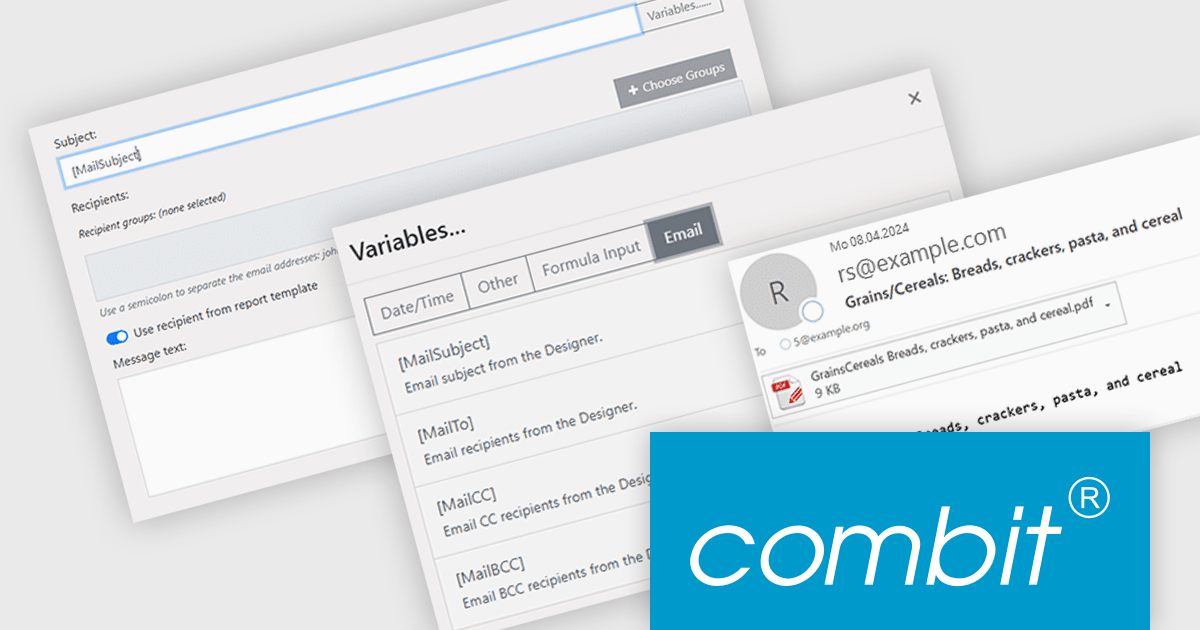
combit Report Server (included as part of List & Label Enterprise Reporting Edition) is a versatile BI reporting solution which can be used standalone or integrated into your List & Label applications. It can be customized to match your corporate design and enables platform-agnostic report generation, scheduling, and exporting from a variety of data sources in multiple formats and languages.
The combit Report Server version 30 update introduces a new "email per record" function that enhances report distribution. This grants developers the ability to automatically generate and send individual emails for each data record in a report. By eliminating the need for manual email creation and sending for large datasets, developers can save time and resources while ensuring timely and accurate delivery of information. This capability is particularly useful in scenarios with high data variability, such as invoicing, order processing, or customer notifications, where each recipient needs different information from the same report.
To see a full list of what’s new in version 30, see our release notes.
combit Report Server is licensed as part of List & Label Enterprise Edition. List & Label is licensed per developer and is available as a Perpetual License with a 12 month support and maintenance subscription. See our combit Report Server licensing page for full details.
Report Server is available to buy in the following products:

Printing functionality in reporting controls allows users to generate physical or digital copies of reports directly from within the software, ensuring seamless access to formatted, ready-to-distribute documents. This capability is especially valuable in data-driven applications where users need to share insights in a standardized format, such as in financial, operational, or compliance reporting. With printing support, users can define how reports appear on paper or in PDF format, often choosing custom layouts, page sizes, or specific sections for export, all of which aid in producing polished and accessible presentations of data. By reducing the manual steps needed to prepare data for distribution, printing functionality helps streamline workflows and enhance the utility of reporting tools for both internal and external stakeholders.
Several React reporting controls offer printing support including:
For an in-depth analysis of features and price, visit our React Reporting controls comparison.
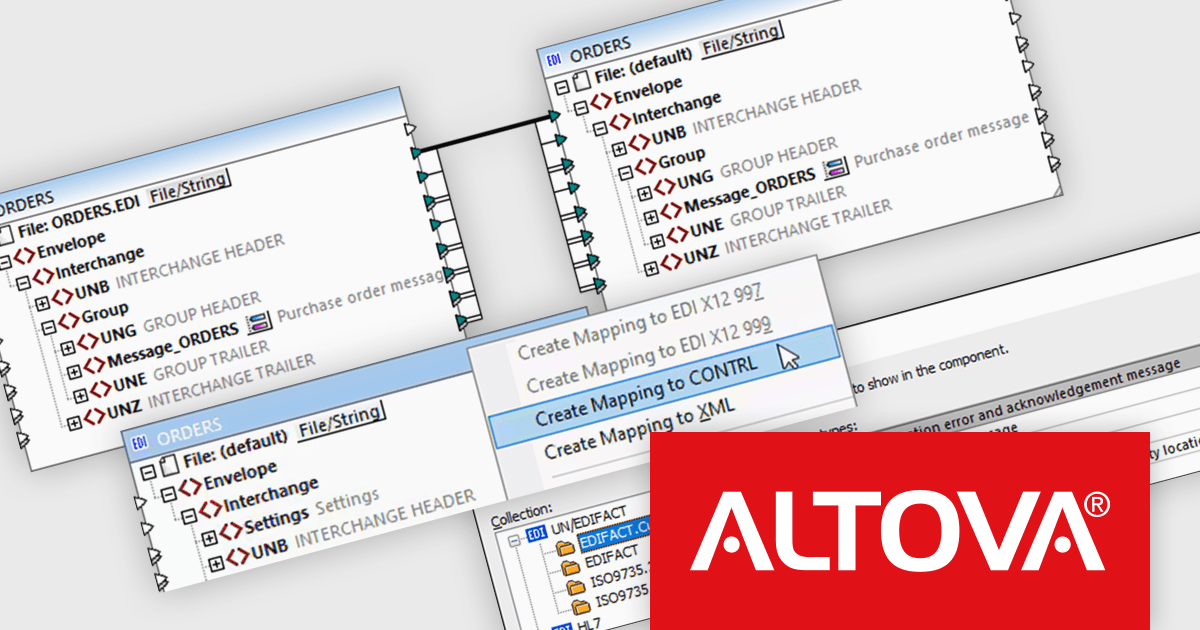
Altova MapForce Server automates data transformation processes designed in Altova MapForce. It enables seamless data exchange between various formats, including XML, JSON, databases, EDI, XBRL, flat files, Excel, and web services. This server-side solution offers benefits like parallel processing, bulk data handling, and cross-platform compatibility. By automating data mapping tasks, MapForce Server streamlines data integration workflows for enterprises, improving efficiency and reducing errors.
The MapForce Server 2025 release includes a powerful new feature that automates the generation of EDIFACT CONTRL messages. This significantly streamlines the process of creating and managing these critical control messages, which are essential for ensuring the correct transmission and processing of electronic data interchange (EDI) documents. By automating the generation of CONTRL messages, MapForce Server eliminates manual errors and saves time, allowing users to focus on core business processes. This feature is a valuable addition for organizations that rely heavily on EDI for their data exchange needs, providing a more efficient and reliable way to manage their EDI communications.
To see a full list of what's new in version 2025, see our release notes.
Altova MapForce Server is licensed per year, per server, based on the number of cores available on the machine. See our Altova MapForce Server licensing page for full details.
For more information, visit our Altova MapForce Server product page.

A time picker (time editor) component allows users to select a specific time from a predefined range. It often presents a visual representation of time, such as a clock face or a digital display, and provides intuitive controls for adjusting hours, minutes, and sometimes seconds. This component simplifies time input and selection processes, enhancing user experience and reducing potential errors in applications that require precise time specification, such as scheduling tools, appointment booking systems, and time-based data entry forms.
Several WPF data editor collections feature a time editor, including:
For an in-depth analysis of features and price, visit our WPF data editors comparison.
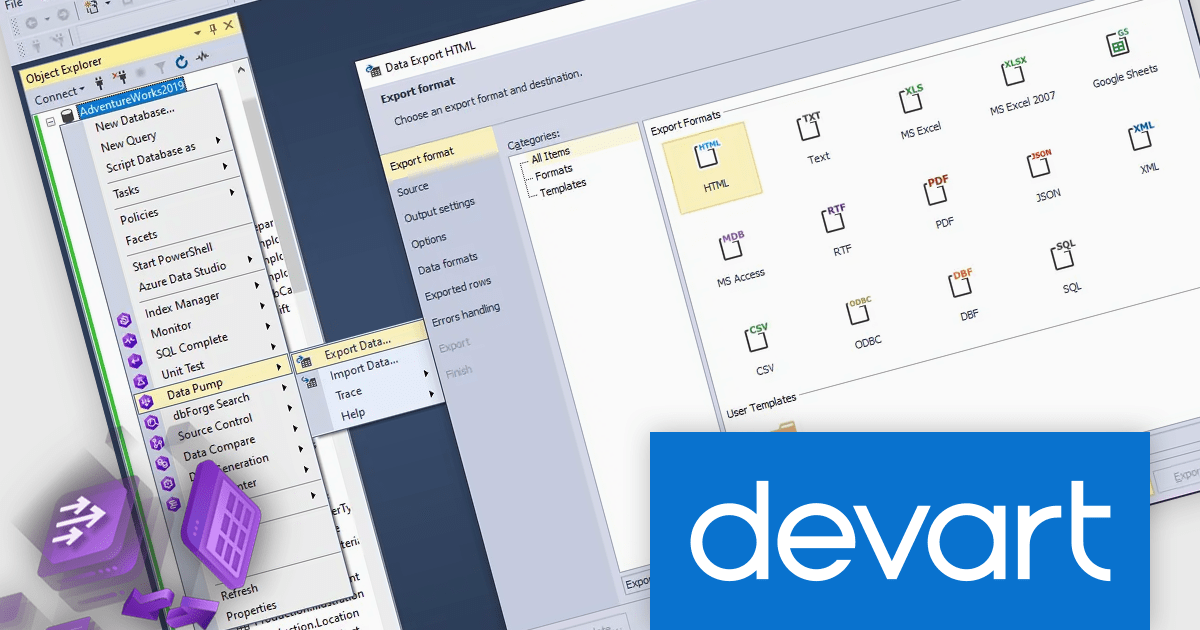
dbForge Data Pump and dbForge Unit Test are essential tools for SQL Server database management. Data Pump streamlines the process of exporting and importing data between databases, allowing for efficient data migration and backup. Unit Test facilitates the creation and execution of automated tests on database objects, ensuring data integrity and preventing errors during development and maintenance. These tools provide a comprehensive solution for database management tasks, enhancing productivity and reliability.
The dbForge Data Pump and dbForge Unit Test V7.0.158 updates enhance connectivity, particularly with the integration of ApsaraDB support. This expanded connectivity empowers users to manage data flows between on-premises, hybrid, and cloud environments, especially within Alibaba Cloud ecosystem. Increased connectivity opens doors to more flexible data migrations and integrations, making it easier for database professionals to manage multi-cloud strategies, optimize workflows, and maintain synchronized data across diverse platforms. This update allows developers and DBAs to manage, test, and deploy data in a connected, cloud-ready environment, maximizing productivity and adaptability in dynamic infrastructures.
To see a full list of what's new in V7.0.158, see our release notes for dbForge Data Pump and dbForge Unit Test.
dbForge Data Pump and dbForge Unit Test are licensed per developer and are available as an Annual or Perpetual License with a 12 month support and maintenance subscription. See our licensing pages for dbForge Data Pump and dbForge Unit Test for full details.
dbForge Data Pump and dbForge Unit Test are available in the following products:
Tel: (888) 850 9911
Fax: +1 770 250 6199


