













Proveedor oficial
Como distribuidores oficiales y autorizados, le suministramos licencias legítimas directamente de más de 200 editores de software.
Ver todas nuestras marcas.
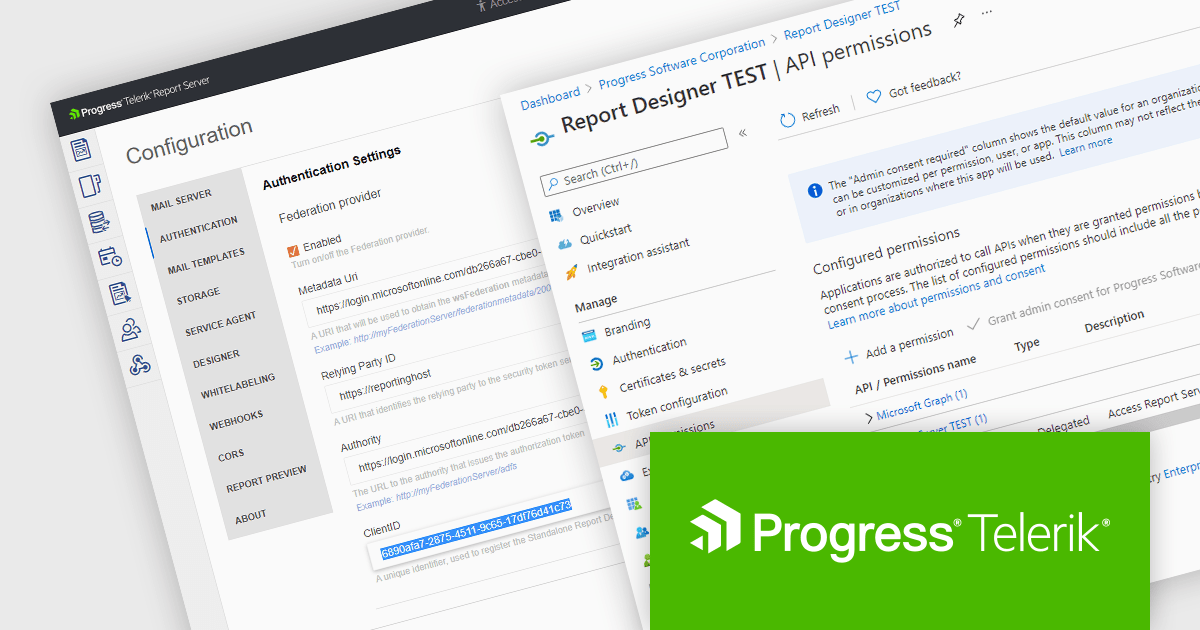
Telerik Report Server is a comprehensive and flexible end-to-end solution for managing reports. Built with the Telerik Reporting library, it is a server-based Windows web application that provides centralized storage, organization, and previewing of reports, along with features for scheduling, delivery, and user management. Report Server can act as a standalone solution or be integrated within an application, allowing developers to create, manage, and distribute reports across multiple platforms including Blazor, Angular and Windows Forms.
The Telerik Report Server 2024 Q3 update (10.2.24.806) adds support for Microsoft Entra ID as an authentication method in .NET environments. Entra ID, formerly known as Azure Active Directory, is an identity and access management solution that can now be configured as a part of the Report Server for .NET authentication methods. This integration enables single sign-on (SSO) authentication, which eliminates the need for separate credentials and improves the user experience, whilst ensuring that access to report management is tightly controlled and aligns with the broader enterprise security policies.
To see a full list of what's new in 2024 Q3 (10.2.24.806), see our release notes.
Telerik Report Server is available as a perpetual license and is licensed per domain. Each domain license contains 15 Client Access Licenses and 1 year support and maintenance. See our Telerik Report Server licensing page for full details.
Telerik Report Server is available in the following products:
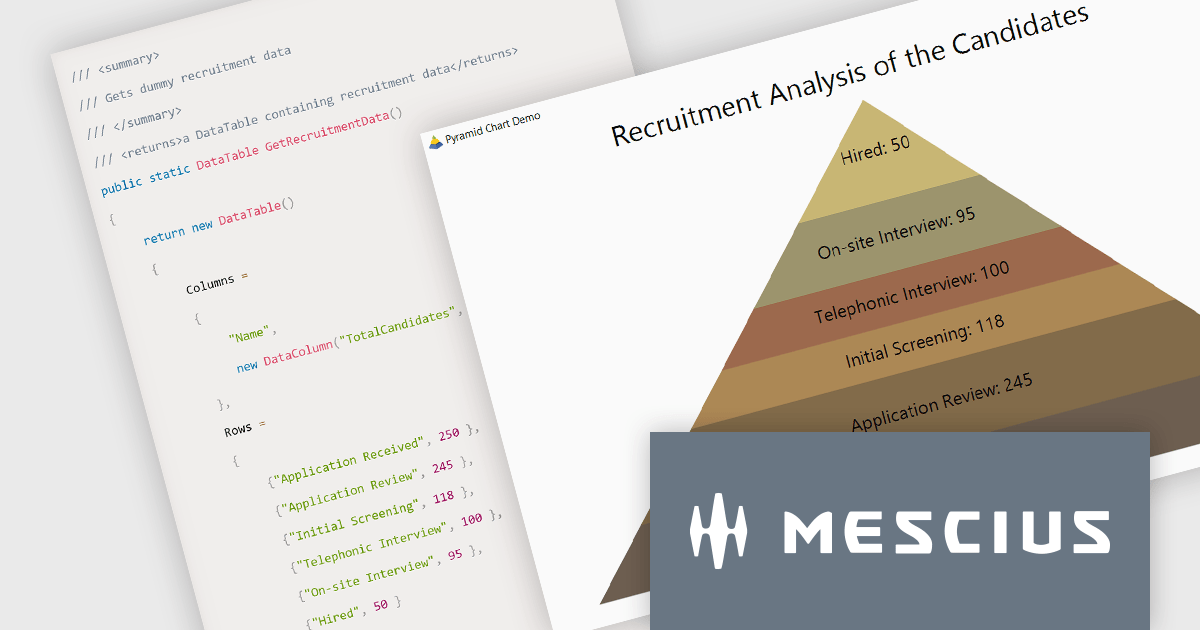
ComponentOne Studio Enterprise by MESCIUS is a comprehensive toolkit for .NET developers, offering a vast collection of pre-built UI controls for desktop (WinForms, WPF, WinUI, UWP), web (ASP.NET MVC, ASP.NET Core, MVC, Blazor), and mobile (.NET MAUI, Xamarin) applications. It extends functionality beyond UI with data visualization tools, data grids, reporting components, and JavaScript controls through Wijmo Enterprise. This all-in-one solution streamlines development by providing pre-designed elements and functionalities, allowing developers to focus on core application logic and deliver feature-rich applications faster.
In this blog post, MESCIUS Associate Software Engineer Aastha Gupta demonstrates how to use the ComponentOne FlexChart control in C# .NET to create a pyramid chart. Steps include:
Detailed sample code is included and there is even a sample app that you can download to make it easier.
Read the complete blog to get started creating stunning visualizations of hierarchical data.
ComponentOne Studio Enterprise is licensed per developer on a perpetual basis and includes a 12 month subscription. Priority Support is also available. See our ComponentOne Studio Enterprise licensing page for full details.
Learn more on our ComponentOne Studio Enterprise product page.
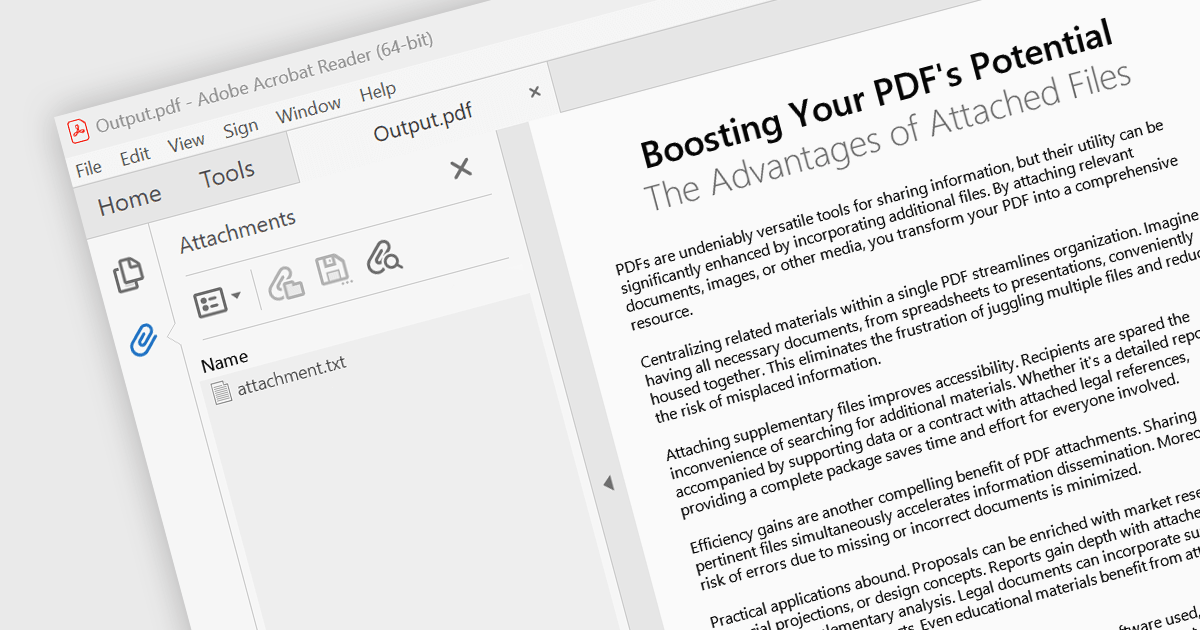
Attaching files to PDF documents involves embedding external files directly into the PDF structure. This capability offers several advantages, including consolidating related data into a single package, improving file management, and enhancing document accessibility. Practical use cases span various industries, from attaching supporting documents to invoices and contracts in business applications to embedding multimedia content like images or audio files within educational or marketing materials.
Several .NET 8 WinForms PDF components support attachments including:
For an in-depth analysis of features and price, visit our comparison of .NET 8 WinForms PDF components.

Spline charts are a type of line chart that uses smooth curves to connect data points, offering a visually appealing and intuitive representation of trends over time. Unlike traditional line charts with straight segments, spline charts emphasize the continuous nature of data, making them particularly effective for visualizing patterns, cycles, and gradual changes, commonly used in fields like finance, economics, and engineering to highlight the evolution of metrics and predict future trajectories
Several React chart controls offer spline charts including:
For an in-depth analysis of features and price, visit our React chart controls comparison.
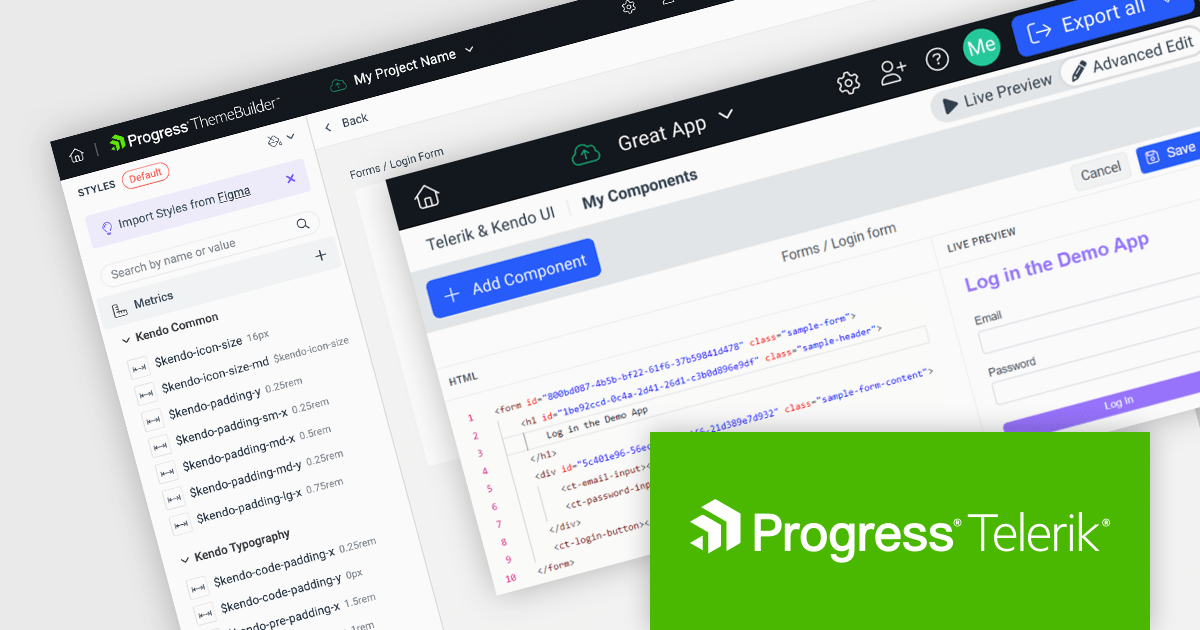
Progress ThemeBuilder by Telerik is a comprehensive visual design tool that accelerates user interface customization for Telerik and Kendo UI web components. ThemeBuilder enables you to style virtually every appearance-related property of the UI components, from top-level elements to the smallest of details, without requiring direct CSS manipulation. It integrates seamlessly with existing development workflows and allows developers to create, modify, and maintain consistent and visually appealing themes across applications. This tool significantly reduces the time and effort required for UI customization and makes it easy to align them with branding and design specifications.
The Progress ThemeBuilder 2024 Q3 update adds custom component support, extending the tool's theming capabilities beyond the default set of Telerik and Kendo UI components. By being able to style any custom HTML, it helps you achieve a consistent style across both Telerik/Kendo UI components and your own internal ones. This enhancement allows for the seamless integration of custom-built UI components into the ThemeBuilder environment, providing a unified styling experience and ensuring consistent visual design throughout your projects, whilst streamlining the UI development process.
To see a full list of what's new in 2024 Q3, see our release notes.
Progress ThemeBuilder is licensed per user and is available as an annual license with a one year support subscription, which is available in three tiers: Lite, Priority or Ultimate. See our Progress ThemeBuilder licensing page for full details.
For more information, see our Progress ThemeBuilder product page.
Tel: (888) 850 9911
Fax: +1 770 250 6199


