Architecture News

Visualice fácilmente cambios de precios en aplicaciones financieras

Junio 12, 2024
Potencie sus aplicaciones financieras con gráficos Renko para ayudar a los usuarios a identificar visualmente apoyos/resistencia y realizar operaciones informadas.

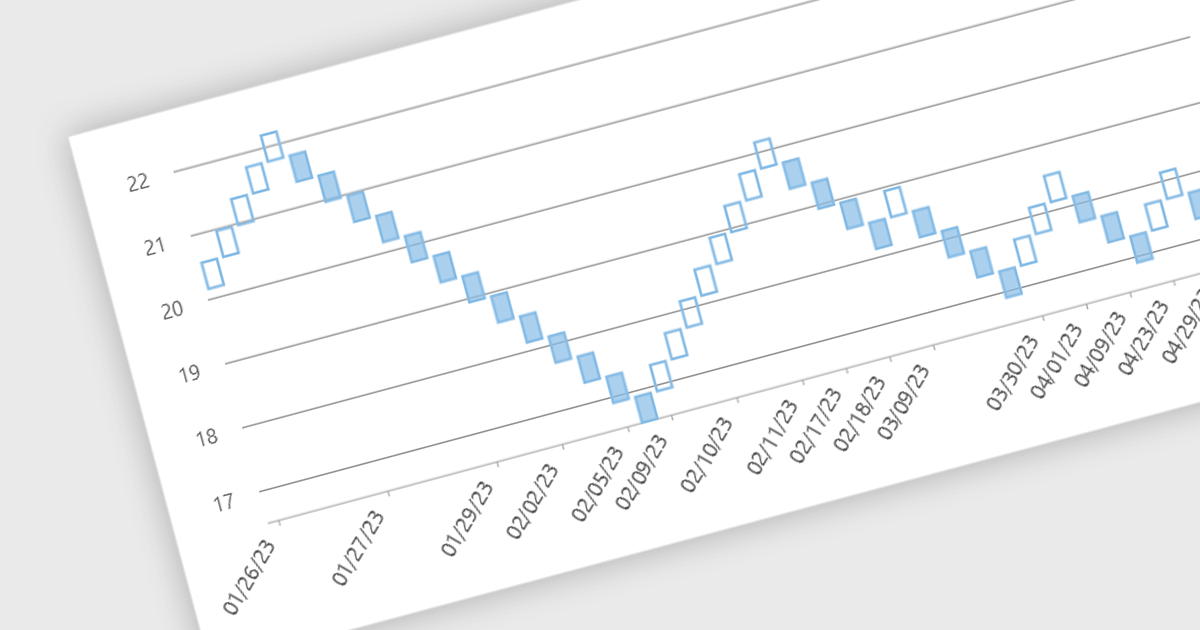
Renko charts are specialized financial charts that represent price movements with fixed-sized bricks, filtering out minor price fluctuations to highlight significant trends. These charts are particularly useful for identifying key support and resistance levels, making trend direction clearer by eliminating noise from the data. A primary benefit of Renko charts lies in their ability to simplify the visualization of market trends and price patterns, aiding developers in creating sophisticated financial applications that require precise and clear representation of market behavior. By using Renko charts, developers can enhance the analytical capabilities of their applications, providing users with powerful tools to make informed trading decisions.

Several .NET WinForms Chart controls offer a Renko chart including:

  • ComponentOne Financial Charts for WinForms (part of ComponentOne Studio Enterprise by MESCIUS) lets you create customizable Renko charts, enhancing financial data visualization with real-time analytics and performance.
  • Nevron Chart for WinForms (part of Nevron Chart for .NET) allows you to generate detailed Renko charts, providing advanced data visualization and comprehensive charting capabilities for financial analysis.
  • Chart FX 8 Windows Forms (part of Chart FX 8 by Software FX) facilitates the creation of interactive Renko charts, enabling detailed financial insights and seamless integration with Windows Forms applications.
  • TeeChart Pro WinForms (part of TeeChart for .NET by Steema Software) supports the development of dynamic Renko charts, offering robust charting tools for precise financial data representation and analysis.
  • Syncfusion WinForms Chart (part of Syncfusion Essential Studio Enterprise) provides features for creating Renko charts, delivering high-performance charting solutions for financial data interpretation and presentation.

For an in-depth analysis of features and price, visit our comparison of .NET WinForms Chart controls.
Compare .NET WinForms Chart controls

Mejore las comunicaciones de aplicaciones de Visual Studio

Junio 12, 2024
Amplíe Visual Studio 2022 con componentes de comunicaciones para agregar capacidades seguras de transferencia de datos, carga de archivos y emulación de red.

Microsoft Visual Studio 2022 is a powerful Integrated Development Environment (IDE) that empowers developers to build applications for various platforms like Windows, macOS, and Linux. It offers a comprehensive suite of tools including a code editor, compiler, debugger, tester, source control integration, deployment tools, and a profiler, streamlining the entire development lifecycle.

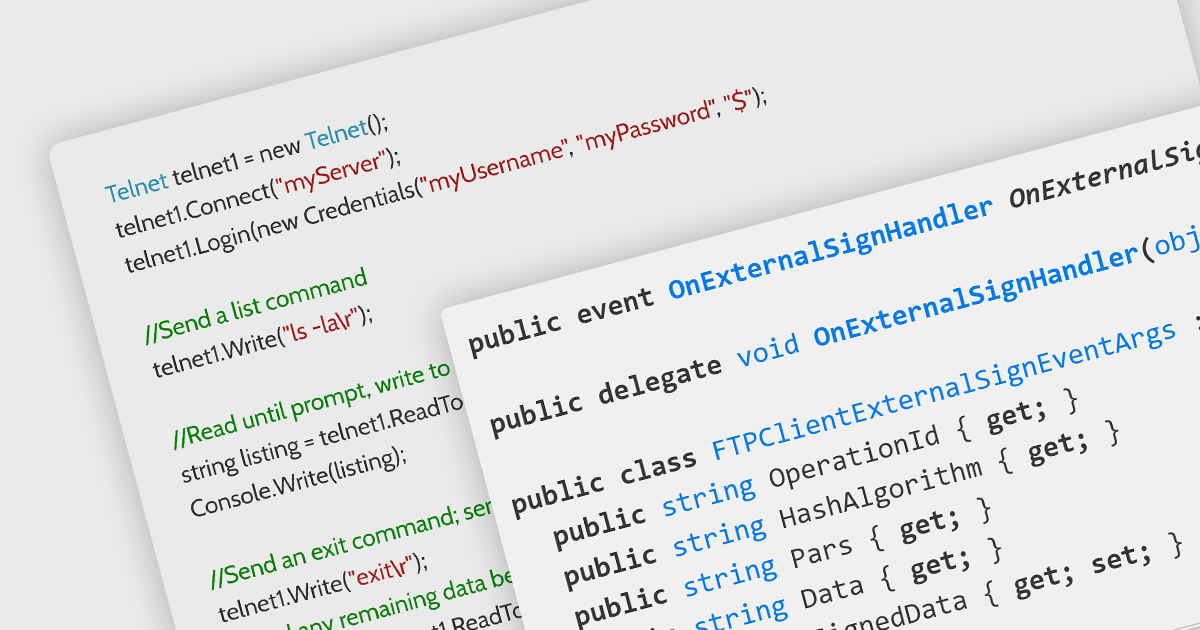
Several .NET comms and messaging components support Visual Studio 2022, including:

  • SecureBlackbox (part of /n software Red Carpet Subscription) provides components for secure storage, data protection, and secure transfer, facilitating secure communication.
  • Telerik CloudUpload for WPF (part of Telerik UI for WPF) integrates with Visual Studio 2022, for seamless uploading of files to cloud storage providers such as Azure or Amazon S3.
  • PowerTCP Emulation for .NET by Dart Communications enables developers using Visual Studio 2022 to add terminal emulation and screen scraping to their .NET applications.
  • Rebex SFTP for .NET integrates Secure File Transfer Protocol (SFTP) capabilities into .NET applications developed with Visual Studio 2022.

For an in-depth analysis of features and price, visit our comparison of .NET communications and messaging components.
Compare .NET Comms & Messaging Components

Impulse su CRM con un potente editor WYSIWYG

Junio 12, 2024
Froala HTML Editor brinda a su CRM una experiencia avanzada de texto enriquecido que le permite crear aplicaciones atractivas rápidamente.

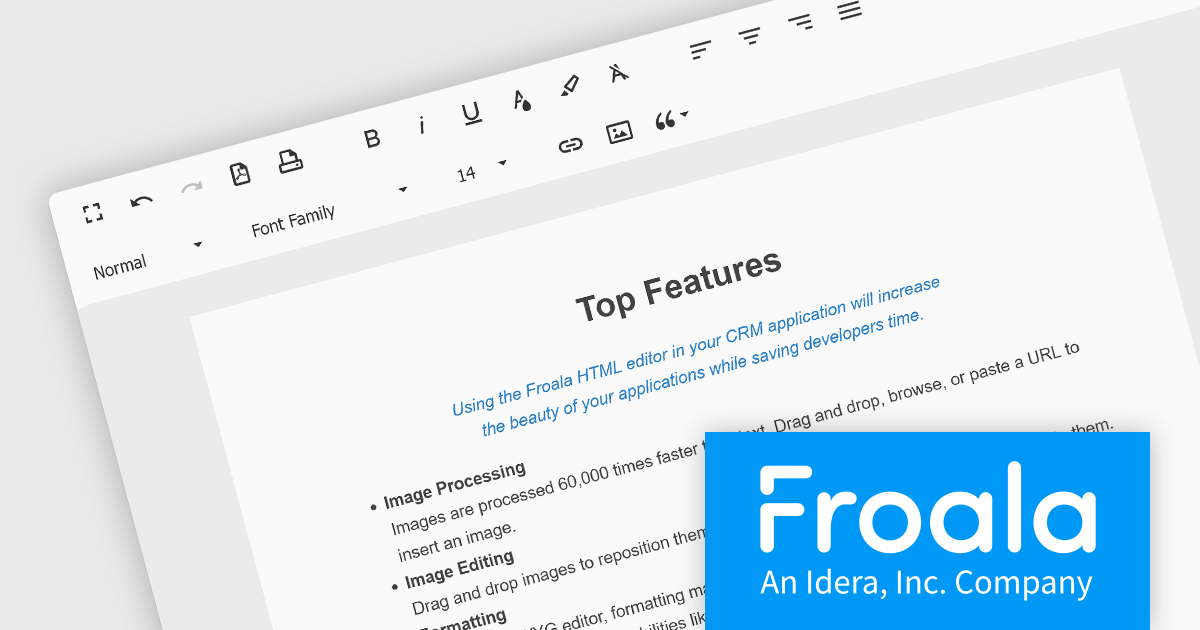
Froala Editor is a JavaScript-based WYSIWYG HTML editor that empowers developers to seamlessly integrate rich text editing functionalities into their applications. Despite its extensive feature set of over 100 options, Froala prioritizes user experience through a cleverly designed toolbar. Actions are categorized into four intuitive scopes, ensuring every feature is readily accessible while maintaining a clean and uncluttered interface. This balance of power and usability makes Froala Editor a versatile solution for a wide range of content creation scenarios.

Froala Editor's powerful features for creating dynamic page content include:

  • Fast Image Processing - images are processed 60,000 times faster than text.
  • Image Editing - Drag and drop to reposition, click to resize, align, link, replace, or delete.
  • Copy and paste content from Microsoft Office.
  • Mobile-friendly WYSIWYG editor adjusts to any screen size for Android and iOS devices.
  • ...and much more!

View the full blog post to learn more about this customizable editor for your business.

Froala Editor is licensed on an annual or perpetual basis, with annual licenses available for 1, 2, or 3 years. See our Froala Editor licensing page for full details.

For more information, see our Froala Editor product page.
Proporcione interfaces intuitivas con soporte táctil

Junio 11, 2024
Los controles táctiles de editor de datos de WPF de .NET 8 permiten a los desarrolladores crear interfaces de usuario atractivas para una amplia gama de dispositivos modernos.

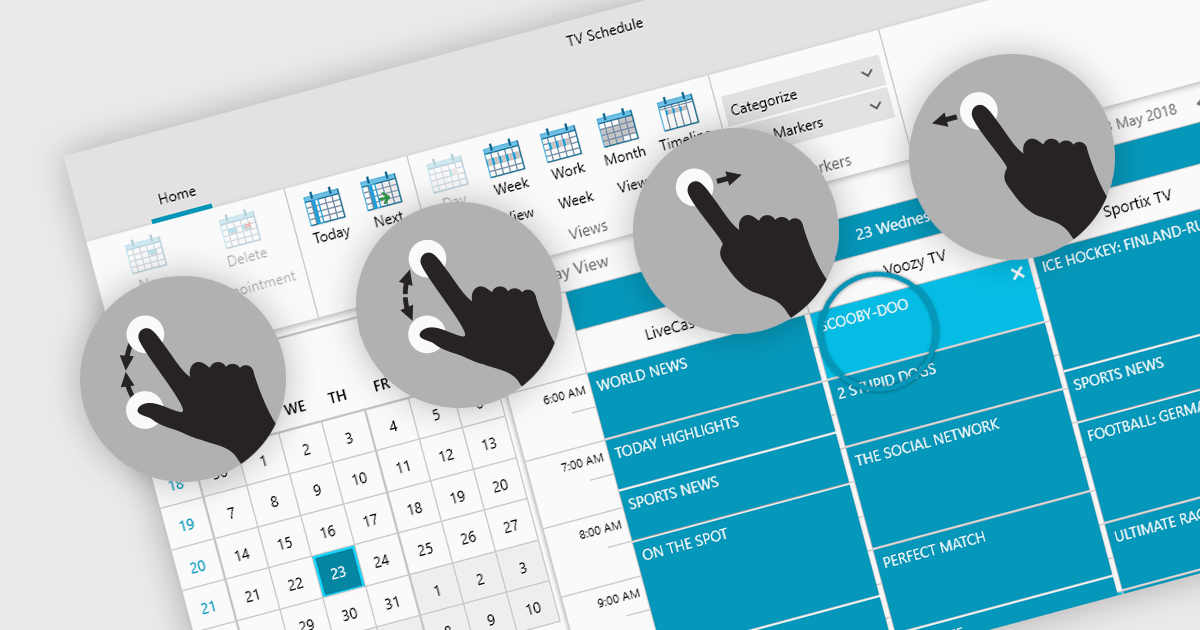
Data editors with touch support revolutionize user interaction by enabling intuitive gestures, taps, and swipes. This fosters a seamless experience, particularly on touchscreens found in smartphones, tablets, and even touch-enabled laptops. Developers can leverage this functionality to create applications with effortless navigation, data manipulation, and command execution through touch. This broader accessibility empowers a wider range of users, enhancing usability and fostering a more engaging and efficient interaction that capitalizes on the hardware capabilities of modern devices.

Many .NET 8 WPF collections contain Data Editors with Touch Support including:

  • ComponentOne WPF Input and Editors (part of ComponentOne Studio WPF by MESCIUS) supports touch inputs, allowing users to efficiently interact using taps and swipes.
  • DevExpress WPF Data Editors (part of DevExpress WPF) lets you utilize touch gestures for intuitive data entry and manipulation on touchscreen devices, enhancing user interaction.
  • Telerik UI for WPF Data Editors (part of Telerik UI for WPF) enables seamless touch navigation and data editing, providing a responsive user experience on touchscreens.
  • Actipro Editors for WPF facilitates touch-enabled data editing, offering a natural and responsive interface for users on touchscreen devices.

For an in-depth analysis of features and price, visit our comparison of .NET 8 WPF Data Editors.
Compare .NET 8 WPF Data Editors

Importe MSI existentes en su instalador

Junio 11, 2024
Aproveche componentes MSI prediseñados para optimizar sus proyectos de instalación, minimizando las tareas de desarrollo repetitivas.

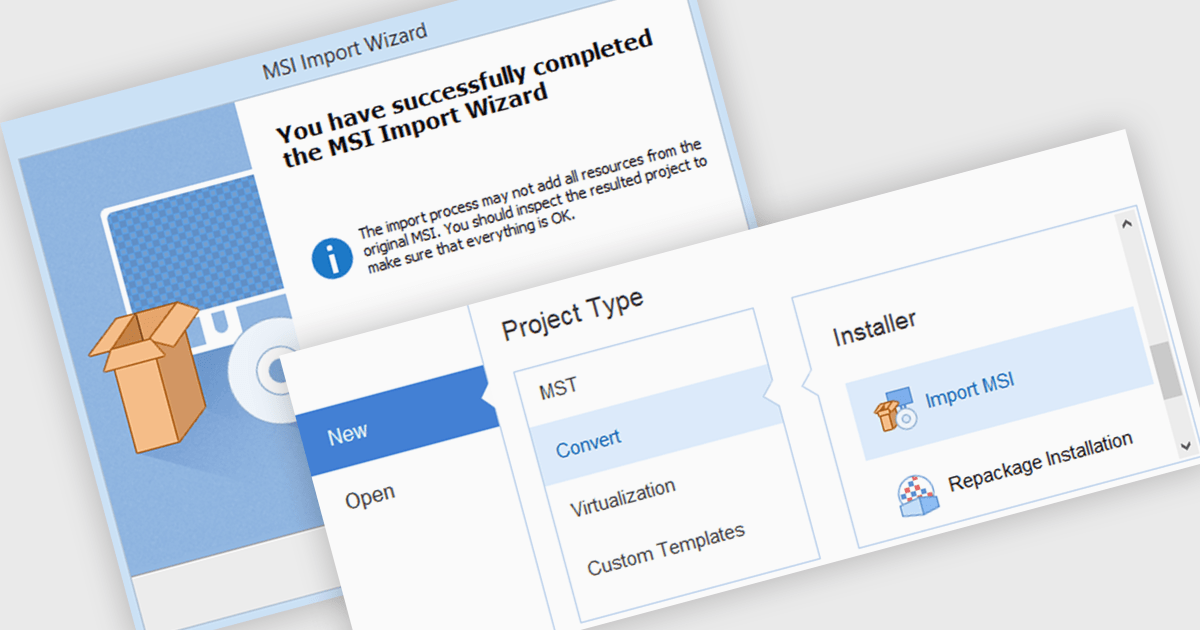
MSI import functionality allows software developers to leverage existing MSI packages within a new installer project. This functionality streamlines the development process by incorporating pre-built components and configurations, saving time and effort compared to manually recreating them within the new installer. This can be particularly beneficial when deploying applications that rely on external libraries or dependencies already distributed as MSIs.

Several installation tools offer MSI import including:

  • Advanced Installer Enterprise by Caphyon streamlines development by incorporating existing MSIs into your installer project.
  • RayPack Studio simplifies building robust installers by enabling seamless import of pre-built MSI packages.
  • InstallShield Premier by Revenera expedites installation creation through efficient integration of external MSI components.

For an in-depth analysis of features and price, visit our comparison of Installation Tools.

Compare Installation Tools