













Proveedor oficial
Como distribuidores oficiales y autorizados, le suministramos licencias legítimas directamente de más de 200 editores de software.
Ver todas nuestras marcas.

Incorporating a PDF component with search functionality into your application offers significant advantages. Users can locate specific information within complex documents with ease, streamlining their experience and enhancing productivity. This translates to a more user-friendly and efficient app, reducing frustration and allowing users to find what they need quickly, without the needing to install additional software.
Several WPF PDF Viewer controls allow you to search for text in PDF files including:
For an in-depth analysis of features and price, visit our WPF PDF Viewer controls comparison.
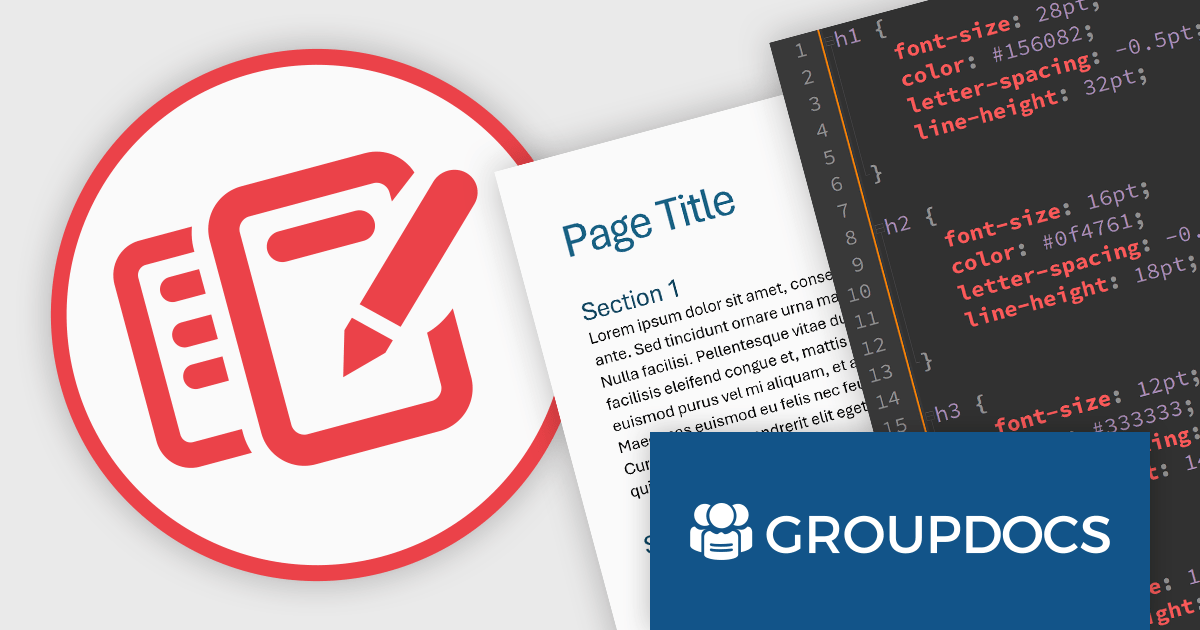
GroupDocs.Editor for Java is a document editing library that lets you integrate rich editing functionalities into your Java applications. It works by converting various document formats like Word, Excel, and PowerPoint presentations into editable HTML. This allows you to leverage any external HTML editor, be it open-source or commercial, for in-app document editing. After edits are made in the HTML, GroupDocs.Editor can save them back to the original format or even convert them to different file types.
The GroupDocs.Editor for Java V24.4 release introduces a new forward conversion mode for Word Processing documents. When converting original documents such as DOCX to HTML, all built-in and user-defined styles are preserved and stored as CSS rulesets in an external stylesheet. This enhancement allows users to manipulate, edit, and apply these styles directly within the external WYSIWYG editor, facilitating a seamless document editing experience.
To see a full list of what's new in V24.4, see our release notes.
GroupDocs.Editor for Java is offered as Developer Small Business, Developer OEM, Site Small Business, and Site OEM licenses catering to a range of business needs. Licenses are perpetual, and include 1 year of support and maintenance. Subscription renewals are also available. See our GroupDocs.Editor for Java licensing page for full details.
GroupDocs.Editor for Java is available in the following products:
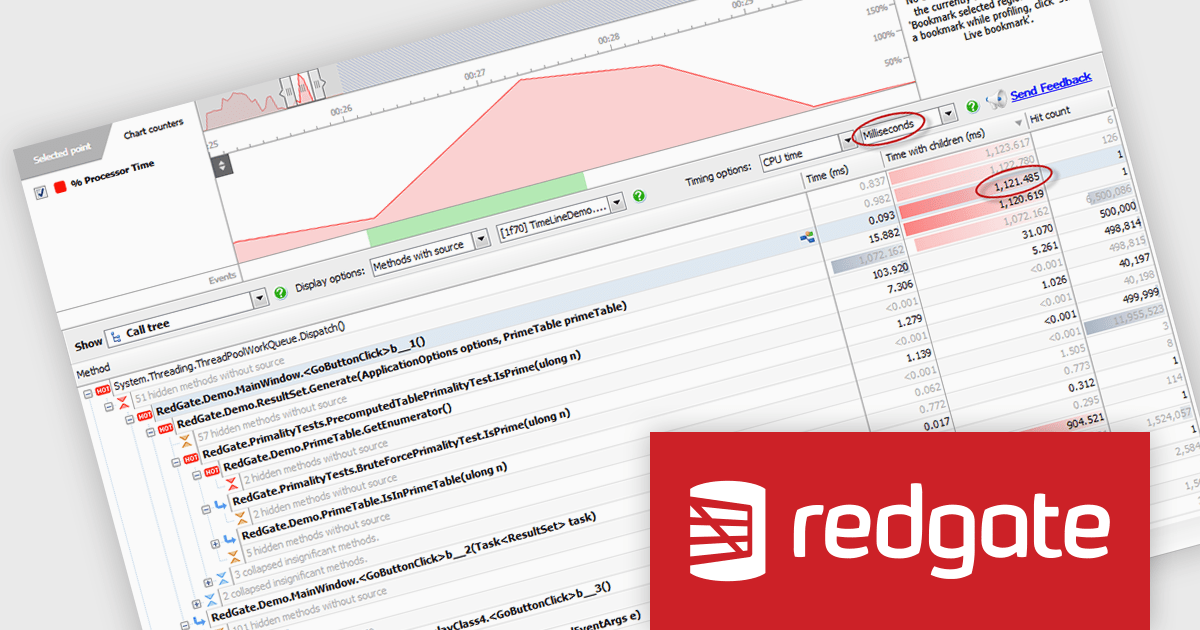
ANTS Performance Profiler by Redgate is a .NET application performance profiling tool that helps developers pinpoint bottlenecks in their code. It offers line-level and method-level timings, pinpoints expensive database queries, and visualizes call trees to identify the most time-consuming execution paths. This comprehensive data allows developers to diagnose performance issues efficiently and optimize their code for smoother application runtime.
The ANTS Performance Profiler 11.3.0 release adds support for profiling Microsoft .NET 8 assemblies and projects. This directly benefits developers working with the latest .NET version and ensures compatibility with potential performance optimizations or regressions introduced in .NET 8. By allowing seamless profiling, developers can maintain their existing performance analysis workflows and gain insights into how their code behaves within the new .NET environment. This ultimately leads to a smoother transition to .NET 8 and helps developers build high-performing applications leveraging the latest features.
ANTS Performance Profiler is licensed per user and is available as a 1 Year, 2 Year or 3 Year timed subscription license. See our licensing pages for ANTS Performance Profiler and ANTS Performance Profiler Pro for full details.
ANTS Performance Profiler is available to buy in the following products:
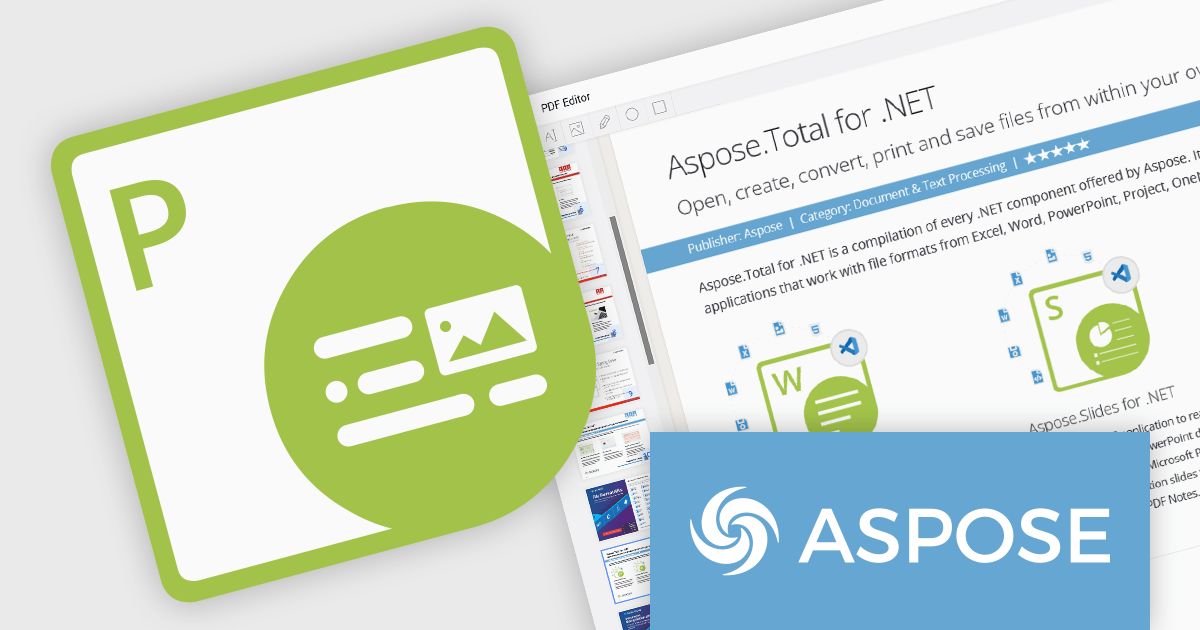
Aspose.PDF for .NET empowers developers to seamlessly integrate PDF generation, manipulation, and conversion functionalities within their applications. It eliminates the dependency on Adobe Acrobat by providing a programmatic interface for working with PDF documents, allowing for tasks like creating PDFs from scratch, editing existing ones, adding elements like images and watermarks, and managing security features.
Aspose.PDF for .NET V24.5 adds the ability to flatten a layered PDF file, streamlining document sharing and archiving by converting editable layers into a static, unalterable format. This ensures consistent presentation and prevents unintended modifications.
To see a full list of what's new in V24.5, see our release notes.
Aspose.PDF for .NET is offered as Developer Small Business, Developer OEM, Site Small Business, and Site OEM licenses catering to a range of business needs. Licenses are perpetual, and include 1 year of support and maintenance. Subscription renewals are also available. See our Aspose.PDF for .NET licensing page for full details.
Aspose.PDF for .NET is available in the following products:
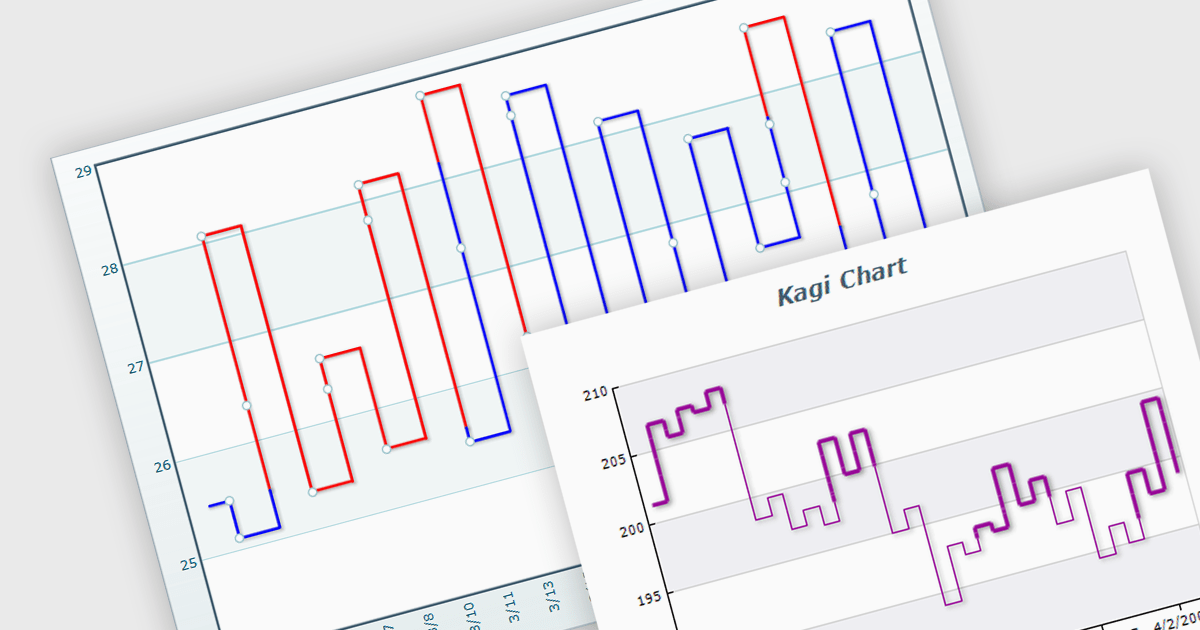
A Kagi chart is a type of financial chart used to track price movements, with a focus on significant trends and reversals rather than minor fluctuations, to inform stock purchasing decisions. It features a series of vertical lines that reflect changes in price. The direction of these lines shifts only when the price moves by a predetermined amount, known as the reversal amount. Thin lines indicate that the price has fallen below the previous low while thick lines indicate that the price has surpassed the previous high. By filtering out minor price fluctuations it emphasises substantial price movements, offering a clearer perspective on market trends.
Several WinForms chart components provide Kagi charts, including:
For an in-depth analysis of features and price, visit our WinForms charts comparison.
Tel: (888) 850 9911
Fax: +1 770 250 6199


