













Proveedor oficial
Como distribuidores oficiales y autorizados, le suministramos licencias legítimas directamente de más de 200 editores de software.
Ver todas nuestras marcas.
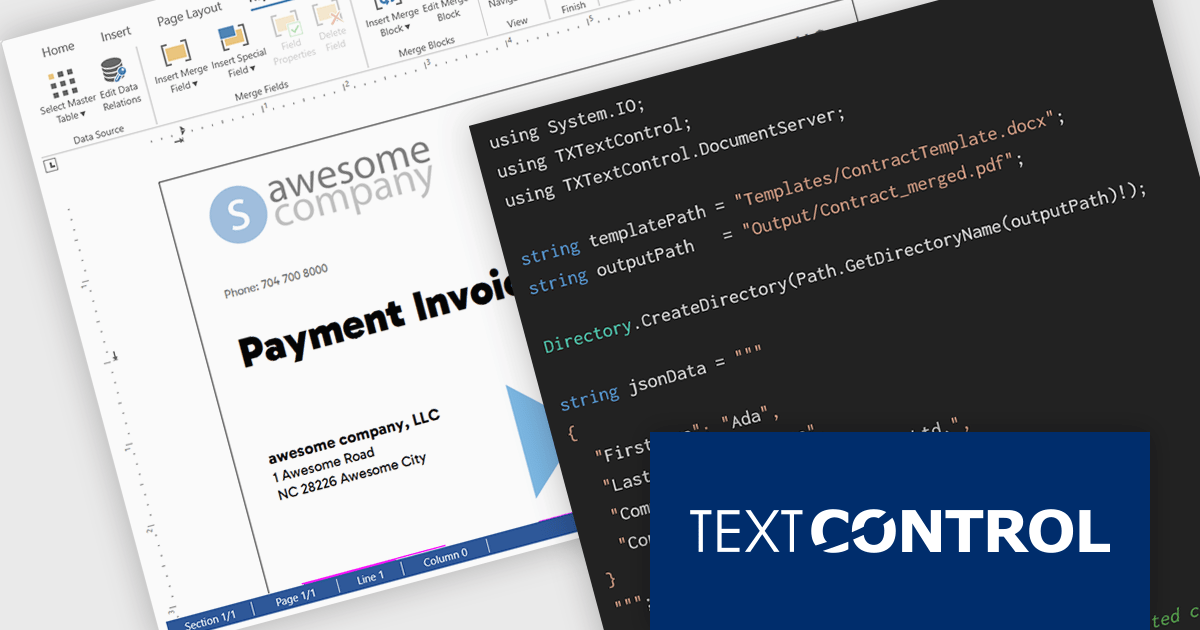
TX Text Control .NET Server for ASP.NET is a server-side component for Web applications, or services. It is a fully programmable ASP.NET word processor engine that offers an extensive palette of word processing features. Using TX Text Control .NET Server, programmers can develop server side, end user applications that generate documents on-the-fly, using data from databases, binary files (Microsoft Word DOC and DOCX), ASCII files (XML, RTF, HTML) and image data (JPG, PNG, BMP, TIF, GIF, WMF).
In this blog post, Text Control's Bjoern Meyer demonstrates how to use TX Text Control .NET Server for ASP.NET to build scalable, server-safe document automation using C# .NET. The TX Text Control native document automation engine provides many benefits over using the Microsoft Word desktop automation, including:
Read the complete blog to get started automating the generation of Word documents in your mission-critical systems.
TX Text Control .NET Server for ASP.NET is licensed per developer and is available as a Perpetual License with a 12 month support and maintenance subscription. Run time licenses are required for the deployment to production servers. See our TX Text Control .NET Server for ASP.NET licensing page for full details.
For more information, visit our TX Text Control .NET Server for ASP.NET product page.
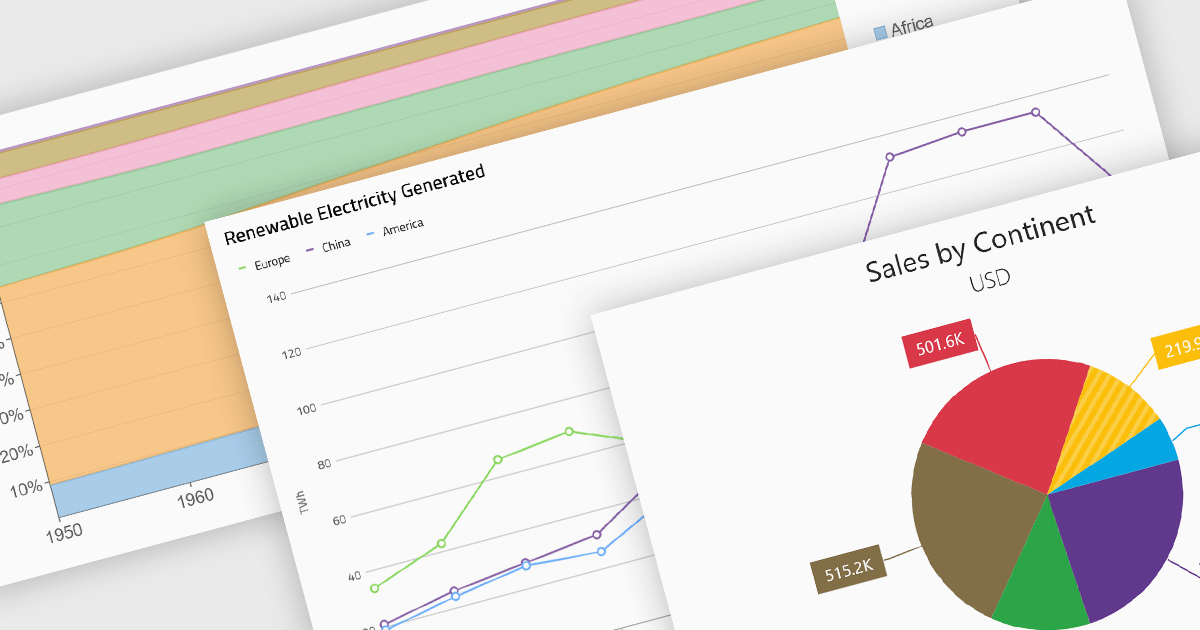
Standard chart types form the foundation of most charting components, providing widely recognized visual formats for representing numerical and categorical data. These charts help developers present trends, comparisons, distributions, and relationships in ways that are immediately understandable to end users. Because these visualizations are familiar across industries, they are commonly included as built-in options in charting libraries and dashboards, allowing applications to communicate insights clearly while supporting interactive features such as tooltips, legends, and dynamic data updates.
Common chart types include:
For an in-depth analysis of features and price, visit our Blazor charts components comparison.
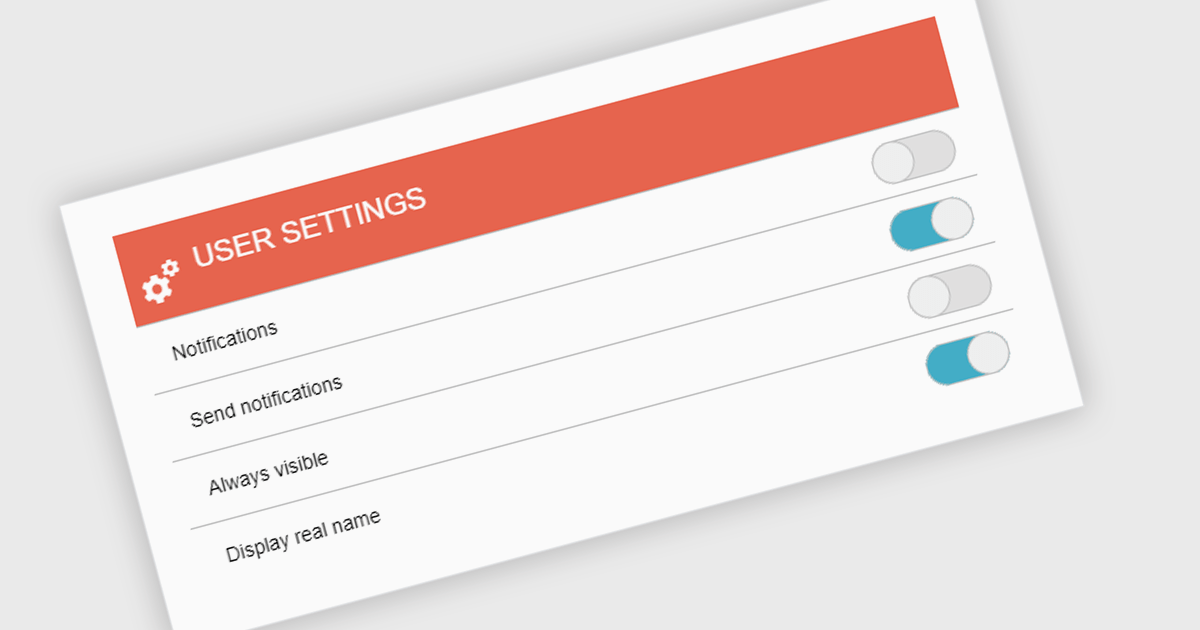
A toggle switch is a user interface control that allows users to quickly switch between two states, typically on and off. It provides a clear visual indication of the current state and enables immediate changes with a single interaction. Toggle switches are widely used in forms, settings panels, and configuration interfaces because they present binary choices in a compact and easily understandable format. Their visual clarity helps reduce user errors, while their interactive design supports efficient input and consistent behavior across desktop and mobile applications.
Several .NET data editor collections give you toggle switch functionality, including:
For an in-depth analysis of features and price, visit our comparison of .NET data editor collections.
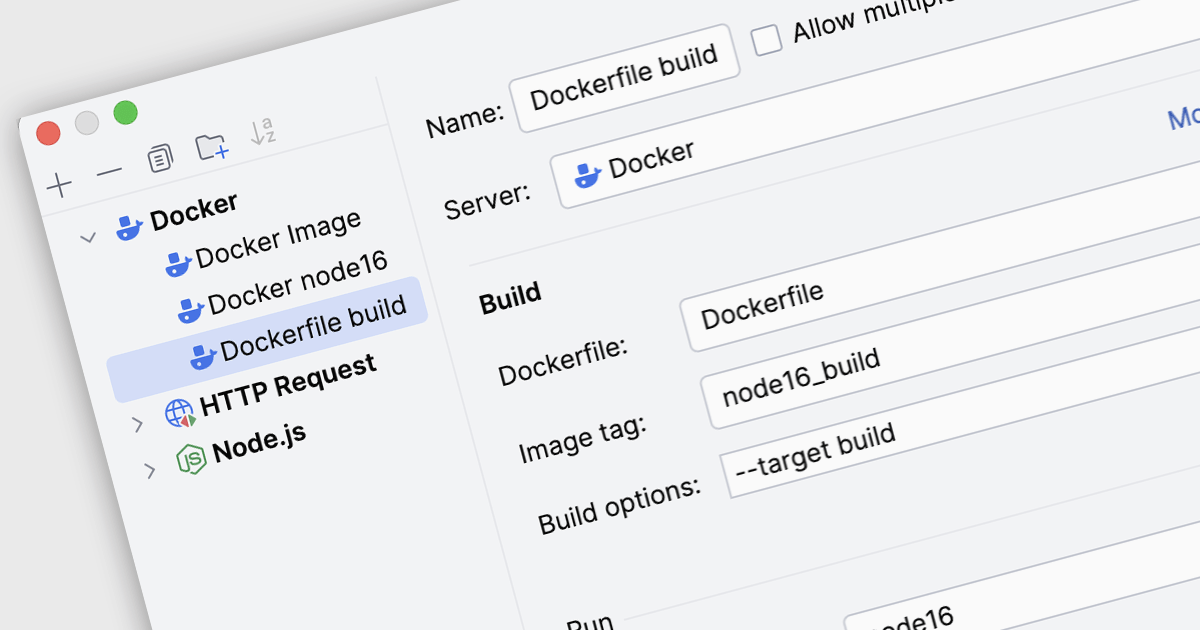
Docker deployment in Integrated Development Environments (IDEs) refers to the capability to build, configure, and run applications inside Docker containers directly from the development workspace. Through built-in Docker integration, developers can package an application together with its required libraries, runtime, and operating system dependencies into a container image, then deploy and execute that container on local or remote Docker hosts. This approach allows developers to test and run applications in consistent, reproducible environments that mirror production systems, reducing configuration differences between development, testing, and deployment stages while simplifying container management tasks such as building images, running containers, and updating services.
Several IDEs offer support for Docker deployment including:
For an in-depth analysis of features and price, visit our comparison of Integrated Development Environments (IDEs).
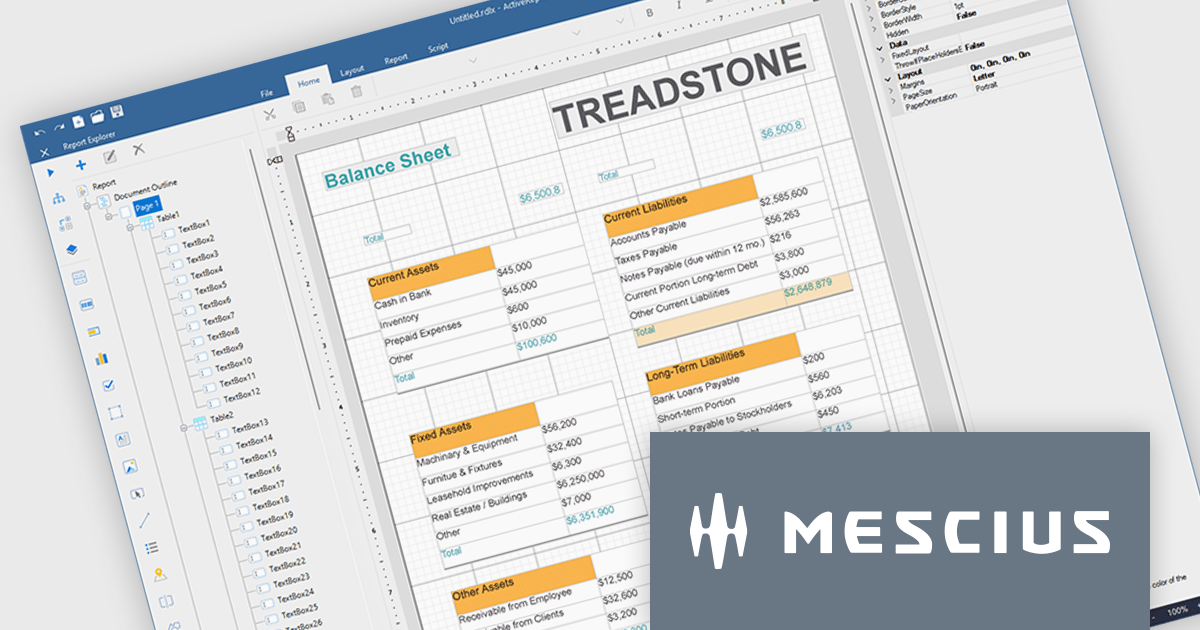
ActiveReports.NET helps you deliver beautiful reports with intuitive Visual Studio integrated report designers and rich controls. ActiveReports provides code-based cross-platform reporting, easy-to-use designers, and a flexible API. MESCIUS recently released ActiveReports.NET v20, which includes the powerful AI Image to report feature.
In this blog post, MESCIUS Product Manager Alec Gall presents a detailed walkthrough for creating a report from an image in the Designer. Steps include:
Read the full blog to learn how to turn screenshots, scans, and even photographs of reports into editable .NET RDL reports.
ActiveReports.NET is licensed per developer. Dependent on geographic location it is available as either an Annual (Timed) Subscription License or as a Perpetual Developer License which comes with 1 year of software updates and support. Each developer requires a license to design, develop, or maintain applications. The Annual Subscription License must be renewed each year to continue to work with the software. Published applications are royalty free and do not expire. Optional pipeline licenses available for CI/CD build servers. See our ActiveReports.NET licensing page for full details.
Learn more on our ActiveReports.NET product page.
Tel: (888) 850 9911
Fax: +1 770 250 6199


