













Proveedor oficial
Como distribuidores oficiales y autorizados, le suministramos licencias legítimas directamente de más de 200 editores de software.
Ver todas nuestras marcas.
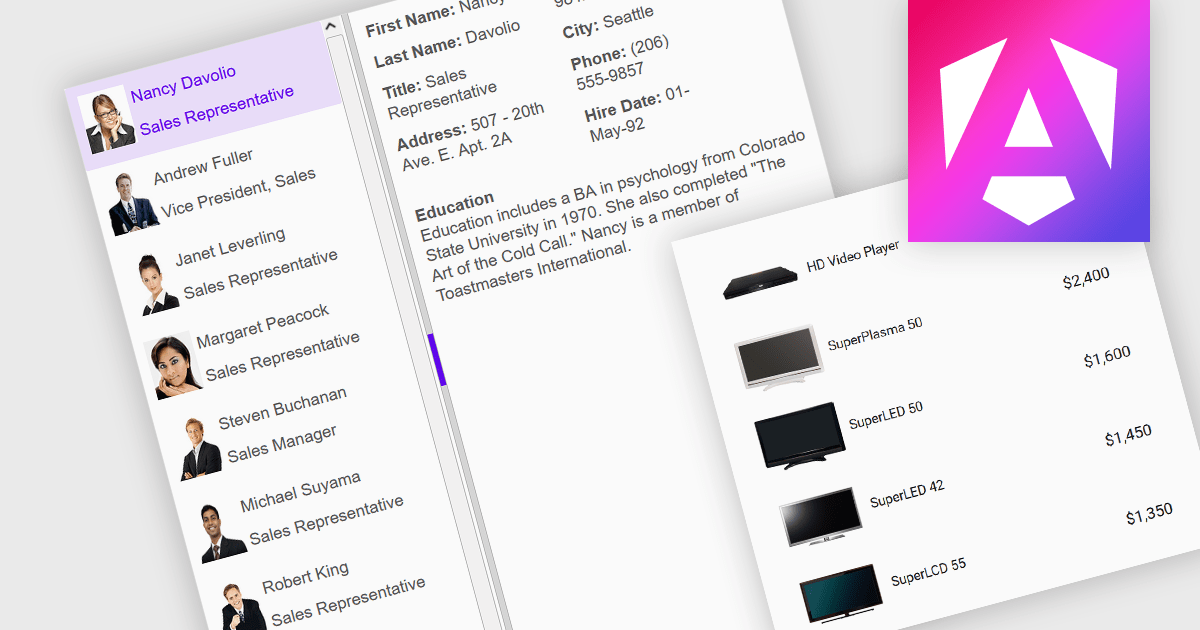
An image listbox is a type of data editor and user interface component that, like the standard listbox, presents a list of selectable items but with the ability to display images alongside or instead of the textual items. By using an associated icon, thumbnail or other graphic for improved visual recognition, this format provides a visual reference for each item, allowing users to browse and select their input more efficiently when the items are more easily identified by appearance than by label. The combination of images with text in a structured, selectable list makes the image listbox valuable in applications that involve data selection, as visually enriched items are well suited in scenarios where users must choose from items that are better identified via imagery (such as product catalogs, avatars, icons, or file previews) rather than by text alone.
Several Angular data editor collections provide image listbox support, including:
For an in-depth analysis of features and price, visit our comparison of Angular data editor components.
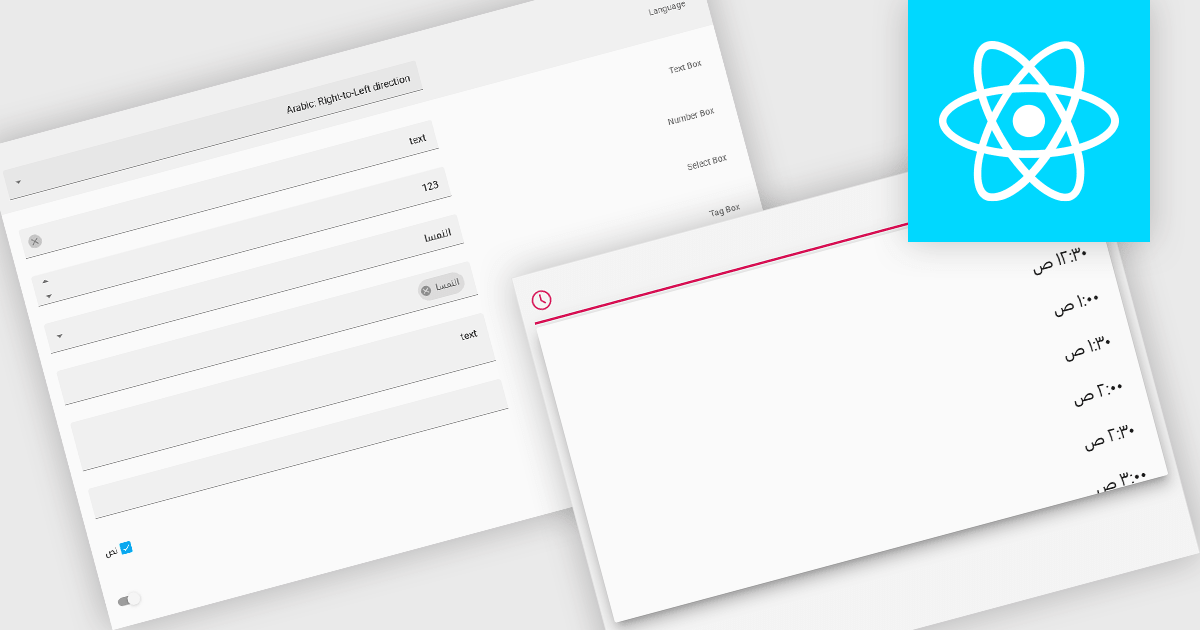
Right-to-left (RTL) support in a data editor component enables the user interface and content layout to be displayed in a direction consistent with languages that are read from right to left, such as Arabic or Hebrew. This includes aligning text, input fields, table structures, and control elements to the right side of the screen, while preserving correct data formatting and interaction behavior. For software developers, RTL support ensures that applications can be properly localized for RTL language audiences without compromising usability or data readability.
Several React data editors offer right to left (RTL) support including:
For an in-depth analysis of features and price, visit our React data editors comparison.
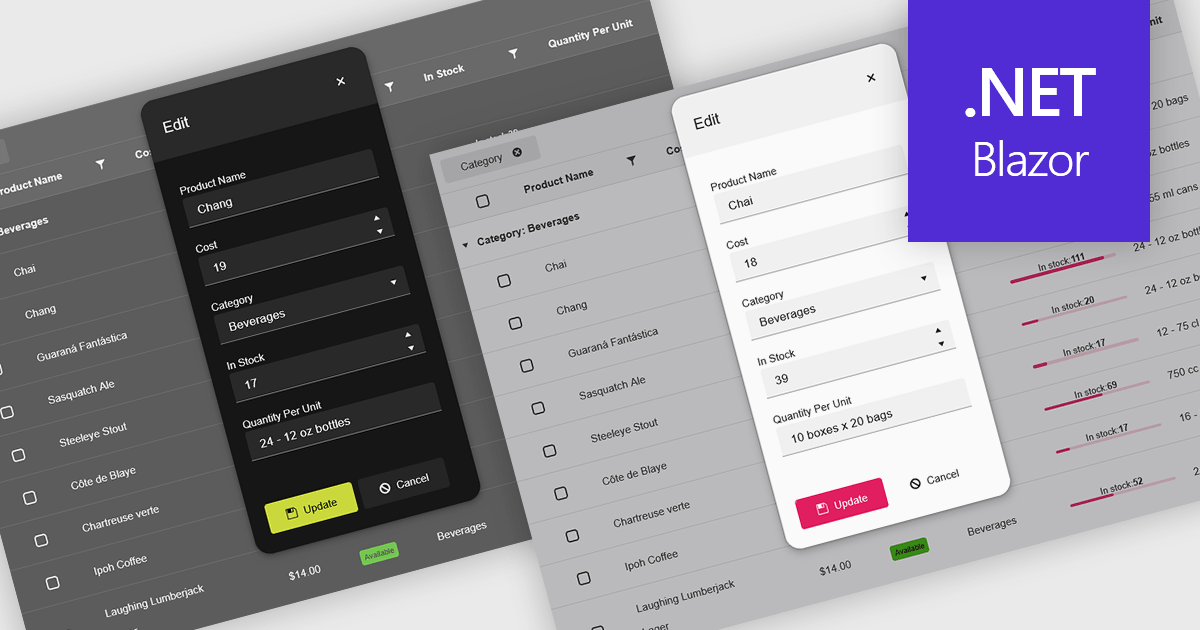
Themes in data editors provide a simple and efficient way to customize the visual appearance of data editing controls, including elements such as color schemes, fonts, and overall styling. By applying themes, developers and designers can create a consistent and professional look across multiple components, ensuring that applications align with brand guidelines and deliver a polished user experience. This flexibility enhances readability and usability while improving the design process, allowing visual updates to be made globally without modifying individual controls. For example, a dark theme can improve focus in data-intensive dashboards, while a light and minimalist theme can enhance clarity in business forms or reporting tools. Overall, themed data editors help maintain design consistency, reduce development time, and elevate the overall aesthetic of modern applications.
Several .NET Blazor data editor collections offer support for themes including:
For an in-depth analysis of features and price, visit our .NET Blazor data editor controls comparison.
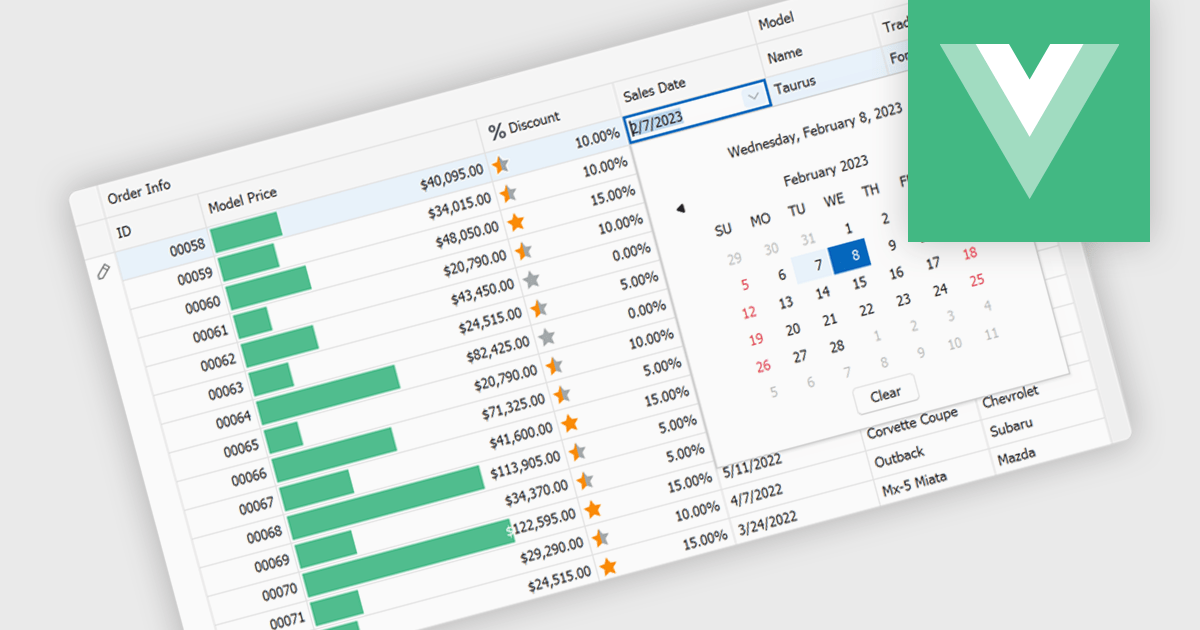
A date editor enables users to easily input, modify, and validate date values through an intuitive interface such as a calendar picker or spinner. This feature ensures consistent date formats across datasets, reduces manual entry errors, and improves overall data integrity. By enforcing validation rules and supporting localization, date editors accommodate a wide range of user needs and regional formats. Common use cases include managing records in applications such as employee databases, scheduling systems, financial reporting tools, and project management dashboards where accurate and consistent date information is essential for reliable data analysis and decision-making.
Several Vue.js data editor collections provide date editors including:
For an in-depth analysis of features and price, visit our Vue.js Data Editors comparison.
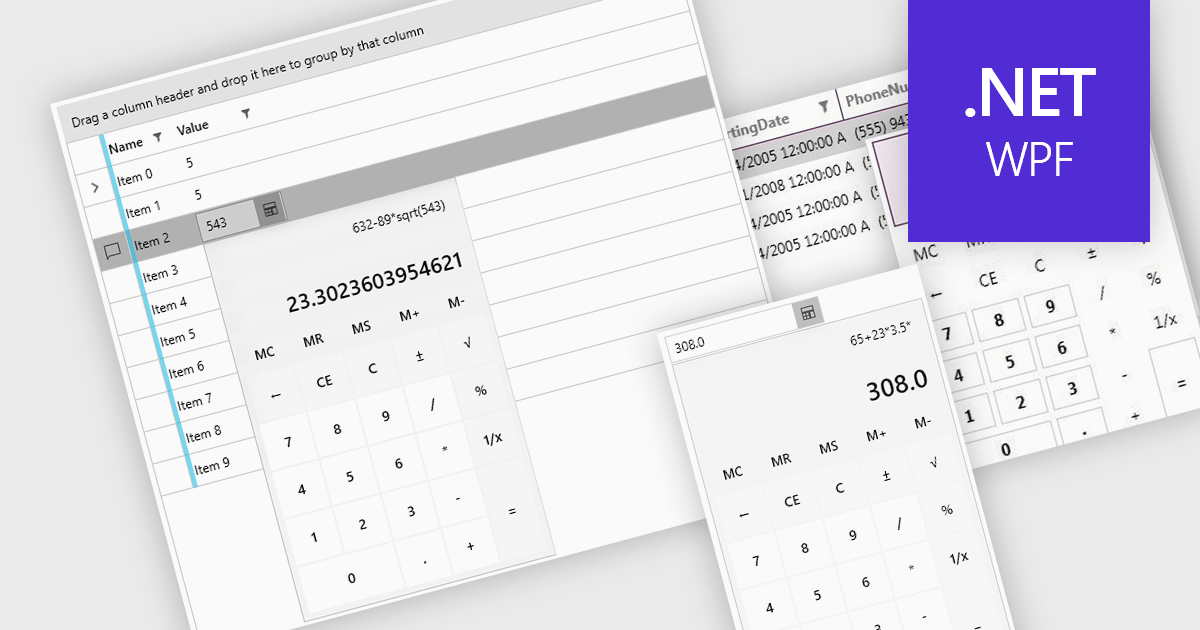
Dropdown calculators are interactive user interface components that integrate a compact calculator directly into a standard dropdown control, allowing users to perform quick calculations or adjust numerical values without navigating away from the current input field. This interaction pattern is particularly useful in data-heavy applications where users frequently need to input or modify numerical data, such as e-commerce pricing, financial tools, form-based systems, or configuration panels. By integrating calculation capabilities directly into the dropdown, these components reduce the need for external tools, help maintain focus, and improve the overall speed and accuracy of user input.
Several WPF data editor collections offer a dropdown calculator, including:
For an in-depth analysis of features and price, visit our comparison of WPF data editors collections.
Tel: (888) 850 9911
Fax: +1 770 250 6199


