













Proveedor oficial
Como distribuidores oficiales y autorizados, le suministramos licencias legítimas directamente de más de 200 editores de software.
Ver todas nuestras marcas.
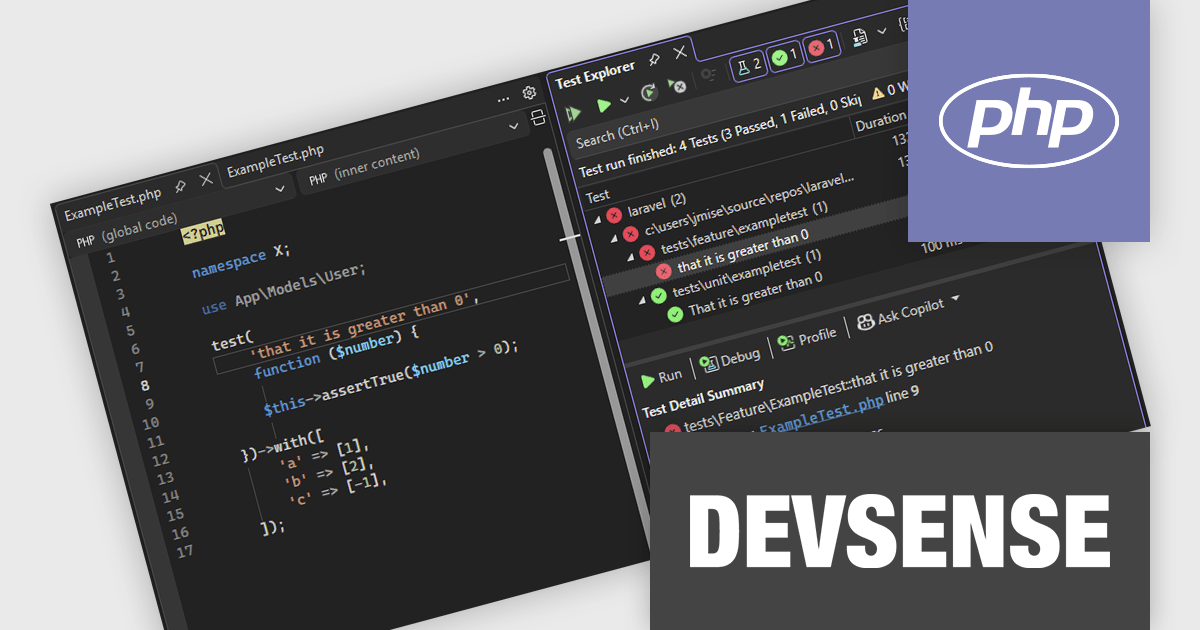
PHP Tools for Visual Studio converts Microsoft's IDE into a complete PHP development environment, increasing productivity with features such as smart code analysis, preemptive code completion, integrated debugging, and project management. This single package combines Visual Studio's familiar interface with industry-standard capabilities, allowing you to easily develop PHP applications and websites.
The PHP Tools for Visual Studio v1.88 update enhances the PHP testing experience by adding full support for PHPUnit versions 10 through 12 and the Pest framework, ensuring compatibility with the latest testing standards. This update improves the accuracy of test discovery by correctly recognizing data set–based tests and displaying their individual executions in the Test Explorer for clearer visibility. It also strengthens the reliability and consistency of test execution, providing developers with a more efficient and stable environment for running and debugging their PHP tests directly within Visual Studio.
To see a full list of what's new in v1.88.18040, see our release notes.
PHP Tools for Visual Studio is licensed per developer and is available as a perpetual license with 1 year of upgrades and support. See our PHP Tools for Visual Studio licensing page for full details.
For more information, see our PHP Tools for Visual Studio product page.
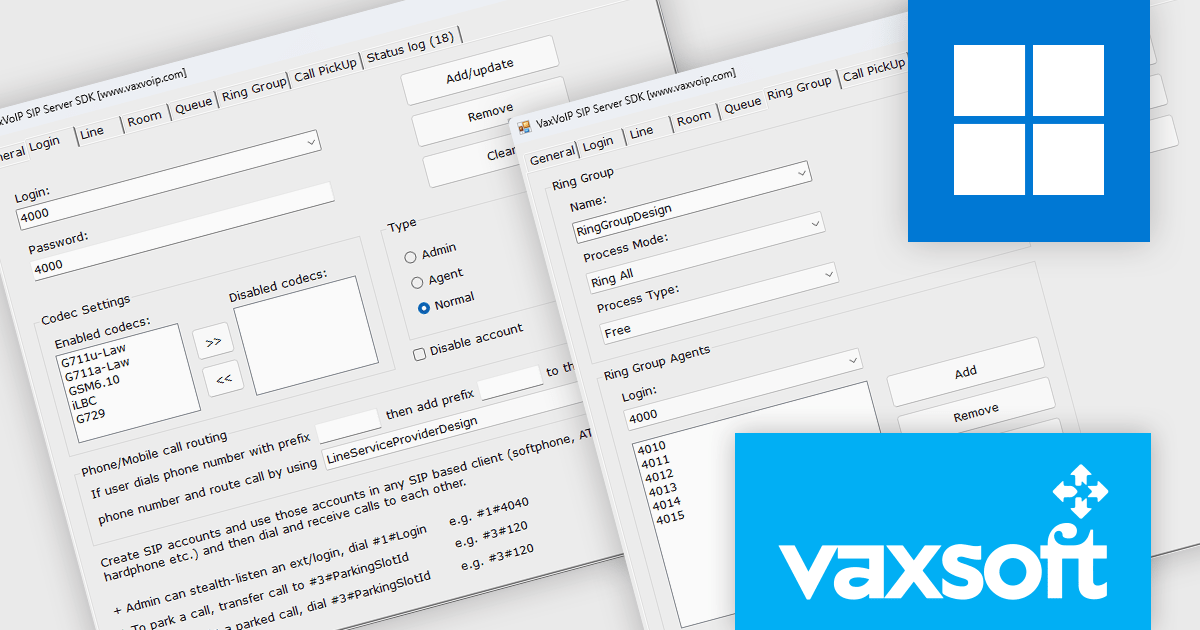
VaxVoIP SIP Server SDK by VaxSoft is a comprehensive software development kit designed for building secure, high-performance VoIP communication systems. It provides all the core functionality needed to develop SIP-based servers, IP-PBX systems, IVRs, auto-dialers, and call center solutions. The SDK supports real-time audio access, making it suitable for advanced integrations such as AI-driven voice agents, speech analytics, and automated call handling. With its well-documented API and scalable architecture, it enables developers to create reliable communication platforms tailored to their specific business or technical requirements.
The VaxVoIP SIP Server SDK offers significant advantages for developers seeking to reduce complexity and time-to-market when creating VoIP applications. Its built-in protection against SIP attacks enhances system security, while its scalability ensures stable performance under heavy workloads. Developers can use the SDK to deploy cloud-based or on-premises communication solutions that support voice automation, customer engagement systems, and enterprise-grade telephony services. By combining flexibility, performance, and ease of integration, it empowers teams to build modern, cost-efficient voice communication solutions.
VaxVoIP SIP Server SDK is licensed per service, per year, under a single software, single server license that allows one production deployment on one computer or server. See our VaxVoIP SIP Server SDK licensing page for full details.
For more information, visit our VaxVoIP SIP Server SDK product page.
See other related products available:
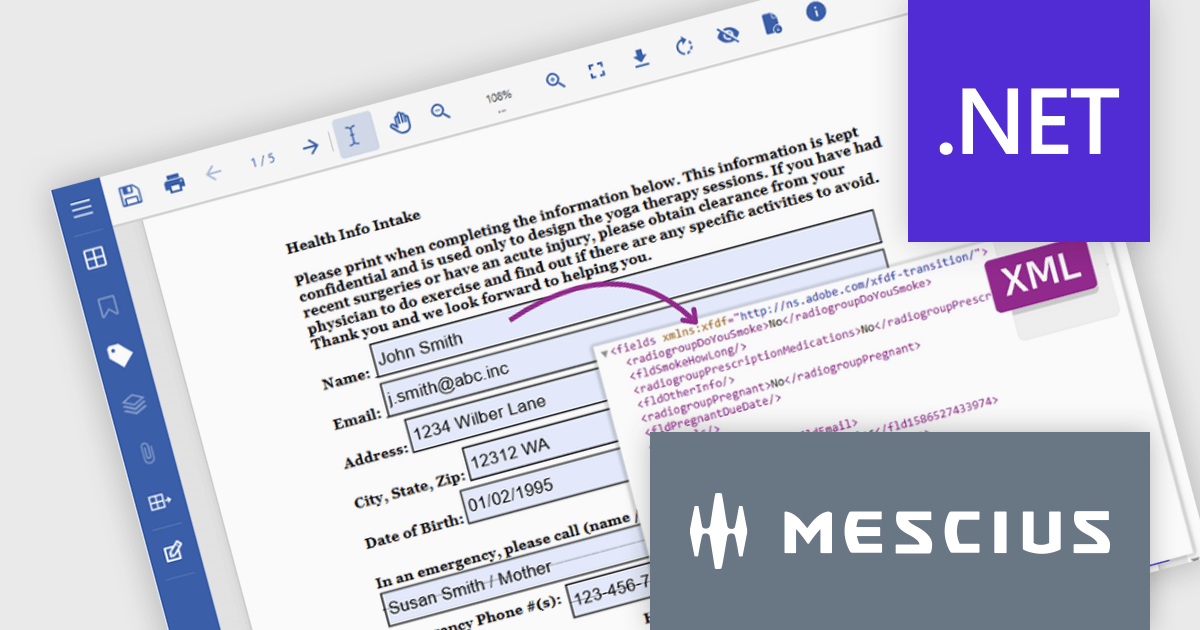
Document Solutions for PDF (DsPdf, formerly GcPdf) is a high-speed, feature-rich, server-side PDF API Library for .NET with no dependencies on Adobe Acrobat. DsPdf allows developers to programmatically create, manipulate, import/export, and deploy PDF documents, including AcroForms, across desktop and web applications at scale. With full .NET support, you can generate, load, modify, and convert PDFs in your app for .NET, Mono, Xamarin.iOS, and Xamarin.Android.
In this blog post, MESCIUS Product Marketing Specialist Mackenzie Albitz demonstrates how to use Document Solutions for PDF to extract and convert PDF Form data using just a few lines of code. The steps include:
Detailed source code and examples are included to get you started.
Read the complete blog to learn how to automate the processing and storage of PDF Form data.
Document Solutions for PDF is licensed per developer and is available in several license options for differing distribution needs. Team licenses are also available for multiple developers within the same organization. See our Document Solutions for PDF licensing page for full details.
Document Solutions for PDF is available to buy individually or as part of Document Solutions .NET Bundle.
For 3 years, ComponentSource has partnered with Whole Tomato Software to bring their flagship product Visual Assist to developers worldwide. ComponentSource continues to deliver trusted software tools that enhance productivity and optimize coding, with Visual Assist remaining one of the most valued extensions for Microsoft Visual Studio users.
Founded with a mission to improve the developer experience, Whole Tomato Software is best known for creating Visual Assist, a powerful productivity extension for Microsoft Visual Studio. The plug-in enhances IntelliSense and syntax highlighting, providing more intelligent and responsive code suggestions. It also delivers robust refactoring tools, spell checking for comments, and even identifies common coding errors such as undeclared variables. Supporting Visual C++ 6.0 through to the latest versions of Visual Studio, Visual Assist continues to be a staple for professional developers seeking speed, accuracy, and smarter code navigation.
The collaboration between ComponentSource and Whole Tomato Software ensures developers worldwide have easy access to Visual Assist through a trusted global distributor. Together they provide seamless purchasing, licensing, and support. As Visual Assist continues to evolve, ComponentSource looks forward to strengthening this partnership and helping developers achieve even greater productivity in their daily work.
Learn more about Whole Tomato Software.
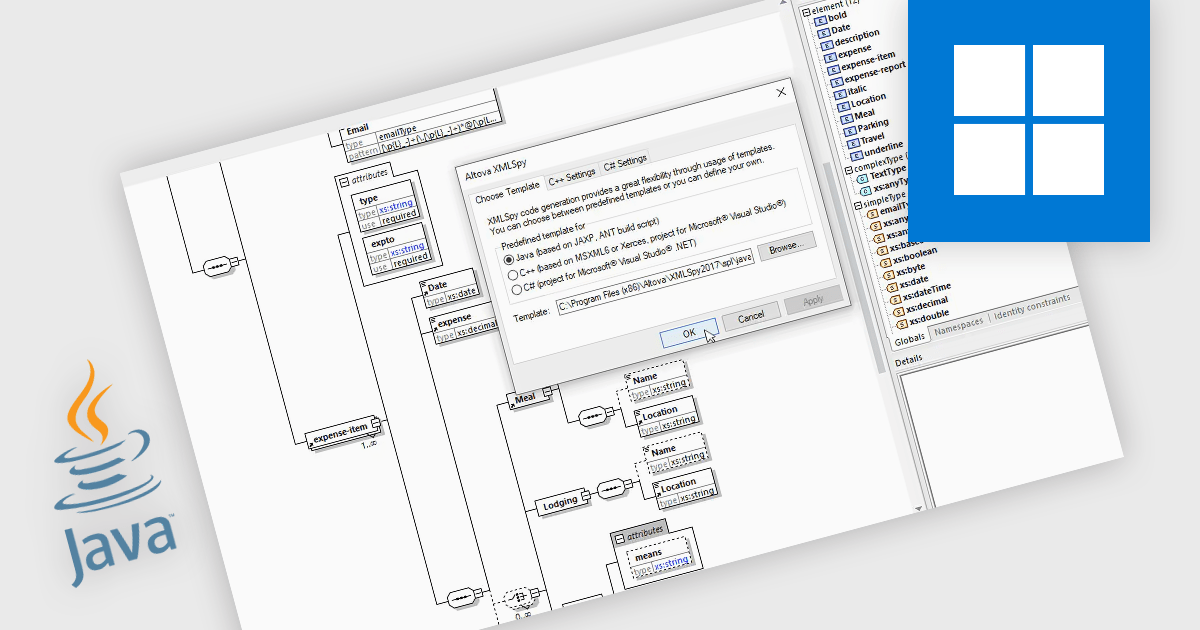
Java code generation in structured document tools refers specifically to the automated creation of Java source code that performs operations defined in visual or declarative models, such as XML transformations, data mappings, or schema bindings. The feature allows a designer to graphically define how data should be transformed, validated, or integrated, and the tool then produces ready-to-compile Java classes that execute these operations without requiring manual coding. This generated code can be compiled into libraries or standalone applications, integrated into larger Java systems, or deployed for automated data processing. The result is a faster, consistent, and error-resistant workflow for implementing complex structured-data tasks within Java environments.
Several structured document tools offer Java code generation including:
For an in-depth analysis of features and price, visit our structured document tools comparison.
Tel: (888) 850 9911
Fax: +1 770 250 6199


