













Proveedor oficial
Como distribuidores oficiales y autorizados, le suministramos licencias legítimas directamente de más de 200 editores de software.
Ver todas nuestras marcas.
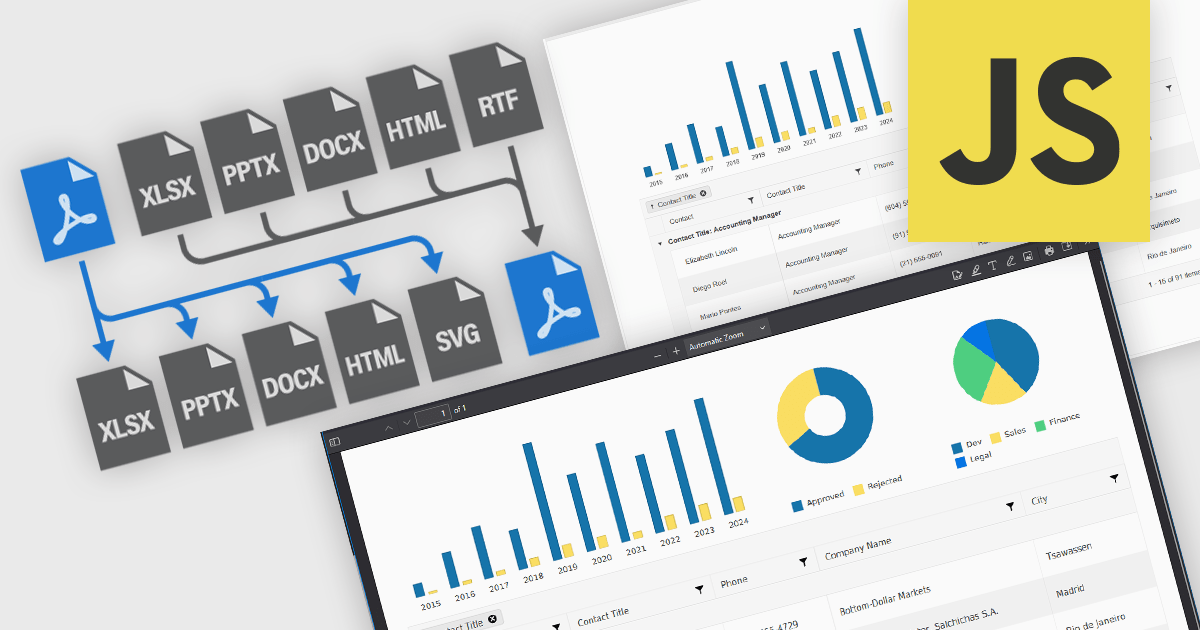
JavaScript PDF components that support format conversion play a critical role in modern web and enterprise applications, allowing developers to programmatically generate, manipulate, and transform documents within the browser or on the server. These tools simplify workflows that require format interoperability, such as generating printable reports from web content, archiving dynamic documents, or extracting data for analysis. Their ability to convert between PDF and other widely used formats ensures compatibility across systems, supports digital transformation goals, and enhances document handling efficiency.
Common conversions include:
For an in-depth analysis of features and price, visit our JavaScript PDF components comparison.
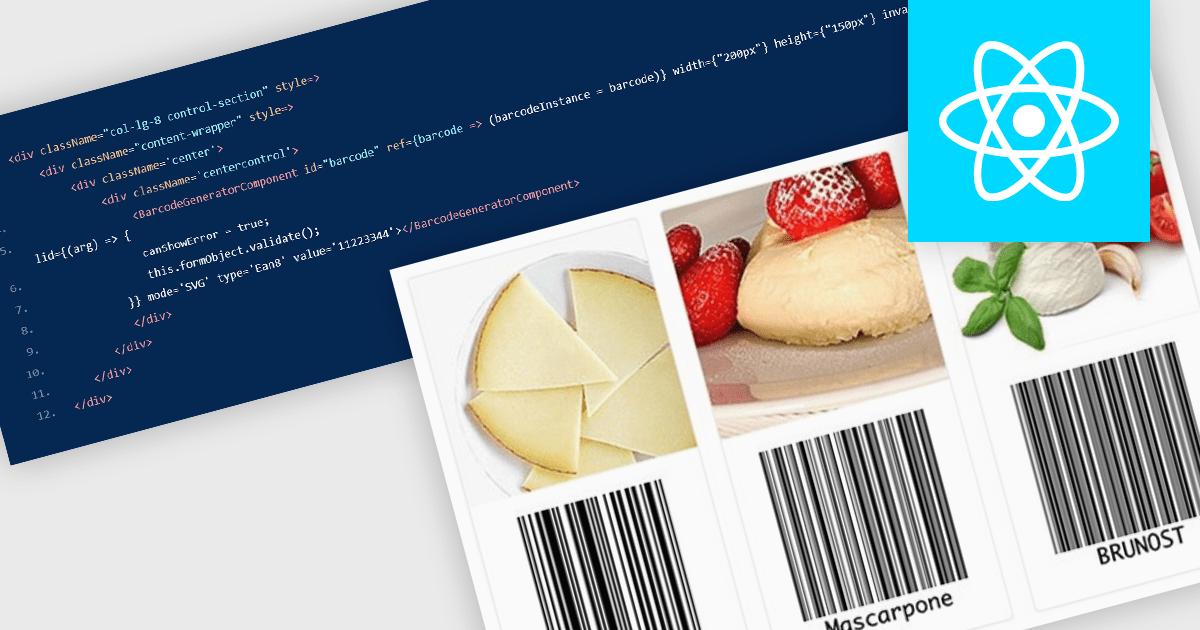
Barcode components in React UI suites deliver a easy way to integrate machine-readable encoding directly into modern web applications. These components offer a high-level interface for rendering both one-dimensional and two-dimensional barcodes, with customizable options for type (symbology), dimensions, styling, and export formats. They enable developers to choose between vector-based (SVG) or bitmap (Canvas) rendering, and often support direct exports to PNG, PDF, or SVG formats. Such features make barcodes a flexible integration point for inventory systems, shipping labels, ticketing, and other use cases requiring reliable, visual encoding of data within React environments.
Several React UI suites offer Barcode components including:
For an in-depth analysis of features and price, visit our React UI suites comparison.
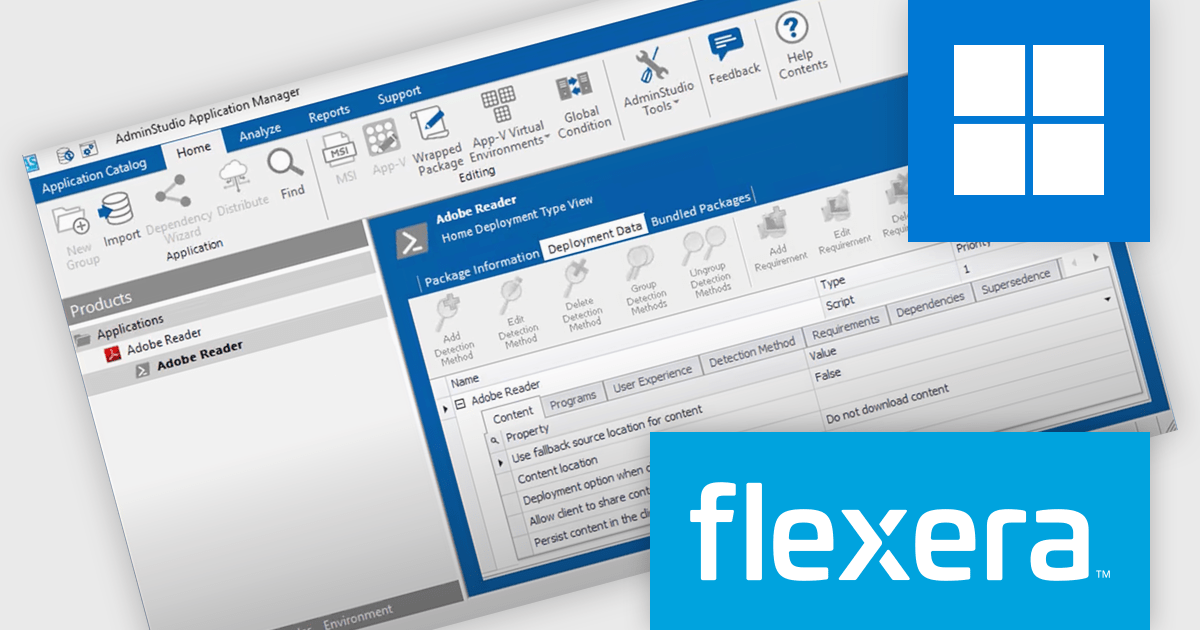
AdminStudio, by Flexera, empowers IT teams to seamlessly and securely package and deploy applications across various platforms. This comprehensive suite automates key processes, from building new packages to testing compatibility and mitigating risks, ensuring efficient and reliable software distribution within your organization. Whether managing physical or virtual applications, AdminStudio simplifies the entire journey, from initial packaging to endpoint delivery, ultimately driving greater efficiency and minimizing deployment risks.
The AdminStudio 2025 R2 release includes a major update to the Package Feed Module (PFM), significantly expanding its library of supported packages from 8,800 to roughly 11,000. This upgrade enhances the breadth of commercial and open-source applications available to IT professionals, offering a more comprehensive foundation for packaging and deployment activities. This extended support means fewer manual tasks for administrators. With automation-ready metadata - such as silent install parameters, detection rules, and uninstall commands - teams can package and deploy software more efficiently across large, varied environments. The upgrade is particularly useful for organizations managing a wide array of applications, as it minimizes the scripting effort typically required during software preparation.
To see a full list of what's new in version 2025 R2, see our release notes.
AdminStudio is licensed per user and is available as a 3 Year Timed Subscription. See our AdminStudio Professional or AdminStudio Enterprise licensing pages for full details.
For more information, visit our product pages:
The JetBrains All Products Pack provides access to a comprehensive suite of JetBrains tools, including 12 IDEs, 3 extensions, and 2 profilers, all under one unified license. This flexible solution allows users to switch between tools across multiple machines, adapting to different projects with ease. With a single license, you benefit from simplified license management and significant cost savings - 12 IDEs for the price of two. The All Products Pack is designed to advance your skills by giving you unlimited access to industry-leading professional tools, empowering efficient, high-quality development across a variety of languages and platforms.
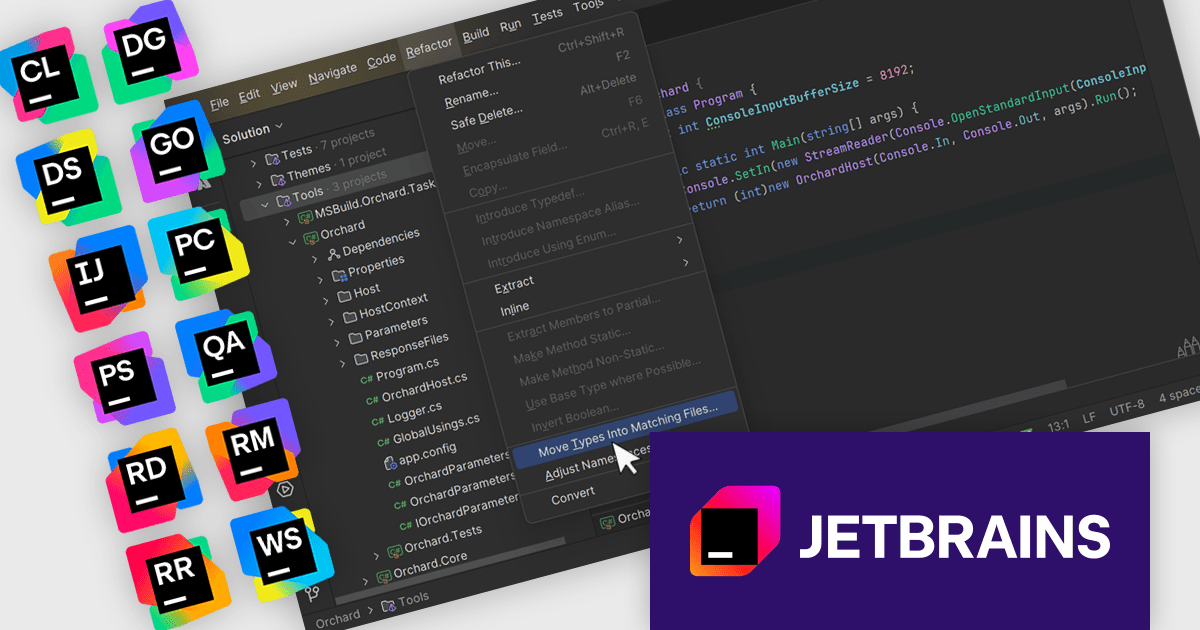
The JetBrains All Products Pack enables project-wide refactorings that streamline large-scale code changes by applying consistent updates across the entire codebase. Developers can rename classes, methods, or variables, move files or components, and extract methods without manually tracking each reference, reducing the risk of errors and missed dependencies. Context-aware analysis ensures that changes are applied accurately and safely, preserving functionality while improving code structure. This capability enhances maintainability, accelerates development workflows, and allows teams to adapt their applications efficiently as requirements evolve.
JetBrains All Products Pack is licensed per user as a commercial annual subscription. We can supply new subscriptions, subscription renewals, lapsed subscription renewals, and additional developer licenses. See our JetBrains All Products Pack licensing page for full details.
For more information, see our JetBrains All Products Pack product page.
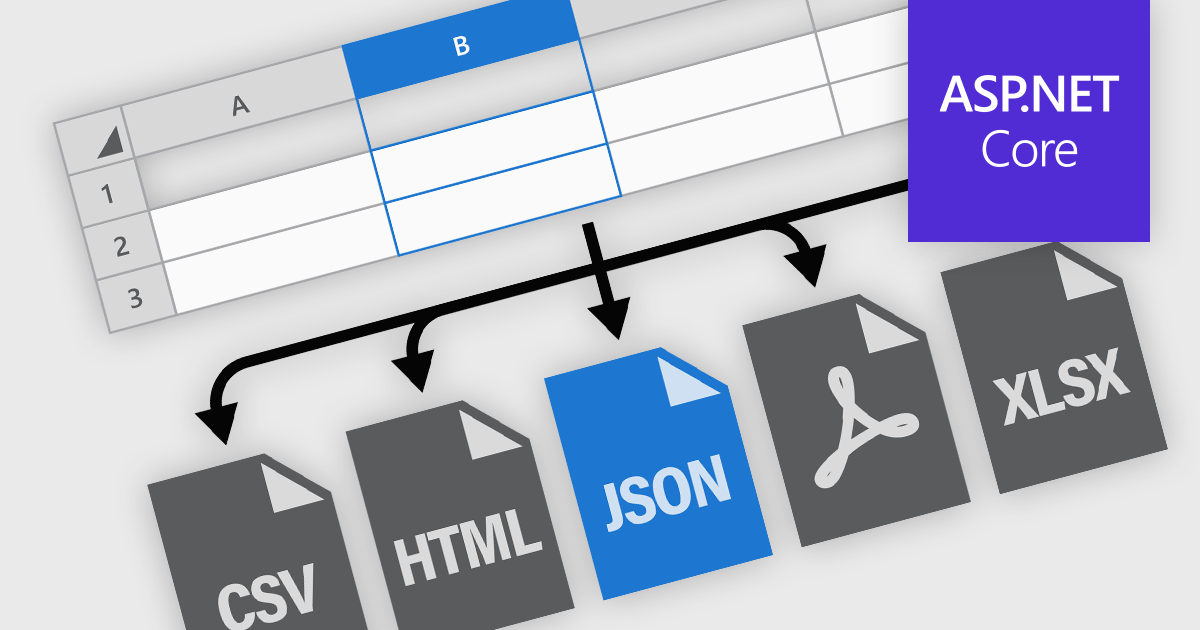
Spreadsheet components in modern UI frameworks offer robust capabilities for exporting and printing data, enabling users to take structured, interactive grid content and transform it into static or sharable formats. These features are crucial in enterprise applications, where end users often need to generate reports, export analysis results, or share datasets in widely recognized formats. Whether integrated into financial dashboards, inventory systems, or business intelligence tools, export and print functionalities ensure that grid data remains portable, consistent, and accessible across various workflows and platforms.
Common features include:
For an in-depth analysis of features and price, visit our ASP.NET Core spreadsheet components comparison.
Tel: (888) 850 9911
Fax: +1 770 250 6199


