













Proveedor oficial
Como distribuidores oficiales y autorizados, le suministramos licencias legítimas directamente de más de 200 editores de software.
Ver todas nuestras marcas.
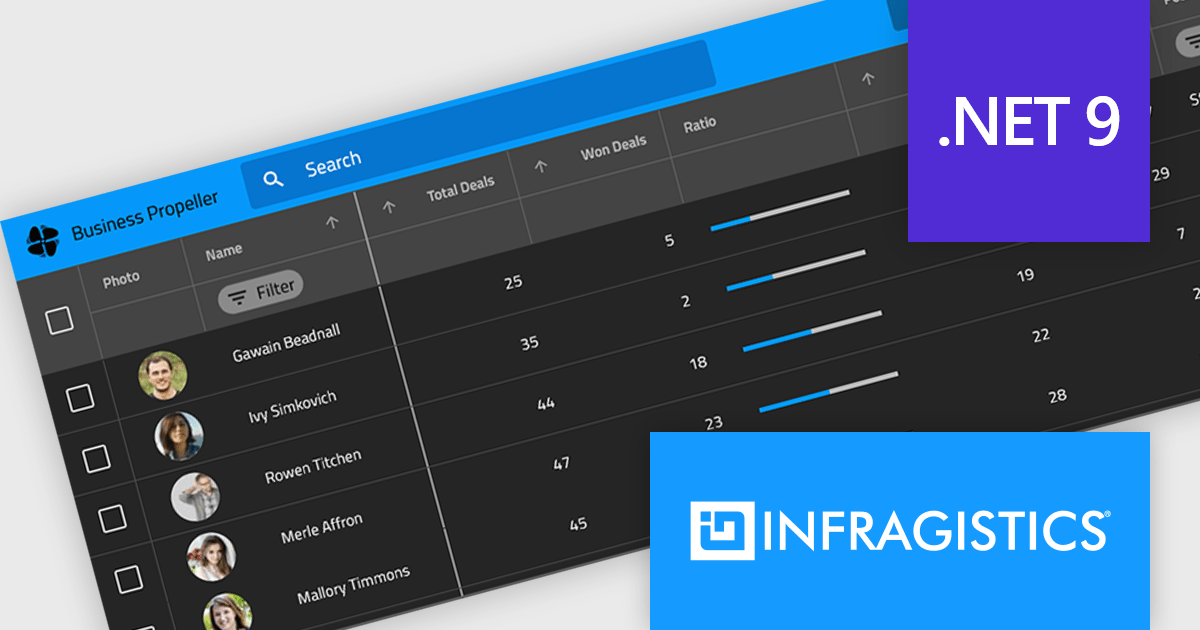
Infragistics Ultimate is a comprehensive toolkit designed to streamline UX/UI creation and development across desktop, web, and mobile platforms. It offers hundreds of pre-built, high-performance UI components like grids and charts, alongside design-to-code tools for rapid prototyping, user testing, and even code generation. This enables developers and designers to create visually appealing and interactive applications faster, while its support for various frameworks and platforms ensures flexibility.
Infragistics Ultimate UI for Windows Forms, Ultimate UI for WPF and Ignite UI for Blazor now support .NET 9. By embracing the latest version of Microsoft's popular framework, developers gain access to the most up-to-date language features, performance enhancements, and improved tooling provided by .NET 9. This ensures that applications built with Infragistics components are modern, efficient, and leverage the latest innovations in the .NET ecosystem.
Infragistics Ultimate UI for Windows Forms, Ultimate UI for WPF and Ignite UI for Blazor are licensed per developer and are available as a Perpetual License with 1, 2 or 3 year support and maintenance subscription. See our Infragistics Ultimate UI for Windows Forms, Ultimate UI for WPF and Ignite UI licensing pages for full details.
For more information please visit our product pages:
Infragistics Windows Forms, WPF and Ignite UI are also available in the following product suites:
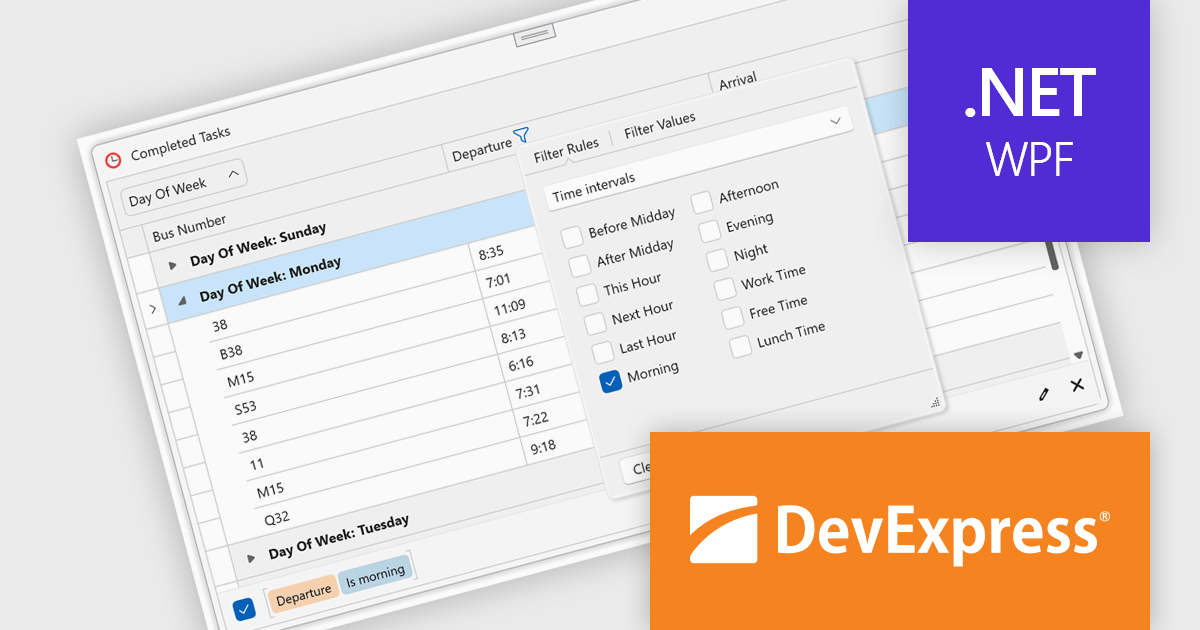
DevExpress WPF is a powerful suite of controls that enhances your WPF development toolkit. It offers data grids, ribbon menus, rich text editors, spreadsheets, charts, and more – all with beautiful themes and touch-friendly interfaces. DevExpress WPF empowers you to build professional-looking, responsive applications that meet modern user expectations, saving you time and effort while adding polish and functionality.
The DevExpress WPF v24.2 update introduces enhanced TimeOnly Column Filters, providing users with a streamlined and precise way to analyze time-specific data. This feature enables users to efficiently filter grid data based solely on time values using an intuitive, Excel-inspired interface. By offering dedicated time interval rules within the column filter popup, developers can deliver a more focused and user-friendly experience for end users working with time-based datasets. This enhancement simplifies data exploration, improves productivity, and ensures that time-related insights can be identified quickly and accurately within WPF applications.
To see a full list of what's new in version 24.2, see our release notes.
DevExpress WPF is licensed per developer and is available as a Perpetual License with a 12 month support and maintenance subscription. We can supply new subscriptions, subscription renewals, and additional licenses. See our DevExpress WPF licensing page for full details.
DevExpress WPF is available to buy in the following products:
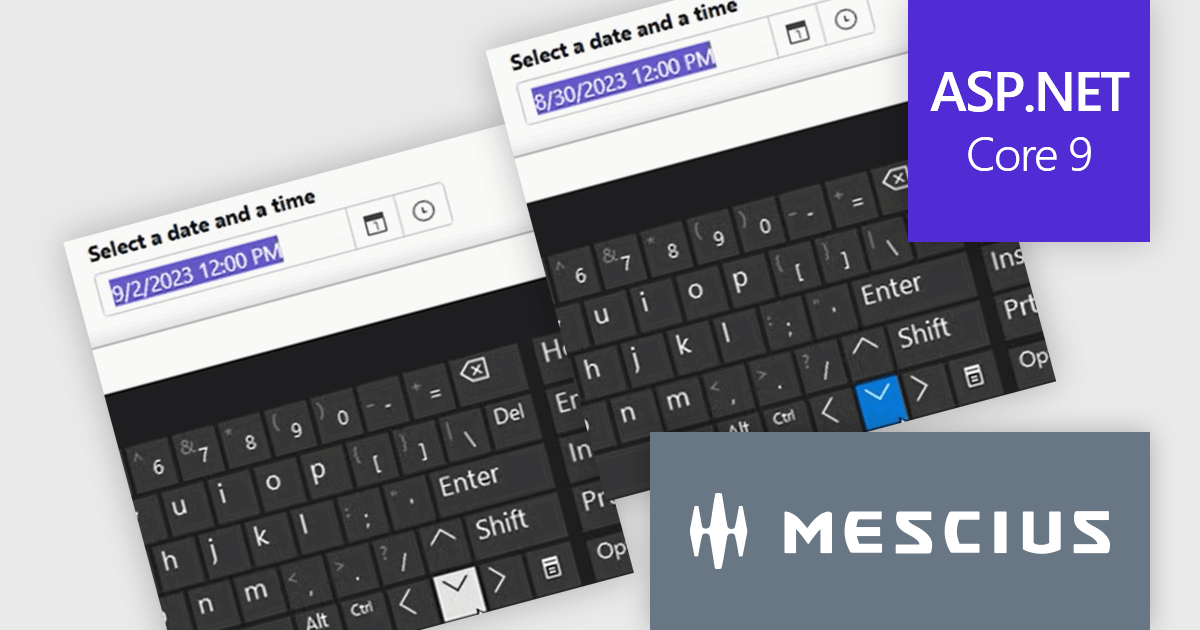
ComponentOne Studio ASP.NET MVC by MESCIUS offers a suite of UI controls designed to expedite development in ASP.NET MVC web applications. These fast, mobile-friendly controls encompass data management like grids, data visualization with charts, and layout components. This empowers you to create feature-rich dashboards and user interfaces. ComponentOne Studio ASP.NET MVC boasts professional design, deep customization options, and project templates to accelerate development, making it a valuable asset for crafting modern, responsive web applications.
The ComponentOne Studio ASP.NET MVC 2024 v2 update introduces enhanced usability and accessibility with the new arrow key and mouse wheel support for InputDate and InputTime controls. This feature enables developers to deliver a more intuitive and efficient user experience, allowing end-users to easily adjust date and time values directly in edit mode. By focusing on the specific part of the control that requires adjustment, users can make precise modifications using either keyboard or mouse interactions. This enhancement not only improves input accuracy and workflow efficiency but also ensures accessibility compliance, catering to diverse user needs in modern web applications.
To see a full list of what's new in 2024 v2, see our release notes.
ComponentOne Studio ASP.NET MVC is licensed per developer on a perpetual basis and includes a 12 month subscription. See our ComponentOne Studio ASP.NET MVC licensing page for full details.
Learn more on our ComponentOne Studio ASP.NET MVC product page.
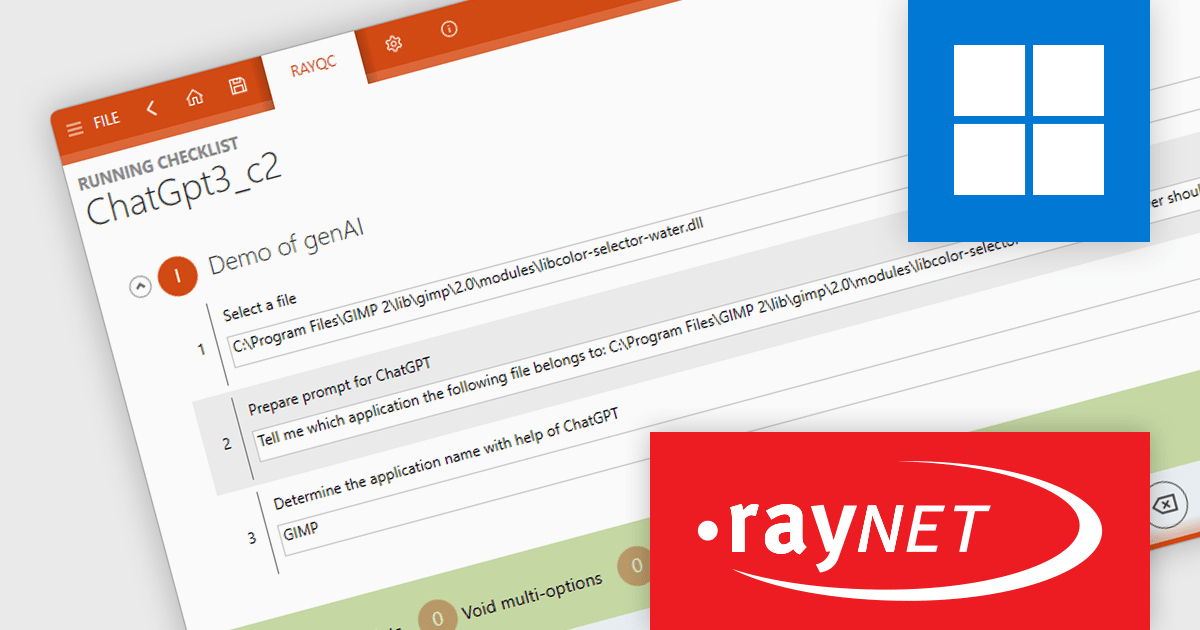
RayQC is a quality assurance tool within RayPack Studio, a comprehensive software packaging suite developed by Raynet. RayPack Studio streamlines the creation, customization, and management of application packages, supporting formats such as MSI (Microsoft Installer), MSIX, and virtualization formats like App-V and ThinApp. It encompasses all steps from conflict and compatibility checks to evaluation, packaging, virtualization, quality control, and workflow management. Within this suite, RayQC focuses on ensuring package quality and compliance by providing structured checklists and workflows to validate reliability, compatibility, and readiness, making it a key component for maintaining high standards in software deployments.
The RayQC 8.0 update (part of RayPack Studio) introduces a powerful integration with ChatGPT, enabling users to automate quality assurance tasks with AI-driven insights. This feature uses a dedicated plugin to manage ChatGPT prompts, allowing automated responses and interactions within RayQC workflows. The new CompletePrompt function supports custom prompts and lets users configure ChatGPT parameters, including temperature, maximum token limits, and model selection. To access this functionality, users need a valid OpenAI account and API key. By streamlining routine tasks and providing intelligent suggestions, this integration saves time, reduces manual effort, and helps ensure the accuracy of software package assessments, making it an invaluable tool for quality assurance professionals.
To see a full list of what's new in RayQC 8.0, see our release notes.
RayPack Studio is licensed per device/machine and is available as a perpetual license or a subscription license. Both licenses come with Silver Maintenance for support and updates. See our RayPack Studio licensing page for full details.
Learn more on our RayPack Studio product page.
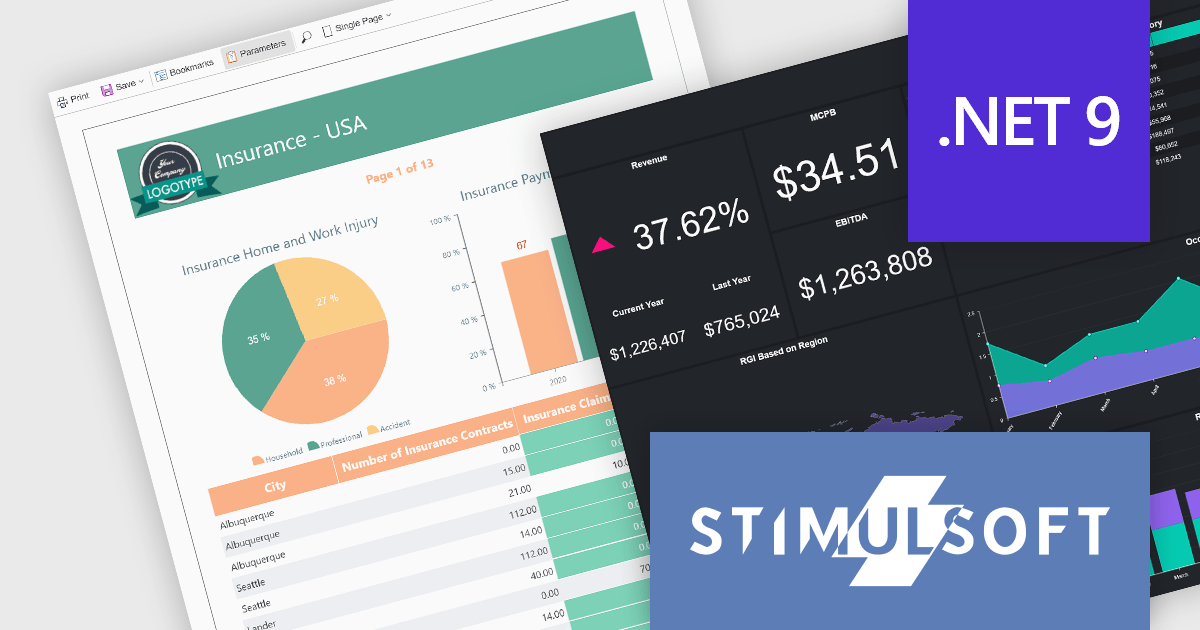
Stimulsoft offers a comprehensive suite of tools for creating interactive data visualizations. Stimulsoft Dashboards excels at crafting engaging dashboards for web and desktop applications, while Stimulsoft BI Designer provides a powerful platform for designing both reports and dashboards. Developers can seamlessly integrate these tools into their projects using platform-specific components or a centralized cloud designer, supporting .NET, JavaScript, PHP, and more. With rich data analysis capabilities, extensive customization options, and pre-built templates, Stimulsoft empowers you to transform complex data into clear, actionable insights for any audience.
The Stimulsoft 2024.4.5 release introduces full support for .NET 9, the latest version of Microsoft's widely used framework, empowering developers to create robust, high-performance reporting and data visualization solutions. With this update, users can harness the enhanced performance and features of .NET 9 while utilizing Stimulsoft's rich suite of tools for designing reports, building dashboards, and embedding advanced data analysis capabilities into their applications. This integration ensures seamless compatibility, enabling developers to deliver dynamic and interactive solutions with ease.
To see a full list of what's new in 2024.4.5, see our release notes.
Stimulsoft products are licensed per developer and are available as a perpetual license with 1 year support and maintenance. See our Stimulsoft Ultimate licensing page for full details.
For more information, visit our Stimulsoft product pages:
Tel: (888) 850 9911
Fax: +1 770 250 6199


