













Proveedor oficial
Como distribuidores oficiales y autorizados, le suministramos licencias legítimas directamente de más de 200 editores de software.
Ver todas nuestras marcas.

Structured document tools are specialized software designed to facilitate the creation, editing, and management of structured content formats such as XML, JSON, Markdown, and CSS. These tools are essential in domains where precise data representation and formatting are critical, including software development, web design, publishing, and data analysis. They combine editing capabilities with robust validation and visualization features, streamlining workflows for developers and content creators while ensuring adherence to established standards.
Common features include:
For an in-depth analysis of features and price, visit our Structured Document Tools Comparison.
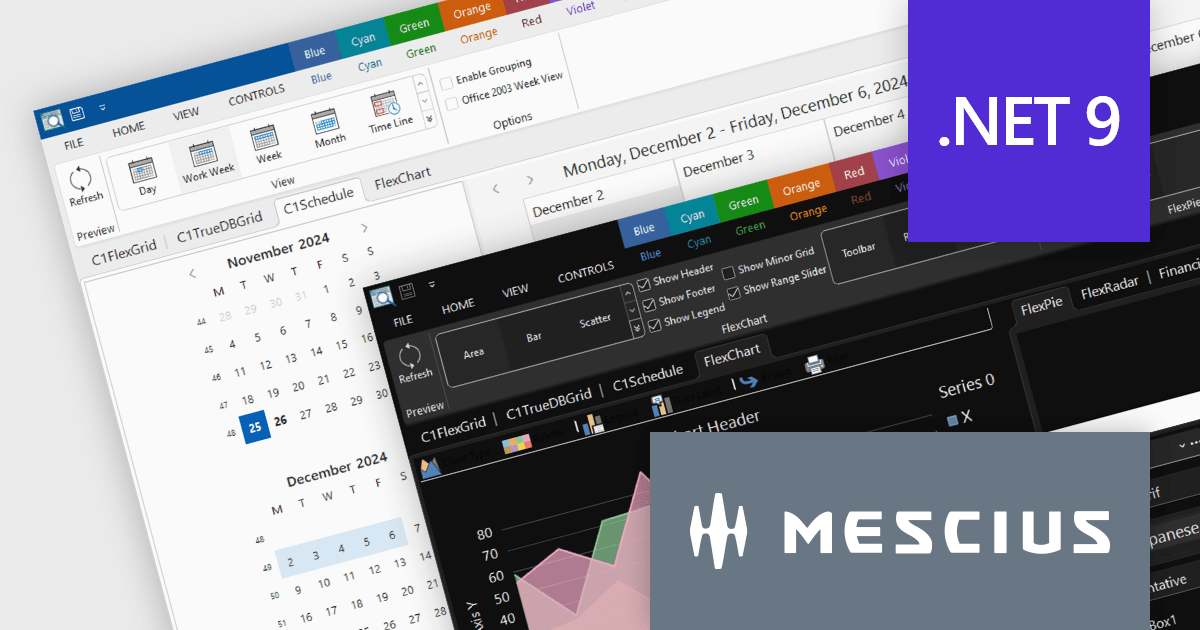
ComponentOne Studio Enterprise by MESCIUS is a robust toolkit for .NET developers, offering an extensive suite of UI controls and tools tailored for building powerful desktop applications using WinForms, WPF, and other technologies. With its rich set of pre-built components, including advanced data grids, charts, and reporting tools, it enables developers to create visually appealing and highly functional applications with ease. By streamlining development and minimizing the need for custom coding, ComponentOne Studio Enterprise accelerates project timelines and enhances productivity, empowering developers to focus on delivering feature-rich and polished desktop solutions efficiently.
The ComponentOne Studio Enterprise 2024 v2 update introduces production-ready Microsoft Office 365 themes for Windows Forms and WPF controls, enabling developers to deliver desktop applications with modern, professional aesthetics that align with the latest Windows software styles. These themes include multiple variations such as white, gray, dark, green, and colorful, offering developers the flexibility to customize their applications to suit different user preferences and branding requirements. This enhancement streamlines the process of creating visually cohesive and up-to-date user interfaces for desktop applications.
To see a full list of what's new in 2024 v2, see our release notes.
ComponentOne Studio products are licensed per developer on a perpetual basis and include a 12 month subscription. Priority Support is also available. See our licensing pages below for full details:
For more information see the following product pages:
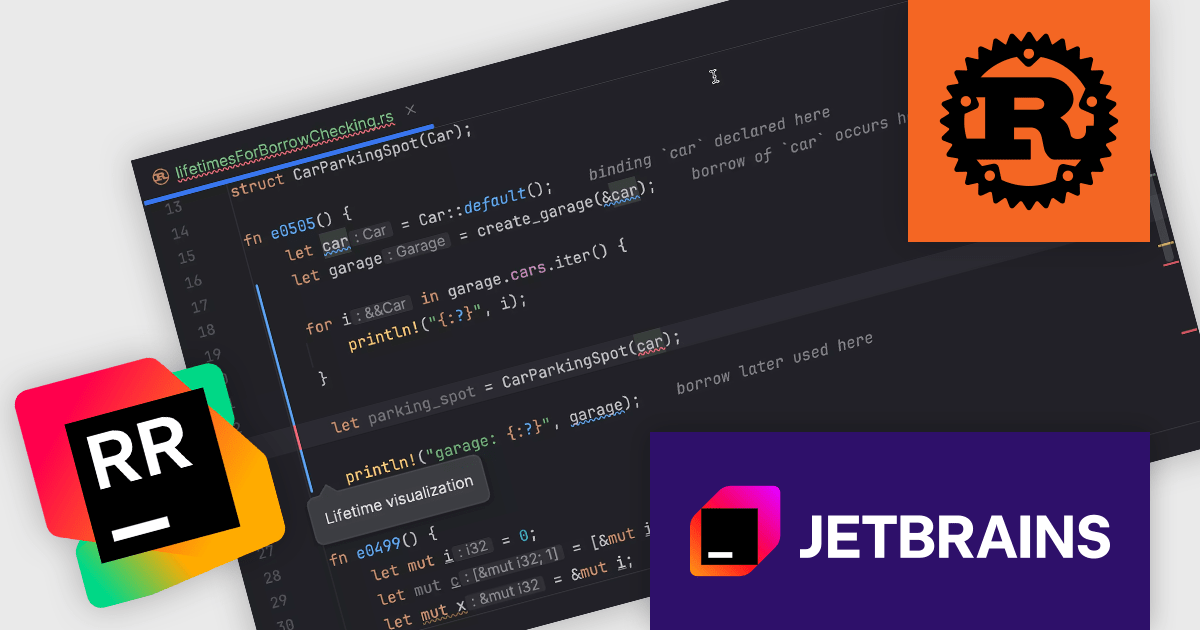
RustRover by JetBrains is a specialized integrated development environment (IDE) designed to support the unique needs of Rust developers. Built on JetBrains' IntelliJ platform, it combines deep language understanding with tools that enhance productivity, such as intelligent code completion, advanced code analysis, and robust refactoring capabilities. RustRover also integrates seamlessly with Cargo, Rust's package manager, and includes built-in support for testing and debugging to streamline the entire development workflow. By focusing on the requirements of performance-critical and memory-safe applications, RustRover helps developers write efficient, reliable, and maintainable Rust code with ease.
The JetBrains RustRover 2024.3 update introduces visualized variable lifetimes for borrow checker errors, offering developers a more intuitive way to understand and resolve issues related to Rust's ownership and borrowing rules. By providing clear, integrated lifetime visualizations when errors occur, this feature streamlines debugging workflows and eliminates the guesswork often associated with interpreting textual error messages. It enables developers to quickly identify conflicts and overlaps in variable lifetimes, improving productivity and code quality, especially in complex projects. This enhancement, seamlessly integrated with external linters, ensures a smoother and more efficient development experience.
To see a full list of what's new in 2024.3, see our release notes.
RustRover is licensed per user, and is available as a commercial annual subscription license. We can supply new subscriptions, subscription renewals (including continuity discounts), lapsed renewals, and additional user licenses. See our RustRover licensing page for full details.
RustRover is available to buy in the following products:
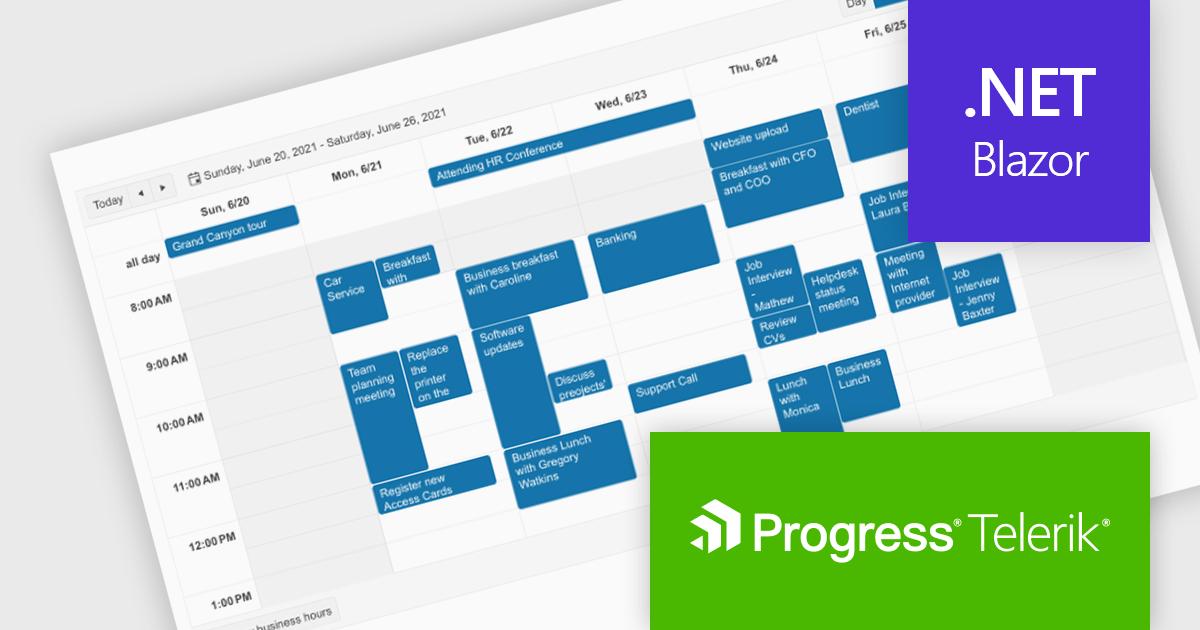
Telerik UI for Blazor is a comprehensive UI library that provides over 110 native and customizable Blazor components for building modern and feature-rich web applications. This professional-grade solution offers a complete set of components to satisfy all user interface requirements, saving time and effort in UI design.
The Telerik UI for Blazor v7.0.0 update (part of the 2024 Q4 release) makes customization even easier with a number of enhancements to the Scheduler component. The Agenda View provides a concise, scrollable list of scheduled events. The ToolbarTemplate allows for custom toolbar configurations, while the Resource Grouping Template enables tailored resource-based layouts. Additionally, the option to hide the "All Day" panel creates a more streamlined display. These features enable developers to deliver highly customizable and user-centric scheduling solutions, improving clarity, usability, and adaptability in applications.
To see a full list of what's new in 2024 Q4 (v7.0.0), see our release notes.
Telerik UI for Blazor is licensed per developer and is available as a perpetual license with a one year support subscription, which is available in three tiers: Lite, Priority or Ultimate. See our Telerik UI for Blazor licensing page for full details.
Telerik UI for Blazor is available individually or as part of the following products:
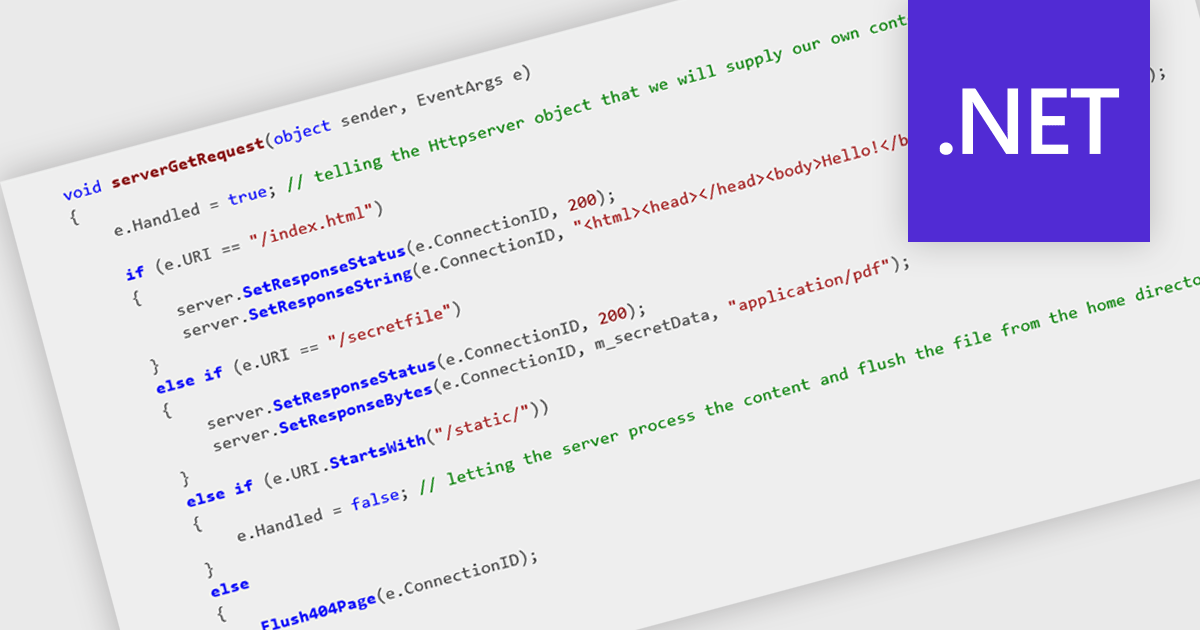
HTTP support enables components to interact with other systems and services over the Hypertext Transfer Protocol. This allows for the exchange of data, such as messages, notifications, or requests, in a standardized and widely understood format. By incorporating HTTP support, developers can seamlessly integrate their components into larger distributed systems, facilitating communication between diverse applications and services.
Several .NET communications and messaging components offer HTTP support including:
For an in-depth analysis of features and price, visit our comparison of .NET comms & messaging components.
Tel: (888) 850 9911
Fax: +1 770 250 6199


