Category News

Revele las relaciones entre múltiples variables

Febrero 2, 2024
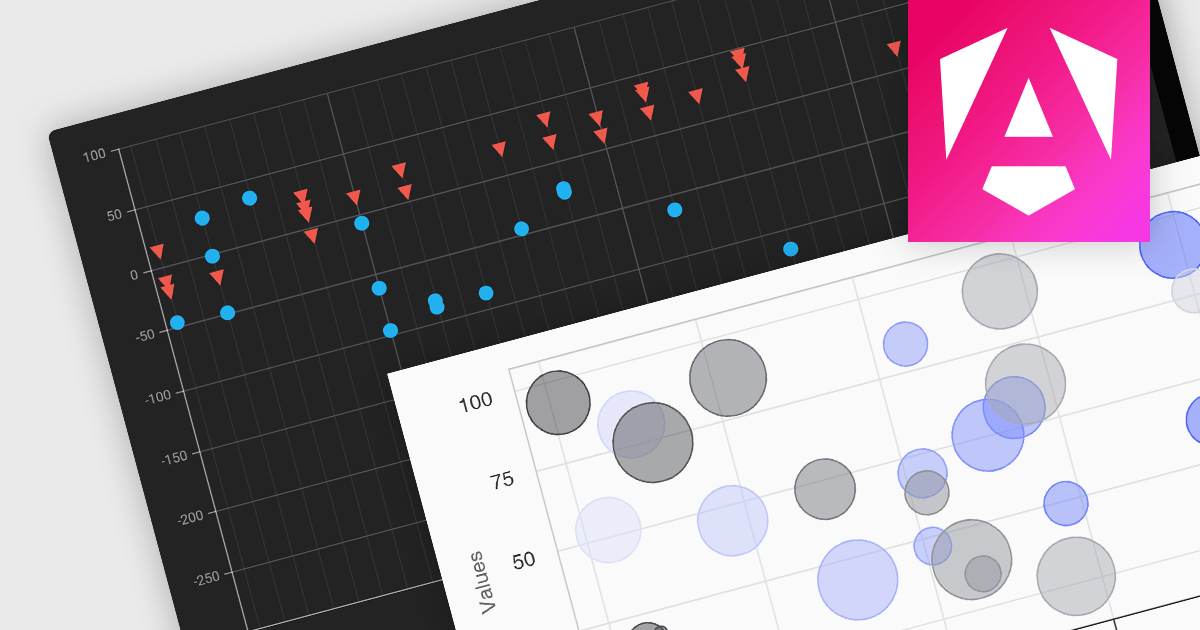
Los gráficos de dispersión/burbuja le ayudan a detectar tendencias, comparar magnitudes e identificar grupos en tres factores simultáneamente.

Scatter and bubble charts are used to display data points on a two-dimensional graph. While scatter charts use dots to represent data points, bubble charts add an additional dimension by varying the dot size, often representing volume or intensity. These charts are useful for showing relationships between variables and for identifying patterns or trends in data.

Several Angular chart controls offer scatter and bubble charts including:

  • Highcharts Core lets you craft interactive surface and bubble charts with detailed customization and dynamic animations.
  • DevExtreme Chart (part of DevExtreme Complete by DevExpress) integrates responsive surface and bubble charts into your Angular applications, providing custom themes.
  • Kendo UI for Angular Chart (part of Kendo UI by Telerik) empowers you to add dynamic surface and bubble charts with advanced data binding to your Angular projects.
  • amCharts 5: Charts visualizes multi-dimensional data in engaging surface and bubble charts, offering rich interactivity and drill-down options.

For an in-depth analysis of features and price, visit our Angular chart controls comparison.
Compare Angular Chart Controls

Resalte datos que cumplen condiciones específicas

Febrero 2, 2024
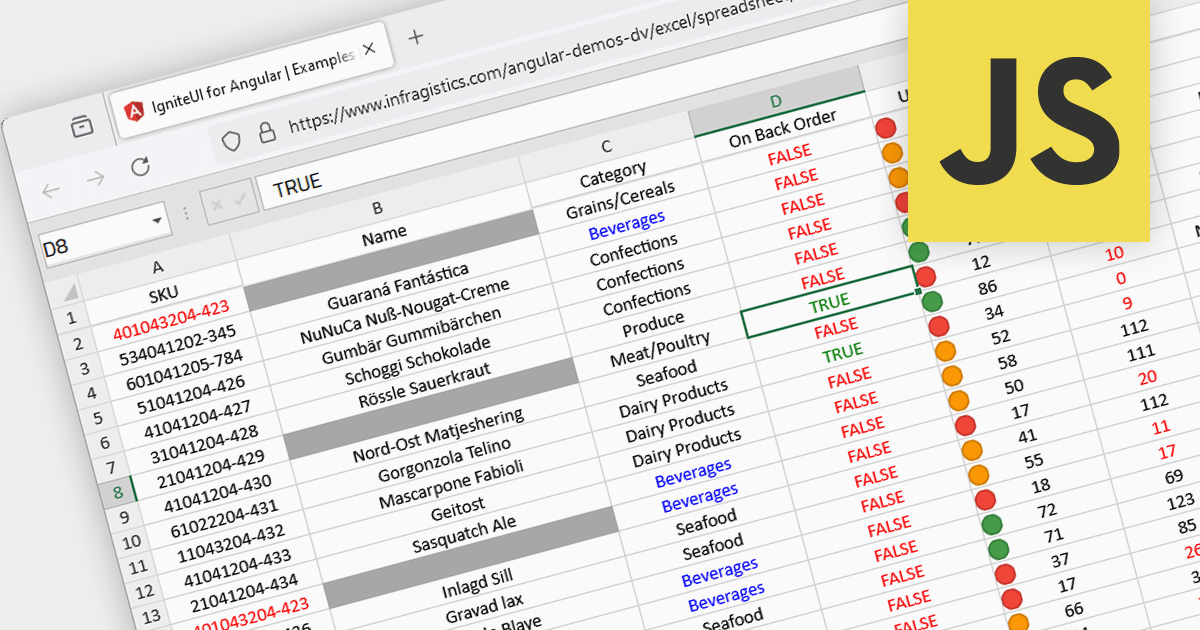
El formato condicional resalta visualmente los puntos de datos, las tendencias y las anomalías clave de hojas de cálculo, lo que acelera el análisis y la toma de decisiones.

Conditional formatting in spreadsheets automates the visual highlighting of cells or ranges based on predefined criteria. This functionality aids data analysis by rapidly drawing attention to specific values, ranges, or text entries. By employing color scales, gradients, or text changes, conditional formatting helps users identify patterns, exceptions, and trends within large datasets, streamlining the interpretation and communication of key insights.

Several JavaScript spreadsheet controls offer conditional formatting including:

  • Telerik Spreadsheet jQuery (part of Kendo UI) allows customizable cell formatting, including number, date/time, styles, and conditional formatting by setting a color and a condition to the format string.
  • SpreadJS by MESCIUS (formerly GrapeCity) supports conditional formatting in cells with several conditional rule types to choose from such as average, cell value, duplicate, formula, specific text and more.
  • Infragistics Spreadsheet Angular (part of Infragistics Ignite UI) allows you to conditionally format the background and font settings of cells in a worksheet based on predefined criteria such as average, blank, value, or date.
  • Syncfusion Spreadsheet JavaScript (part of Syncfusion Essential Studio Enterprise) lets you highlight a cell or a range of cells with a certain color based on applied conditions, and showcases data with data bars, color scales, and icon sets.

For an in-depth analysis of features and price, visit our comparison of JavaScript spreadsheets.
Compare JavaScript Spreadsheets

Asegúrese de que las cuadrículas se muestren de manera coherente en todos los dispositivos

Febrero 1, 2024
Los controles de cuadrícula compatibles con diseño interactivo garantizan que se pueda acceder a los datos en escritorio, dispositivos móviles y la web, así como en diferentes tamaños de pantalla.

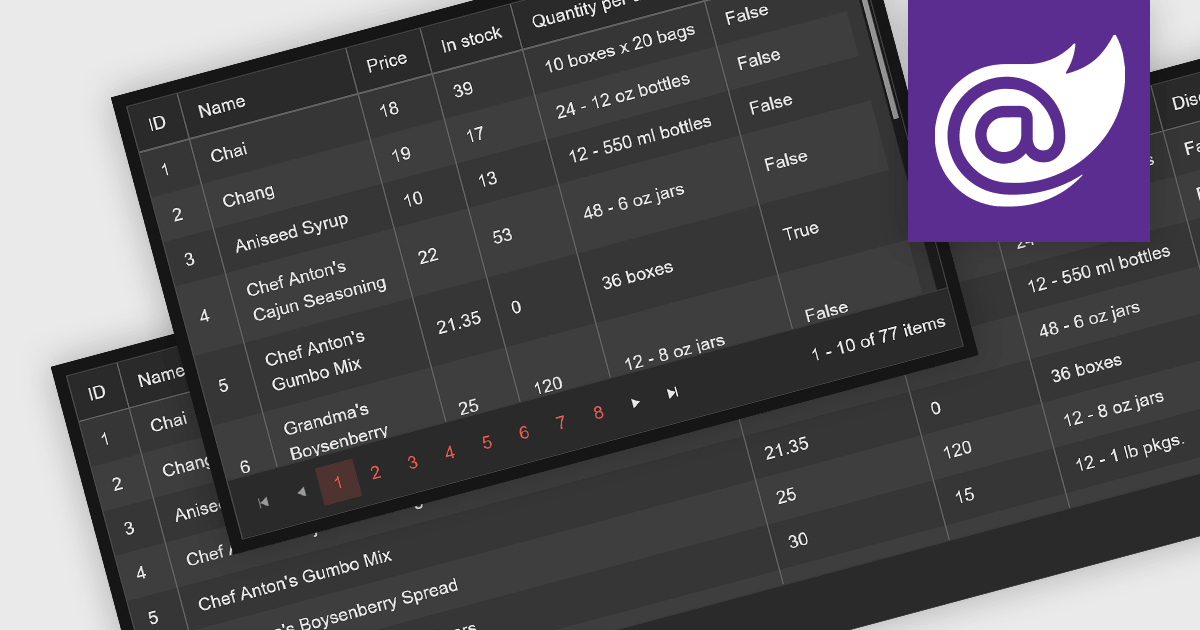
Leveraging a Blazor grid control with responsive layout empowers your application with optimal data visualization across diverse screen sizes and orientations. This enhances the user experience by ensuring seamless navigation, readability, and interaction with grid content, regardless of whether it's being accessed from a desktop computer, tablet, or mobile phone. This flexibility fosters wider accessibility, improves user engagement, and ultimately strengthens the overall value proposition of your Blazor application.

Several Blazor grid controls offer responsive layouts including:

  • DevExpress Blazor Data Grid (part of DevExpress ASP.NET and Blazor) seamlessly adapts to various screen sizes with column resizing and flexible layouts.
  • FlexGrid for Blazor (part of ComponentOne Studio Blazor Edition by MESCIUS) leverages a flexible grid system for a fluid and responsive user experience across devices.
  • Syncfusion Blazor DataGrid (part of Syncfusion Essential Studio Enterprise) optimizes columns and layouts for automatic device-perfect viewing.
  • Telerik UI for Blazor Grid (part of Telerik UI for Blazor) enhances mobile usability with built-in touch gestures and responsive breakpoints.

For an in-depth analysis of features and price, visit our Blazor grid controls comparison.

Compare Blazor Grid Controls

Agregue firma segura de PDF a aplicaciones WinForms de .NET 8

Febrero 1, 2024
Elija un componente compatible con firma de PDF para garantizar que los documentos sean a prueba de manipulaciones, agilice los flujos de trabajo y aumente la confianza de los destinatarios.

PDF components with PDF signing functionality allow users to securely sign documents directly within your application. This leverages cryptographic libraries to create a digital signature that validates the document's authenticity and integrity. Users can often specify the signing location, reason, and appearance, ensuring a streamlined and auditable signing process. This elevates security beyond a simple e-signature, offering proof against tampering, and is a crucial feature for legal and official documents where verification of authenticity is required.

The following components support PDF signing in .NET 8 WinForms:

  • ComponentOne Studio WinForms PDF (part of ComponentOne Studio WinForms) by MESCIUS enables you to add secure and legally binding electronic signatures to your PDF documents directly within your WinForms applications.
  • Telerik UI PDF for WinForms (part of Telerik UI for WinForms) streamlines the process of adding legally binding electronic signatures to your PDF documents within your Windows Forms applications.
  • Syncfusion Windows Forms PDF (part of Syncfusion Essential Studio Enterprise) offers a comprehensive set of features and a developer-friendly API for streamlining PDF signing workflows within your Windows Forms applications.
  • XFINIUM.PDF CROSS PLATFORM EDITION (part of XFINIUM.PDF CROSS-PLATFORM BUNDLE) provides a seamless and secure PDF signing experience across different platforms, ensuring compatibility for all users.

For an in-depth analysis of features and price, visit our .NET PDF Components comparison.
Compare .NET 8 WinForms PDF Components

Aumente su productividad en JavaScript con un IDE

Febrero 1, 2024
Optimice el desarrollo, mejore la calidad del código y maximice la eficiencia con IDE ricos en funciones para JavaScript.

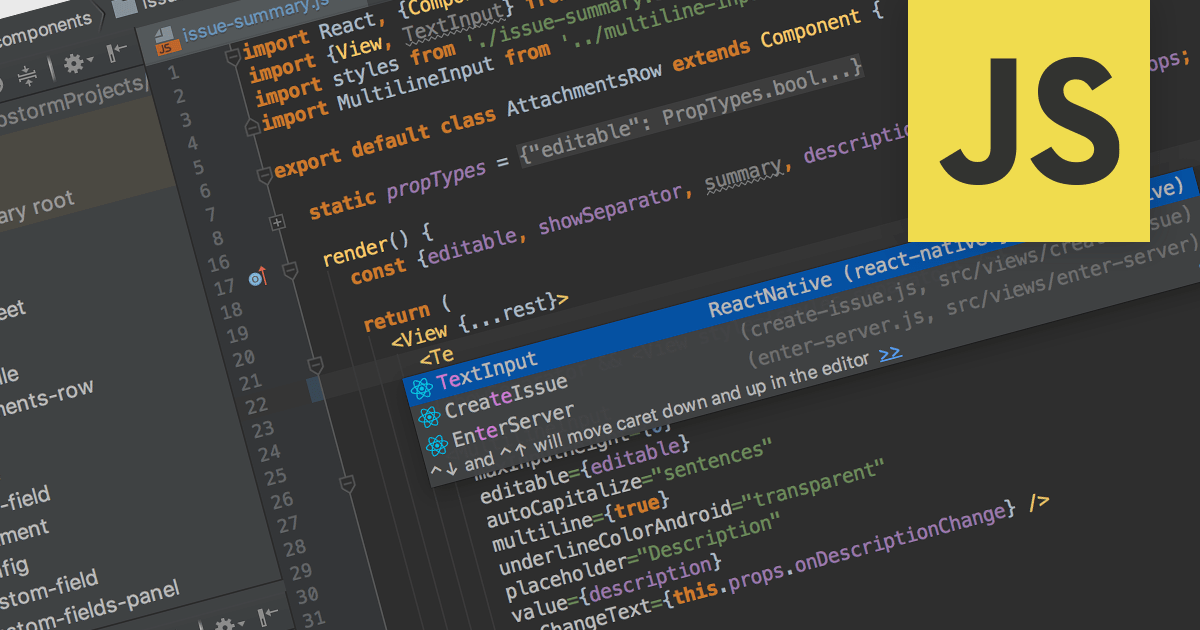
Integrated Development Environments (IDEs) with JavaScript support offer a powerful development environment by streamlining workflows and boosting productivity. These tools commonly provide features like syntax highlighting, code completion, real-time error checking, debugging utilities, and even integration with version control systems like Git. Additionally, built-in project management and library support further enhance organization and efficiency, making them invaluable assets for both novice and experienced JavaScript developers.

Several IDEs provide JavaScript support including:

  • WebStorm by JetBrains offers intelligent code completion, error detection, refactoring, and deep project structure understanding.
  • PrimalScript by SAPIEN Technologies features a lightweight JavaScript editor emphasizing code-completion and navigation.
  • Microsoft Visual Studio Enterprise provides feature-rich JavaScript editing, support for various frameworks and debugging across browsers.

For an in-depth analysis of features and price, visit our IDEs comparison.

Compare IDEs